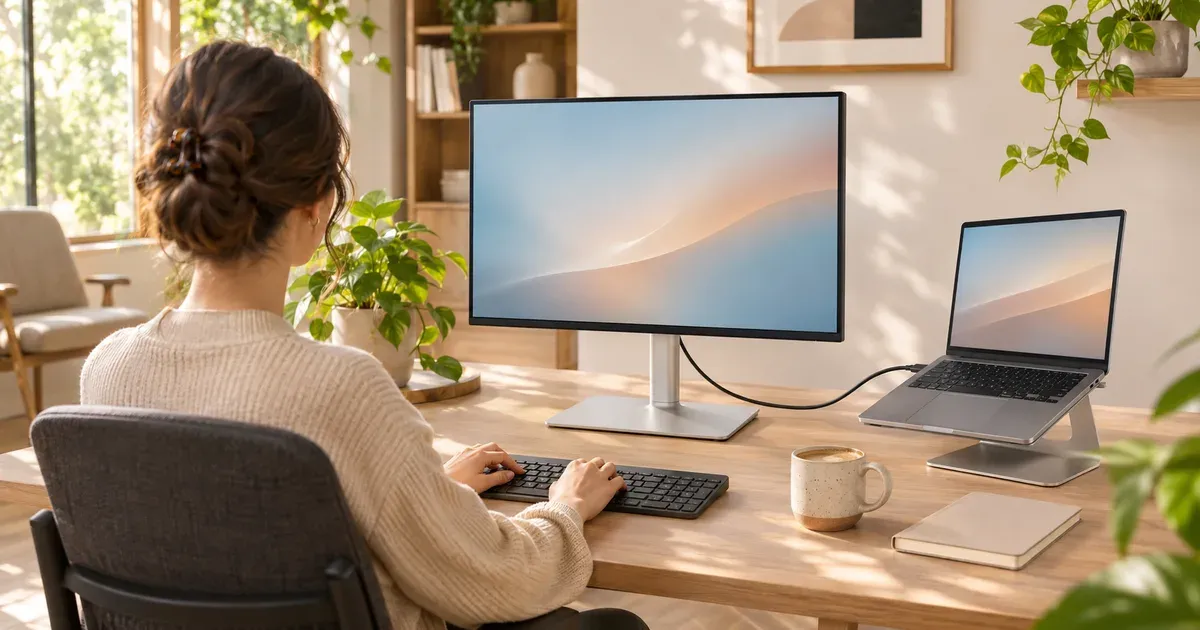
The best monitor for working from home is the Dell S 27 4K USB-C (S2725QC): a 27-inch 4K screen at 120Hz that charges your laptop at 65W over one USB-C cable, for $249.99 on Amazon on November 23, 2026. For spreadsheets and lots of windows, the 34-inch Dell S3425DW ultrawide ($309.99) also has 65W USB-C. If your work laptop needs more power or wired Ethernet, the Dell UltraSharp U2725QE is a full Thunderbolt 4 dock with 140W charging. On a tight budget, the Samsung ViewFinity S6 S61F is a 27-inch 1440p monitor for $136.78.
Most home-office setups revolve around a laptop. A USB-C monitor with power delivery replaces the laptop charger and a dock with one cable, so plugging in at the start of the day takes a second. Few monitors have a webcam, so plan on a separate one, or use the laptop’s camera with the lid open beside the monitor.
Comparison
| Monitor | Size / resolution / refresh | Laptop connection | Stand | Warranty | Amazon (Nov. 23, 2026) |
|---|---|---|---|---|---|
| Dell S2725QC | 27” 4K IPS, 120Hz | USB-C 65W; 2x HDMI 2.1 | Height, pivot, swivel, tilt | 1 yr | $249.99 |
| Dell S3425DW | 34” 3440x1440 VA curved, 120Hz | USB-C 65W | n/l | n/l | $309.99 |
| Dell S2725DC | 27” 1440p IPS, 144Hz | USB-C 65W; HDMI, DP 1.4 | Height, pivot, swivel, tilt | Dell lists 1 and 3 yr | $199.99 |
| Dell UltraSharp U2725QE | 27” 4K IPS Black, 120Hz | Thunderbolt 4, 140W; 2.5GbE; KVM | Height, pivot, swivel, tilt | 3 yr Advanced Exchange | $689.95 (third party); $849.99 Dell |
| ASUS ProArt PA279CRV | 27” 4K IPS, 60Hz | USB-C 96W | Height 130mm | n/l | $349 |
| Samsung ViewFinity S6 S61F | 27” 1440p | n/l | n/l | n/l | $136.78 |
1. Dell S2725QC: Best Monitor for Working From Home
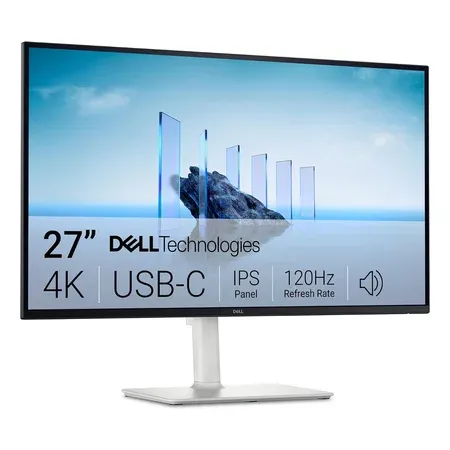
Best overall: 4K 120Hz, 65W USB-C
Dell S 27 4K USB-C (S2725QC)
$249.99 on Amazon on Nov. 23, 2026 (list $349.99). 27-inch 4K IPS, 120Hz, USB-C 65W, 2x HDMI 2.1, no DisplayPort.
A 27-inch 4K IPS at 120Hz with 65W USB-C for video, data and charging over one cable, two HDMI 2.1 ports for a second computer or a console, and a stand with height, pivot, swivel and tilt. Dell’s listing names a TÜV Rheinland 4-star eye comfort certification. It has no DisplayPort, and Dell lists a 1-year warranty.
2. Dell S3425DW: Best Ultrawide for a Home Office
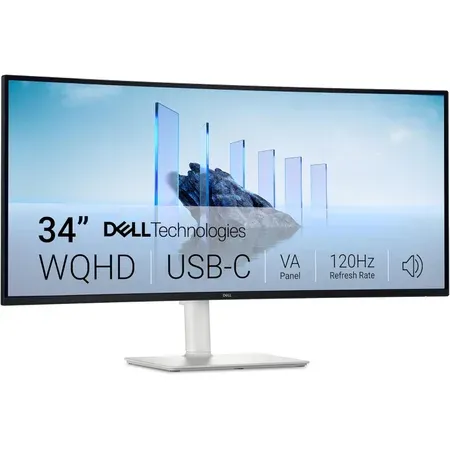
34-inch ultrawide with 65W USB-C
Dell 34 Curved USB-C (S3425DW)
$309.99 on Amazon on Nov. 23, 2026 (list $419.99). 34-inch 3440x1440 curved VA, 120Hz, USB-C 65W, 99% sRGB.
Dell’s listing gives the S3425DW a 34-inch 3440x1440 curved VA panel at 120Hz with 3,000:1 contrast, 99% sRGB, built-in speakers and a single USB-C cable with up to 65W of charging, plus Dell’s ComfortView Plus low-blue-light mode. It shows three windows side by side without a second monitor. It had 4.4 stars from 686 reviews. For a Thunderbolt ultrawide with Dell’s 3-year warranty, see the U3425WE in best monitors for office work.
3. Dell S2725DC: Best Under $200
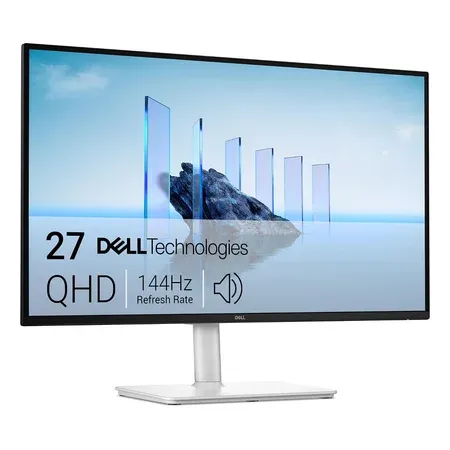
1440p 144Hz, 65W USB-C, $199.99
Dell 27 Plus QHD USB-C (S2725DC)
$199.99 on Amazon on Nov. 23, 2026 (list $259.99). 27-inch QHD IPS, 144Hz, USB-C 65W, HDMI, DP 1.4, speakers.
The same one-cable 65W USB-C setup on a 27-inch 1440p panel at 144Hz, with DisplayPort 1.4 added and two 3W speakers. 1440p is less sharp than 4K for text, but it’s $50 cheaper and had the best Amazon rating here (4.7 stars from 177 reviews).
4. Dell UltraSharp U2725QE: Best Home-Office Dock
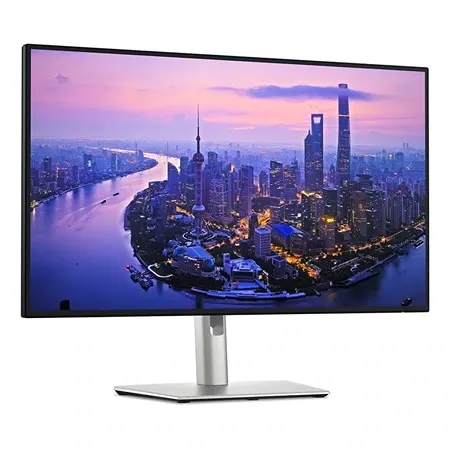
Thunderbolt 4 dock: 140W, Ethernet, KVM
Dell UltraSharp U2725QE
$689.95 on Amazon (third-party seller) on Nov. 23, 2026; $849.99 at Dell. 27-inch 4K IPS Black, 120Hz, TB4 140W, 2.5GbE.
If you work all day from home, the U2725QE replaces a dock: Thunderbolt 4 at 140W, 2.5GbE wired Ethernet, a USB hub, Thunderbolt 4 downstream for a second monitor, and a KVM that switches one keyboard and mouse between a work laptop and a personal PC. The 27-inch 4K IPS Black panel runs at 120Hz with DisplayHDR 600. Dell’s 3-year Advanced Exchange ships a replacement before you return the old one, so you’re not without a screen.
5. ASUS ProArt PA279CRV: Best for Design Work
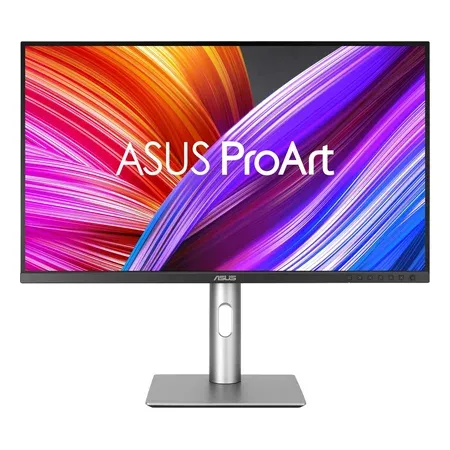
4K, 99% adobe RGB, 96W USB-C
ASUS ProArt PA279CRV
$349 on Amazon on Nov. 23, 2026 (list $429). 27-inch 4K IPS, 99% Adobe RGB and DCI-P3, DisplayHDR 400, USB-C 96W.
For designers and photographers working from home: a 27-inch 4K IPS with 99% Adobe RGB and DCI-P3, DisplayHDR 400, 96W USB-C, two DisplayPort 1.4 (daisy chain) and two HDMI 2.0, at 60Hz. See best monitors for photo editing.
6. Samsung ViewFinity S6 S61F: Best Budget
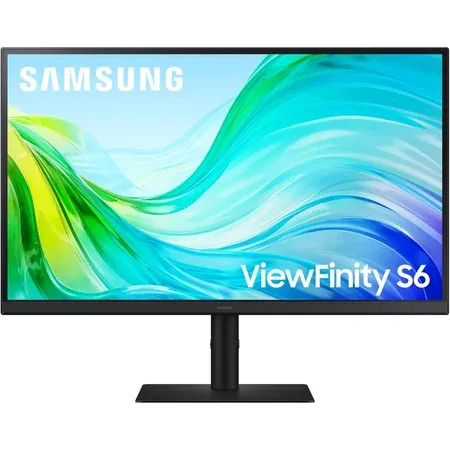
27-inch 1440p for $136.78
Samsung ViewFinity S6 (S61F) 27-inch
$136.78 on Amazon on Nov. 23, 2026 (list $229.99). 27-inch QHD (2560x1440) high-resolution monitor.
A 27-inch 2560x1440 monitor sold by Amazon with a Black Friday discount. It’s the cheapest way to get a sharp 27-inch screen for documents and spreadsheets; connect the laptop by HDMI and keep its own charger.
Home Office Checklist
- Charging wattage: match the monitor’s USB-C power to your laptop charger (best USB-C monitors).
- Webcam: none of these has one. Apple’s Studio Display ($1,399 on Amazon) has a 12MP camera built in for Mac users; see best monitors for MacBook Pro.
- Two computers: a KVM (U2725QE) shares one keyboard and mouse between a work and a personal machine.
- Ergonomics: a height-adjustable stand or an arm lets you set the screen height (best monitor arms), and pair it with a good chair (best office chairs) or a standing desk.
- Lighting for calls and evenings: see best monitor light bars.
More options are in best monitors and best monitors for a dual setup.
FAQ
What’s the best monitor for working from home?
The Dell S2725QC: 27-inch 4K 120Hz with 65W USB-C, $249.99 on Amazon on November 23, 2026.
Is a 4K monitor worth it for a home office?
Yes if you read a lot of text; 4K at 27 inches is sharper than 1440p. A 1440p monitor is about $50–$110 cheaper.
Should I get an ultrawide for working from home?
If you keep several windows open. The 34-inch Dell S3425DW ($309.99) has 3440x1440 and 65W USB-C.
Do I need a monitor with a webcam?
Most monitors don’t have one. Use a separate webcam, or Apple’s Studio Display on a Mac.