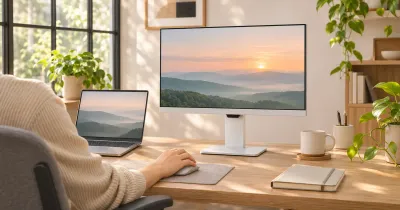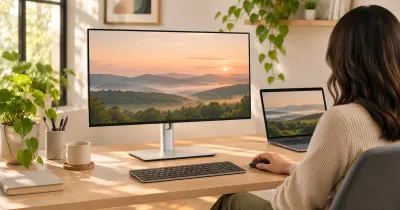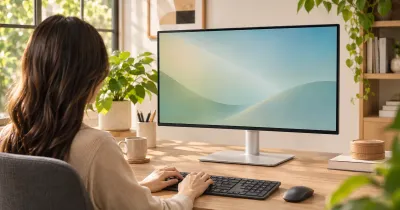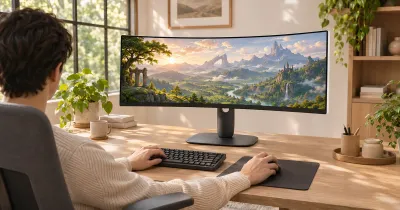
Buy a 27-inch monitor for 1440p, for fast competitive gaming, or for a shallow desk; buy a 32-inch only if it’s 4K and you want more room for windows, spreadsheets or immersive single-player games. A 31.5-inch 16:9 screen has about 36% more area than a 27-inch, but at 1440p its pixel density drops to 93 ppi, against 109 ppi on a 27-inch. On November 23, 2026 the price gap was small at 4K: Dell’s 27-inch S2725QS (4K 120Hz IPS) was $217.99 on Amazon and the 31.5-inch S3225QS (4K 120Hz VA) $279.99 on dell.com.
27 vs. 32 Inches at a Glance
| 27-inch (16:9) | 31.5-inch “32-inch” (16:9) | |
|---|---|---|
| Width x height (screen) | 23.5” x 13.2” | 27.5” x 15.4” |
| Screen area | 310 sq in | 423 sq in (+36%) |
| Pixel density at 1440p | 109 ppi | 93 ppi |
| Pixel density at 4K | 163 ppi | 140 ppi |
| Fastest refresh on sale | 540Hz (1440p OLED) | 240Hz at 4K OLED |
| Cheapest 4K example, Nov 23, 2026 | Dell S2725QS, $217.99 | Dell S3225QS, $279.99 |
Dimensions, area and pixel density are calculated from the diagonal and a 16:9 shape. Most “32-inch” monitors are 31.5 inches diagonal.
Example Monitors
| Dell S2725QS | Dell S3225QS | Samsung Odyssey OLED G8 G80SH 32” | |
|---|---|---|---|
| Size / resolution | 27” 4K | 31.5” 4K | 32” 4K |
| Panel | IPS | VA | OLED |
| Refresh / response (maker) | 120Hz / 4ms | 120Hz / 4ms | 240Hz / 0.03ms |
| HDR | None listed | None listed | TrueBlack 500 |
| Ports | 2x HDMI 2.1 FRL, DP 1.4 | 2x HDMI 2.1 FRL, DP 1.4 | DP 2.1 UHBR20, 2x HDMI 2.1, USB-C 98W |
| Stand | Height, tilt, swivel, pivot | Height, slant, tilt | Height 120mm, tilt, swivel, pivot |
| Price on Nov 23, 2026 | $217.99 Amazon; $224.99 Dell | $299.99 Amazon; $279.99 Dell | $833.49 Amazon; $899.99 Samsung |
The Differences That Matter
Resolution decides the size. At 4K, 31.5 inches still gives 140 ppi, and at 125% or 150% scaling it gives a big workspace with sharp text. At 1440p, 31.5 inches is 93 ppi, so text looks coarser at the same distance. If you want 1440p, stay at 27 inches; see 1440p vs. 4K for gaming.
Gaming. 27 inches is where the fastest panels are: 1440p OLEDs reach 540Hz, while 32-inch OLEDs are 4K and top out at 240Hz. A 27-inch screen also keeps the whole image closer to the center of your view at desk distance. For single-player and console games, a 32-inch 4K screen is more immersive.
Panel type. At budget prices the 32-inch models are often VA, not IPS: Dell’s S3225QS is VA while the S2725QS is IPS. VA has higher native contrast, IPS wider viewing angles. See OLED vs. IPS for the OLED step up.
Desk and stand. The 31.5-inch screen is about 4 inches wider and 2 inches taller. The S3225QS stand adjusts height, slant and tilt; the 27-inch S2725QS also swivels and pivots to portrait. If you want two screens, two 27-inch monitors are easier to fit than two 32s; see ultrawide vs. dual monitors.
Price. At 4K the step up is small: $62 between the two Dells at each one’s cheapest store. At 4K OLED, Samsung’s 32-inch G80SH was $899.99 on samsung.com against $799.99 for the 27-inch G80SH.
Prices on November 23, 2026
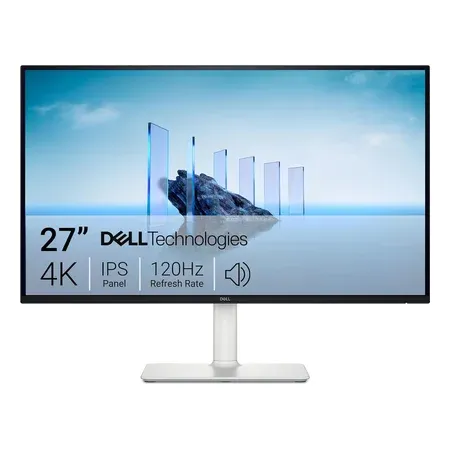
27-Inch 4K
Dell S2725QS
27-inch 4K IPS at 120Hz, two HDMI 2.1 FRL ports, full stand. $217.99 on Amazon on Nov 23, 2026.
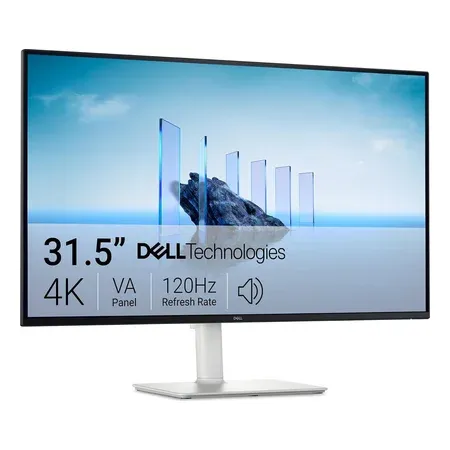
32-Inch 4K
Dell S3225QS
31.5-inch 4K VA at 120Hz with two HDMI 2.1 FRL ports. $299.99 on Amazon, $279.99 at Dell on Nov 23, 2026.
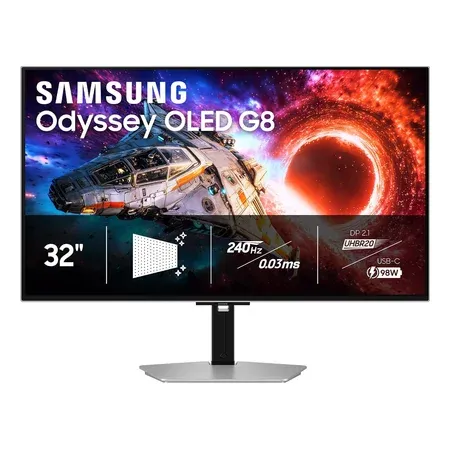
32-Inch 4K OLED for gaming
Samsung Odyssey OLED G8 G80SH 32
32-inch 4K OLED at 240Hz, TrueBlack 500, DP 2.1 UHBR20, USB-C 98W. $833.49 on Amazon on Nov 23, 2026.
The 2024 G80SD and 2025 G81SF share the “Odyssey OLED G8” name; the G80SH is the 2026 model. Our best monitors guide covers office and creative picks in both sizes.
27 vs. 32 Inch FAQ
Is 32 inches too big for a desk?
A 31.5-inch 16:9 screen is about 27.5 inches wide and 15.4 inches tall, roughly 4 inches wider and 2 inches taller than a 27-inch. Check your desk width and how far back the screen will sit; the stand base also needs depth.
Is 1440p good on a 32-inch monitor?
It works, but it’s 93 pixels per inch, so text looks softer than on a 27-inch 1440p (109 ppi) or a 32-inch 4K (140 ppi).
Is 27 or 32 better for gaming?
27 inches for competitive play: that’s where 360Hz to 540Hz 1440p panels are. 32 inches at 4K for single-player and console games.
How much more screen is a 32-inch monitor?
About 36% more area: 423 square inches for a 31.5-inch 16:9 screen vs. 310 for a 27-inch.