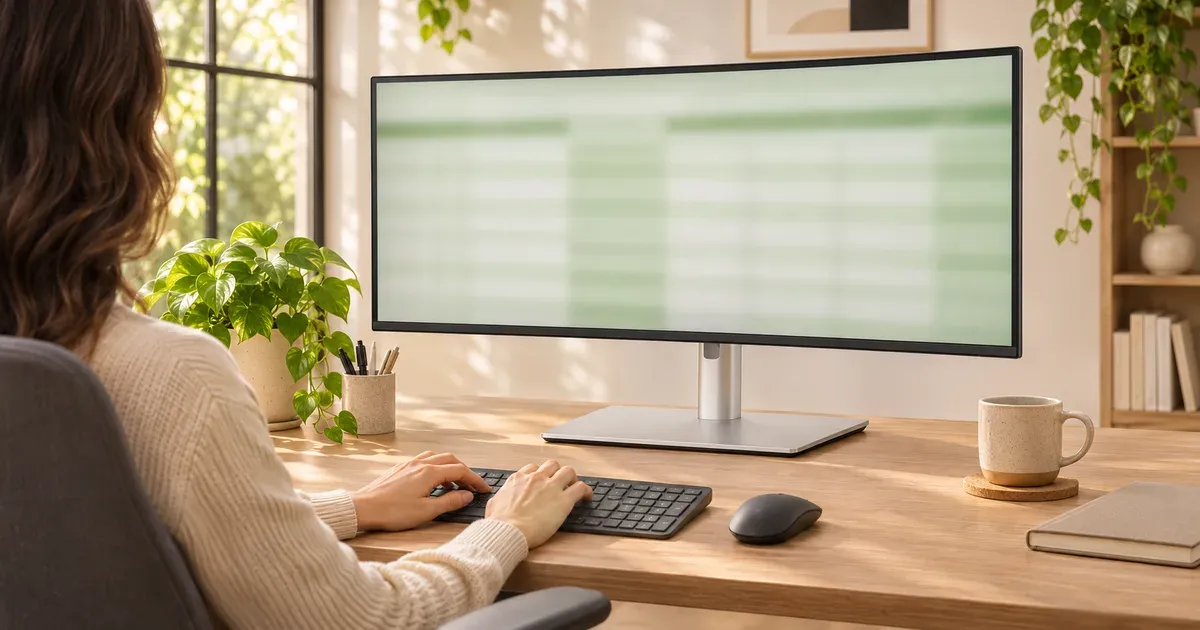
For spreadsheets, the Dell UltraSharp U3425WE is the best office monitor: a 34-inch 3440x1440 curved screen that shows wide sheets without scrolling sideways, with a 90W Thunderbolt 4 dock and Dell’s 3-year Advanced Exchange, for $1,049.99 at Dell or $753.98 from a third-party seller on Amazon on November 23, 2026. For most offices, the Dell S2725QC ($249.99) is the value pick: 27-inch 4K at 120Hz with 65W USB-C. The BenQ RD280U ($509.99) has a taller 3:2 screen for long documents, and the Samsung ViewFinity S6 S61F ($136.78) is a 27-inch 1440p budget pick.
For office work, resolution decides how many rows and columns fit; refresh rate barely matters. A 27-inch 1440p screen is the minimum we’d buy for spreadsheets. 4K at 27 inches is sharper but, at the common 150% scaling, shows the same amount of content as 1440p. A wider (3440x1440) or taller (3:2) screen adds real working space.
Comparison
| Monitor | Size / resolution | Shape | Laptop connection | Warranty | Price (Nov. 23, 2026) |
|---|---|---|---|---|---|
| Dell UltraSharp U3425WE | 34” 3440x1440, 120Hz | 21:9, 1900R curve | Thunderbolt 4, 90W; 2.5GbE | 3 yr Advanced Exchange | $1,049.99 Dell; $753.98 Amazon (third party) |
| Dell S2725QC | 27” 4K, 120Hz | 16:9 | USB-C 65W; 2x HDMI 2.1 | 1 yr | $249.99 Amazon |
| BenQ RD280U | 28.2” 3840x2560, 60Hz | 3:2 | USB-C 90W, KVM | 3 yr | $509.99 Amazon (Adorama) |
| Dell UltraSharp U2724D | 27” 1440p, 120Hz | 16:9 | None (no laptop charging) | 3 yr Advanced Exchange | $439.99 Dell |
| Samsung ViewFinity S6 S61F | 27” 1440p | 16:9 | n/l | n/l | $136.78 Amazon |
| Dell UltraSharp U4025QW | 39.7” 5120x2160, 120Hz | 21:9, 2500R | Thunderbolt 4, 140W | 3 yr Advanced Exchange | $1,399 Amazon (Woot) |
1. Dell UltraSharp U3425WE: Best for Spreadsheets
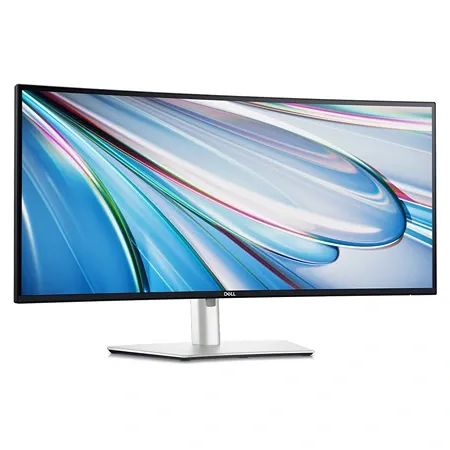
Best for spreadsheets: 34-inch, TB4 dock
Dell UltraSharp U3425WE
$753.98 on Amazon (third-party seller) on Nov. 23, 2026; $1,049.99 at Dell. 34-inch 3440x1440, 1900R, 120Hz, TB4 90W.
The U3425WE is 3440 pixels wide, 880 more than a 27-inch 1440p monitor, on a 34-inch IPS Black panel at 120Hz (100Hz over HDMI) with a gentle 1900R curve. It works as a laptop dock: Thunderbolt 4 at 90W, Thunderbolt 4 downstream, 2.5GbE and a KVM, so a work laptop and a home PC can share one keyboard and mouse. Dell’s 3-year Advanced Exchange ships the replacement first. Amazon’s price came from a third-party seller; Dell’s own store had it at $1,049.99. For two separate screens instead, see ultrawide vs. dual monitors.
2. Dell S2725QC: Best Value Office Monitor
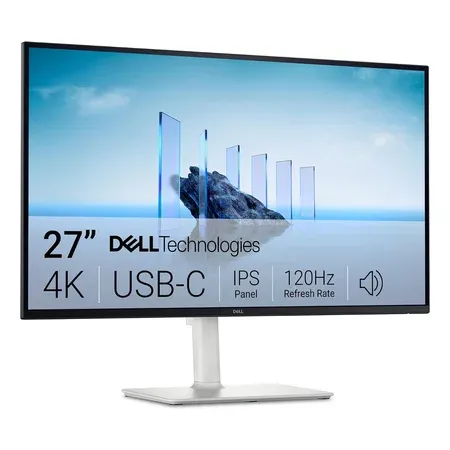
Best value: 4K 120Hz, 65W USB-C
Dell S 27 4K USB-C (S2725QC)
$249.99 on Amazon on Nov. 23, 2026 (list $349.99). 27-inch 4K IPS, 120Hz, USB-C 65W, 2x HDMI 2.1, no DisplayPort.
A 27-inch 4K IPS at 120Hz with 65W USB-C for one-cable laptop charging, two HDMI 2.1 ports and a stand with height, pivot, swivel and tilt. Text is noticeably sharper than on a 1440p screen. It has no DisplayPort, and Dell’s page lists a 1-year warranty. For a desktop PC, the S2725QS ($217.99) has DisplayPort instead of USB-C.
3. BenQ RD280U: Best for Long Documents
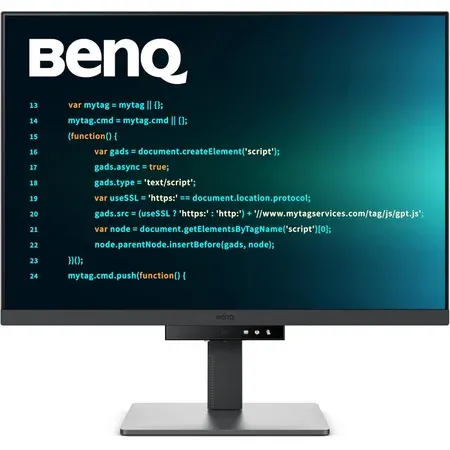
3:2 screen, 3840x2560, 90W USB-C
BenQ RD280U
$509.99 on Amazon (sold by Adorama) on Nov. 23, 2026 (list $599.99). 28.2-inch 3840x2560 3:2, Nano Matte, USB-C 90W, KVM.
BenQ’s RD280U is a 28.2-inch 3840x2560 screen in a 3:2 shape, 400 pixels taller than 4K, so documents, emails and code show more lines at once. It has a Nano Matte anti-reflection finish, 90W USB-C and a KVM. The stand adjusts height, tilt and swivel but doesn’t pivot; the RD280UA ($549.99) comes with an arm that does. The 2026 RD280UG ($699.99) moves to 120Hz. More in best monitors for programming.
4. Dell UltraSharp U2724D: Best for a Desktop PC
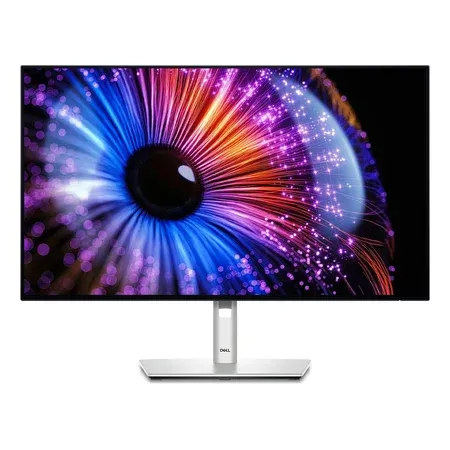
1440p IPS Black, 3-year advanced exchange
Dell UltraSharp U2724D
$349.99 on Amazon (third-party seller) on Nov. 23, 2026; $439.99 at Dell. 27-inch QHD IPS Black, 120Hz, DP in/out.
A 27-inch 1440p IPS Black at 120Hz with DisplayPort in and out for daisy chaining a second screen from a desktop, a full stand, and Dell’s 3-year Advanced Exchange with Premium Panel Exchange. Its USB-C is data only: no laptop charging. For laptops, the U2724DE adds Thunderbolt 4 at 90W; see is the Dell U2724D worth it.
5. Samsung ViewFinity S6 S61F: Best Budget
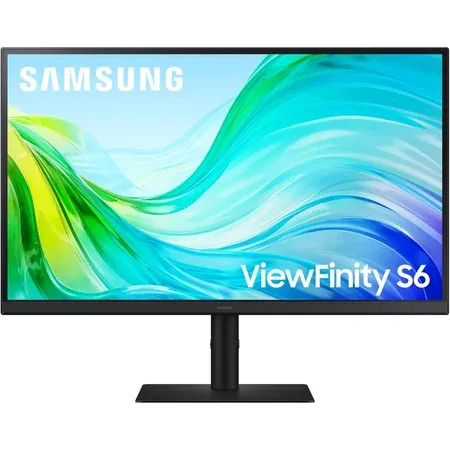
Budget 1440p office monitor
Samsung ViewFinity S6 (S61F) 27-inch
$136.78 on Amazon on Nov. 23, 2026 (list $229.99). 27-inch QHD (2560x1440) high-resolution monitor.
A 27-inch 2560x1440 office monitor sold by Amazon with a Black Friday discount, at the price many stores charge for 1080p. Samsung’s listing mentions TÜV-certified eye comfort technology. It’s the cheapest way to get spreadsheet-friendly resolution; you give up USB-C and Dell’s longer warranty.
6. Dell UltraSharp U4025QW: Biggest Office Canvas
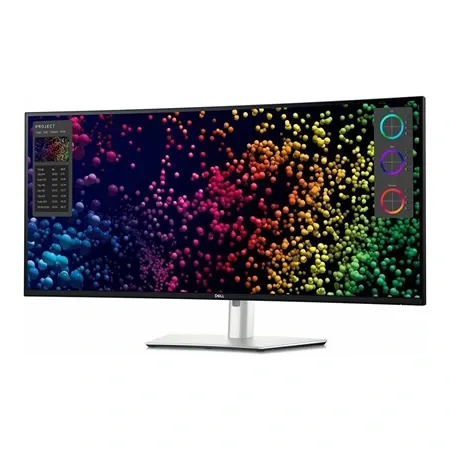
40-inch 5K2K, thunderbolt 4 140W
Dell UltraSharp U4025QW
$1,399 on Amazon (via Woot) on Nov. 23, 2026; $1,749.99 at Dell. 39.7-inch 5120x2160, 2500R, 120Hz, TB4 140W.
The U4025QW’s 5120x2160 panel is as wide as two 27-inch 1440p monitors and as tall as a 4K one, at 120Hz with DisplayHDR 600, Thunderbolt 4 at 140W, HDMI 2.1 FRL and Dell’s 3-year warranty. It replaces two monitors for finance and analyst desks.
Office Monitor Checklist
- Resolution over refresh: 1440p minimum at 27 inches; 3440x1440 or 3:2 for more working space.
- One-cable docking: USB-C or Thunderbolt with enough wattage for your laptop (best USB-C monitors, best Thunderbolt monitors).
- Stand: height and pivot matter more at a desk all day. Monitors with a weak stand can go on an arm (best monitor arms).
- Warranty: Dell UltraSharp’s 3-year Advanced Exchange is the strongest here; Dell S models list 1 year.
For two screens, see best monitors for a dual setup; for a home office with video calls, best monitors for working from home.
FAQ
What’s the best monitor for spreadsheets?
A 34-inch 3440x1440 ultrawide like the Dell UltraSharp U3425WE, which shows wide sheets without horizontal scrolling and docks a laptop over Thunderbolt 4.
Is 4K better than 1440p for office work?
It’s sharper. At 150% scaling a 27-inch 4K shows about as much content as 1440p, so for more space go wider or taller instead.
What’s the best cheap office monitor?
The 27-inch 1440p Samsung ViewFinity S6 S61F at $136.78 on Amazon on November 23, 2026.
Do I need a high refresh rate for office work?
No. 60Hz is fine; 120Hz makes scrolling smoother on the Dell S2725QC and UltraSharps.