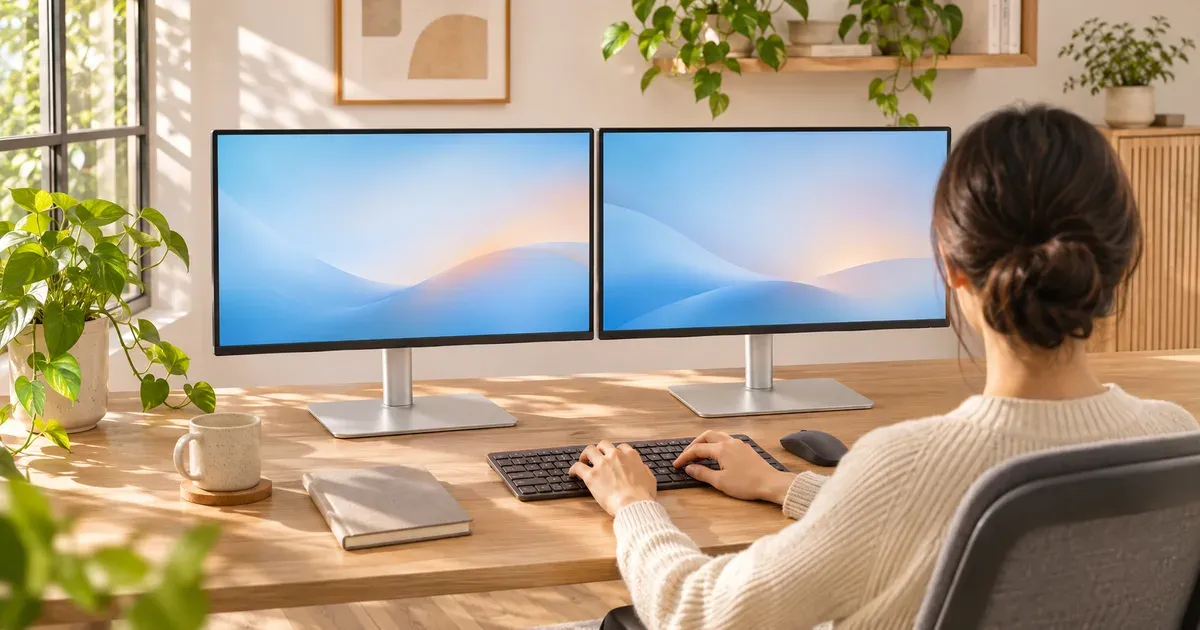
For most dual monitor setups, buy two Dell 27 Plus QHD USB-C monitors (S2725DC): 27-inch 1440p at 144Hz with 65W USB-C, for $199.99 each, or $399.98 for the pair on Amazon on November 23, 2026. For a desktop PC that needs sharper text, two Dell S2725QS 4K monitors cost $435.98. To run two screens from a laptop over one cable, the Dell UltraSharp U2724DE’s Thunderbolt 4 hub daisy chains to a second monitor. On a tight budget, two Samsung S30GD 27-inch 1080p monitors are $189.96.
Buy two of the same model: matching bezels, heights and color make the pair look like one desk. Before buying, check how many external displays your computer supports. A base MacBook Air M2 drives only one, and docks don’t change that.
Best Pairs at a Glance
| Pair | Each monitor | Connection from a laptop | Price per monitor | Pair price (Nov. 23, 2026) |
|---|---|---|---|---|
| 2x Dell S2725DC | 27” 1440p IPS, 144Hz, USB-C 65W, HDMI, DP 1.4 | USB-C to one, HDMI or DP to the other | $199.99 | $399.98 |
| 2x Dell S2725QS | 27” 4K IPS, 120Hz, 2x HDMI 2.1, DP 1.4 | HDMI or DP (no USB-C) | $217.99 | $435.98 |
| Dell U2724DE + U2724D | 27” 1440p IPS Black, 120Hz | One Thunderbolt 4 cable, daisy chained | $449.99 + $349.99 (third-party sellers) | $799.98 |
| 2x Samsung S30GD 27” | 27” 1080p IPS | HDMI | $94.98 | $189.96 |
1. Dell S2725DC: Best Monitor for a Dual Setup
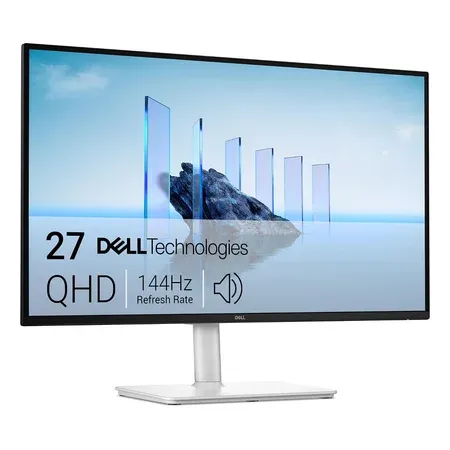
Best pair: $399.98 for two
Dell 27 Plus QHD USB-C (S2725DC)
$199.99 each on Amazon on Nov. 23, 2026 (list $259.99). 27-inch QHD IPS, 144Hz, USB-C 65W, HDMI, DP 1.4.
The S2725DC is a 27-inch 1440p IPS at 144Hz with 65W USB-C, HDMI and DisplayPort 1.4, and a stand with height, pivot, swivel and tilt, so one screen can turn vertical (see best vertical monitors). Run the laptop’s USB-C to the first monitor to charge it and carry video, and connect the second by HDMI. Dell’s listing gives it a 4-star TÜV eye comfort rating, and it had 4.7 stars from 177 reviews.
2. Dell S2725QS: Best 4K Pair
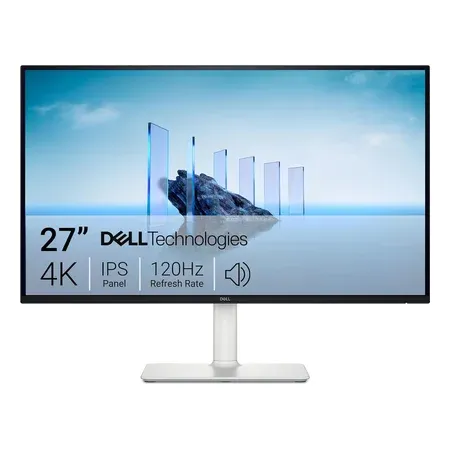
Best 4K pair: $435.98 for two
Dell S 27 4K (S2725QS)
$217.99 each on Amazon on Nov. 23, 2026 (list $299.99). 27-inch 4K IPS, 120Hz, 2x HDMI 2.1, DP 1.4, no USB-C.
Two 27-inch 4K IPS panels at 120Hz for $36 more than the 1440p pair. Each has two HDMI 2.1 FRL ports and DisplayPort 1.4, but no USB-C, so it suits a desktop PC or a laptop with two video outputs. For a laptop, mix one S2725QC ($249.99, same panel with 65W USB-C, no DisplayPort) with one S2725QS: the panels match.
3. Dell UltraSharp U2724DE: Best for Two Screens on One Cable
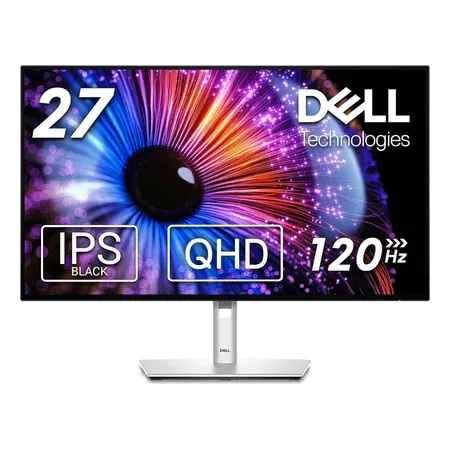
Thunderbolt 4 daisy chain, 90W
Dell UltraSharp U2724DE
$449.99 on Amazon (third-party seller) on Nov. 23, 2026; $599.99 at Dell. 27-inch QHD IPS Black, 120Hz, TB4 90W, 2.5GbE.
The U2724DE has a Thunderbolt 4 upstream port with 90W charging and a Thunderbolt 4 downstream port plus DisplayPort out, so a second monitor plugs into the first and your laptop connects with one cable. It also adds 2.5GbE Ethernet. Pair it with the cheaper U2724D (same 27-inch 1440p 120Hz IPS Black panel, DisplayPort in, $439.99 at Dell; $349.99 from a third-party seller on Amazon), which has no Thunderbolt but takes the chained signal. Both carry Dell’s 3-year Advanced Exchange warranty. Differences are in Dell U2724D vs. U2724DE.
Daisy chaining doesn’t raise your computer’s display limit. Apple states that docks and daisy chains don’t add displays on any Mac.
4. Samsung S30GD: Cheapest Pair
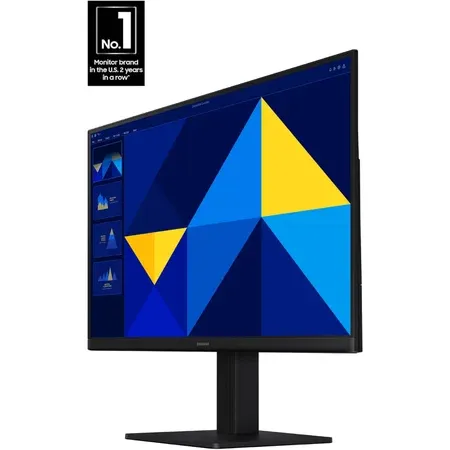
Cheapest pair: $189.96 for two
Samsung 27-inch Essential Monitor (S30GD)
$94.98 each on Amazon on Nov. 23, 2026 (list $149.99). 27-inch 1080p IPS, VESA 75x75.
Samsung’s 27-inch S30GD (LS27D304GANXZA) is a 1080p IPS monitor sold by Amazon with a Black Friday discount, rated 4.5 stars from 1,741 reviews. It mounts on a VESA 75x75 arm. At 27 inches, 1080p shows visibly larger pixels than 1440p, so spend the extra $210 on the S2725DC pair if text sharpness matters.
Mount the Pair
A dual arm frees the desk and lines the screens up edge to edge.
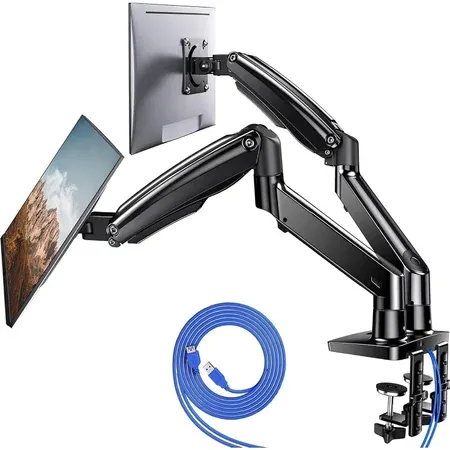
Dual arm for screens up to 40 inches
HUANUO Dual Monitor Stand DS7 (HNDS7)
$104.48 on Amazon on Nov. 23, 2026 (list $149.99). Two 13–40 in. screens, up to 26.4 lb each, VESA 75/100, USB.
HUANUO rates the DS7 at 26.4 lb per arm for 13- to 40-inch screens. The VIVO STAND-V002 pole mount ($34.99) holds two 13- to 30-inch screens up to 22 lb each. More in best monitor arms.
How Many Monitors Can Your Computer Run?
| Computer | External displays (Apple) |
|---|---|
| MacBook Air M2 | 1 |
| MacBook Air M3 | 2, with the lid closed only |
| MacBook Air M4 / M5 | 2 with the lid open |
| MacBook Pro M5 / M6 | 2 |
| MacBook Pro M5 Pro / M5 Max | 3 / 4 |
| Mac mini M6 / M5 Pro | 3 |
Windows laptops vary by model, so check the maker’s spec page for its external display count; a desktop PC is limited by its graphics card’s outputs. For three screens from a small desktop, see best mini PCs for three monitors and does the Mac mini M4 support three monitors.
Not sure two screens beat one wide one? Read ultrawide vs. dual monitors. For single-monitor picks, see best monitors.
FAQ
What’s the best monitor for a dual setup?
Two Dell S2725DC monitors: 27-inch 1440p 144Hz with 65W USB-C, $399.98 for the pair on Amazon on November 23, 2026.
Can I daisy chain two monitors from a laptop?
Yes, with a Thunderbolt monitor like the Dell U2724DE, which has a Thunderbolt 4 downstream port. It doesn’t raise your computer’s display limit.
Can a MacBook Air run two monitors?
M4 and M5 MacBook Airs can, with the lid open. The M3 Air needs the lid closed, and the M2 Air supports one.
Should both monitors be the same model?
It’s best: matching size, resolution, stand height and color make the pair line up.