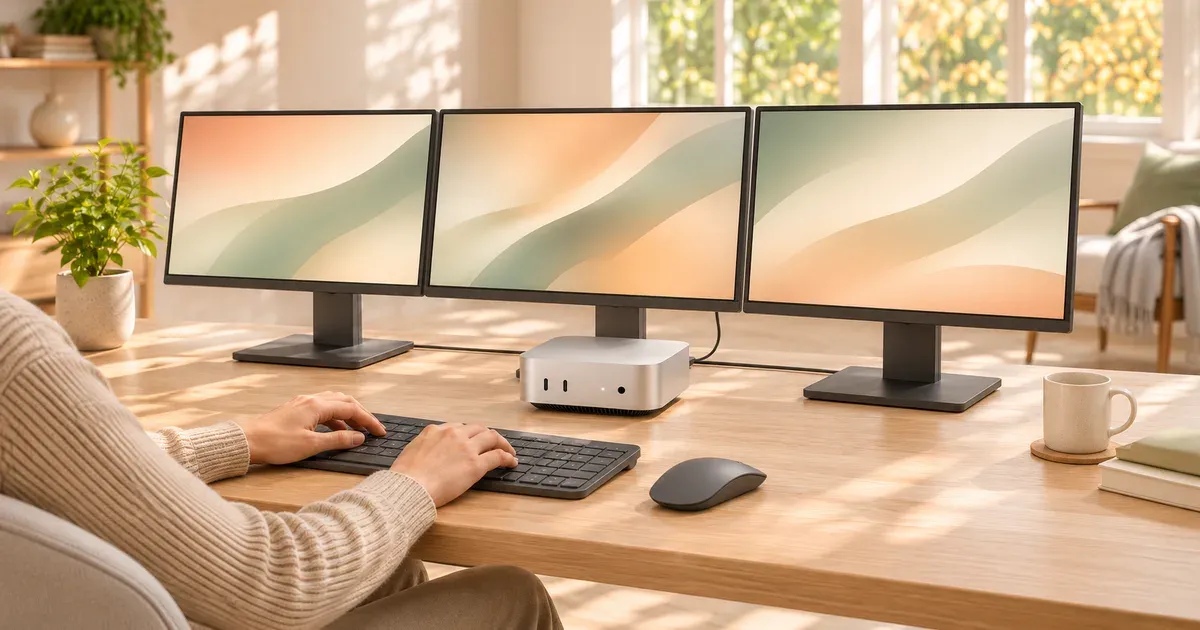
Yes. Apple says the Mac mini M4 supports up to three displays: two up to 6K at 60Hz over Thunderbolt, plus a third up to 5K at 60Hz over Thunderbolt or 4K at 60Hz over HDMI. The M4 Pro supports three displays up to 6K at 60Hz over any mix of Thunderbolt and HDMI. Apple replaced both in September 2026; the current Mac mini M6 also drives three displays (two up to 6K 60Hz or 4K 165Hz), and the M5 Pro drives three at up to 6K 60Hz or 4K 165Hz, including all three from a single Thunderbolt port.
Display Limits by Mac mini
| Mac mini | Three displays | Two-display mode | Ports |
|---|---|---|---|
| M4 (2024) | Two up to 6K 60Hz over Thunderbolt + one up to 5K 60Hz over Thunderbolt or 4K 60Hz over HDMI | One 5K 60Hz over Thunderbolt + one up to 8K 60Hz or 4K 240Hz over Thunderbolt or HDMI | 3x Thunderbolt 4, HDMI |
| M4 Pro (2024) | Three up to 6K 60Hz over Thunderbolt or HDMI | One 6K 60Hz over Thunderbolt + one up to 8K 60Hz or 4K 240Hz over Thunderbolt or HDMI | 3x Thunderbolt 5, HDMI |
| M6 (2026) | Two up to 6K 60Hz or 4K 165Hz + one up to 5K 60Hz over Thunderbolt or 4K 60Hz over HDMI | One up to 8K 60Hz, 5K 120Hz or 4K 240Hz + one up to 5K 60Hz over Thunderbolt or 4K 60Hz over HDMI | 3x Thunderbolt 4, HDMI |
| M5 Pro (2026) | Three up to 6K 60Hz or 4K 165Hz, any mix of Thunderbolt and HDMI | One up to 8K 60Hz, 5K 120Hz or 4K 240Hz + one up to 5K 120Hz or 4K 200Hz | 3x Thunderbolt 5, HDMI |
How to Connect Three Monitors to an M4 Mac mini
- Monitor 1: a rear Thunderbolt port, using a USB-C-to-DisplayPort cable, a USB-C monitor input, or a Thunderbolt display (up to 6K 60Hz).
- Monitor 2: a second rear Thunderbolt port (up to 6K 60Hz).
- Monitor 3: the HDMI port (up to 4K 60Hz) or the third Thunderbolt port (up to 5K 60Hz).
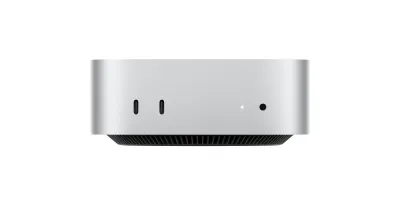
The two front USB-C ports on the M4 Mac mini are USB 3 ports (up to 10Gb/s); Apple lists display support only on the rear Thunderbolt ports and HDMI. The Thunderbolt ports output DisplayPort 1.4 over USB-C.
A fourth monitor won’t work natively. Three external displays is Apple’s limit on all four models.
Daisy-Chaining
On the M6, Apple says one Thunderbolt port can drive up to two displays; on the M5 Pro, one Thunderbolt port can drive all three. Apple doesn’t list single-port daisy-chaining for the M4.
Should You Still Buy an M4?
Apple no longer sells the M4 Mac mini; on Amazon it appears only from resale and renewed sellers. The M6 costs $899 at Apple and was $779 on Amazon on November 22, 2026, and its three-display setup supports higher refresh rates (4K at 165Hz on two screens). See Mac mini M6 vs. M4 and the Mac mini M6 review. For Windows options, see best mini PCs for three monitors.
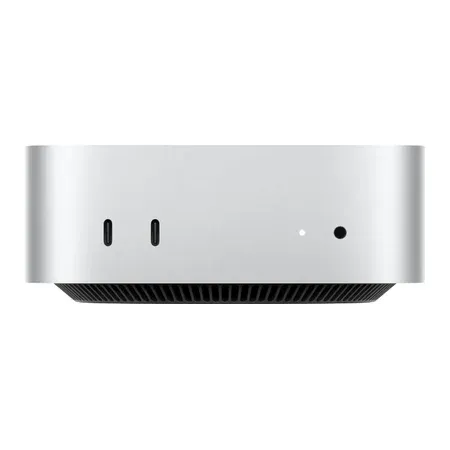
Current mac mini for three monitors
Apple Mac mini (2026), M6, 16GB, 256GB
Three displays (two at 6K 60Hz or 4K 165Hz), Wi-Fi 7 and 2.5GbE. $779 on Amazon on Nov. 22, 2026 ($899 at Apple).
Three 6K Displays, thunderbolt 5
Apple Mac mini (2026), M5 Pro, 24GB, 512GB
Three displays at up to 6K 60Hz over any mix of ports, three Thunderbolt 5 ports. $1,549 on Amazon on Nov. 22, 2026 ($1,699 at Apple).
FAQ
Can the Mac mini M4 run two 4K monitors?
Yes, with room for a third. Two 4K monitors on two rear Thunderbolt ports, or one on Thunderbolt and one on HDMI, are well within its limits.
Can the M4 Mac mini drive a 4K 240Hz monitor?
Yes, in two-display mode: one display up to 8K 60Hz or 4K 240Hz over Thunderbolt or HDMI, plus one 5K 60Hz display over Thunderbolt.
Does the base M6 Mac mini support three monitors?
Yes. Two up to 6K 60Hz or 4K 165Hz, plus a third up to 5K 60Hz over Thunderbolt or 4K 60Hz over HDMI.
Can I use the front USB-C ports for a monitor?
Apple lists display output on the rear Thunderbolt ports and HDMI. The front USB-C ports are USB 3 data ports.