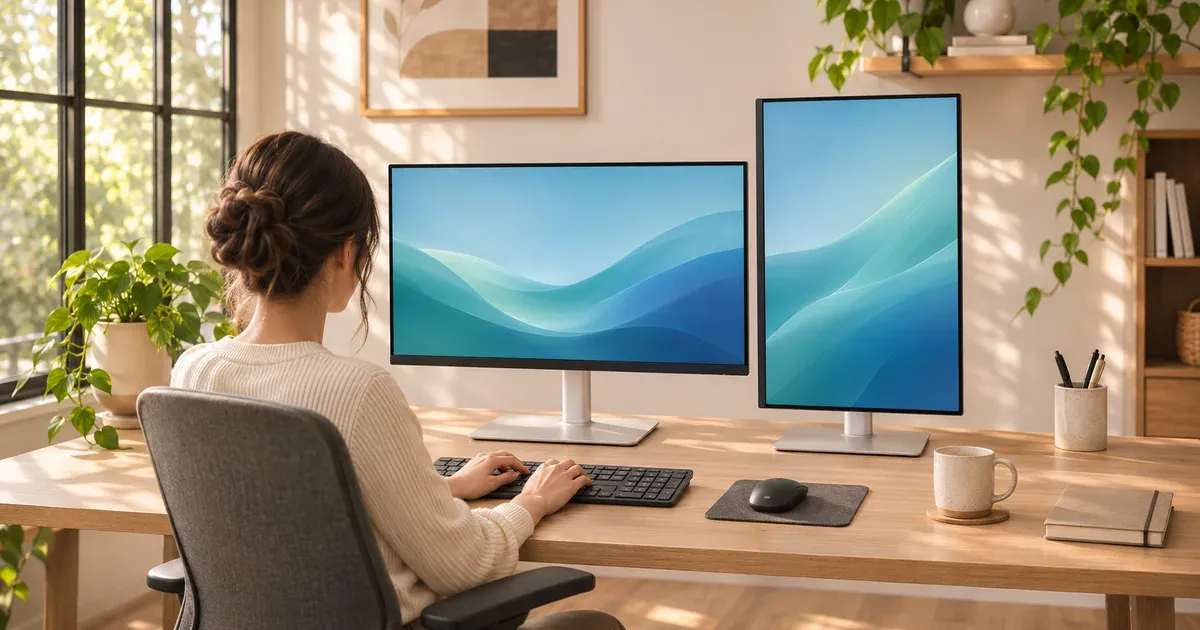
The best vertical monitor is the Dell 27 Plus QHD USB-C (S2725DC): its stand pivots 90° to portrait, giving a 1440x2560 screen, and it has 65W USB-C, for $199.99 on Amazon on November 23, 2026. For sharper text in portrait, the Dell S2725QS (4K, $217.99) pivots too. Coders who want the tallest screen should look at the BenQ RD280UG ($699.99), a 3:2 panel that pivots to 2560x3840. To turn a monitor you already own, a HUANUO FlowLift Pro arm ($28.48) rotates any VESA screen.
A vertical monitor shows long documents, code, chat and social feeds with less scrolling. Most people run one beside a horizontal main screen. What you need is a pivot stand (rotation to portrait), not just tilt and height. Check the maker’s spec sheet: many budget monitors only tilt.
Monitors With a Pivot Stand
| Monitor | Portrait resolution | Size / panel | Laptop connection | Amazon (Nov. 23, 2026) |
|---|---|---|---|---|
| Dell S2725DC | 1440x2560 | 27” IPS, 144Hz | USB-C 65W | $199.99 |
| Dell S2725QS | 2160x3840 | 27” IPS, 120Hz | None (HDMI 2.1, DP 1.4) | $217.99 |
| LG 27US550 | 2160x3840 | 27” IPS, 60Hz, white | None (2x HDMI 2.0, DP 1.4) | $229.99 |
| BenQ GW2790TC | 1080x1920 | 27” IPS, 144Hz | USB-C | $149.99 |
| BenQ RD280UG | 2560x3840 | 28.2” 3:2, 120Hz | USB-C 90W, KVM | $699.99 (Adorama) |
| Samsung ViewFinity S8 S80HF | 2880x5120 | 27” 5K IPS | USB-C 90W | $499.99 |
1. Dell S2725DC: Best Vertical Monitor
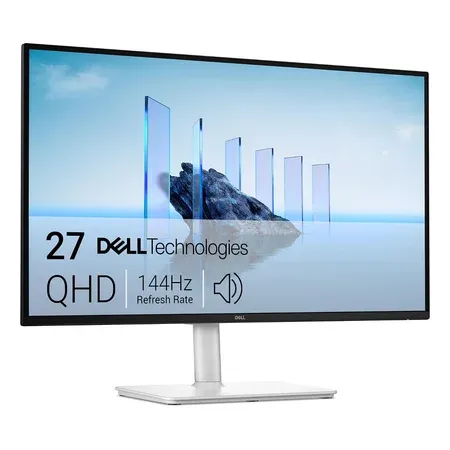
Best overall: pivots, 65W USB-C
Dell 27 Plus QHD USB-C (S2725DC)
$199.99 on Amazon on Nov. 23, 2026 (list $259.99). 27-inch QHD IPS, 144Hz, USB-C 65W, height/pivot/swivel/tilt stand.
Dell’s S2725DC stand has height, pivot, swivel and tilt, so it turns to a 1440x2560 portrait screen without an arm. It’s a 27-inch IPS at 144Hz with 65W USB-C, HDMI and DisplayPort 1.4, and it had 4.7 stars from 177 reviews. Buy two for a matched landscape-plus-portrait pair; see best monitors for a dual setup.
2. Dell S2725QS: Best 4K Vertical Monitor
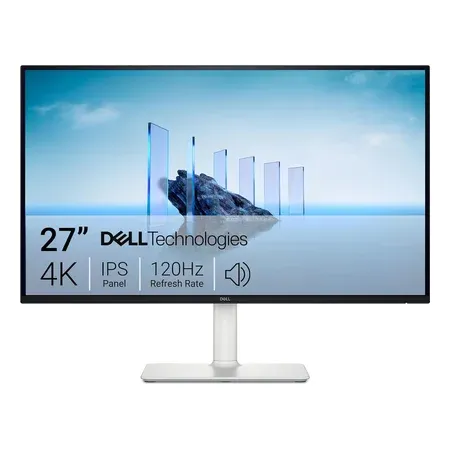
4K, pivots to 2160x3840
Dell S 27 4K (S2725QS)
$217.99 on Amazon on Nov. 23, 2026 (list $299.99). 27-inch 4K IPS, 120Hz, 2x HDMI 2.1, DP 1.4, height/pivot/swivel/tilt.
A 27-inch 4K IPS at 120Hz on a stand with height, pivot, swivel and tilt. In portrait, 4K’s extra pixel density makes small text in code and documents crisper than 1440p. It has no USB-C; the S2725QC ($249.99) adds 65W USB-C with the same stand but drops DisplayPort.
3. BenQ RD280UG: Best for Code in Portrait
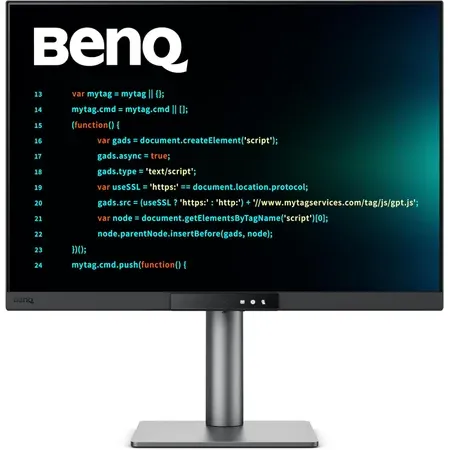
3:2, 120Hz, pivots to 2560x3840
BenQ RD280UG
$699.99 on Amazon (sold by Adorama) on Nov. 23, 2026. 28.2-inch 3840x2560 3:2, 120Hz, Nano Matte, USB-C 90W, KVM.
BenQ’s January 2026 RD280UG is a 28.2-inch 3:2 panel (3840x2560) at 120Hz with a Nano Matte finish, 90W USB-C, a KVM, USB-C daisy chaining and a stand that pivots. Turned vertical, it’s 3,840 pixels tall. The cheaper first-gen RD280U doesn’t pivot on its stand; the RD280UA version with an arm does. See best monitors for programming.
4. LG 27US550: Best 4K Budget Vertical Monitor
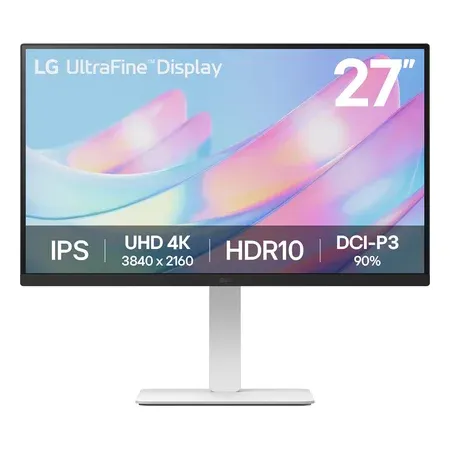
White 4K with pivot
LG UltraFine 27US550-W
$229.99 on Amazon on Nov. 23, 2026 (list $299.99). 27-inch 4K IPS, 60Hz, 90% DCI-P3, 2x HDMI 2.0, DP 1.4, no USB-C.
LG lists a pivot stand on the white 27US550, a 27-inch 4K IPS at 60Hz with 90% DCI-P3, two HDMI 2.0 and DisplayPort 1.4. It has no USB-C. LG’s warranty is 1 year.
5. BenQ GW2790TC: Cheapest Pivot Monitor With USB-C
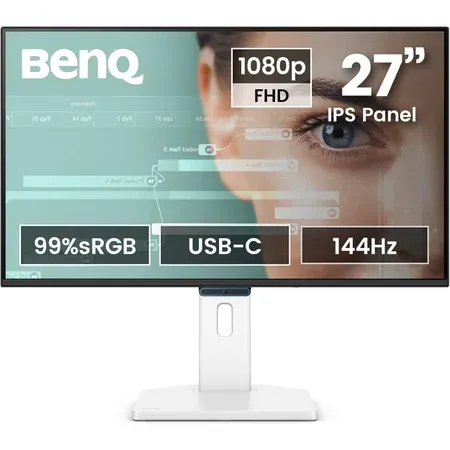
1080p, USB-C, pivot stand
BenQ GW2790TC
$149.99 on Amazon on Nov. 23, 2026 (list $179.99). 27-inch 1080p IPS, 144Hz, USB-C, height/tilt/swivel/pivot.
BenQ lists tilt, pivot, swivel and height on the GW2790TC, a 27-inch 1080p IPS at 144Hz with USB-C. In portrait, 1080x1920 at 27 inches makes text fairly large and soft; it’s fine for chat and feeds, less so for code. It carries TÜV Rheinland’s Eye Comfort 4-Star rating (see best monitors for eye strain).
6. Turn Any Monitor Vertical With an Arm
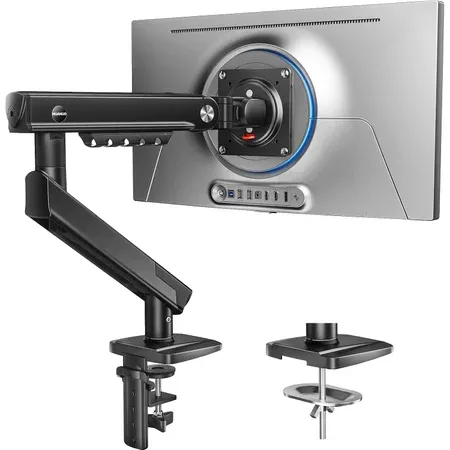
Rotates ±90° for portrait
HUANUO FlowLift Pro Monitor Arm (HNDMA118B-SS)
$28.48 on Amazon on Nov. 23, 2026 (list $49.99). 13–32 in. screens, up to 19.8 lb, VESA 75/100, ±90° rotation.
If your monitor’s stand doesn’t pivot but it has VESA holes, an arm turns it. HUANUO lists ±90° rotation for the FlowLift Pro, with 19.8 lb capacity and screens up to 32 inches. Check that the monitor clears the desk when rotated: a 27-inch 16:9 screen is about 24 inches tall in portrait. More in best monitor arms.
Setting Up a Vertical Monitor
- Windows: Settings > System > Display > Display orientation > Portrait.
- macOS: System Settings > Displays > Rotation > 90°.
- Panel type: IPS keeps colors consistent at the angles a vertical screen is viewed from. VA and TN panels shift more off-axis.
- Curved screens don’t suit portrait use.
FAQ
What’s the best vertical monitor?
The Dell S2725DC: a 27-inch 1440p IPS with a pivot stand and 65W USB-C, $199.99 on Amazon on November 23, 2026.
Can any monitor be used vertically?
Only if its stand pivots, or if it has VESA holes so you can mount it on a rotating arm.
What’s the best resolution for a vertical monitor?
1440p or 4K at 27 inches. 1080p in portrait at 27 inches shows soft text.
Does the BenQ RD280U pivot?
Not on its own stand. The RD280UA (with arm) and the 2026 RD280UG pivot.