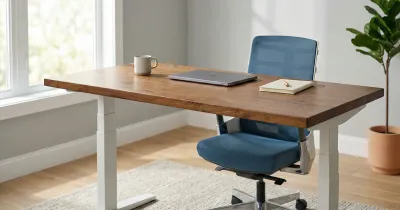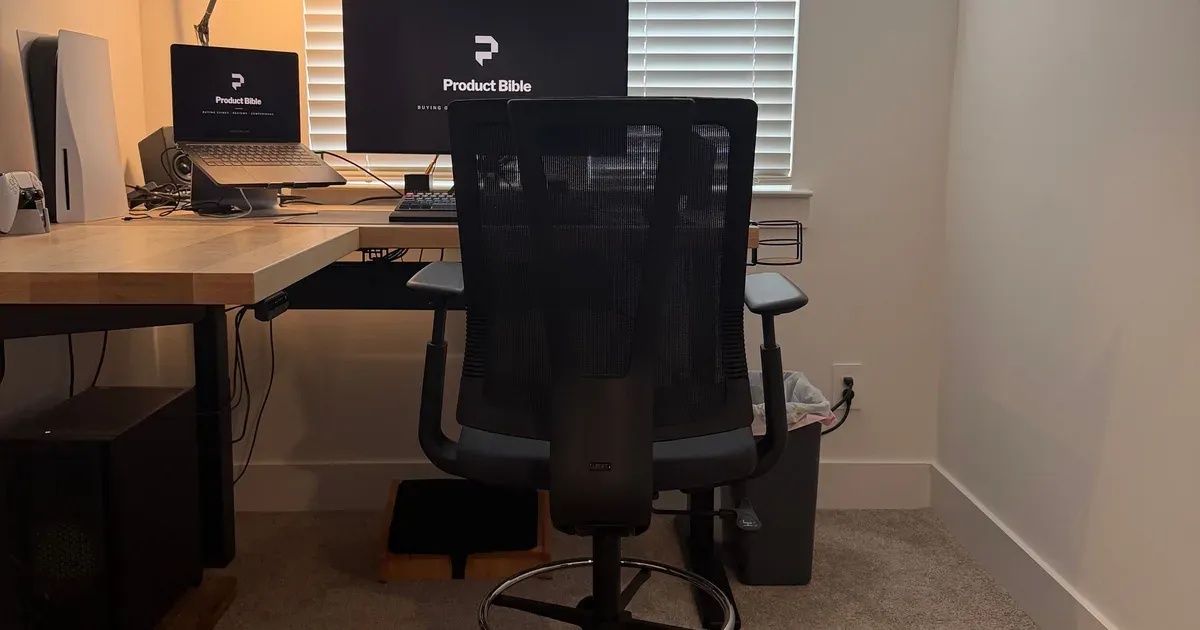
The UPLIFT Clarksville Drafting Chair is the only chair at my standing desk, and I use it for long work sessions whether the desk is low or raised. It stays comfortable for hours, and the lumbar support and mesh back make a real difference. I have the black version, I don’t have any complaints, and I’d get the same chair again.
The short answer: if you want to sit at a raised desk without giving up the support of a real office chair, this is a good way to do it, at $399. Just know that it doesn’t recline, and that its seat sits higher than a normal office chair’s.
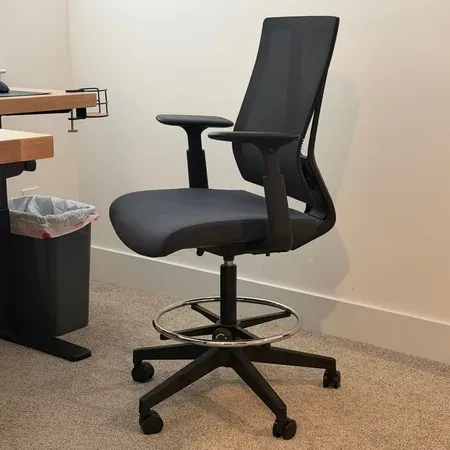
A comfortable drafting chair for standing desks
UPLIFT Clarksville Drafting Chair
A tall ergonomic chair with lumbar support and a mesh back that stays comfortable for hours at a raised desk.
UPLIFT Clarksville Review: Quick Verdict
A lot of stools and tall chairs are better suited to short breaks. I can use this one for long stretches, with the kind of back support you’d expect from an office chair. It’s been my main chair for the past couple of months at my standing desk, and it has replaced a regular office chair for me entirely.
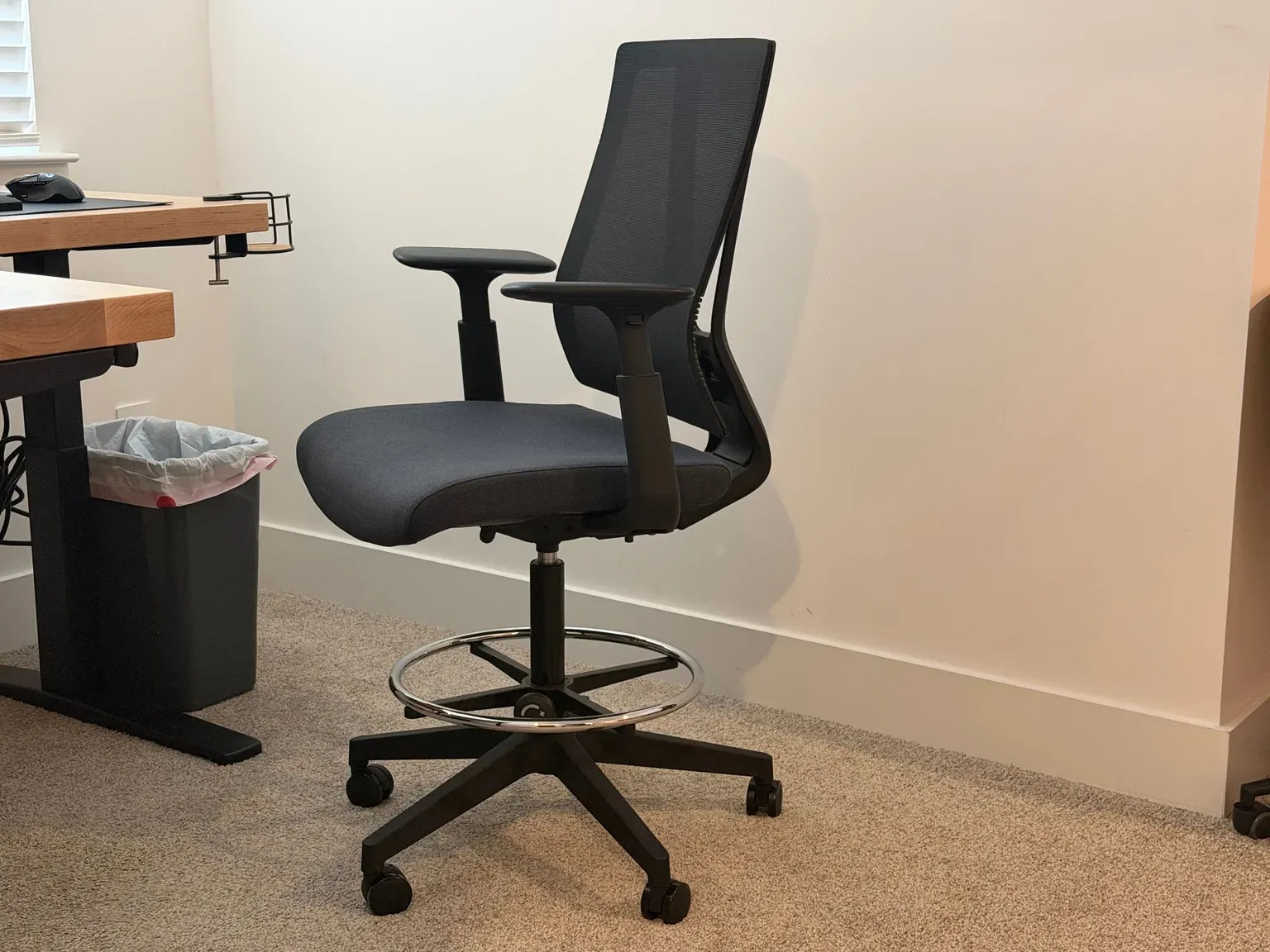
That’s the main reason I’d recommend it. With a standing desk, you could easily end up wanting two seats: an office chair for sitting height and a stool for when the desk is partly raised. The Clarksville covers both for me. When the desk is low, I use the foot ring or a footrest. When the desk is raised, the chair goes up with it.
UPLIFT Clarksville Drafting Chair specs
| Spec | Value | Note |
|---|---|---|
| Price | $399 | Fog color adds $29 |
| Seat height | 24.5 to 32.5 inches | |
| Foot ring | Adjusts from 10 to 17 inches | |
| Seat | 3-inch molded foam | Waterfall edge, 17.5-inch fixed depth |
| Back | Woven nylon mesh | 4-position concealed lumbar |
| Arms | 3-way adjustable and removable | |
| Recline | None | |
| Weight capacity | 300 pounds | |
| Colors | Black and Fog | |
| Warranty | 15 years |
What the UPLIFT Clarksville Specs Mean
The number to pay attention to is the 24.5 to 32.5-inch seat height. A typical office chair tops out several inches below the Clarksville’s lowest setting, so this chair is built for a higher desk from the start. That’s what makes it work at a partly raised standing desk, and it’s also why you need somewhere to put your feet when the desk is low.
The foot ring adjusts from 10 to 17 inches, separately from the seat. That’s the piece that turns a tall chair into one you can sit in for hours, because your feet always have a solid place to rest. The 300-pound capacity and the five-star base with casters make it feel like a full office chair rather than a stool.
How Comfortable Is It for Long Sessions?
Comfortable for hours is my main takeaway. I use it for full workdays at my raised standing desk, not only for quick breaks, and I haven’t found myself wanting to switch to a different chair.
Lumbar Support and the Mesh Back
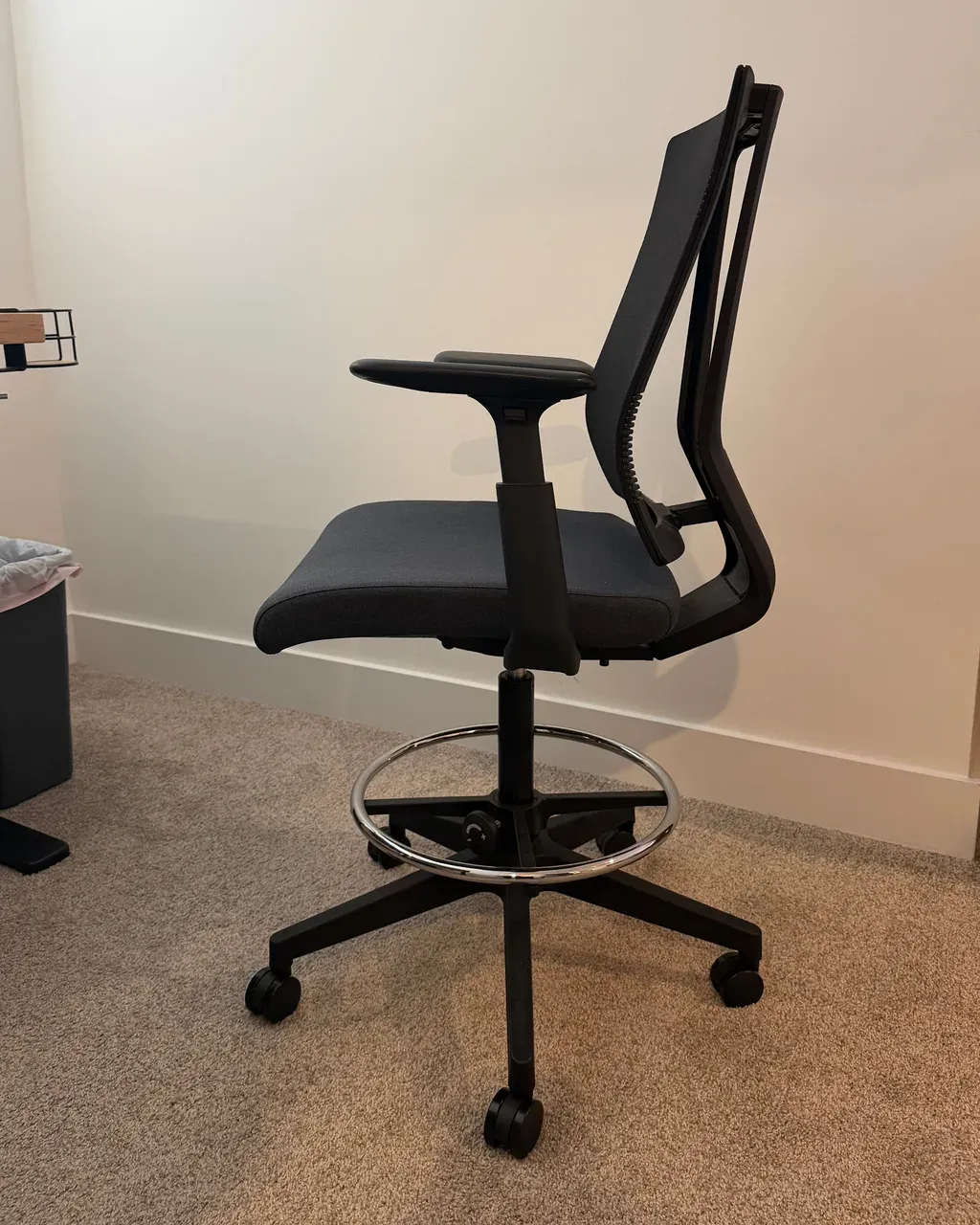
The two features I’d single out are the lumbar support and the mesh back. UPLIFT says the lumbar is a concealed, four-position mechanism, and the woven mesh back is meant to breathe. In use, they’re the reason this feels more like a task chair than a stool. They keep my back supported through a long session.
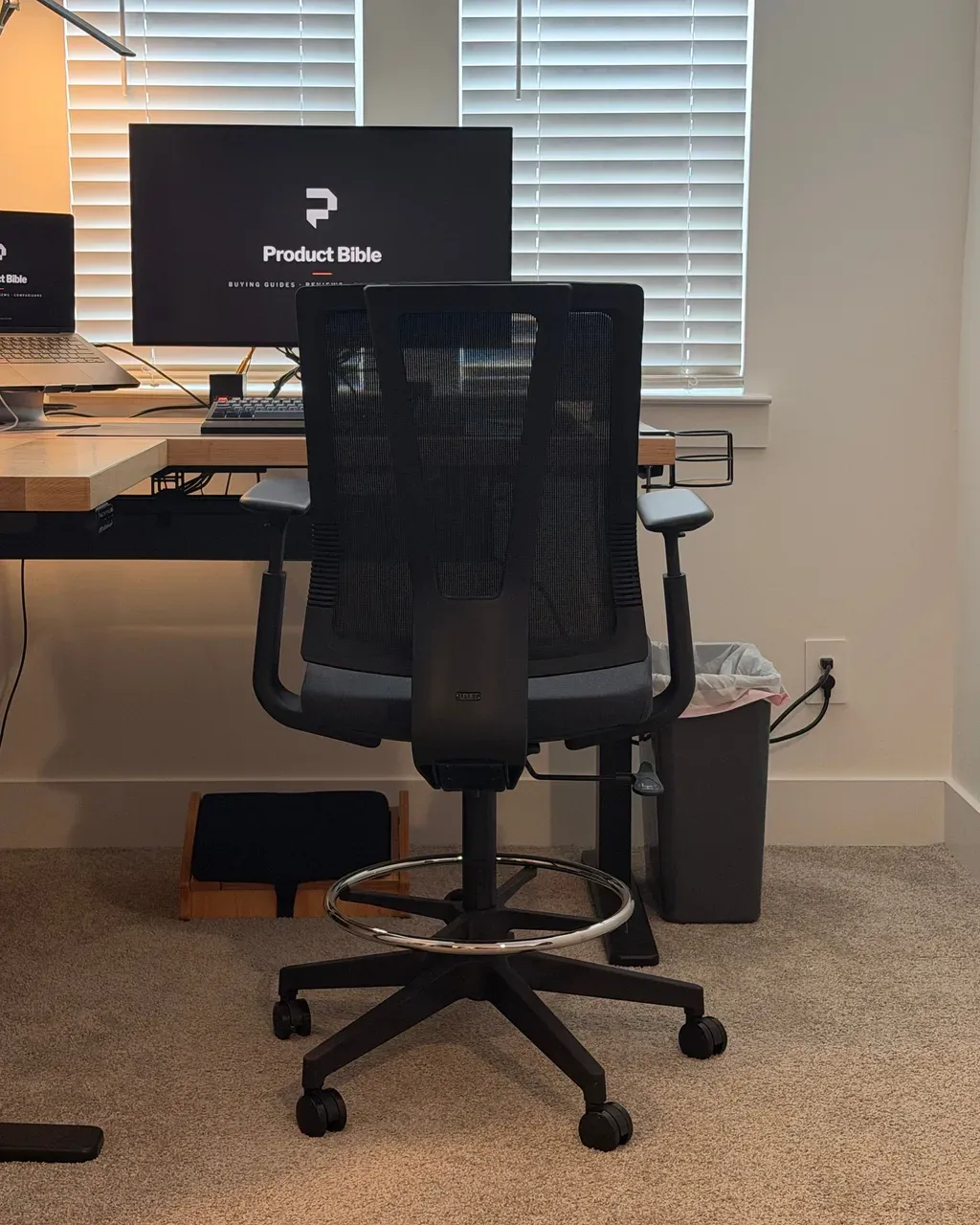
I haven’t needed to move the lumbar from its default position. If your back is shorter or taller than average, it’s good to know you can.
The Seat
The seat is 3 inches of molded foam with a waterfall front edge, which slopes down so the edge doesn’t press into the back of your legs. On a tall chair, where your thighs angle down slightly toward the foot ring, that matters more than it does on a regular office chair. The seat depth is fixed at 17.5 inches, so there’s no slider to adjust. It works for me, but if you have long legs and usually slide a seat forward, keep that in mind.
Seat Height and Foot Ring
A drafting chair needs to get high enough for a raised desk, and the Clarksville’s seat goes from 24.5 to 32.5 inches. Its foot ring adjusts separately, from 10 to 17 inches, so your feet have somewhere to go when they can’t reach the floor.
Using It at Sitting Height
This is how I make it work as my only chair. When my desk is at a normal sitting height, the Clarksville’s seat is still higher than an office chair would be, so my feet don’t sit flat on the floor. I either rest them on the foot ring or on a small StrongTek adjustable footrest under the desk. The footrest tilts to four positions, so you can set the angle that suits you.
If you want one chair for every desk height, plan on a footrest or get comfortable using the ring. Without one of those, the lowest seat height is too tall to sit with your feet flat at a standard-height desk.
Using It at a Raised Desk
When the desk is raised, the chair goes up with it, and the foot ring does the work. I change the seat height often, since my desk moves throughout the day.
Before you buy, measure the desk height you’d use it at. A seat that tops out at 32.5 inches isn’t intended to match the full height of a desk set for standing. It’s meant for a desk raised partway, somewhere between sitting and standing, or for a counter-height surface.
Armrests
The armrests are the other adjustment I use regularly. UPLIFT lists them as adjustable for height, depth, and angle, and you can remove them entirely. I adjust them to line up with the desk as my seat height changes.
That flexibility matters more on a drafting chair than on a regular one. Because you’re changing the seat height to match a desk that moves, a fixed armrest would end up too high or too low much of the time. If you prefer to sit close with no arms at all, removing them is an option, but I’ve kept mine on.
It Doesn’t Recline
UPLIFT keeps the chair upright to stay stable at these heights, so there’s no recline. I don’t have any complaints about that. But if you like leaning back through the day, it’s worth knowing. A chair like the UPLIFT Intuition is a more conventional choice for a seated-height desk.
UPLIFT Clarksville vs. UPLIFT Intuition
If you’re deciding between a drafting chair and a regular office chair from UPLIFT, the Intuition is the natural comparison. They solve different problems, and the seat heights show it: the Intuition’s highest setting is still about 3 inches below the Clarksville’s lowest.
UPLIFT Clarksville and Intuition specs
| Spec | Clarksville | Intuition |
|---|---|---|
| Seat height | 24.5 to 32.5 inches | 16.5 to 21.5 inches |
| Foot ring | Yes, 10 to 17 inches | No |
| Seat depth | Fixed, 17.5 inches | Adjustable, 17.75 to 19.75 inches |
| Recline | None | Up to 45 degrees |
| Headrest | No | Yes, removable |
| Armrests | 3-way, removable | 3-way |
| Warranty | 15 years | 15 years |
Choose the Intuition if your desk stays at sitting height most of the day and you like to lean back on calls or while reading. Choose the Clarksville if you sit at a raised desk or a counter, or if you move your standing desk often and want one chair that can follow it up.
How to Set It Up at a Standing Desk
Getting the most out of a drafting chair means adjusting three things together: the desk, the seat, and the foot ring.
- Start with the desk. Set it to the height where your forearms rest level on the keyboard with your shoulders relaxed.
- Raise the seat to match. Adjust it until your elbows sit at about desk height while you’re sitting back against the lumbar support.
- Move the foot ring. Set it so your thighs are close to level and your feet rest flat on the ring, not dangling.
- Adjust the armrests last. Bring them up to just under your forearms, or remove them if they keep you from pulling in close.
Each time you move the desk, you’ll repeat steps 2 to 4. That sounds like work, but it gets quick with practice, and saved desk presets make the desk side of it a single button press.
Assembly
It was quick to assemble, in under half an hour. It goes together like a normal office chair. UPLIFT also offers assembly help, but I didn’t need it.
Who Should Buy the UPLIFT Clarksville?
Buy it if you want to sit at a raised desk for long sessions, you want lumbar support at that height, you work at a counter-height surface, or you’d like one chair for a standing desk at any height and don’t mind using a footrest when it’s low.
Skip it if you want to recline, you only need a perch for short breaks, or your desk stays at normal seated height. In that last case, a regular office chair will fit better and cost less.
What to Consider Before Buying
- Measure your desk heights. Check the height you’d sit at, and compare it with the 24.5 to 32.5-inch seat range.
- Plan for your feet. At a standard-height desk, you’ll need the foot ring or a footrest.
- Think about seat depth. It’s fixed at 17.5 inches.
- Pick a color. Black is the base price, and Fog costs $29 more.
- Know the return terms. UPLIFT offers a 30-day trial with free returns from the contiguous U.S. for like-new products in their original packaging, and a 15-year warranty.
Is the UPLIFT Clarksville Worth It?
For me, yes. I have no complaints, and I’d buy it again. It costs more than a stool, but it lets me work for long stretches at a raised desk, and it’s the only chair I need at my desk.
At $399, it isn’t cheap, but you get the support of an office chair, the height of a stool, and a 15-year warranty. If you use a standing desk often and sit for part of the day, I think that’s a good place to spend money.
UPLIFT Clarksville Drafting Chair FAQ
How much does the UPLIFT Clarksville Drafting Chair cost?
It costs $399 in black. Fog costs $29 more.
Is the UPLIFT Clarksville comfortable for long periods?
It is for me. I use it for long work sessions, and it stays comfortable for hours.
Can you use a drafting chair with a standing desk?
Yes. That’s how I use mine. Adjust the seat, foot ring, and desk together so that your arms and feet are supported.
Can you use the Clarksville at a normal desk height?
I do, but my feet don’t reach the floor flat, because its lowest seat height is taller than a regular office chair’s. I rest them on the foot ring or a footrest.
What is the UPLIFT Clarksville seat height?
UPLIFT lists 24.5 to 32.5 inches, with a foot ring that adjusts from 10 to 17 inches.
Does the UPLIFT Clarksville recline?
No. It stays upright.
What’s the weight capacity of the UPLIFT Clarksville?
UPLIFT lists 300 pounds.
Does the UPLIFT Clarksville have armrests?
Yes. They adjust for height, depth, and angle, and you can remove them.
Is the Clarksville better than a regular office chair?
Not at a standard-height desk you never raise. It’s better when you sit at a raised desk or a counter, or when you want one chair that works as your standing desk moves.
Is the UPLIFT Clarksville hard to assemble?
No. Mine went together quickly, like a normal office chair.