
FlexiSpot and UPLIFT are the two standing desk brands most people end up choosing between. FlexiSpot is the value brand, with frames that undercut most competitors and a lineup that runs from cheap Amazon models to heavy-duty four-leg desks. UPLIFT is the customization brand, with a configurator full of desktops, keypads, and accessories.
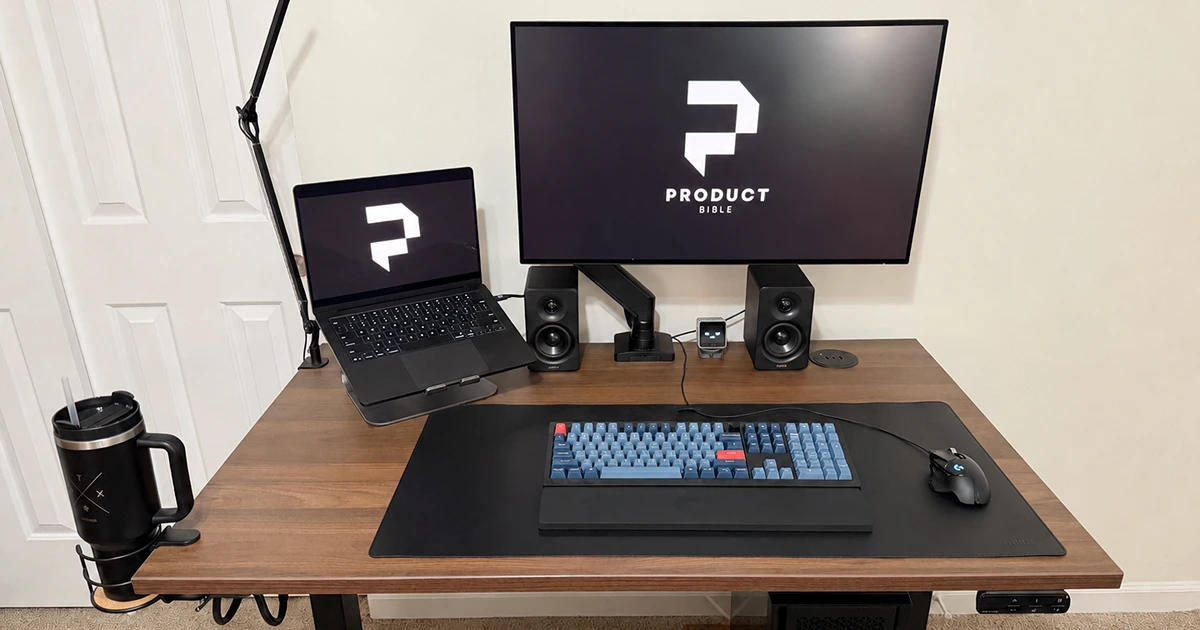
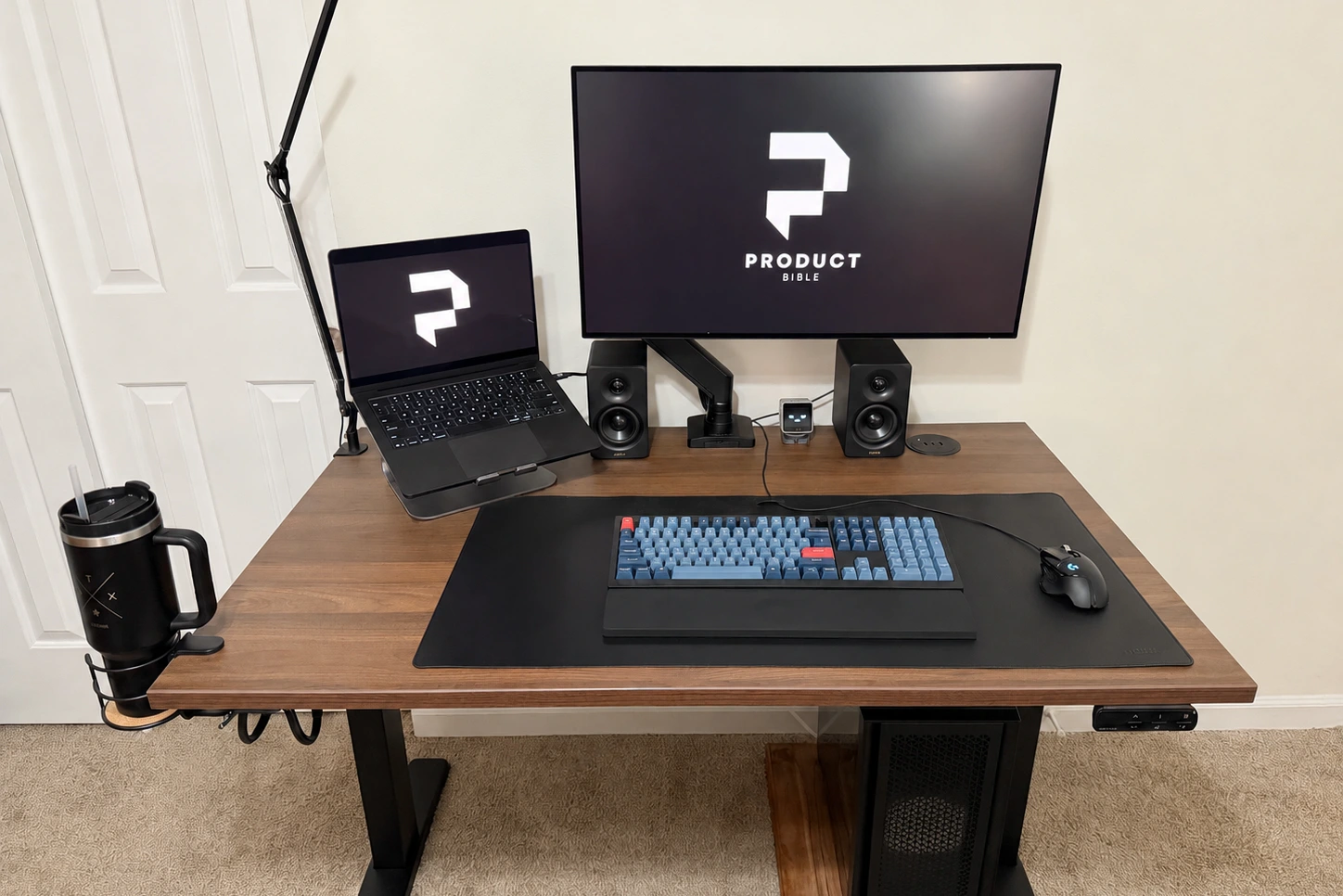
I use an UPLIFT V3 as my everyday desk, so this comparison draws on my own setup for the UPLIFT side. For FlexiSpot, I compared UPLIFT’s flagship against FlexiSpot’s closest equivalent, the E7, using FlexiSpot’s published specs and independent testing.
The short answer: choose UPLIFT if you want the most stable two-leg desk, a huge choice of tops and accessories, and a 15-year warranty that covers the desktop too. Choose FlexiSpot if you want a solid frame for about $150 to $300 less and do not need the extras.
UPLIFT V3 vs. FlexiSpot E7 specs
| Spec | UPLIFT V3 | FlexiSpot E7 |
|---|---|---|
| Height range (with 1-in. top) | 22.6 to 48.7 in. | 22.8 to 48.4 in. (frame) |
| Weight capacity | 355 lb | 355 lb |
| Lift speed | 2 in. per second | 1.5 in. per second |
| Motors | Dual, 3-stage | Dual, 3-stage |
| Desktop widths | 42 to 80 in., 24 or 30 in. deep | Several sizes; frame-only option |
| Keypad | Basic included; memory and other upgrades | Memory keypad (3 presets on the Amazon version) |
| Warranty | 15 years, including the desktop | Amazon: 5 years frame and motor, 2 years electronics. Direct: 15 years |
| Returns | 30 days, free return shipping | 30 days, no restocking fee |
| Typical price, 48 x 30 | About $600 (laminate) | About $370 with top direct; Amazon prices vary |
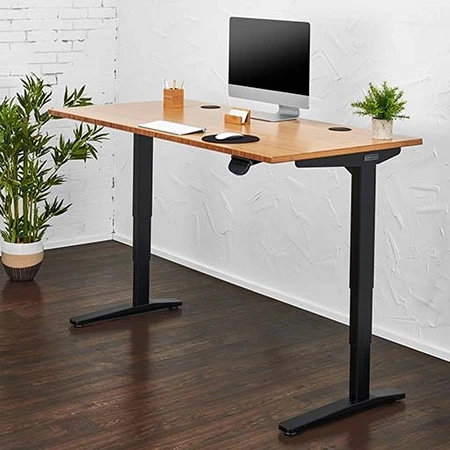
UPLIFT V3 Standing Desk
Best for Stability and Customization
A smooth, quiet dual-motor desk with deep customization and a 15-year warranty.
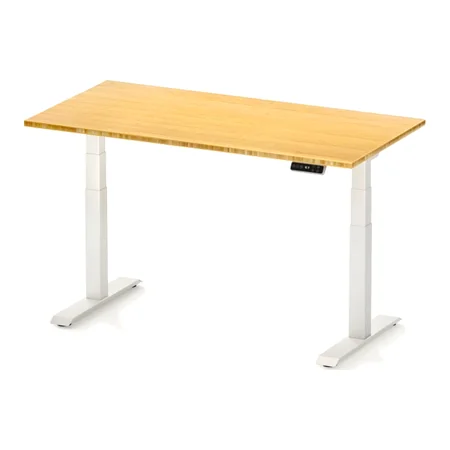
FlexiSpot E7 Standing Desk
Best Value
Sold on Amazon as the E7 Pro: a 355-pound dual-motor frame with a 48-by-30-inch solid top.
Stability: UPLIFT’s Biggest Advantage
Stability is what separates a good standing desk from a frustrating one, and it is where UPLIFT has built its reputation. Reviewers at Tom’s Guide and TechRadar describe the V3 as rock-solid. In my own use, with a 32-inch monitor, laptop stand, and speakers on top, it feels planted for typing, writing, and video calls.
It is not perfectly rigid. At taller standing heights, around 40 inches and above, the V3 shows a little front-to-back movement if you type hard or lean on it. That is normal for a two-leg desk, and it has never interrupted my work.
FlexiSpot’s E7 uses upright steel columns and matches the V3’s 355-pound rating. Testers generally find FlexiSpot’s E7-class frames sturdy, with some slight wobble at maximum height. The cheaper E5 and E6 use a lighter-duty frame rated for 220 pounds, and budget frames like these tend to show more movement when raised high. If you are tall or work at the top of the height range, that difference matters more.
If you want even more stability, both brands sell four-leg desks. I tested the UPLIFT V3 4-Leg, which lifts 535 pounds and is noticeably steadier, and FlexiSpot’s E7 Plus is its four-leg counterpart.
Customization and Accessories
This is UPLIFT’s other clear win. The V3 comes in desktop widths from 42 to 80 inches in two depths, in laminate, bamboo, solid wood, and other finishes, with a long list of keypads, grommets, cable organizers, and add-ons.
Those accessories turned out to be the part of my desk I appreciate most. I added powered grommets, an under-desk surge protector, and a cup holder that keeps my coffee safely off the desktop. The included FlexMount cable tray is wider and more adjustable than the thin trays on most desks.
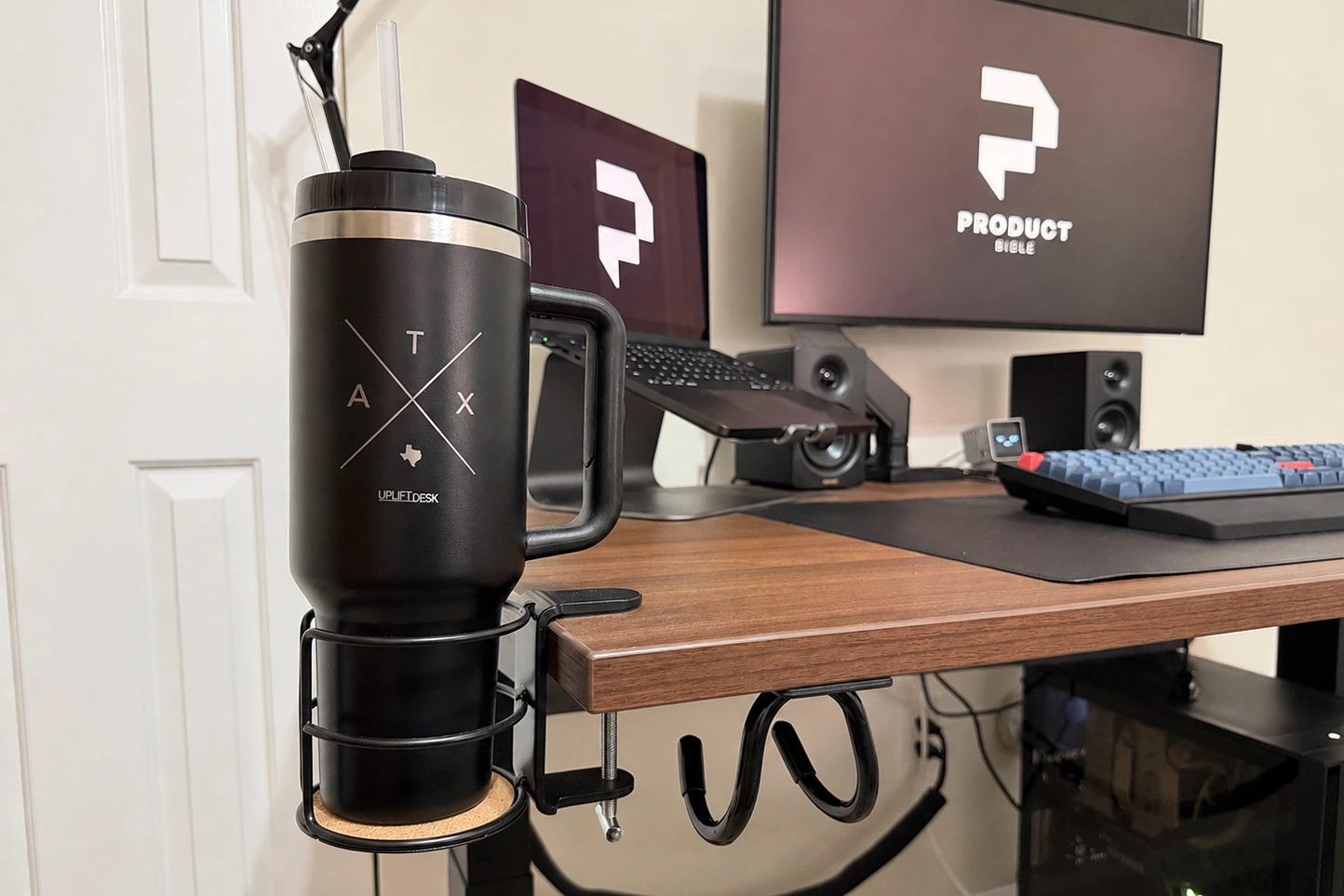
The downside is choice overload. UPLIFT’s configurator makes it easy to keep adding things, and the price climbs quickly. My advice is to choose the size and surface first, then only add accessories that solve a daily annoyance.
FlexiSpot offers fewer choices. You can buy a frame on its own and supply your own desktop, or choose from a smaller range of bundled tops. For many buyers, that simplicity is a feature.
Subscribe to Product Bible
Stay updated with the latest product reviews, buying guides, and expert recommendations. Fresh advice on the best things we've researched, tested, and reviewed, sent to your inbox weekly.
Want to know more about how we handle your data or opt out of marketing emails? Check out our Privacy Policy. If you have any questions, we're always here to help.
Keypads and Everyday Use
Both brands use memory keypads, so you can save sitting and standing heights and return to them with one press. That matters more than it sounds: presets are what make you actually switch positions during the day.
UPLIFT includes a basic keypad and sells upgrades, including the Advanced Keypad with memory presets that I use. I also added UPLIFT’s Bluetooth adapter, which lets me switch heights from a phone app. FlexiSpot’s E7 also stores memory presets; the version sold on Amazon saves three heights.
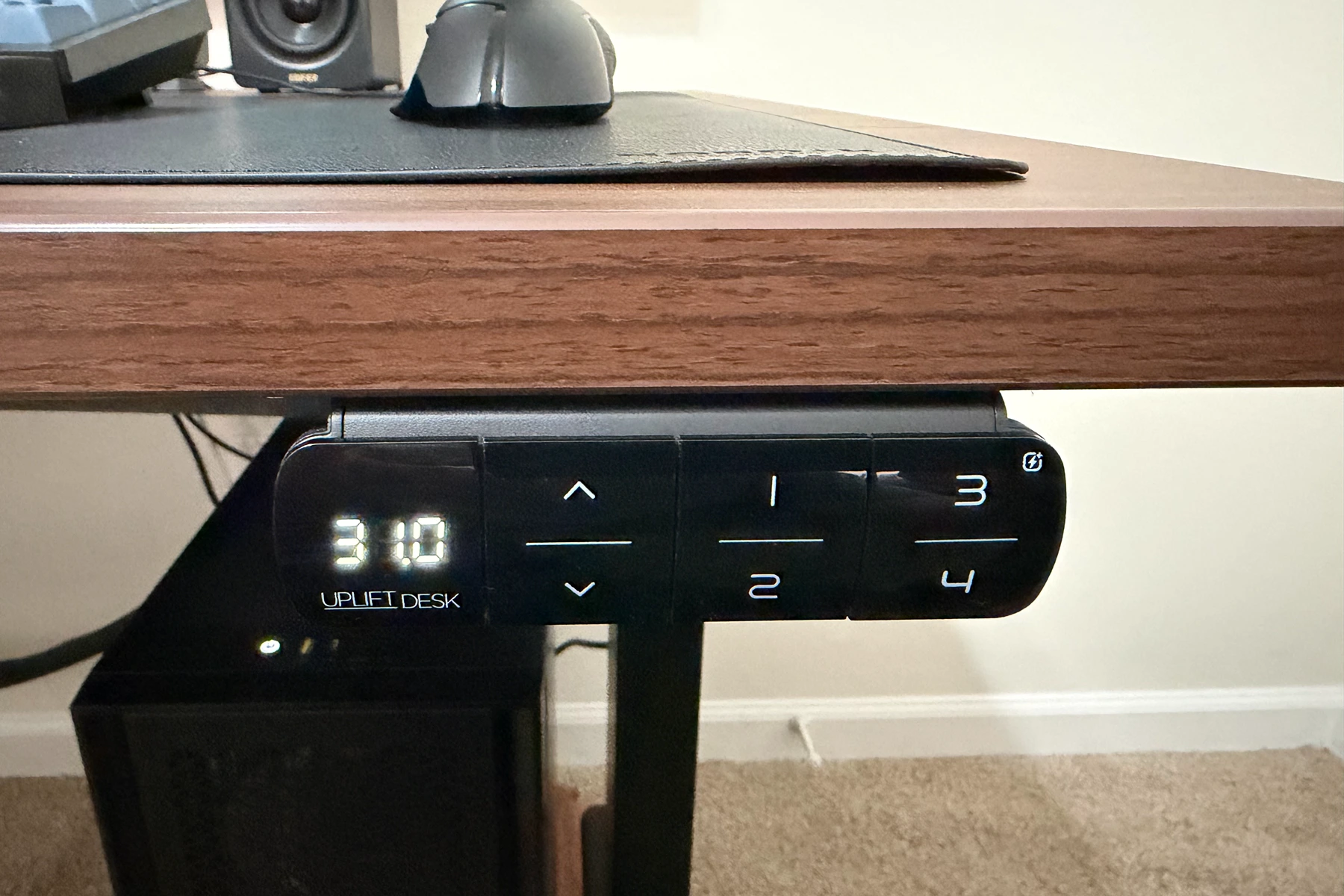
The V3 is also a little faster, lifting at about 2 inches per second compared with the E7’s 1.5 inches per second. In practice, both move from sitting to standing height in well under 20 seconds.
Warranty and Returns
UPLIFT backs the V3 for 15 years, including the desktop. FlexiSpot’s coverage depends on where you buy. The E7 sold on Amazon carries 5 years on the frame and motors and 2 years on the control panel and electronics, while FlexiSpot advertises 15 years on the frame, motor, and electronics when you buy direct, with 2 to 5 years on tops. Both offer 30-day returns. UPLIFT includes free return shipping in the contiguous US, and FlexiSpot charges no restocking fee.
Budget FlexiSpot models carry shorter coverage. The Amazon-only E6, for example, is warrantied for 5 years on the frame and motor and 2 years on the electronics.
Price
Price is FlexiSpot’s strongest argument. A 48-by-30-inch UPLIFT V3 with a laminate top starts at about $600 before upgrades. A comparable FlexiSpot E7 with a top runs about $370, and FlexiSpot also discounts frequently. One naming quirk: Amazon sells this E7 frame with a 48-by-30-inch solid top as the “E7 Pro,” while FlexiSpot’s own site uses E7 Pro for a newer C-frame model rated for 440 pounds that costs about $470.
At the low end, FlexiSpot’s E5 and the FlexiSpot E6 sell for under $300 with a top.
Assembly
Putting my V3 together took a few hours, and the instructions were clear enough that I never had to guess. UPLIFT redesigned the V3 to assemble faster than the V2, with parts that click into place or fasten with one included tool. Larger desktops are a two-person job with either brand.
Which Should You Buy?
- Choose the UPLIFT V3 if stability at standing height matters to you, you want to choose your exact size and surface, you value accessories like powered grommets and cable management, or you want the desktop covered by a 15-year warranty.
- Choose the FlexiSpot E7 if you want a sturdy dual-motor frame with the same 355-pound capacity for $150 to $300 less, and you are happy with fewer options and a shorter warranty on Amazon.
- Choose a FlexiSpot E5 or E6 if you are on a tight budget and will not be working at the top of the height range.
For more detail, read my full UPLIFT V3 review and our guide to the best standing desks. If you are adding a walking pad under your desk, check that your desk’s maximum height leaves room for the deck.