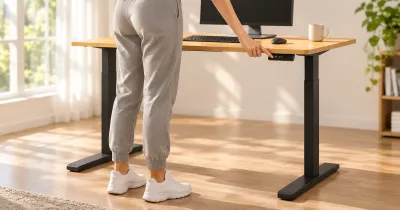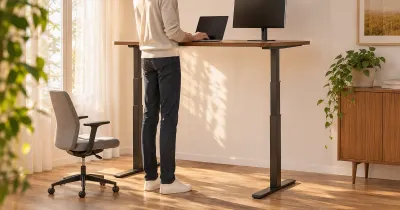
The short answer: a two-leg standing desk is the right choice for most people, and a four-leg desk is worth it when stability at standing height is the thing you care about most. Four-leg desks are steadier when raised and lift more weight. Two-leg desks cost less, weigh less, assemble faster, and leave the space under the desk open.
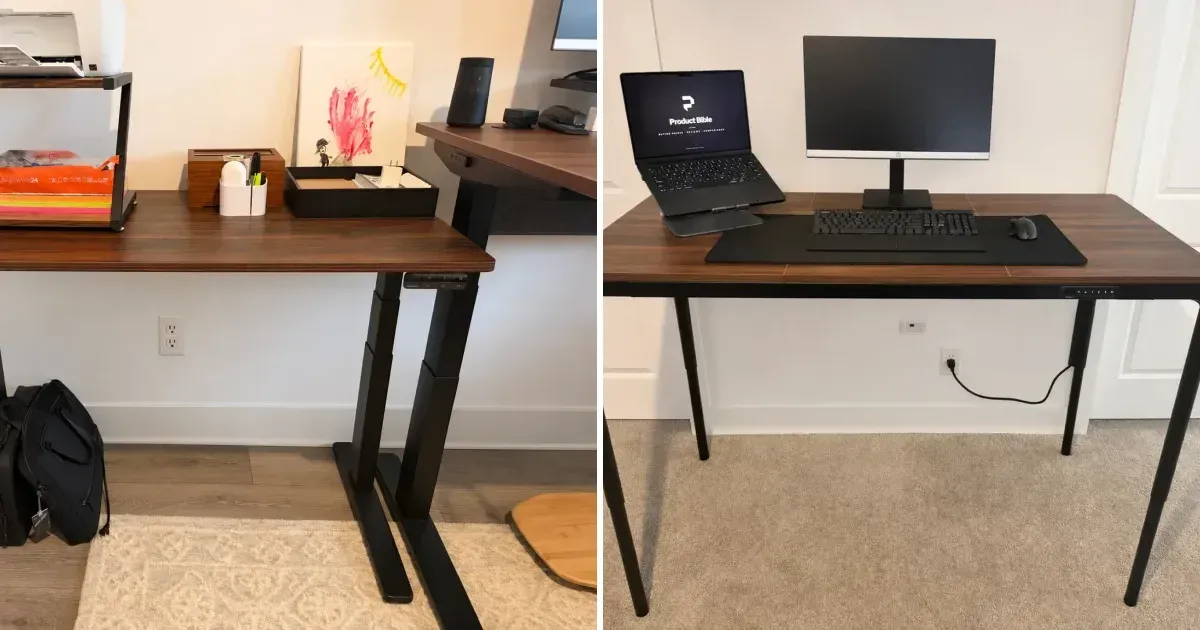
I own both kinds. My two-leg desks are an UPLIFT V3 and a V3 Essential. My four-leg desks are an UPLIFT V3 4-Leg and an UPLIFT QuadZen.
Two-Leg vs. Four-Leg at a Glance
| Two-leg | Four-leg | |
|---|---|---|
| Stability at standing height | Good on a well-built frame; some front-to-back movement above about 40 in | Steadier, especially front to back |
| Typical lift capacity | 220 to 355 lb | 220 to 535 lb |
| Legroom | Open under the whole desk | A leg at each corner |
| Assembly | Two columns, two motor cables | Four columns; up to four motor cables |
| Weight | Lighter and easier to move | Heavier; a two-person job to flip |
| Price | From about $110; $599 and up for an UPLIFT V3 | $500 to $1,000 and up |
| Best for | Most home offices | Wide tops, heavy gear, tall users, hard typists |
Stability: Why Four Legs Help
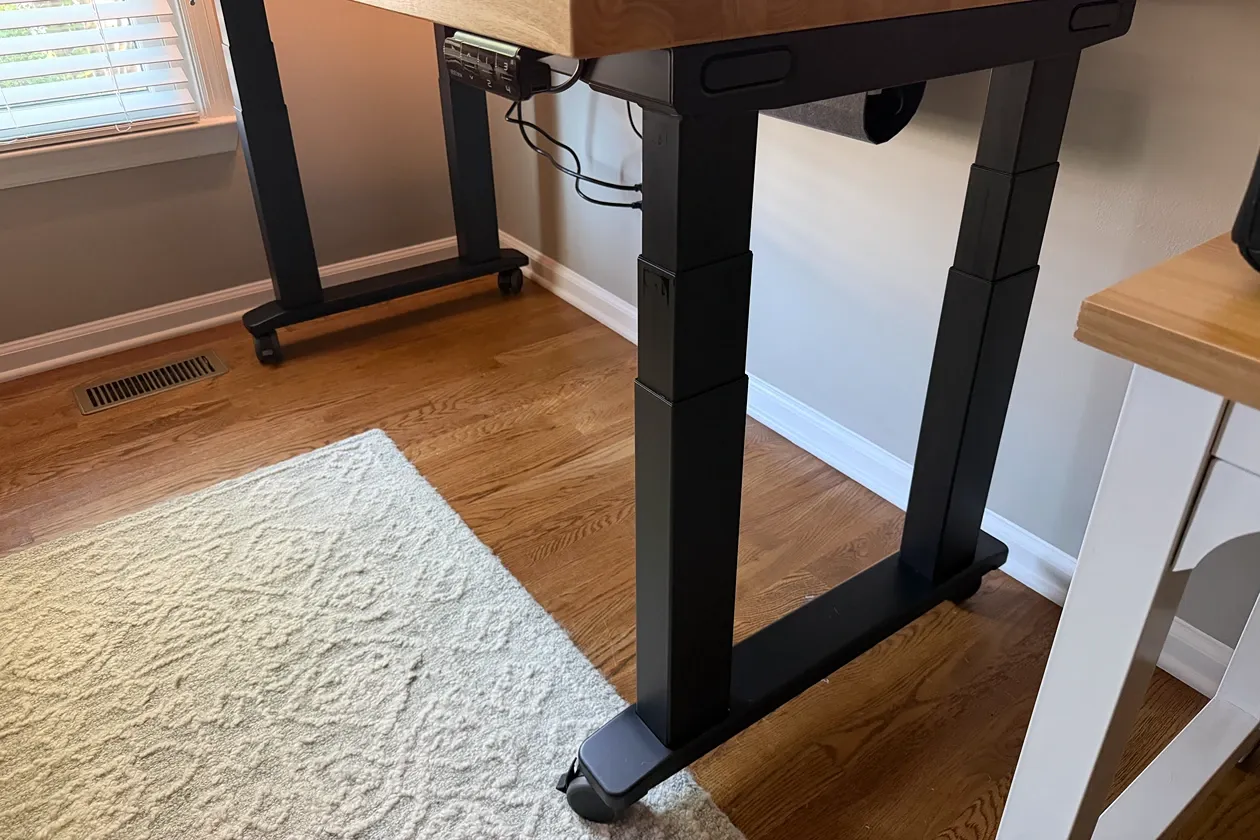
A two-leg desk stands on two columns set in from the ends, each on one long foot. Side to side, a good one is rigid. Front to back, the only thing resisting movement is the foot and the overlap between the sliding sections of each column, and that overlap shrinks as the desk rises. That’s why two-leg desks are steadiest at sitting height and move most at the top of their range.
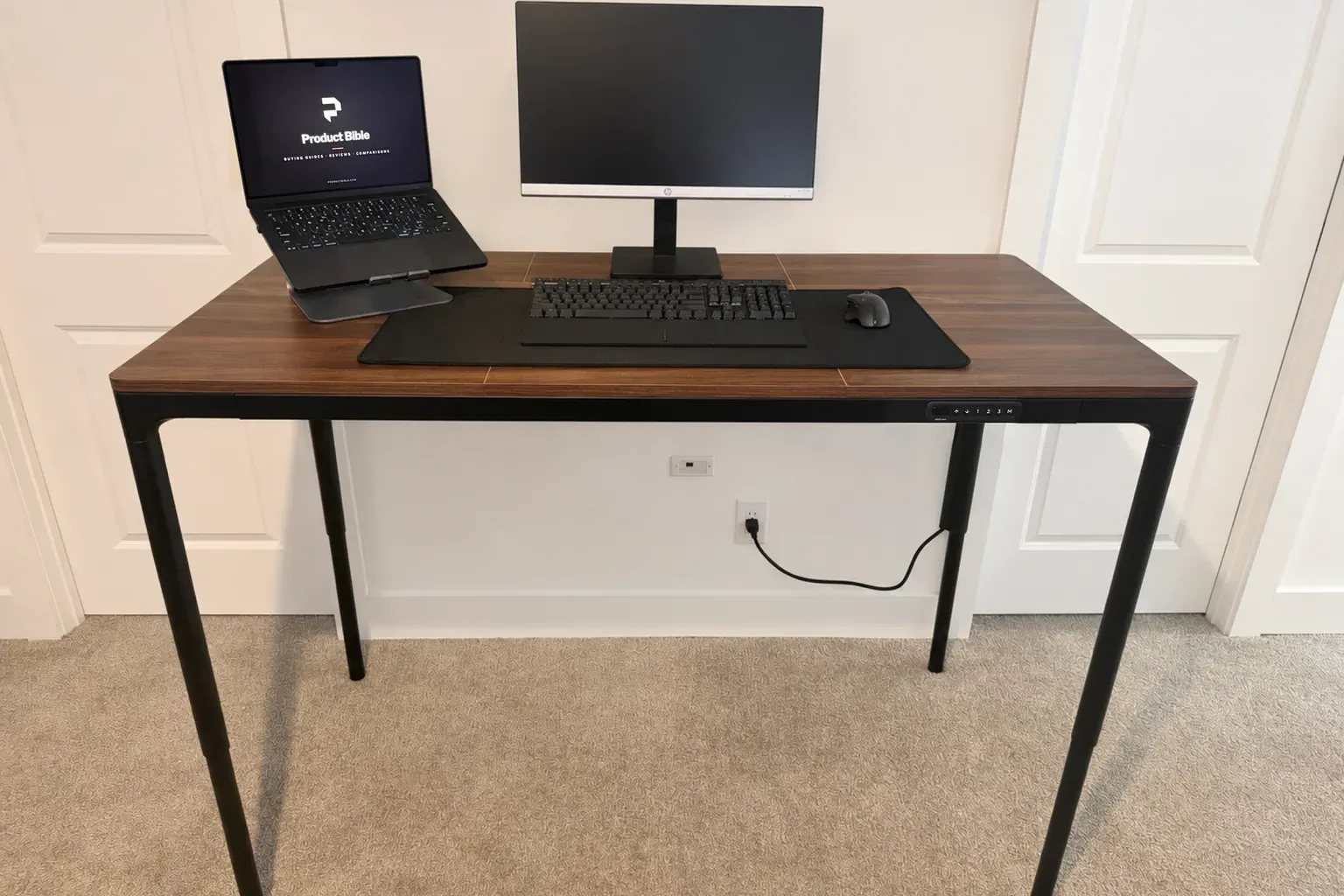
A four-leg desk puts a column near each corner, so the desktop is supported at the front and the back.
That matches what I see. My two-leg V3 feels planted for typing, writing, and video calls with a 32-inch monitor, a laptop stand, and speakers on top. At taller standing heights, around 40 inches and above, it shows a little front-to-back movement if I type hard or lean on it. It has never interrupted my work.
My V3 4-Leg feels substantial during normal typing and when I lean into the desktop, at sitting and standing height. And my QuadZen, which has slim 1.7-inch legs and the lowest lift rating of the four, is still steadier at standing height than my two-leg V3. The leg layout matters more than how thick the legs are.
Lift Capacity
Four legs usually mean more lifting power, but not always.
| Standing desk | Legs and motors | Lift capacity | Height range |
|---|---|---|---|
| UPLIFT V3 Essential | 2 legs, 2 motors | 250 lb | 22.6 to 48.7 in |
| UPLIFT V3 | 2 legs, 2 motors | 355 lb | 22.6 to 48.7 in |
| FlexiSpot E7 | 2 legs, 2 motors | 352 lb | 22.8 to 48.4 in (frame) |
| UPLIFT QuadZen | 4 legs, 4 motors | 220 lb | 27.4 to 44.7 in |
| FlexiSpot E7 Plus | 4 legs, 2 motors | 440 lb | 26 to 51.6 in (frame) |
| UPLIFT V3 4-Leg | 4 legs, 4 motors | 535 lb | 22.6 to 48.7 in |
The V3 4-Leg lifts 535 pounds against the two-leg V3’s 355. The QuadZen lifts 220, less than either two-leg UPLIFT, because it’s built to look slim. Most home offices never come near any of these numbers. A laptop, two monitors, speakers, and a desktop PC weigh well under 150 pounds. Capacity matters for heavy solid-wood tops, audio and production gear, and long monitor arms that put leverage on the frame.
Legroom and Space
This is the two-leg desk’s quiet advantage. With the columns set in from the ends and nothing at the front corners, you can roll a chair in from any angle, tuck a file cabinet or a PC under one side, and slide a walking pad under the middle.
A four-leg desk has a leg at each front corner. On my 60-inch QuadZen and my V3 4-Leg that hasn’t been in my way, since my chair sits between the legs. It matters more on a narrow desk, and it’s worth measuring if you plan to put a cabinet or a walking pad underneath.
Assembly and Weight
Four-leg desks are more work. My V3 4-Leg was easy to understand and heavy to build: four steel columns, two long feet, four motor cables to route, and a finished desk that takes two people to flip. My two-leg V3 took a few hours on my own, and my V3 Essential was very quick because its top came preassembled.
A four-leg desk is also harder to move once it’s built. If you rearrange your room often or expect to move house, that’s a point for two legs.
Price
Two-leg desks start around $110 for a budget single-motor model. An UPLIFT V3 is $659 with a 48-by-30-inch laminate top, and the V3 4-Leg with the same top is $859 in UPLIFT’s Black Friday sale and $959 regularly, so four legs add $200 to $300. The QuadZen is $749 on sale ($849 regularly) for a complete 60-by-30 desk. FlexiSpot’s four-leg E7 Plus frame is $499.99 on sale, $200 more than its two-leg E7 frame. On Amazon, FlexiSpot’s Heavy Duty 4-Leg frame lists the same capacity and height range for $529.99.
Looks
A four-leg desk looks like a table. A two-leg desk looks like office equipment. My QuadZen, with four slim legs at the corners and a keypad built into the frame, looks better in a room than any two-leg desk I’ve used. If the desk sits in a living room or a bedroom, that can be the deciding factor.
Which Should You Buy?
- Buy a two-leg desk if your setup is a laptop and one or two monitors, you want the most legroom, or you want to keep the price down. The UPLIFT V3 is the one I use every day, and the V3 Essential is the small, cheaper version.
- Buy a four-leg desk if you stand for most of the day, you’re tall and work near the top of the height range, you type hard or lean on the desk, you run a wide top with several monitors on arms, or movement at standing height bothers you.
- Among four-leg desks, the UPLIFT V3 4-Leg is the one for heavy, wide workstations, and the QuadZen is the one for a clean-looking 60-by-30 desk, if its 27.4 to 44.7 inch range fits you.
Best Two-Leg desk
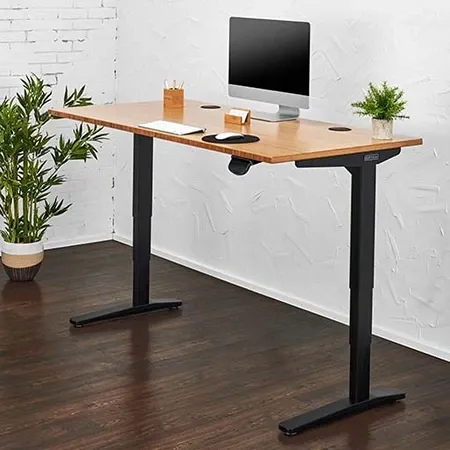
UPLIFT V3 Standing Desk
A 355-pound dual-motor desk with a 22.6 to 48.7 inch range, in 42 to 80 inch widths.
Best Four-Leg desk
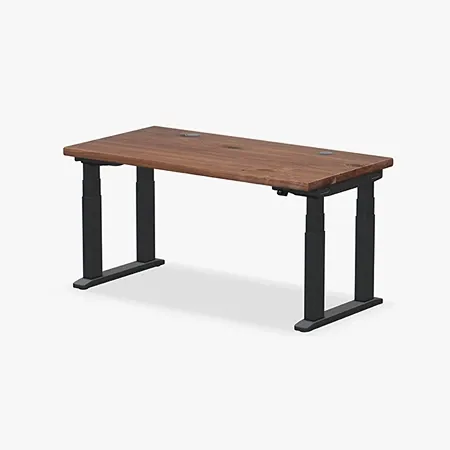
UPLIFT V3 4-Leg Standing Desk
Four synchronized lifting columns, a 535-pound rating, and the V3's full height range.
For rankings across more brands, see the most stable standing desks. For the head-to-head between my two-leg V3 and the QuadZen, see UPLIFT V3 vs. QuadZen.
Two-Leg vs. Four-Leg FAQ
Are four-leg standing desks more stable?
Yes, in my use. Both of my four-leg desks are steadier at standing height than my two-leg desks, because the desktop is supported at the front and back instead of on two columns in the middle.
Do two-leg standing desks wobble?
A well-built one barely moves at sitting height. Most show some front-to-back movement near the top of their range. On my UPLIFT V3 it starts around 40 inches and only shows if I type hard or lean on the desk.
Is a four-leg standing desk worth it?
It’s worth it if you stand most of the day, work at tall heights, or run a wide, heavy setup. For a laptop and a monitor or two, a good two-leg desk is stable enough and costs less.
Do four-leg desks get in the way of your legs?
They put a leg at each front corner. On a 60-inch desk your chair sits between them. It matters more on narrow desks and when you want a cabinet or walking pad underneath.
Do four-leg standing desks have four motors?
Some do. The UPLIFT V3 4-Leg and QuadZen have a motor in each leg. The FlexiSpot E7 Plus drives four legs with two motors.
How much weight can a four-leg standing desk hold?
It depends on the desk. The UPLIFT V3 4-Leg lifts 535 pounds, the FlexiSpot E7 Plus lifts 440, and the UPLIFT QuadZen lifts 220.