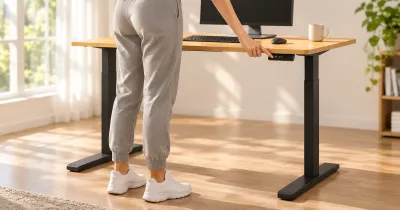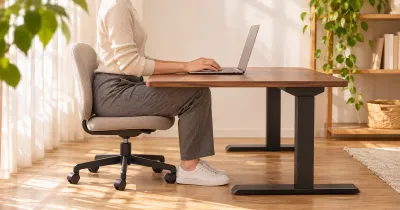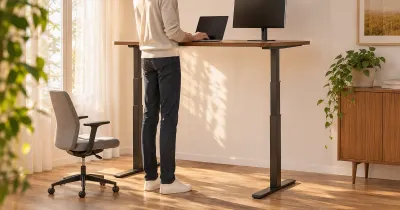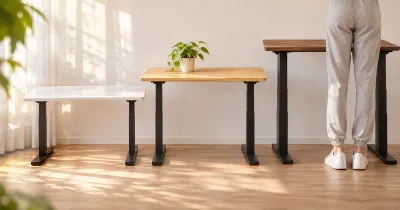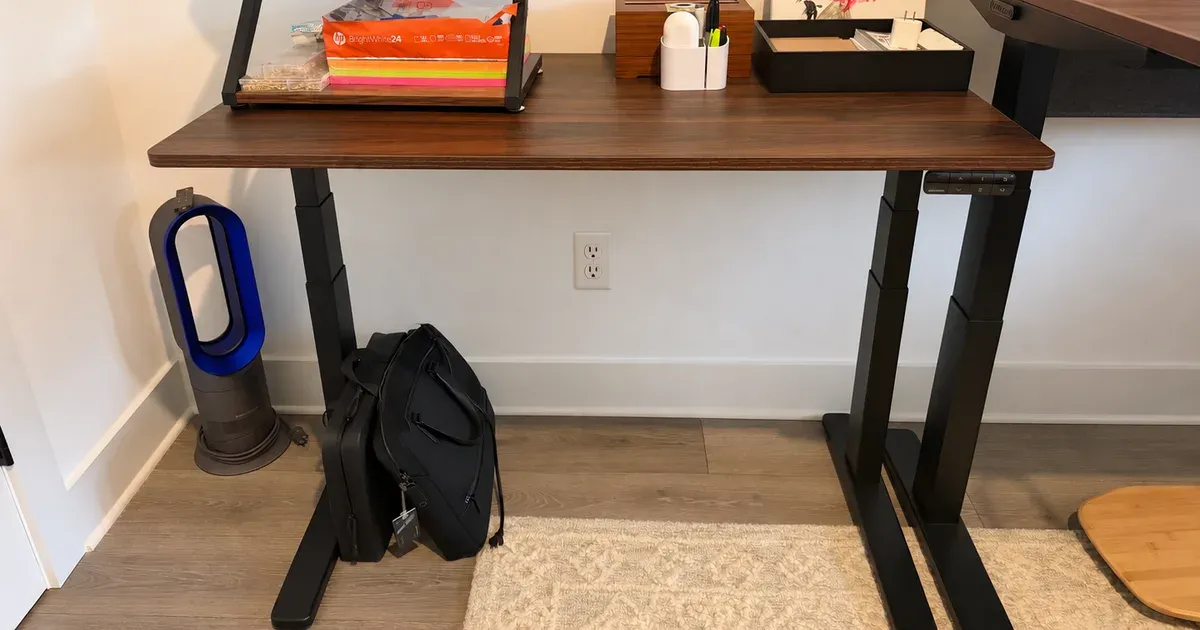
The UPLIFT V3 Essential Standing Desk is the desk I’d point to for a small space. Mine is a shared family desk, used for homework and crafts, and it fits where a bigger desk wouldn’t. At $399 in UPLIFT’s Black Friday sale through November 29, 2026, it’s a great value. It was easy to assemble, it’s stable, and I’d get it again.
The short answer: this is the UPLIFT to buy if you don’t have much room or don’t want to spend V3 money. You give up size and options, not the things that matter most day to day.
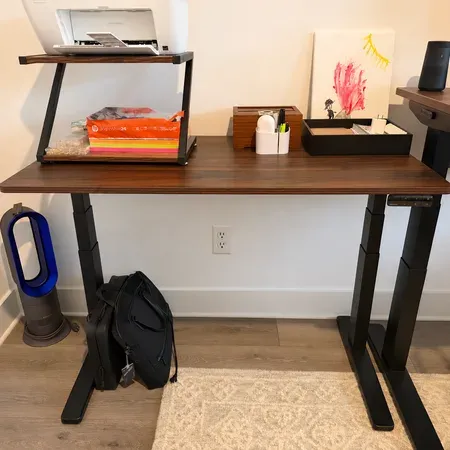
Best-Value UPLIFT desk for small spaces
UPLIFT V3 Essential Standing Desk
A compact, stable desk that was easy to assemble. $399 in UPLIFT's Black Friday sale through November 29.
UPLIFT V3 Essential Review: Quick Verdict
The V3 Essential comes as one package with a 46-by-24-inch top, so there’s little to decide. It’s a simple recommendation: if that size fits your room and your work, it’s a lot of desk for the money.
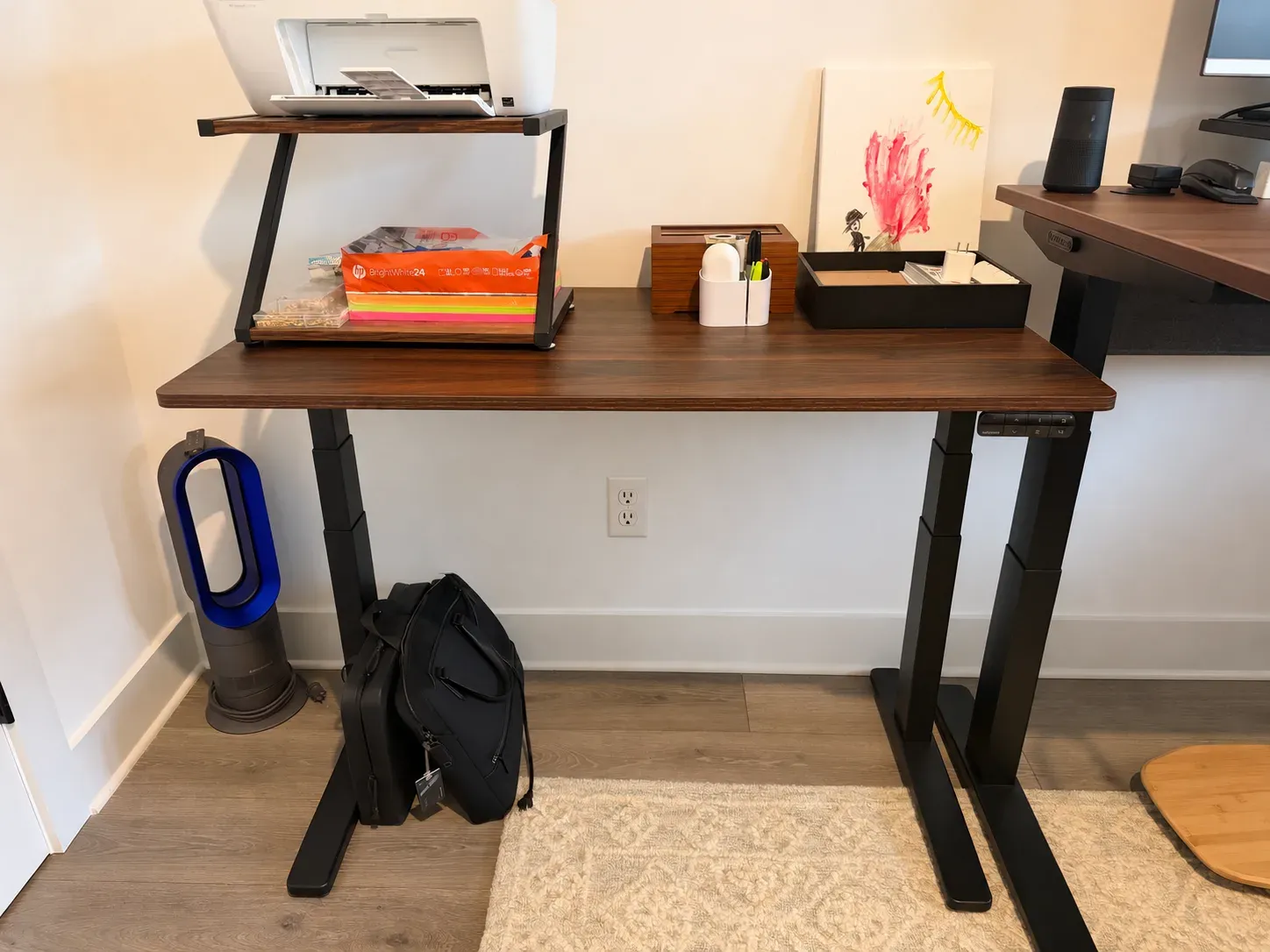
We’ve had it for about a month. It sits next to my full-size V3, with a printer shelf and organizers on top. Different people use it at different heights, and that’s where a standing desk earns its place: everyone gets a desk that fits them with one button press.
UPLIFT V3 Essential specs
| Spec | Value | Note |
|---|---|---|
| Price | $399 | Black Friday sale through November 29, 2026; regularly $469 |
| Desktop | 46 x 24 x 0.75 inches | English walnut laminate |
| Height range | 22.6 to 48.7 inches | |
| Frame | 3-stage, dual-motor V3 Essential | |
| Lift capacity | 250 pounds | |
| Keypad | Advanced keypad with USB | 4 saved heights, USB-C and USB-A with 18 watts |
| Cable management | FlexMount Cable Manager and magnetic cable channel | |
| Grommets | 2 grommet covers | |
| Safety | Anti-collision that reverses on impact |
What the UPLIFT V3 Essential Specs Mean
The V3 Essential uses a 3-stage, dual-motor frame, which is why it has such a wide height range for a budget desk. 22.6 to 48.7 inches is the same range UPLIFT lists for its full V3 frame, and UPLIFT says it meets the ANSI/BIFMA G1-2013 ergonomic guidelines. A 3-stage leg telescopes further than a 2-stage one, so the desk can go both lower and higher.
That low end matters for a shared desk. A 22.6-inch minimum leaves room for shorter people, including kids, to sit with their arms at a comfortable height, and the 48.7-inch maximum covers tall adults standing.
The 250-pound lift capacity is lower than the full V3’s, but it’s far more than a family desk needs. Ours holds a printer on a riser, desk organizers, and whatever homework or craft project is in progress, and it doesn’t come close.
Why It Works in a Small Space
The main reason to buy this desk is its size. At 46 inches wide and 24 inches deep, it fits a small space, and I think that’s where it makes the most sense. The shallower depth is often the bigger help, since it takes up less of the room than a typical 30-inch-deep desk.
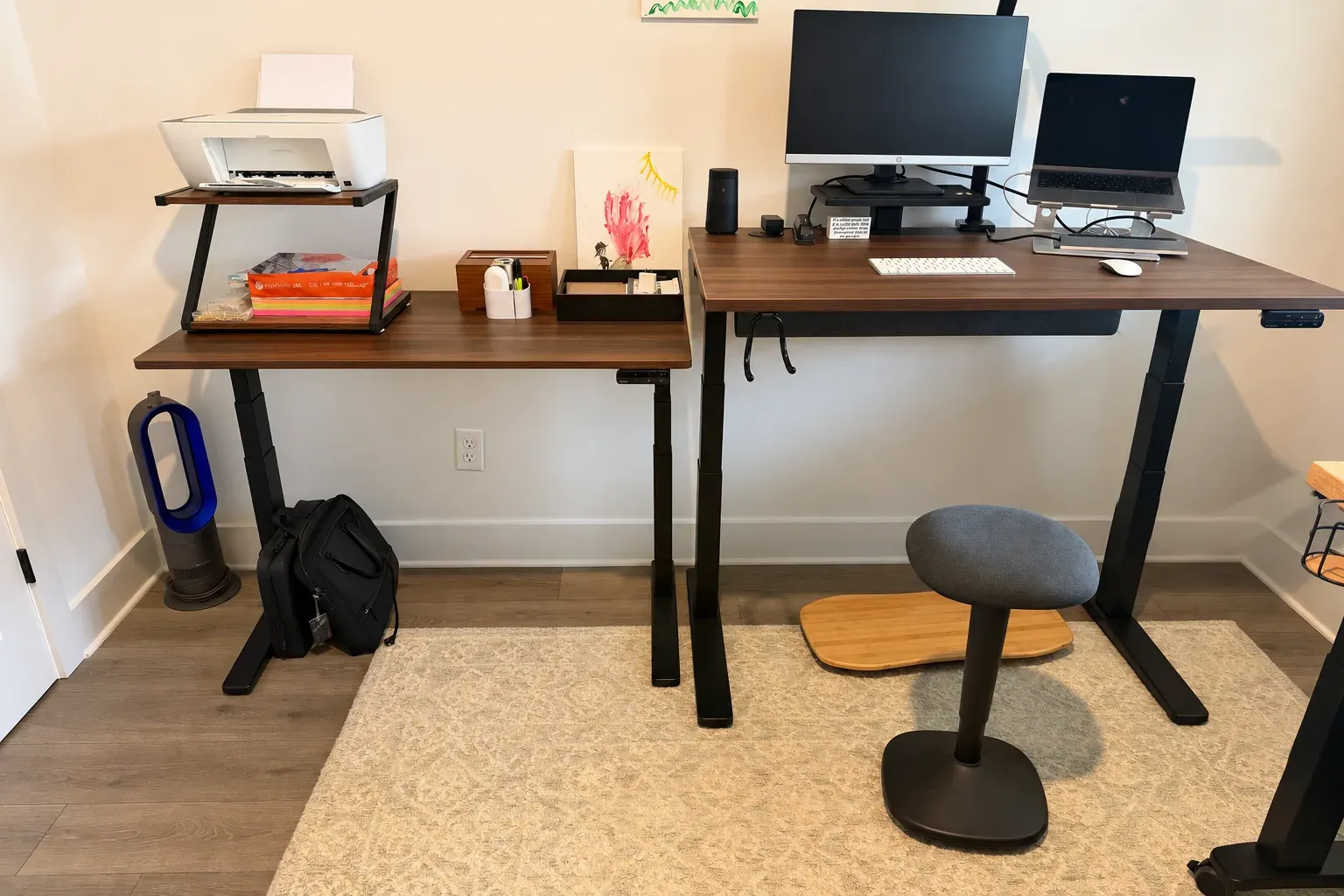
You can see the difference in the photo. My full V3 is only 2 inches wider, but it’s 6 inches deeper, and that extra depth is what pushes a desk into a walkway or makes a room feel crowded. The Essential tucks into the corner beside it, with space left for a fan and a bag underneath.
The smaller top does set limits. A printer shelf and some organizers fit comfortably, but two large monitors would not. For homework, crafts, and a shared workstation, 46 by 24 inches has been plenty.
A Desk the Whole Family Shares
Mine is a shared desk, used mostly for homework and crafts, so it needs to work for more than one person.
One Saved Height per Person
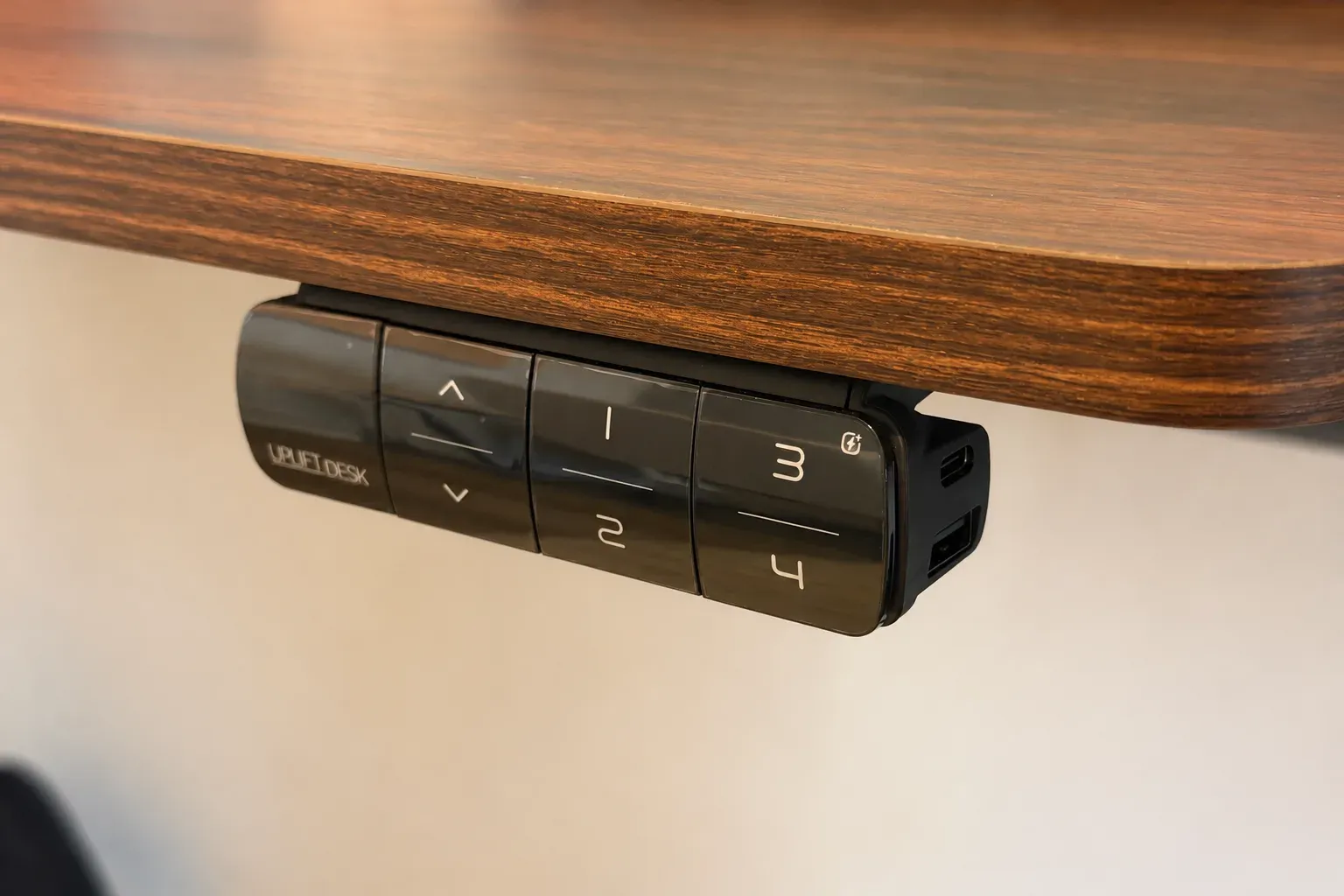
The keypad has four saved heights, and we use them the way they’re meant to be used: each person has their own preset. Someone sits down, presses their number, and the desk moves to their height. Nobody has to remember a number or hold the up button and guess.
That’s the feature I’d point to for any shared desk. A fixed-height desk is the wrong height for almost everyone except the person it was bought for. With presets, a kid doing homework and an adult at the same desk both get it right, and switching between them takes a few seconds.
Setting Up a Preset for Each Person
If you’re sharing the desk too, it’s worth spending a few minutes setting everyone’s heights up front:
- Have each person sit in the chair they’ll use. Adjust the chair first, so their feet rest flat on the floor or a footrest.
- Raise or lower the desk until their forearms rest level on the desktop with relaxed shoulders, and their elbows are at about 90 degrees.
- Save it to their number. The Advanced Keypad has four memory buttons, so each person can have one.
- Add a standing height if there’s a free slot. For standing, use the same elbow test with the person in their shoes.
Kids grow, so expect to update their presets now and then. Because saving a new height only takes a moment, that’s easy to keep up with.
USB Charging at the Keypad
The Advanced Keypad has USB-C and USB-A ports on its side, with 18 watts of power, and they get used for charging phones. It’s a small thing, but on a shared desk, it means nobody is hunting for an outlet or a spare charger. You plug in, and the phone charges while you work.
Safety With Kids Around
UPLIFT includes an anti-collision system that reverses the desk if it hits something on the way down or up. That’s worth having on any standing desk, but especially on one that kids use, where a chair arm, a stack of books, or a curious hand might end up under the desktop.
Assembly and Stability
Setup was very quick. Ours arrived with the top preassembled, so I only had to install the legs, the controls, and the cable management. UPLIFT ships everything in one box, so there’s no waiting on a separate desktop shipment.
It’s also stable in my use. Smaller desks don’t have as much surface to keep steady, and I haven’t had a problem with this one.
What You Get for $399
This is where the value shows up. The price includes the frame, desktop, Advanced Keypad with USB, two grommet covers, FlexMount Cable Manager, and a magnetic cable channel. On many desks, you’d expect to think about some of these as upgrades.
- FlexMount Cable Manager: a tray under the desk for power strips and extra cable, the same system UPLIFT uses on its full V3 desks.
- Magnetic cable channel: it attaches to a leg and hides cables running from the desk to the floor.
- Two grommet covers: they rotate open to pass wires through the desktop.
The options you can add include power grommets, which put outlets and USB ports right in the desktop, plus a wireless foot switch and casters.
V3 Essential vs. V3
My full V3 sits right next to the Essential, so this is the comparison I can make best. They share the same height range, but the full V3 lets you pick the size, top, keypad, and accessories, and it costs more once you do.
UPLIFT V3 Essential and V3 specs
| Spec | V3 Essential | V3 |
|---|---|---|
| Desktop | 46 x 24 inches only | 42 to 80 inches wide, 24 or 30 inches deep |
| My desk | 46 x 24 inches | 48 x 30 inches, 1-inch top |
| Height range | 22.6 to 48.7 inches | 22.6 to 48.7 inches (1-inch top) |
| Motors | 2 | 2 |
| Lift capacity | 250 pounds | 355 pounds |
| Keypad | Advanced Keypad with USB included | Chosen in the configurator |
- Choose the V3 Essential if you have a small space, you want to keep the price down, or you’d rather not work through a configurator.
- Choose the full V3 if you want a deeper or wider top, a thicker top, a different finish, or more lift capacity for a heavier setup.
The Essential has none of the V3’s flexibility, but it costs much less and was far quicker to set up. For a shared family desk, I wouldn’t trade its price and compact footprint for the extra options. I put the two side by side, spec by spec, in UPLIFT V3 vs. V3 Essential.
Who Should Buy the UPLIFT V3 Essential?
Buy it if you’re short on space, you want a shared desk with saved heights, you want a desk that kids and adults can both use, or you want a stable UPLIFT desk at a lower price.
Skip it if you use several monitors, you need a bigger or thicker top, or you want to choose your own finish. In those cases, the full V3 is worth the extra money.
What to Consider Before Buying
- Measure the space. 46 by 24 inches is compact, but leave room for a chair to pull out.
- Count the users. Four presets cover most households, one per person.
- Plan for power. The keypad charges phones, but a printer or lamp still needs an outlet or a power grommet.
- Know the return terms. UPLIFT offers a 30-day trial with free returns from the contiguous U.S. for like-new products in their original packaging. The V3 Essential has a 5-year warranty on all components, shorter than the 15 years UPLIFT gives the full V3.
Is the UPLIFT V3 Essential Worth It?
For me, yes. It’s a great value, it fits a small space, and I’d buy it again.
At $399 on sale, it gets you the V3’s height range, four presets, USB charging, and real cable management on a compact top. For a family desk, it’s hard to think of what else you’d need.
UPLIFT V3 Essential FAQ
How much does the UPLIFT V3 Essential cost?
It costs $399 in UPLIFT’s Black Friday sale through November 29, 2026, and $469 regularly. That includes the frame, top, keypad, grommet covers, and cable management.
What size is the UPLIFT V3 Essential?
The desktop is 46 inches wide, 24 inches deep, and 0.75 inches thick.
Is the UPLIFT V3 Essential good for small spaces?
Yes. That’s the main reason I like it.
Is the UPLIFT V3 Essential stable?
Mine is stable, and I haven’t had a problem with it as a shared desk.
Is the UPLIFT V3 Essential easy to assemble?
Mine was very quick. The top came preassembled, so I only installed the legs, the keypad, and the cable management.
What is the UPLIFT V3 Essential height range?
UPLIFT lists 22.6 to 48.7 inches.
Does the UPLIFT V3 Essential have USB ports?
Yes. Its keypad has USB-C and USB-A ports with 18 watts of power, and we use them to charge phones.
Is the UPLIFT V3 Essential good for a shared desk?
Yes. It has four saved heights, and in our house, each person has their own.