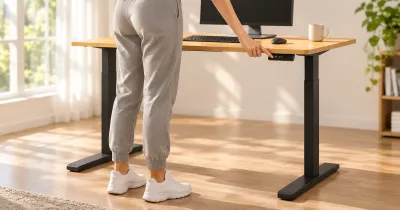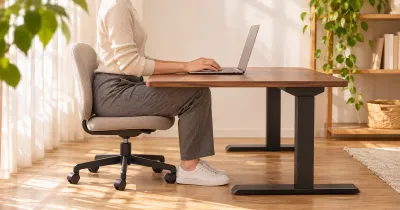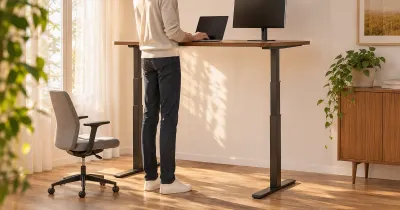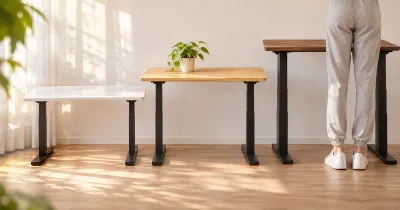
The short answer: buy the UPLIFT V3 Essential if a 46-by-24-inch desk fits your work, and buy the full UPLIFT V3 if you need a bigger top, a heavier setup, or a say in the details. The two desks have the same 22.6 to 48.7 inch height range, dual motors, and three-stage legs. The Essential is one fixed desk for $399 in UPLIFT’s Black Friday sale ($469 regularly), with a 250-pound lift rating and a 5-year warranty. The V3 is a configurator: 42 to 80 inches wide, 24 or 30 inches deep, a 355-pound lift rating, a 15-year warranty, and a price that starts at $599 and climbs with every option.
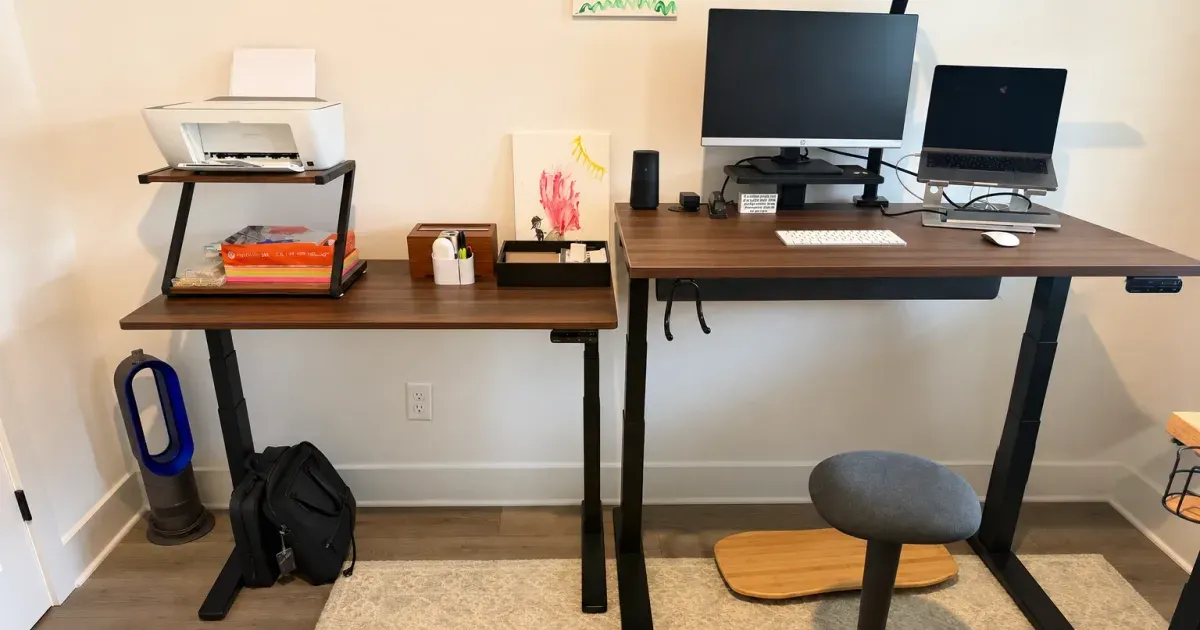
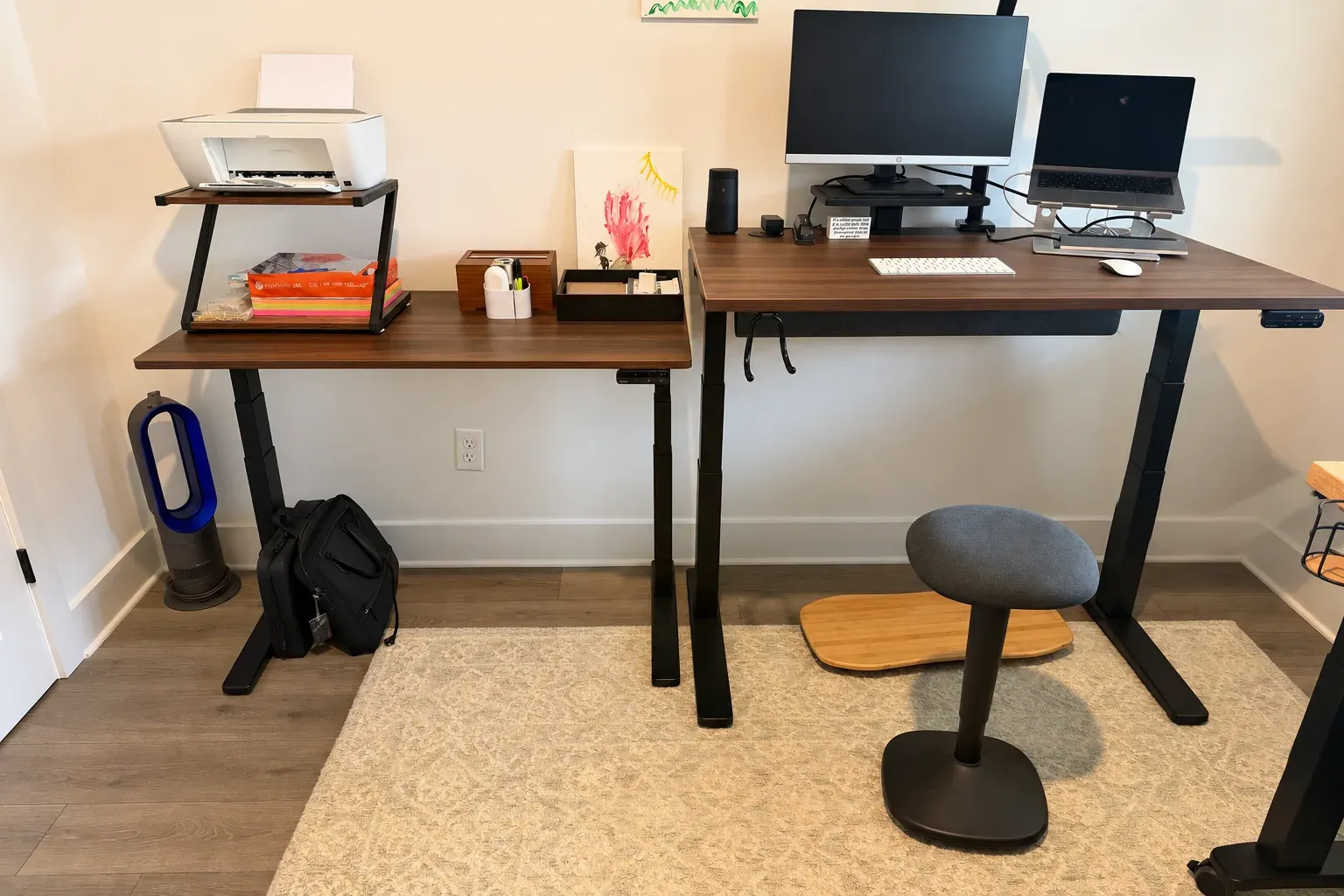
I own both. My V3 is a 48-by-30-inch walnut laminate desk that I work at every day, and the V3 Essential sits right next to it as a shared family desk.
UPLIFT V3 vs. V3 Essential specs
| Spec | UPLIFT V3 | UPLIFT V3 Essential |
|---|---|---|
| Price | From $599 (42 in. wide); $659 at 48 x 30 | $399 on sale through November 29; $469 regularly |
| Desktop size | 42 to 80 in. wide; 24 or 30 in. deep | 46 x 24 in. |
| Desktop | 1 in. laminate or bamboo; solid wood up to 1.75 in. | 0.75 in. walnut laminate |
| Height range | 22.6 to 48.7 in. (1 in. top) | 22.6 to 48.7 in. |
| Lift capacity | 355 lb | 250 lb |
| Frame | Dual motor, 3-stage legs | Dual motor, 3-stage legs |
| Keypad | Basic, no presets; Advanced with USB is $34 more | Advanced Keypad with USB-C and USB-A, 4 presets |
| Cable management | FlexMount Cable Manager and 10 cable wraps | FlexMount Cable Manager and magnetic cable channel |
| Grommets | Covers included; power grommets optional | 2 grommet covers; power grommets optional |
| Anti-collision | Yes, adjustable | Yes |
| Shipping | Frame and top in separate boxes | One box, top preassembled |
| Warranty | 15 years | 5 years |
| Returns | 30 days | 30 days |
Best for small spaces and tight budgets
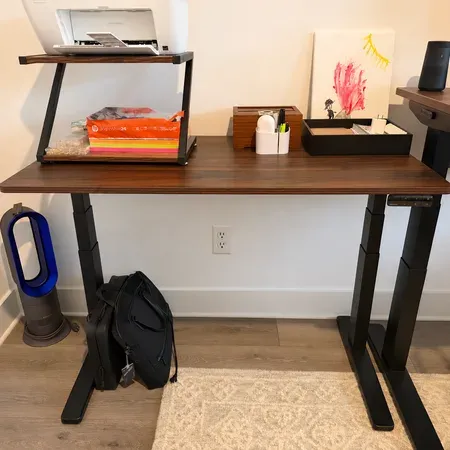
UPLIFT V3 Essential Standing Desk
A 46-by-24-inch desk with the V3 height range and a USB keypad. $399 in UPLIFT's Black Friday sale through November 29.
Best for bigger tops and heavier setups
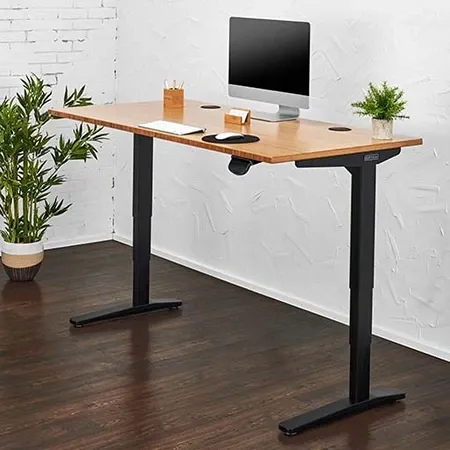
UPLIFT V3 Standing Desk
A 355-pound dual-motor frame in 42 to 80 inch widths, with your choice of top and keypad.
What the Two Desks Share
The parts that decide whether a standing desk fits your body are the same on both.
- Height range. Both go from 22.6 to 48.7 inches, so both sit low enough for shorter people and rise high enough for most tall ones. If one fits you, so does the other.
- Lifting system. Both use two motors and three-stage legs, with anti-collision that reverses the desk if it hits something.
- Cable management. Both come with UPLIFT’s FlexMount Cable Manager, a tray under the desk for a power strip and spare cable.
- Returns. Both come with a 30-day trial with free returns from the contiguous U.S. for like-new products in their original packaging.
Both have also been stable in my use. Smaller desks don’t have as much surface to keep steady, and I haven’t had a problem with the Essential.
Where the V3 Essential Wins
Price
The Essential costs $399 in UPLIFT’s Black Friday sale through November 29, 2026, and $469 regularly. That price includes the frame, the desktop, the Advanced Keypad with USB, two grommet covers, the FlexMount Cable Manager, and a magnetic cable channel that hides the cords running down a leg. On a full V3, a keypad with memory presets is an upgrade: the smallest V3 with the same USB keypad comes to $633.
Setup
My Essential arrived in one box with the top preassembled. I only had to install the legs, the keypad, and the cable management, and it was very quick. My V3 took a few hours. The instructions were clear and nothing was hard, but there were more parts and a heavier top to handle.
Footprint
At 46 by 24 inches, the Essential fits where a full-size desk doesn’t. Ours holds a laptop, a monitor, and a keyboard, with room for a printer shelf beside it. If your desk is going in a bedroom corner or a shared room, that size is the main reason to choose it.
The keypad it comes with
The Essential’s keypad has four presets plus USB-C and USB-A ports with 18 watts of power. We use the ports to charge phones, and four presets is enough for each person in a household to save a height.
Where the Full V3 Wins
Size
This is the big one. The V3 comes in widths from 42 to 80 inches and depths of 24 or 30 inches. My 48-by-30 is one of the smaller configurations, and it still fits a laptop on a stand, a 32-inch monitor, and a pair of speakers. Those extra 6 inches of depth matter more than the width: they put a large monitor at a comfortable distance and leave room for a keyboard and a notebook in front of it.
Lift capacity
The V3 lifts 355 pounds and the Essential lifts 250. A laptop, a monitor or two, and speakers come nowhere near either number. The V3’s extra capacity matters for a heavy solid-wood top, a desktop PC on the surface, several monitors on arms, or audio gear.
Choice
On the V3 you choose the desktop material and finish, the frame color, the keypad, and the accessories. I added powered grommets, an under-desk surge protector, and a clip-on cup holder, and those are the parts of the desk I appreciate most. The Essential takes a few add-ons, including power grommets, a wireless foot switch, and casters, but you don’t pick its size, top, or finish.
A thicker top
The V3’s laminate top is 1 inch thick, against 0.75 inch on the Essential, and the V3 can be ordered in bamboo or in solid wood up to 1.75 inches. A thicker top holds a monitor-arm clamp better and feels more substantial under your wrists.
Warranty
UPLIFT covers the V3’s frame, motors, electronics, and desktop for 15 years. The V3 Essential is one of the few UPLIFT products with a shorter term: 5 years on all components. For a desk you expect to keep a decade, that’s a real difference.
Which Should You Buy?
- Buy the V3 Essential if a 46-by-24-inch desk is big enough, you want to spend about $400, or you’d rather skip the configurator. It’s the right pick for a small room, a second desk, or a desk the family shares.
- Buy the full V3 if you want a deeper or wider top, you run a heavy setup, or you care about the finish and the accessories. It’s the better main desk for full-time work.
- Look at the UPLIFT V3 4-Leg if stability at standing height is the priority and the budget is open. It lifts 535 pounds and is the steadiest of the three.
For a shared family desk, I wouldn’t trade the Essential’s price and footprint for the V3’s options. For the desk I work at all day, I wouldn’t give up the V3’s depth.
Read my full UPLIFT V3 Essential review and UPLIFT V3 review for photos and more detail on each, or see how the V3 compares with the four-leg QuadZen.
UPLIFT V3 vs. V3 Essential FAQ
What is the difference between the UPLIFT V3 and the V3 Essential?
The V3 Essential is a single 46-by-24-inch desk with a 250-pound lift capacity and a fixed set of parts for $399 to $469. The V3 is configurable from 42 to 80 inches wide, lifts 355 pounds, starts at $599, and has a 15-year warranty against the Essential’s 5 years. Both have the same 22.6 to 48.7 inch height range.
Is the UPLIFT V3 Essential the same frame as the V3?
No. UPLIFT sells it as the V3 Essential frame. It has the V3’s height range, dual motors, and three-stage legs, with a lower 250-pound lift rating.
Is the UPLIFT V3 Essential worth it?
Yes, if the size works. Mine has been stable and was very quick to set up, and the price includes a USB keypad with four presets and cable management.
Is the UPLIFT V3 Essential big enough for two monitors?
Two small monitors fit on a 46-inch top, but 24 inches of depth is tight for large screens. For two 27-inch monitors or one large one, a 30-inch-deep V3 is more comfortable.
Does the V3 Essential have the same warranty as the V3?
No. UPLIFT covers the V3 for 15 years and the V3 Essential for 5 years. Both get a 30-day trial.
Which is more stable, the V3 or the V3 Essential?
Both are stable in my use. The Essential carries a smaller top, which gives a desk less to keep steady, and I haven’t had a problem with either one.