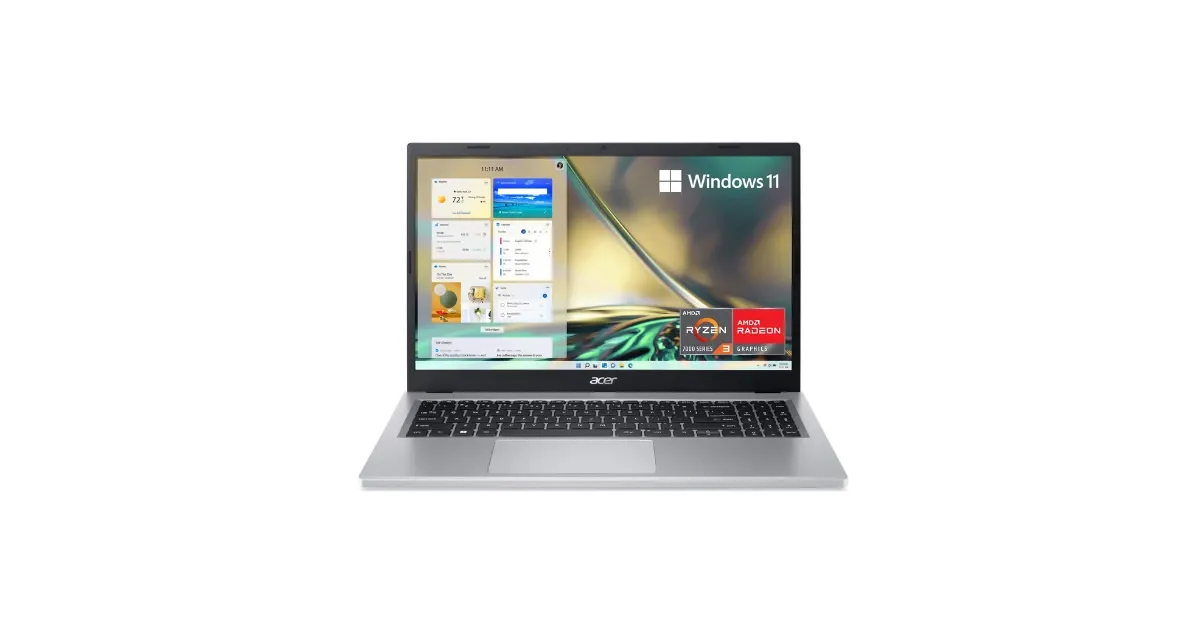
The Acer Aspire 3 A315-24P is one of the best-selling budget Windows laptops on Amazon, and the reason is simple: it’s a 15.6-inch Full HD laptop with a modern AMD chip, USB-C charging, and an SSD for under $400. The most common configuration, the A315-24P-R7VH, pairs a Ryzen 3 7320U with 8GB of LPDDR5 memory and a 128GB NVMe SSD, and it sells for about $369.
It’s a good computer for web browsing, email, Google Docs and Microsoft 365, video calls, and streaming. It’s a poor fit for gaming, photo or video editing, or anyone who keeps dozens of browser tabs open, and you need to know about its two real limits before you buy: the memory can’t be upgraded, and the screen is dim.
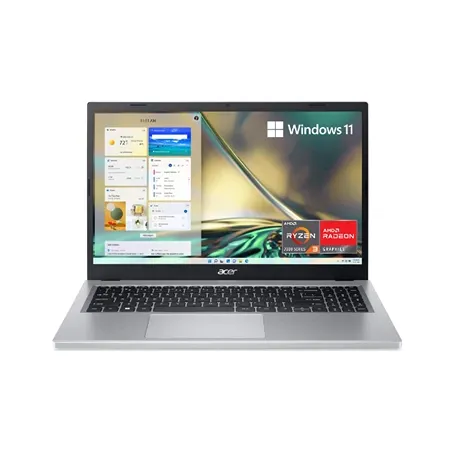
Acer Aspire 3 A315-24P-R7VH
A 15.6-inch Full HD budget laptop with a Ryzen 3 7320U, 8GB of LPDDR5, a 128GB SSD, Wi-Fi 6, and USB-C charging.
Quick Verdict
Buy the Aspire 3 if you need an inexpensive Windows laptop for schoolwork, browsing, and streaming, and you want a big screen with a numeric keypad. Its AMD chip is efficient, it charges over USB-C, and its HDMI 2.1 port drives an external monitor.
Skip it if you’ll run demanding software, keep many apps open at once, or work outdoors or by a bright window. The 8GB of memory is soldered and can’t be upgraded, the base 128GB SSD fills up fast, and the screen is dim with muted colors. If you mostly live in a browser, a Chromebook Plus at a similar price gives you more storage and a better experience on modest hardware.
Acer Aspire 3 A315-24P-R7VH specs
| Spec | Value | Note |
|---|---|---|
| Processor | AMD Ryzen 3 7320U | 4 cores, 8 threads, up to 4.1 GHz |
| Graphics | AMD Radeon 610M (integrated) | |
| Memory | 8GB LPDDR5 | Soldered, not upgradeable |
| Storage | 128GB NVMe SSD | M.2 slot, upgradeable |
| Display | 15.6-inch, 1920 x 1080, IPS, 60 Hz, matte | About 250 nits |
| Ports | USB-C 3.2 Gen 2, 2x USB-A 3.2 Gen 1, HDMI 2.1, headphone jack | USB-C charges and outputs video |
| Wireless | Wi-Fi 6, Bluetooth 5 | |
| Battery | About 40 Wh | |
| Weight | About 3.5 to 3.9 lb | Varies by configuration |
| Price | About $369 | R7VH on Amazon |
Configurations
The A315-24P is a family, and the model suffix tells you what’s inside. The version we link to, the A315-24P-R7VH, has the Ryzen 3 7320U, 8GB of RAM, and a 128GB SSD. You’ll also find:
- Ryzen 5 7520U versions with a slightly faster chip (up to 4.3 GHz) and larger SSDs, often 512GB.
- Touchscreen versions (A315-24PT), which add a touch panel and usually cost more.
- Third-party “upgraded” listings with 16GB of RAM and 1TB SSDs at higher prices. Since the memory is soldered at the factory, check the listing carefully: sellers can swap the SSD, but the RAM amount has to come from Acer.
The Ryzen 3 7320U and Ryzen 5 7520U are closely related. Both have four Zen 2 cores, eight threads, and the same Radeon 610M graphics, so the Ryzen 5 is only modestly faster. If you’re choosing between them, put your money toward more storage before a faster chip.
Performance
The Ryzen 7320U is a low-power, 15-watt chip from AMD’s “Mendocino” line, designed for budget laptops. It handles the work most people do every day: Chrome or Edge with a handful of tabs, Microsoft 365 or Google Docs, Zoom or Teams calls, Netflix and YouTube in 1080p, and basic photo touch-ups.
Where it struggles is anything that needs more cores or graphics power. Its integrated Radeon 610M has only two graphics compute units, so it’s fine for video playback and browser games but not for modern 3D games, and video editing is slow. Large spreadsheets, many browser tabs, and running several apps at once also run into the 8GB memory limit before they run into the processor’s limits.
The 8GB and 128GB Limits
Memory. Windows 11 runs on 8GB, but it doesn’t leave much headroom. With a browser, a video call, and an office app open, an 8GB laptop starts swapping to the SSD and feels sluggish. On the Aspire 3, the LPDDR5 memory is soldered to the motherboard, so you can’t add more later. If you know you’ll multitask heavily, this isn’t the right laptop.
Storage. A fresh Windows 11 install plus updates uses a large share of a 128GB drive, leaving little room for apps, photos, and offline files. The good news is that the SSD is a standard M.2 NVMe drive, so you can replace it with a larger one, or simply keep files in OneDrive or Google Drive. If you’d rather not open the laptop, buy a configuration with 512GB from the start.
S mode. Some listings ship with Windows 11 Home in S mode, which only runs apps from the Microsoft Store. You can switch out of S mode for free in Settings, but it’s a one-way change.
Display
The 15.6-inch screen is a Full HD (1920 x 1080) IPS panel with a matte finish and a 60 Hz refresh rate. Full HD looks sharp enough at this size, the matte coating limits reflections, and IPS means colors don’t shift when you look at it from an angle.
Its weaknesses are brightness and color. The panel tops out around 250 nits, which is fine indoors but hard to read near a sunny window or outside, and it covers only about half of the sRGB color space, so colors look flat next to a phone or a pricier laptop. For documents, browsing, and streaming that’s acceptable; for photo editing it isn’t.
Ports, Keyboard, and Webcam
The Aspire 3 has a better port selection than many laptops that cost twice as much:
- USB-C 3.2 Gen 2 (10 Gbps) that also handles charging and DisplayPort video output
- Two USB-A 3.2 Gen 1 (5 Gbps) ports for mice, flash drives, and older accessories
- HDMI 2.1 for an external monitor or TV
- 3.5mm headphone and mic jack
- Wi-Fi 6 and Bluetooth 5
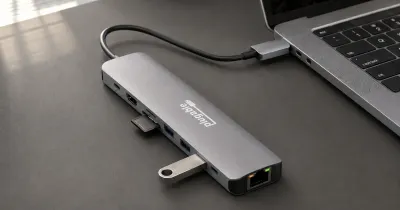
Because it charges over USB-C, you can use a USB-C phone or laptop charger in a pinch, as long as it supplies enough wattage, and a USB-C hub can add more ports.
The keyboard is full-size with a numeric keypad, which is handy for spreadsheets and data entry. The 720p webcam is basic; Acer uses noise reduction to clean up the image in dim light, but it won’t match a 1080p camera. There’s no fingerprint reader or IR camera, so you’ll log in with a PIN or password.
Battery Life and Build
The battery is around 40 Wh, which is small for a 15.6-inch laptop. The efficient Ryzen chip helps, but expect to plug in during a long day rather than counting on all-day unplugged use. USB-C charging means you can top it up from many chargers.
The body is plastic, and at roughly 3.5 to 3.9 pounds depending on the configuration, it’s light for its size but not a laptop you’ll forget is in your bag. Expect some flex in the keyboard deck; that’s typical at this price.
Acer Aspire 3 vs. Other Budget Laptops
| Laptop | Processor | Memory / storage | Screen | Price |
|---|---|---|---|---|
| Acer Aspire 3 A315-24P-R7VH | Ryzen 3 7320U | 8GB / 128GB | 15.6” FHD, matte | About $369 |
| HP 15 touchscreen | Ryzen 3 7320U | 8GB / 256GB | 15.6” 1366 x 768 touch | About $490 |
| Acer Chromebook Plus 514 | Intel Core 3 N355 | 8GB / 512GB | 14” FHD touch | About $455 |
The HP 15 is the Aspire 3’s closest rival, with a touchscreen and twice the storage, but a low-resolution 1366 x 768 screen and a USB-C port that can’t charge it or drive a monitor. The Acer Chromebook Plus 514 is the better buy if your work happens in a browser: ChromeOS runs well on 8GB, it gets updates until 2035, and it has four times the storage. If you need Windows apps, stick with the Aspire. For more choices, see our best budget laptops and best laptops for college students guides, and our Chromebook vs. laptop explainer.
Who Should Buy It, and Who Should Skip It
Buy it if you need a Windows laptop for under $400 for school, browsing, office work, and streaming; you want a large screen with a numeric keypad; or you’ll mostly use it at a desk with an external monitor.
Skip it if you multitask heavily or run demanding apps (the 8GB can’t grow), you want a bright or color-accurate screen, you need long battery life, or your work happens entirely in a browser, where a Chromebook Plus is a better value.
Final Verdict
The Acer Aspire 3 A315-24P is a sensible, inexpensive Windows laptop with useful ports, USB-C charging, and a chip that handles everyday work. Just buy it with clear expectations: the memory is fixed at 8GB, the base storage is small, and the screen is dim.
If you can afford a configuration with 512GB of storage, get it. If you only need a browser, look at a Chromebook Plus first.