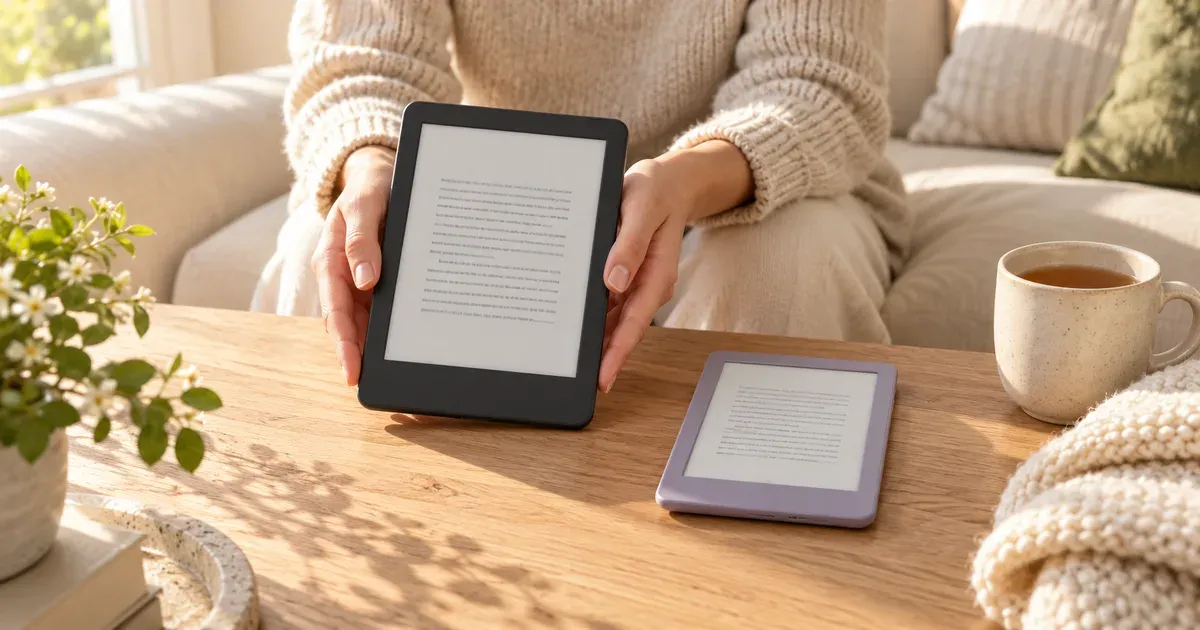
The Kindle and the Kindle Paperwhite are Amazon’s two best-selling e-readers, and both were redesigned in October 2026. They share the same sharp 300 ppi E Ink screen, the same 16 GB of storage, and the same Kindle Store. The Paperwhite adds a bigger screen, warm light, waterproofing, and twice the battery life for $50 more.
The short answer: buy the Kindle Paperwhite ($199.99) if you read most days, read in bed or in the bath, or want a screen closer to a paperback page. Buy the basic Kindle ($149.99) if you want the smallest, lightest Kindle for a bag or a pocket and mostly read in daylight. For most readers, the Paperwhite is worth the extra $50.
Kindle vs. Kindle Paperwhite specs (2026 models)
| Spec | Kindle | Kindle Paperwhite |
|---|---|---|
| Price with ads | $149.99 | $199.99 |
| Price without ads | $169.99 | $219.99 |
| Screen | 6-inch, 300 ppi, glare-free | 7-inch, 300 ppi, glare-free |
| Flush-front screen | Yes (new for 2026) | Yes |
| Warm light | No, brightness only | Yes, adjustable |
| Waterproof | No | Yes, IPX8 |
| Battery life | Up to 6 weeks | Up to 12 weeks |
| Storage | 16 GB | 16 GB |
| Replaceable battery | Yes | Yes |
| Charging | USB-C (no cable in the box) | USB-C (no cable in the box) |
| Colors | Graphite, Ube | Graphite |
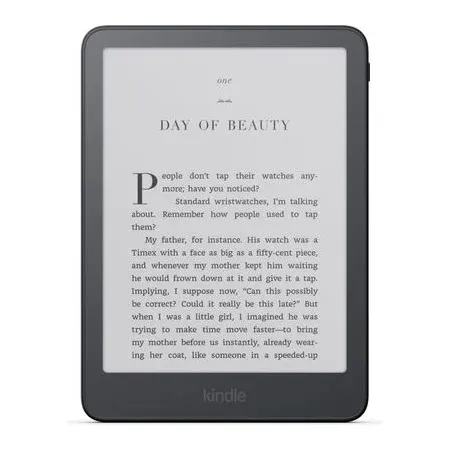
Best kindle for most readers
Kindle Paperwhite (2026)
A 7-inch flush-front screen with warm light, IPX8 waterproofing, and up to 12 weeks of battery.
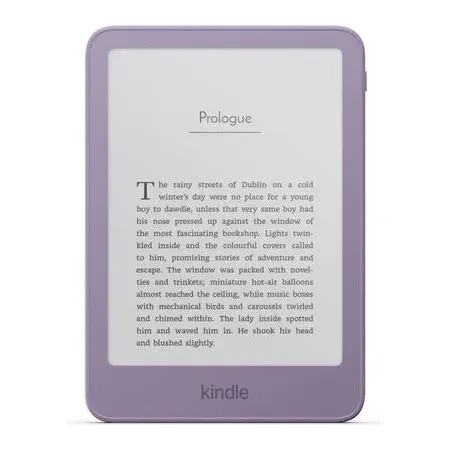
Best small, cheaper kindle
Kindle (2026)
A pocketable 6-inch Kindle with the same 300 ppi sharpness, 16 GB, and up to 6 weeks of battery.
What’s the Difference Between a Kindle and a Kindle Paperwhite?
Both are E Ink e-readers that run the same software, buy from the same store, and read the same books. Text looks equally sharp on both, because both screens are 300 pixels per inch. The differences are all hardware:
- Screen size: 6 inches on the Kindle, 7 inches on the Paperwhite.
- Warm light: only the Paperwhite can shift its front light from white to amber.
- Waterproofing: only the Paperwhite is waterproof.
- Battery: the Paperwhite lasts up to 12 weeks on a charge, twice the Kindle’s 6.
- Price: the Paperwhite costs $50 more.
The 2026 redesign closed one old gap. The basic Kindle used to have a recessed screen with a raised plastic border, while the Paperwhite had a flat glass front. Now every Kindle has a flush-front screen, so the two look much more alike than they used to.
Screen Size: 6 Inches vs. 7 Inches
An extra inch of diagonal sounds small, but it’s about a third more screen area. On the Paperwhite you see more words per page and turn pages less often, and you can use a larger font without the page feeling cramped. That matters most if you read at bigger text sizes or read for long stretches.
The Kindle’s smaller screen is the reason to buy it. It’s the most compact Kindle Amazon sells, small enough for a jacket pocket or a small bag, and easier to hold in one hand.
Amazon says the Paperwhite’s screen has the highest contrast ratio of any Kindle, so black text on the white background looks a little crisper. The basic Kindle’s screen is still high-contrast and glare-free, and in daylight most people won’t notice a difference.
Warm Light: Reading in Bed
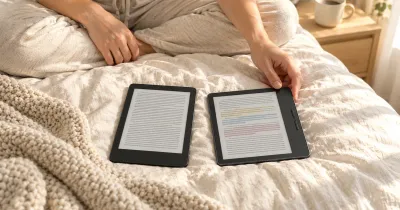
Both Kindles have a front light, so you can read in the dark, and both have dark mode. Only the Paperwhite lets you warm the light from white to amber. A warm, dim light is much more comfortable when you read in bed with the lights off, and you can schedule it to warm up automatically in the evening.
If most of your reading happens at night, warm light is the biggest everyday difference between the two.
Waterproofing
The Paperwhite is rated IPX8, so it survives an accidental drop in the bath or the pool. The basic Kindle has no water resistance, so a splash or spilled drink can kill it. If you read in the bath, by the pool, or at the beach, get the Paperwhite.
Battery Life
Amazon rates the Paperwhite at up to 12 weeks on a charge and the Kindle at up to 6 weeks. Either way, you charge an e-reader a few times a year at most, not every night. The difference matters most on long trips where you’d rather not pack a charger.
Both new models also have a user-replaceable battery. When the battery wears out after years of charging, the back panel opens for a swap instead of a trip to a repair shop. Both charge over USB-C, but neither comes with a cable in the box.
Price, Ads, and Storage
Both Kindles come in two versions:
- Kindle: $149.99 with lockscreen ads, $169.99 without
- Kindle Paperwhite: $199.99 with lockscreen ads, $219.99 without
The “ads” are sponsored screensavers that show on the lockscreen while the Kindle sleeps. They don’t appear inside books. If you’d rather see your book cover or a plain screen when the Kindle is off, the ad-free version is worth the $20.
Both models have 16 GB of storage, which holds thousands of e-books. You only need more if you keep audiobooks or lots of comics and manga on the device.
What About the Aluminum Kindle and the Signature Edition?
Each Kindle has a premium version:
- Kindle, aluminum ($189.99): the same 6-inch Kindle with an aluminum back, 32 GB of storage, and no ads, in Alpine Sky or Seaglass Green. It still has no warm light and no waterproofing, and it costs only $10 less than an ad-supported Paperwhite. Unless you specifically want the smallest Kindle in metal, the Paperwhite is the better buy.
- Kindle Paperwhite Signature Edition ($249.99): the Paperwhite with an aluminum back, 32 GB, no ads, a front light that adjusts its brightness automatically, and double-tap page turns. It also has pogo pins for Amazon’s $59.99 charging dock and $79.99 Page-Turn Cover with physical buttons. It’s $30 more than an ad-free Paperwhite, so it makes sense if you want the auto-adjusting light or the dock.
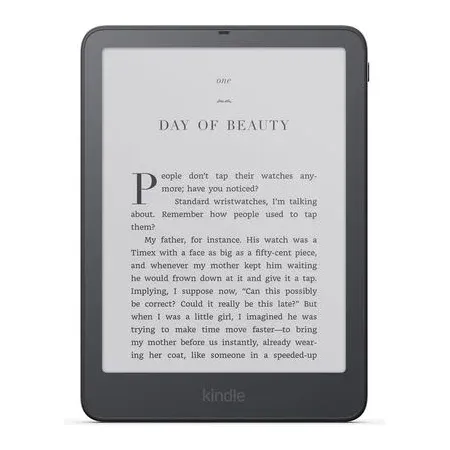
Best premium kindle
Kindle Paperwhite Signature Edition (2026)
The Paperwhite with an aluminum back, an auto-adjusting front light, 32 GB, and no ads.
If you want color for comics, magazines, and book covers, the Kindle Colorsoft starts at $289.99. Its color shows at 150 ppi, half the sharpness of black-and-white text, and its battery is rated at up to 8 weeks.
2026 vs. 2024 Models
The 2024 Kindle and Paperwhite are still on sale, at the same $149.99 and $199.99 as the new ones. At the same price, buy the 2026 model. The new Kindle gets a flush-front screen, opens books 30% faster than the previous Kindle, and gains the replaceable battery. The new Paperwhite is thinner and lighter, and it also gets the replaceable battery.
The 2024 models are only worth it at a real discount. The 2024 Paperwhite already had the 7-inch flush screen, warm light, IPX8 waterproofing, and 12-week battery, so a marked-down one is still a very good e-reader. One difference in the premium tier: the 2024 Signature Edition charges wirelessly, while the 2026 version uses a pogo-pin dock instead.
The new Kindle ships now. The new Paperwhite and Paperwhite Signature Edition ship on October 28, 2026.
Kindle+ (Formerly Kindle Unlimited)
In October 2026, Amazon renamed Kindle Unlimited to Kindle+. It costs $11.99 a month, lets you borrow up to 20 books at a time from a catalog of millions of e-books plus audiobooks, comics, and magazines, and works the same on both Kindles. It isn’t included with Prime. You don’t need it to use a Kindle: you can buy books one at a time or borrow free e-books from many public libraries.
Amazon also sells Kindle Click ($34.99), a small Bluetooth remote for turning pages without touching the screen. It works with both new models and any Kindle from 2024 or later.
Which Kindle Should You Buy?
Buy the Kindle Paperwhite if:
- You read at night and want warm light
- You read in the bath, by the pool, or at the beach
- You read for hours at a time or use a larger font
- You want to charge as rarely as possible
Buy the basic Kindle if:
- You want the smallest, most pocketable e-reader
- You read mostly in daylight or on a commute
- You read a few books a year and want to spend less
- It’s a first e-reader, or a gift for someone who isn’t sure they’ll use one
Buy the Paperwhite Signature Edition if you want auto-adjusting light, no ads, and 32 GB in one package, or you want the charging dock or the Page-Turn Cover.
Not sure you want a Kindle at all? Our Kindle vs. Kobo comparison covers library borrowing, EPUB support, and Kobo’s waterproof $159.99 Clara BW, and Kindle vs. Nook covers Barnes & Noble’s GlowLight 4 and 4 Plus. For other ways to read on a screen, including Fire and Android tablets, see our guide to the best tablets.
Kindle vs. Kindle Paperwhite FAQ
Is the Kindle Paperwhite worth it over the basic Kindle?
For most people, yes. For $50 more you get a 7-inch screen instead of 6, warm light for reading in bed, IPX8 waterproofing, and twice the battery life. The basic Kindle is worth it if you specifically want a smaller, lighter device.
Can you read a basic Kindle in the dark?
Yes. The basic Kindle has a front light with adjustable brightness and a dark mode. What it lacks is warm light, which turns the front light amber for more comfortable reading at night.
Is the basic Kindle waterproof?
No. Only the Kindle Paperwhite, Paperwhite Signature Edition, and Kindle Colorsoft are waterproof. Keep the basic Kindle away from the bath and the pool.
Do Kindles with ads show ads in books?
No. Lockscreen ads appear as sponsored screensavers while the Kindle is asleep, not inside books. The version without ads costs $20 more.
Is the Kindle Paperwhite screen sharper than the Kindle?
No. Both have 300 ppi screens, so text is equally sharp. The Paperwhite’s screen is bigger, and Amazon says it has higher contrast.
Is the Kindle Paperwhite the same as the Kindle?
No. “Kindle” is both the name of Amazon’s e-reader line and of its cheapest model. The Kindle Paperwhite is the step-up model in the same line, with a bigger screen, warm light, and waterproofing.