
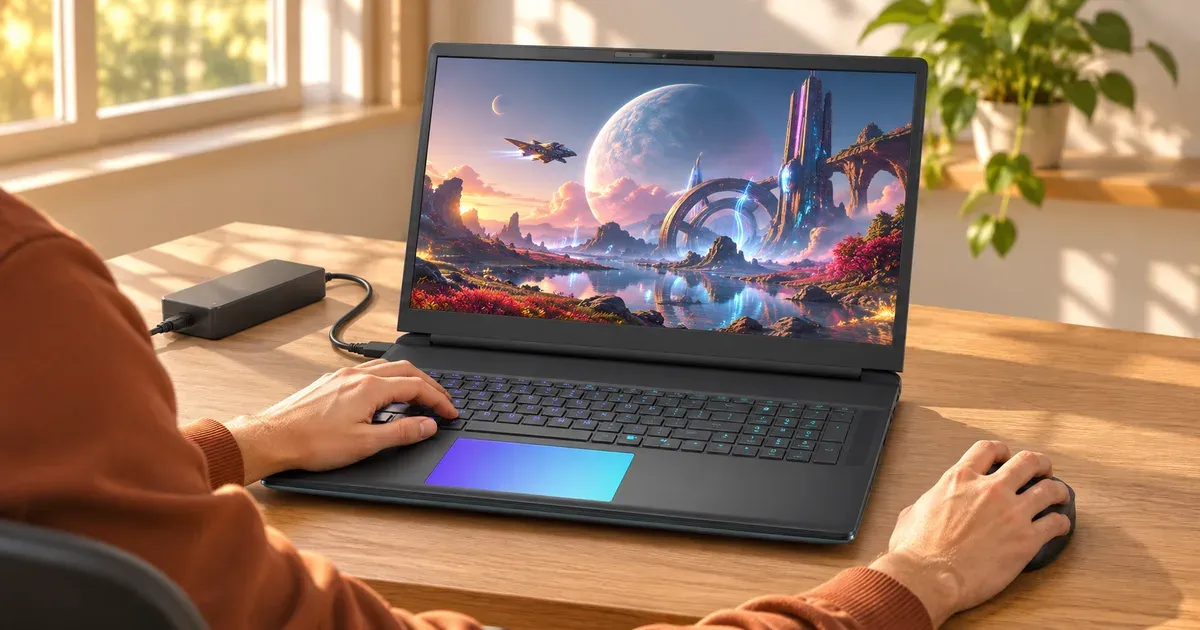
A MUX switch is a chip that lets a gaming laptop send its built-in screen’s signal straight from the Nvidia GPU instead of through the processor’s integrated graphics. Without one, every frame the Nvidia GPU draws gets copied to the integrated GPU before it reaches the screen, which costs some performance and adds latency. With a MUX in direct (dGPU) mode, you typically gain a few to about 15 percent more frames, most in high-frame-rate games, and G-Sync works on the built-in screen. Yes, you want one, and nearly every mid-range and high-end 2026 gaming laptop has it. The main exceptions are budget models.
How a MUX Switch Works
| Mode | Path to the built-in screen | Good for |
|---|---|---|
| Hybrid (Nvidia Optimus, ASUS “MSHybrid”) | Nvidia GPU → integrated GPU → screen | Battery life: the Nvidia GPU can sleep on the desktop |
| Direct / dGPU only (MUX) | Nvidia GPU → screen | Maximum FPS, lowest latency, G-Sync on the built-in screen |
| Nvidia Advanced Optimus | Switches between the two automatically, no reboot | Both, with less fiddling |
On a basic MUX laptop, switching modes needs a restart. Advanced Optimus switches on the fly when a game starts.
Which 2026 Gaming Laptops Have a MUX Switch
From maker spec pages and announcements:
| Laptop | MUX / Advanced Optimus |
|---|---|
| ASUS ROG Zephyrus G14 and G16 (2026) | MUX + Advanced Optimus |
| ASUS ROG Strix G16, G18, Scar 16 and Scar 18 | MUX + Advanced Optimus |
| ASUS TUF Gaming F16 (2026) | MUX + Advanced Optimus |
| ASUS TUF Gaming 16 (2026, budget line) | No MUX (MSHybrid only) |
| Alienware 18 Area-51 | Advanced Optimus |
| Acer Nitro V 16 AI (2026) | MUX switch |
Before buying a budget laptop, check the spec page for “MUX”, “Advanced Optimus” or “dGPU mode”. If it only says “MSHybrid” or “Optimus”, it has no MUX.
How Much Does a MUX Switch Help?
- Frame rate: in direct mode the frame-copy step disappears. The gain is usually a few percent in demanding games at high settings and can reach around 10 to 15 percent in fast esports games running at very high frame rates.
- Latency: slightly lower input lag in direct mode.
- G-Sync: variable refresh on the built-in screen needs the Nvidia GPU driving it directly (MUX dGPU mode or Advanced Optimus).
- Cost: in direct mode the Nvidia GPU stays awake, so battery life drops a lot. Switch back to hybrid for travel and schoolwork.
Don’t trade a GPU tier for a MUX. On a tight budget, a faster GPU or a higher TGP (see what is TGP) adds more frames than a MUX switch. Treat the MUX as a strong tiebreaker between otherwise similar laptops.
External monitors are a separate case: many gaming laptops wire the HDMI port and one USB-C port directly to the Nvidia GPU, so an external screen on those ports gets the direct path even without a MUX.
How to Switch Modes
- ASUS (Armoury Crate): GPU Mode → Ultimate is dGPU only (MUX); Standard is hybrid; Optimized switches automatically; Eco turns the Nvidia GPU off.
- Lenovo (Legion Space / Lenovo Vantage): turn Hybrid Mode off for dGPU-only, on for battery life.
- Any MUX laptop: the NVIDIA Control Panel shows Manage Display Mode with an “NVIDIA GPU only” option.
- Watch the refresh rate: on some 2026 ASUS models the top refresh rate needs Ultimate mode. The ROG Strix G16/G18 300 Hz panels run at 240 Hz otherwise, and the Strix Scar 18’s mini-LED runs at 120 Hz otherwise.
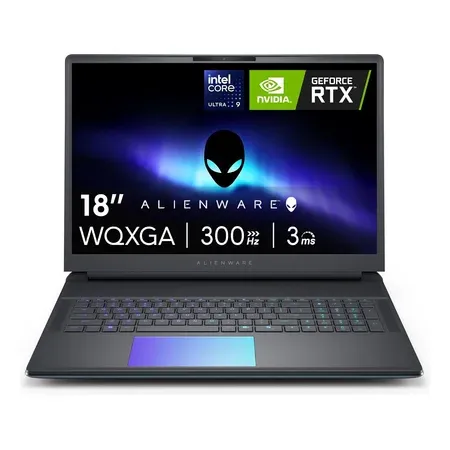
Advanced optimus pick
Alienware 18 Area-51 (RTX 5080)
RTX 5080 with Advanced Optimus and G-Sync, 18-inch WQXGA 300 Hz. $3,999.99 on Nov 20, sold by Amazon.
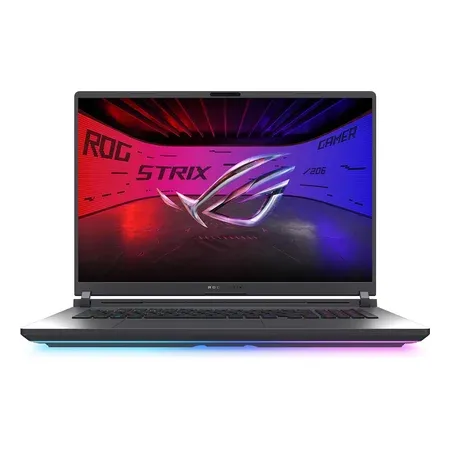
MUX + advanced optimus
ASUS ROG Strix G18 (2026, RTX 5070 Ti)
RTX 5070 Ti at 140 W, MUX with Advanced Optimus, 18-inch 2.5K 300 Hz. $3,199.99 on Nov 20, sold by Amazon.
MUX Switch FAQ
Do I need a MUX switch on a gaming laptop?
It’s worth having. It adds frames in high-FPS games, lowers latency and enables G-Sync on the built-in screen. Most 2026 gaming laptops above the budget tier include one.
Is a MUX switch worth it on a budget gaming laptop?
It’s a plus, not a must. A higher GPU tier or TGP matters more. If two budget laptops have the same GPU and power, pick the one with the MUX.
What’s the difference between a MUX switch and Advanced Optimus?
A MUX switch changes modes when you restart. Advanced Optimus uses a MUX but switches automatically without a restart, so you get battery life on the desktop and the direct path in games.
Does a MUX switch drain the battery?
Direct (dGPU) mode does, because the Nvidia GPU never sleeps. Use hybrid mode on battery.
How do I know if my laptop has a MUX switch?
Look for “MUX”, “Advanced Optimus”, “dGPU mode” or “Ultimate mode” on the spec page, or check the NVIDIA Control Panel for “Manage Display Mode”.
Does a MUX switch matter with an external monitor?
Less. If the monitor connects to a port wired to the Nvidia GPU (often HDMI), it already gets the direct path.




