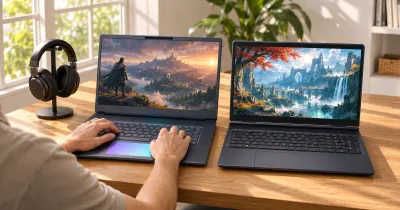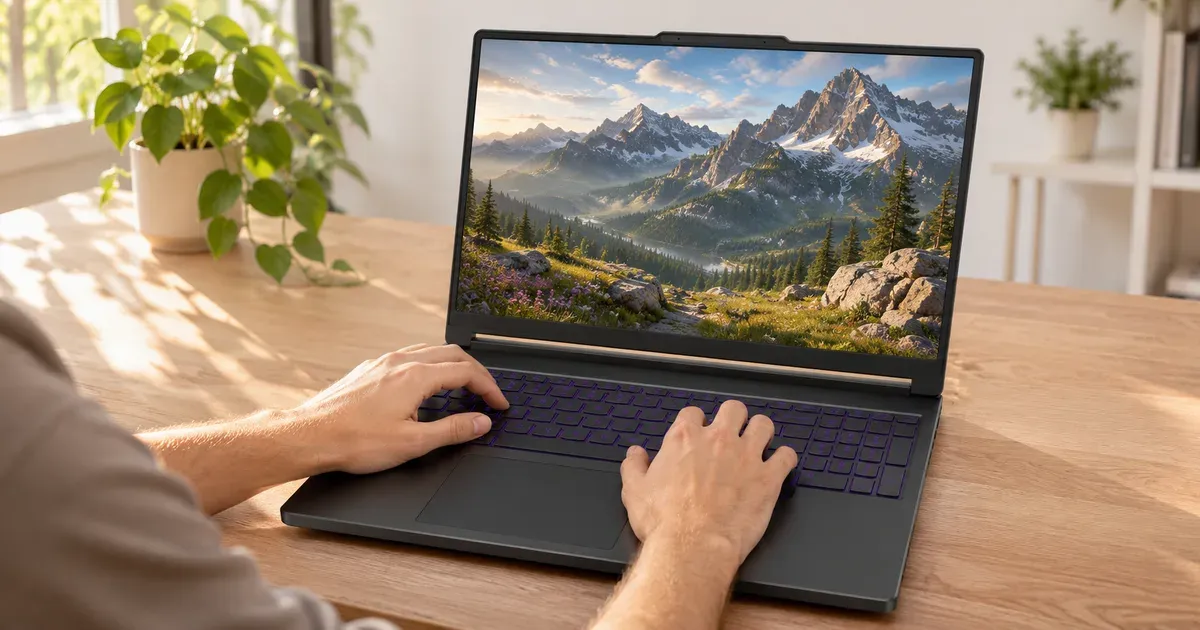
The short answer: 1440p (2560x1600 on a 16:10 laptop) is better on a 16-inch screen for most people, as long as you use DLSS on lower-tier GPUs. It has 189 pixels per inch against 142 for 1920x1200, so text and distant detail look noticeably sharper at laptop viewing distance. With DLSS upscaling, an RTX 5060 can render below 1440p and still output a sharp 2560x1600 image. Choose 1920x1200 if you play esports and want the highest frame rates on a budget GPU, or if the 1440p version costs a lot more.
Prices checked November 20, 2026, on Amazon.
1080p vs. 1440p on a 16-Inch Laptop
On a 16-inch 16:9 screen, 1920x1080 works out to about 138 PPI and 2560x1440 to about 184 PPI. Most gaming laptops use 16:10 screens, though, so “1080p” is usually 1920x1200 (WUXGA or FHD+) and “1440p” is 2560x1600 (WQXGA or 2.5K).
| 1920x1200 | 2560x1600 | |
|---|---|---|
| Pixels | 2.3 million | 4.1 million (+78%) |
| Pixel density at 16 inches | about 142 PPI | about 189 PPI |
| GPU load at native resolution | Lower | About 78% more pixels to draw |
| Typical refresh in 2026 laptops | 144–180 Hz | 165–300 Hz |
| Panel types | Mostly IPS | IPS, OLED and mini-LED |
| Where you find it | Budget laptops (TUF Gaming 16, Nitro V 16, Strix G16 2025) | Mid-range and up (Legion 5a/5i, Strix G16/G18 2026, Zephyrus G16, Alienware 16 Aurora) |
Does Your GPU Need 1440p-Class Power?
- RTX 5050 and 5060 (8 GB): fine at 2560x1600 with DLSS (for example DLSS Quality renders about two-thirds of each dimension and upscales). At native 2560x1600, new AAA games need medium settings.
- RTX 5070 (8 GB): a good match for 2560x1600 at high settings with DLSS Quality in most games.
- RTX 5070 Ti, 5080, 5090: built for 2560x1600 at high settings.
- Esports: CS2, Valorant and similar games run at very high frame rates at either resolution on RTX 50 laptops, so 1440p costs little there.
Another advantage of 1440p: the best panels (240 Hz OLED, mini-LED) only come at 2560x1600 or higher in 2026 laptops. Choosing 1920x1200 usually means an IPS panel.
Is 1080p Blurry on a 16-Inch Screen?
Not blurry, but you can see the pixels in text and fine edges at 142 PPI. Many people find 1920x1200 fine on a 15.6- or 16-inch laptop for games. For a laptop that also handles schoolwork or office work, the sharper 2560x1600 text is a real day-to-day improvement.
Which Should You Buy?
- 2560x1600: most buyers, especially with an RTX 5070 Ti or better, or any laptop you’ll also use for work. Use DLSS on an RTX 5050 or 5060.
- 1920x1200: budget laptops where the 2560x1600 version costs much more, or esports players chasing maximum frame rates on an RTX 5050 or 5060.
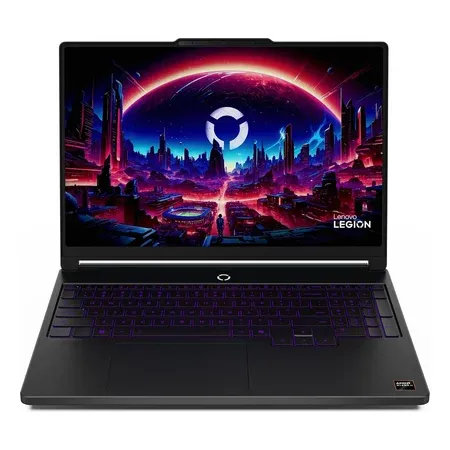
1440p-class pick
Lenovo Legion 5a (2026, 2560x1600 OLED)
15.3-inch 2560x1600 OLED 165 Hz, RTX 5060, Ryzen 7 250, 32 GB. $1,699.99 on Nov 20, sold by Amazon.
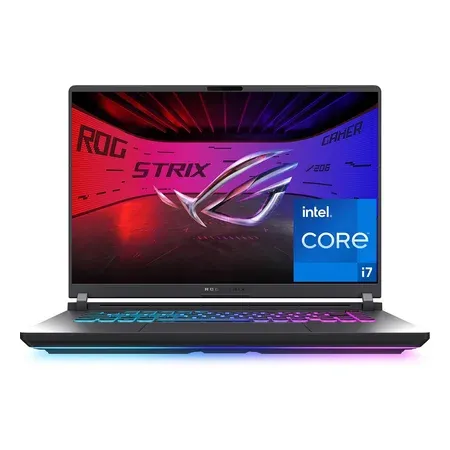
1080p-class pick
ASUS ROG Strix G16 (2025, 1920x1200)
16-inch 1920x1200 165 Hz, RTX 5060, Core i7-14650HX, 16 GB DDR5. $1,179.99 on Nov 20, sold by Amazon.
1080p vs. 1440p Gaming Laptop FAQ
Is 1440p worth it on a gaming laptop?
On a 15- to 16-inch screen, yes for most people: it’s noticeably sharper and comes with better panel options. Use DLSS on lower-tier GPUs.
Can an RTX 5060 laptop handle 1440p?
At 2560x1600 with DLSS, yes, at medium to high settings in most games. At native resolution, new AAA games need lower settings.
Is 1080p enough on a 16-inch gaming laptop?
Yes for gaming; you’ll see some pixel structure in text. It allows higher frame rates on budget GPUs.
Does 1440p use more battery than 1080p?
In games, yes: at native resolution the GPU draws 78% more pixels for each frame. A frame-rate cap or DLSS upscaling cuts that extra work.
What resolution is a 16:10 1440p laptop screen?
2560x1600, usually labeled WQXGA, QHD+ or 2.5K.