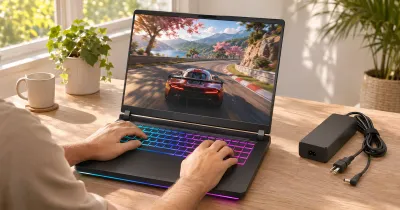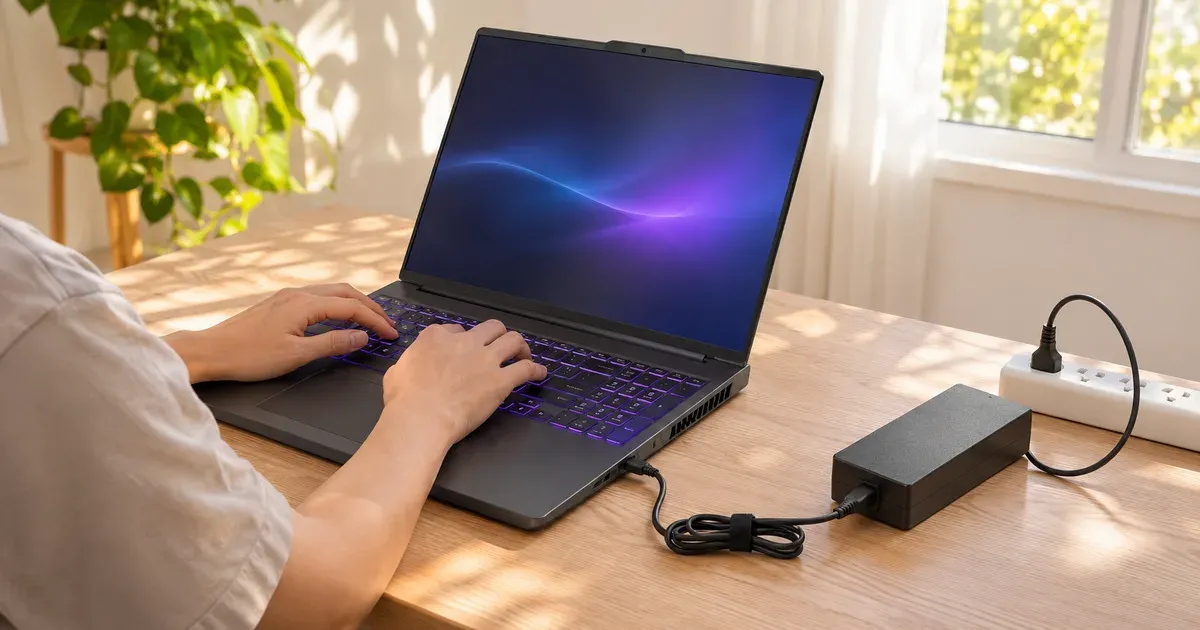
The short answer: yes, keep it plugged in while you game, and turn on the maker’s battery charge limit so the battery isn’t sitting at 100% all day. A gaming laptop only reaches full performance on its charger, and plugging in doesn’t overcharge a modern battery. What ages lithium-ion batteries is time spent at full charge and heat, and a gaming laptop on a desk gets plenty of both. Every major brand now has a setting that stops charging at about 60 to 80% while plugged in.
Charge Limit Settings by Brand
| Brand | Setting | Where | What it does |
|---|---|---|---|
| Lenovo Legion / LOQ | Conservation Mode | Lenovo Vantage or Legion Space | Holds the battery around 75–80% |
| ASUS ROG / TUF | Battery Care / Battery Health Charging | MyASUS or Armoury Crate | 60%, 80% or 100% on older models; 80/100% on newer ROG; adaptive on 2026 models |
| MSI | Battery Master | MSI Center | Best for Battery stops at 60%; Balanced stops at 80% |
| Razer Blade | Battery Health Optimizer | Razer Synapse | Stops charging at a limit you set from 50 to 80% |
| Dell / Alienware | Battery settings | Alienware Command Center or BIOS | Options vary by model; check your model’s guide |
| HP OMEN / Victus | Battery care options | OMEN Gaming Hub or BIOS | Varies by model |
| Acer Nitro / Predator | Battery Charge Limit | Acer Care Center or AcerSense | 80% cap where supported |
Two things to know:
- ASUS’s limit resets to 100% at every boot until Windows loads, so it isn’t enforced while the laptop is off or before startup.
- “Plugged in, not charging” is normal with a limit on. MSI says these modes exist to avoid losing battery life from constant charging.
Why Plug In to Game
The battery can’t supply a gaming laptop’s full power. On battery, laptops cut GPU power sharply (Framework’s RTX 5070 module is rated 100 W on AC and 50 W on battery), and the charge lasts an hour or two. See gaming laptop battery life while gaming.
What Actually Wears the Battery
- Sitting at 100%. A battery held full, especially warm, loses capacity faster. That’s the reason every maker added a charge limit.
- Heat. Gaming warms the whole chassis. Good airflow helps the battery too.
- Deep cycles. Running down to 0% often adds wear. Shallow top-ups are gentler.
A Simple Routine
- At a desk: plug in, turn on the charge limit (Conservation Mode, Battery Care 80%, Battery Master Balanced, or similar).
- Before a trip: switch the limit off or to 100% the night before so you leave with a full battery.
- Storing it for weeks: leave it around half charged, powered off, somewhere cool.
- Calibration: MSI recommends a battery calibration about every three months to keep the charge reading accurate; other makers include calibration tools in their apps.
Signs the Battery Needs Replacing
- Runtime is much shorter than it used to be, even for browsing.
- The maker’s app or Windows battery report shows full-charge capacity well below design capacity.
- Swelling: the touchpad lifts, the case bulges or the bottom panel won’t sit flat. Stop using it, unplug it and contact the maker.
Keeping It Plugged In FAQ
Does keeping a gaming laptop plugged in damage the battery?
Not by overcharging; laptops stop charging when full. But holding the battery at 100% while it’s warm does age it faster, which is why a charge limit is worth turning on.
How do I extend my gaming laptop’s battery lifespan?
Turn on the maker’s charge limit (about 80%) whenever it stays on a desk, keep it cool and off soft surfaces, avoid running it down below about 20% regularly, don’t leave it in a hot car, and store it half charged if you won’t use it for weeks. Charge to 100% only before you need the full runtime.
Is it OK to leave a gaming laptop plugged in overnight?
Yes. The laptop stops charging when the battery is full (or at your limit). With the charge limit on, the battery sits at 80% instead of 100%, which ages it more slowly.
Should I remove the battery when gaming plugged in?
No. Gaming laptop batteries are internal, and the laptop uses the battery to cover power spikes. Use the charge limit instead.
Is it OK to charge my gaming laptop to 100%?
Yes, when you need the runtime. Just don’t leave it at 100% on the desk every day.
Should I let my laptop battery drain to 0%?
No. Occasional full cycles are fine, but regular deep discharges add wear.
Why does my laptop say “plugged in, not charging”?
Usually because a charge limit is on and the battery is already at that level. It can also mean the charger is too weak (common with low-watt USB-C chargers).