
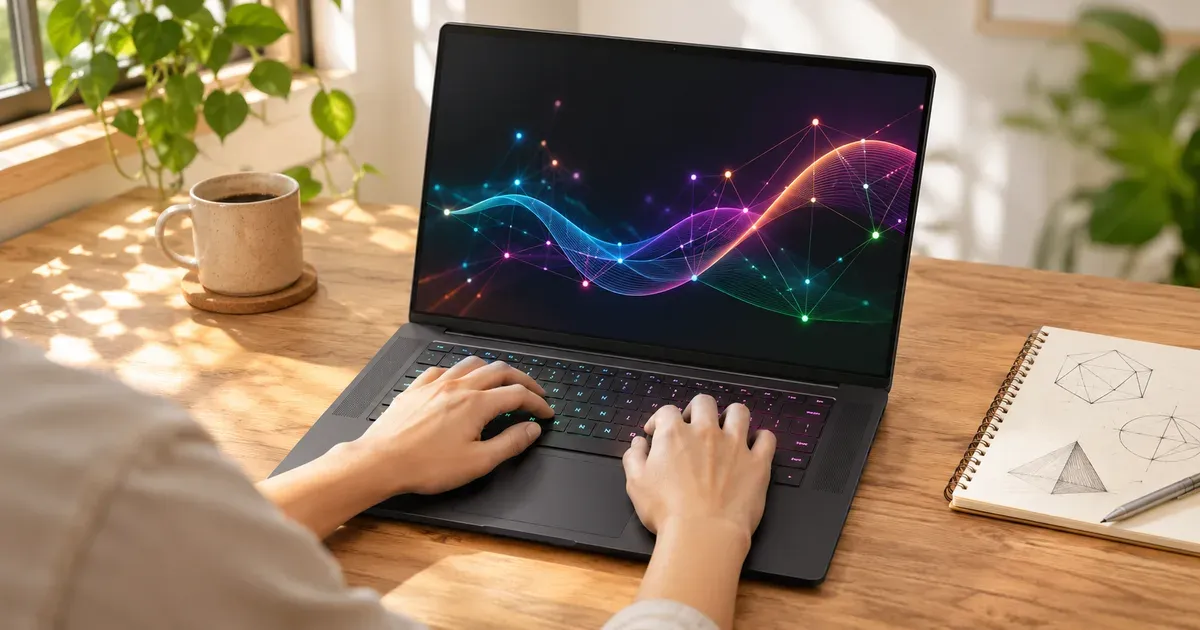
The short answer: yes. A gaming laptop with an Nvidia RTX GPU is one of the most practical portable machines for machine learning, because it runs CUDA, PyTorch and most AI tools natively. The GPU’s video memory decides what you can do. 8 GB (RTX 5050, 5060 and most 5070 laptops) is enough for learning, small models and quantized 7–8B language models. 16 GB (RTX 5080) runs mid-size models comfortably. 24 GB (RTX 5090) is the most any laptop GPU has. Full training of large models still belongs on a desktop or in the cloud.
RTX 50 Laptop GPUs for AI
| Laptop GPU | VRAM | Memory bandwidth | Nvidia AI TOPS | Good for |
|---|---|---|---|---|
| RTX 5090 | 24 GB GDDR7 | 896 GB/s | 1,824 | Largest local models a laptop GPU can hold; LoRA fine-tunes |
| RTX 5080 | 16 GB | 896 GB/s | 1,334 | 13–14B models with room; image generation at high resolution |
| RTX 5070 Ti | 12 GB | 672 GB/s | 992 | Quantized 13–14B models, Stable Diffusion-class image models |
| RTX 5070 | 8 or 12 GB | 384 GB/s | 798 | Quantized 7–8B models; get the 12 GB version if you can |
| RTX 5060 | 8 GB | 384 GB/s | 572 | Coursework, small models, quantized 7–8B models |
| RTX 5050 | 8 GB | 384 GB/s | 440 | Learning and small experiments |
What Fits in Video Memory
A rough rule for language models: weights take about 2 bytes per parameter at 16-bit, about 1 byte at 8-bit and about 0.5 bytes at 4-bit, plus extra room for context and the runtime.
| Model size | 16-bit weights | 8-bit | 4-bit | Fits on a GPU with |
|---|---|---|---|---|
| 7–8B parameters | ~14–16 GB | ~7–8 GB | ~4 GB | 8 GB at 4-bit; 16 GB at 8-bit |
| 13–14B | ~26–28 GB | ~13–14 GB | ~7 GB | 12 GB at 4-bit; 16 GB comfortably at 4-bit |
| 30–32B | ~60–64 GB | ~30–32 GB | ~15–16 GB | 24 GB at 4-bit |
| 70B | ~140 GB | ~70 GB | ~35 GB | No laptop GPU; needs unified memory or a server |
These are weights-only estimates; longer context windows need more memory on top.
What AI Work a Gaming Laptop Handles
| Task | Gaming laptop fit | What decides it |
|---|---|---|
| Python data work (NumPy, pandas, scikit-learn) | Excellent | CPU and system RAM; the GPU barely matters |
| Coursework and small neural networks (PyTorch, TensorFlow) | Excellent | Any RTX 50 laptop GPU |
| Computer vision training (CNNs, YOLO-class detectors) | Very good | 8 GB works; 12 GB+ allows bigger batches |
| Image generation (Stable Diffusion-class models) | Good to very good | 12 GB+ for larger models and resolutions |
| Running local LLMs (Ollama, llama.cpp, LM Studio) | Good | VRAM: see the table above |
| LoRA or QLoRA fine-tuning of small LLMs | Possible | 16–24 GB (RTX 5080 or 5090) |
| Training large models from scratch | Not practical | Needs multi-GPU servers |
For jobs bigger than the laptop, the usual pattern is to prototype locally and rent cloud GPUs or use hosted notebooks for long training runs.
Training vs. Inference on a Laptop
- Inference and local LLMs: a strong fit, especially on 12–24 GB GPUs.
- Fine-tuning: parameter-efficient methods like LoRA on small and mid-size models work on 16–24 GB laptops.
- Training from scratch: fine for coursework and small networks; anything big needs more memory and hours of sustained load. Laptop GPUs top out at 175 W including boost, and long runs keep the fans loud.
- Thermals: use a hard surface, Performance mode, and expect throttling in thin designs. See gaming laptop temperatures.
The Unified-Memory Alternative
Some 2026 laptops share one big pool of memory between CPU and graphics instead of using a discrete GPU:
- ASUS ROG Flow Z13 with AMD’s Ryzen AI Max+ 395 and up to 128 GB of LPDDR5X, with Radeon 8060S integrated graphics. It can load models far larger than any laptop GPU’s 24 GB, though it’s slower per token than a big Nvidia GPU and uses ROCm or other non-CUDA tools.
- Nvidia RTX Spark laptops (Arm-based Windows machines that launched in October 2026) pair a Grace CPU with a Blackwell GPU. They’re new; check software support for your tools.
Setup Notes
- CUDA on Windows works, and Nvidia supports CUDA in WSL 2 for Linux toolchains.
- Get at least 32 GB of system RAM. Data loading and model conversion use it heavily, and on soldered-memory laptops you can’t add more later. See 16 GB vs. 32 GB RAM.
- Storage: models are big; a second SSD slot is useful.
- Use dGPU-only mode (ASUS Ultimate, Lenovo dGPU Only) or set your Python/IDE to High performance in Windows Graphics settings so jobs run on the Nvidia GPU.
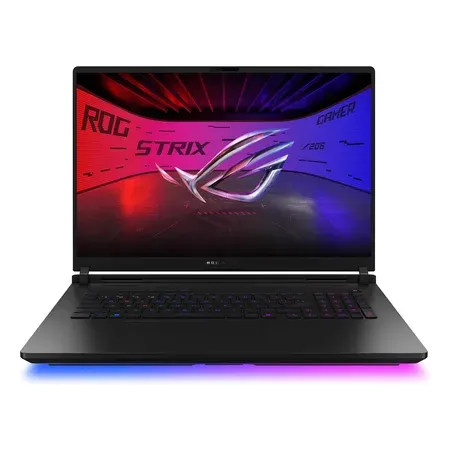
24 GB of VRAM at 175 W
ASUS ROG Strix Scar 18 (2026), RTX 5090
RTX 5090 with 24 GB, Core Ultra 9 290HX Plus, 32 GB DDR5 in 2 slots, 2 M.2 slots. $4,999.99 sold by Amazon on Nov 20.
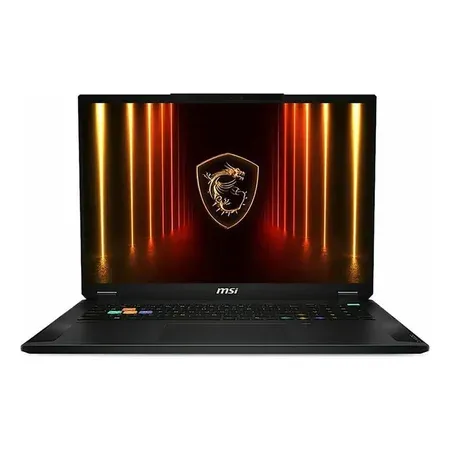
16 GB VRAM for less
MSI Stealth A18 AI+, RTX 5080
RTX 5080 with 16 GB, Ryzen AI 9 365, 32 GB DDR5, 2 TB SSD, 18-inch 240 Hz. $2,899.00 sold by Amazon on Nov 20.
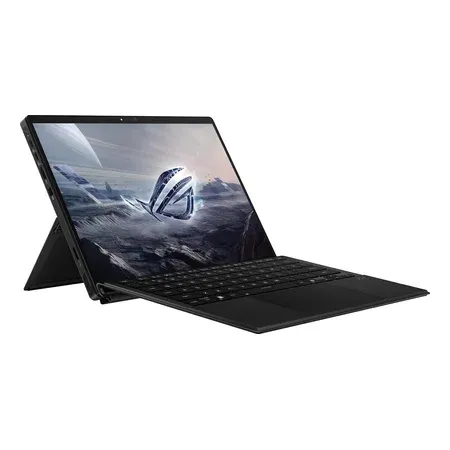
Unified memory for big models
ASUS ROG Flow Z13 (2025), 128 GB
Ryzen AI Max+ 395 with Radeon 8060S, 128 GB LPDDR5X shared memory, 1 TB, 13.4-inch tablet. $3,299.99 sold by Amazon on Nov 20.
Gaming Laptops for AI FAQ
Can a gaming laptop be used for machine learning and AI work?
Yes. An RTX gaming laptop runs CUDA, PyTorch, TensorFlow and local-LLM tools like Ollama natively, and it handles coursework, computer vision, image generation and quantized language models. VRAM sets the ceiling: 8 GB for learning and 7–8B models, 12–16 GB for comfortable mid-size work, 24 GB (RTX 5090) at the top. Large-model training belongs in the cloud.
Is a gaming laptop good for machine learning?
Yes, if it has an Nvidia GPU with enough VRAM. It runs CUDA and PyTorch natively; 12 GB or more is the comfortable range.
How much VRAM do I need to run a local LLM on a laptop?
About 4–5 GB for a 7–8B model at 4-bit, around 7–8 GB for 13–14B at 4-bit, and 16 GB or more for 30B-class models at 4-bit. Add headroom for context.
Is the RTX 5090 laptop worth it for AI?
If you need 24 GB of VRAM in a laptop, it’s the only option. Otherwise an RTX 5080 with 16 GB costs much less.
Can I train models on a gaming laptop?
Small ones and fine-tunes, yes. Large-model training needs desktop or cloud GPUs.
Mac or gaming laptop for machine learning?
A gaming laptop runs CUDA, which most ML tools target first. Macs and unified-memory PCs can hold bigger models in memory but run different software stacks. See gaming laptop vs. MacBook Pro.




