
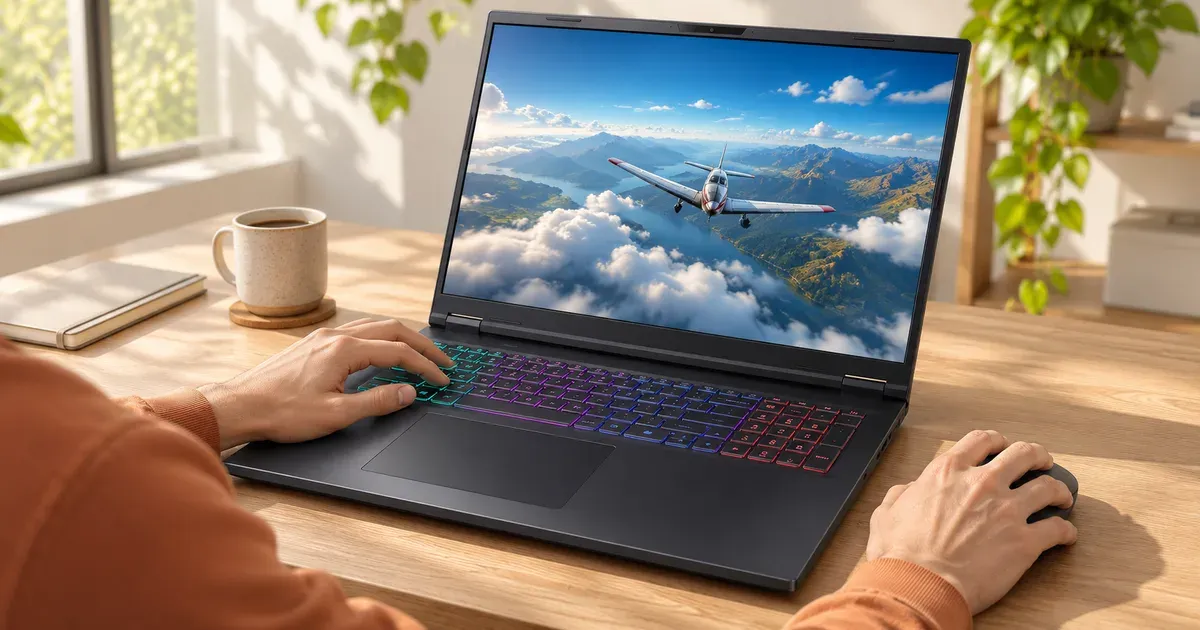
A gaming laptop doesn’t need G-Sync, but it’s worth having and most mid-range and high-end 2026 models include it. G-Sync makes the screen refresh exactly when the GPU finishes each frame. That removes screen tearing without the input lag of V-Sync, and it smooths out the uneven frame rates that are normal in laptop gaming. It matters most in demanding games running below the screen’s refresh rate. On the built-in screen it only works when the Nvidia GPU drives the display directly, through a MUX switch or Nvidia Advanced Optimus.
Prices checked November 20, 2026, on Amazon.
What G-Sync Does
| Without G-Sync, V-Sync off | Without G-Sync, V-Sync on | With G-Sync |
|---|---|---|
| Screen refreshes on a fixed clock while frames arrive at random times: visible tearing | Frames wait for the next refresh: no tearing, but added input lag and stutter when FPS drops | Screen waits for each frame: no tearing, low lag, smoother when FPS varies |
The benefit is biggest when frame rates swing below the refresh rate, for example a new AAA game running at 70 to 110 fps on a 165 or 240 Hz screen.
When G-Sync Matters Less
- Very high frame rates: at 240 Hz or more with frame rates well above the refresh rate, tearing is much less visible.
- Esports players who cap frame rates: a frame cap just below the refresh rate plus G-Sync is still the smoothest setup, but some competitive players run uncapped without it.
Built-In Screen: MUX or Advanced Optimus Required
In hybrid mode (Nvidia Optimus), frames pass through the processor’s integrated GPU, and G-Sync on the built-in screen isn’t available. It works when:
- the laptop’s MUX switch is set to dGPU-only mode (ASUS calls it Ultimate in Armoury Crate), or
- the laptop has Nvidia Advanced Optimus, which switches to the direct path automatically in games.
More in what is a MUX switch.
2026 Gaming Laptops That List G-Sync
From maker spec pages and Amazon listing titles:
| Laptop | G-Sync |
|---|---|
| ASUS ROG Zephyrus G14 (2026) | Yes (MUX + Advanced Optimus) |
| Alienware 16X Aurora | Yes |
| Alienware 18 Area-51 | Yes, with Advanced Optimus |
| Lenovo LOQ 15 (Gen 11) | Yes, on the 180 Hz panel |
| Acer Predator Helios Neo 18 AI | Yes (240 Hz G-Sync panel) |
| ASUS TUF Gaming F16 | Yes on several listings |
Budget models without a MUX, such as the 2026 ASUS TUF Gaming 16 (MSHybrid only), can’t use G-Sync on the built-in screen.
External Monitors
G-Sync and “G-Sync Compatible” monitors work with any RTX laptop when connected to a port wired to the Nvidia GPU (often the HDMI port or a specific USB-C port). Check the laptop’s manual for which ports those are.
Best Settings
- Turn on G-Sync in the NVIDIA Control Panel (Display → Set up G-SYNC).
- Set the laptop to dGPU or automatic mode if it has a MUX.
- Cap the frame rate a few fps below the refresh rate (in the game or the NVIDIA app) to keep G-Sync active.
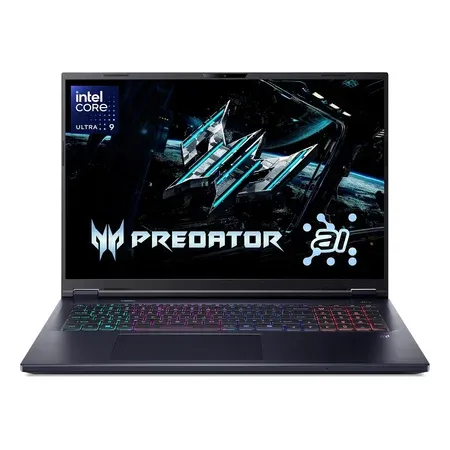
G-Sync pick
Acer Predator Helios Neo 18 AI (RTX 5070 Ti)
18-inch WQXGA 240 Hz G-Sync, RTX 5070 Ti, Core Ultra 9 275HX, 32 GB. $2,774.90 on Nov 20, sold by Amazon.
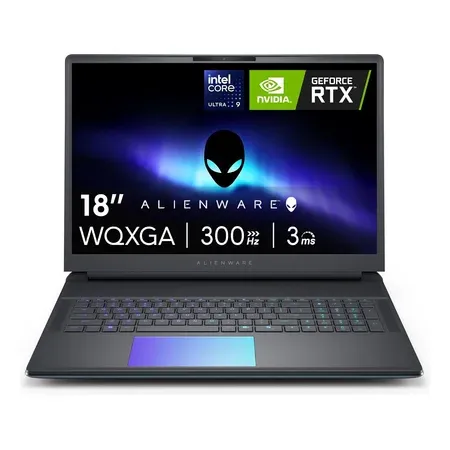
G-Sync with advanced optimus
Alienware 18 Area-51 (RTX 5080)
RTX 5080, Advanced Optimus and G-Sync, 18-inch WQXGA 300 Hz. $3,999.99 on Nov 20, sold by Amazon.
G-Sync FAQ
Is G-Sync necessary on a gaming laptop?
No, but it’s a real improvement in demanding games where frame rates vary. Most 2026 gaming laptops above the budget tier include it.
Why can’t I turn on G-Sync on my laptop?
The built-in screen needs the Nvidia GPU connected directly. Switch to dGPU mode (ASUS: Ultimate) if your laptop has a MUX switch; laptops with hybrid graphics only can’t use it on the built-in screen.
Is FreeSync as good as G-Sync on a laptop?
They do the same job. Nvidia laptops use G-Sync on the built-in screen; AMD Radeon laptops use FreeSync. External FreeSync and Adaptive-Sync monitors work with Nvidia laptops as “G-Sync Compatible” displays.
Is G-Sync worth paying extra for?
Not much extra. Prioritize the GPU, a 144 Hz-plus screen and cooling first. Most laptops that have a MUX switch or Advanced Optimus include G-Sync anyway.
Does G-Sync add input lag?
Very little, much less than V-Sync. Capping the frame rate just below the refresh rate keeps it lowest.
Do I need G-Sync with a 240 Hz screen?
It still helps in games running well below 240 fps. In esports games that run above 240 fps, it matters less.




