
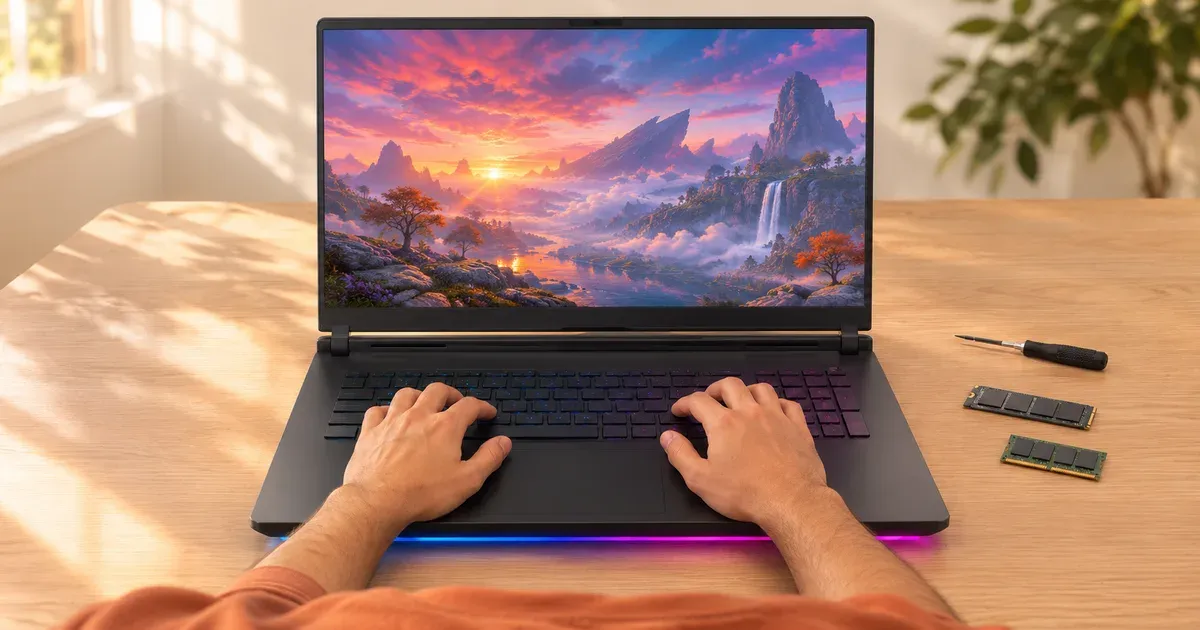
The short answer: the Framework Laptop 16 is the most upgradeable gaming laptop, because it’s the only one where you can swap the graphics card. Its Expansion Bay takes an Nvidia RTX 5070 module (8 GB or 12 GB), a Radeon RX 7700S, or no GPU at all, and it has two DDR5 SO-DIMM slots and swappable ports. Among conventional gaming laptops, the ASUS ROG Strix Scar 18 (2026) is the most expandable: two DDR5-6400 SO-DIMM slots with up to 128 GB, and two PCIe 5.0 M.2 slots. Several popular 2026 models, including the Zephyrus G14 and G16, Razer Blade 16 and Legion 7a, have soldered memory that can never be upgraded.
Upgradeability Compared
| Laptop | RAM | Max RAM | SSD slots | GPU | Notes |
|---|---|---|---|---|---|
| Framework Laptop 16 | 2× DDR5-5600 SO-DIMM | — | M.2 | Swappable module (RTX 5070 8/12 GB, RX 7700S) | Swappable ports and keyboard modules |
| ASUS ROG Strix Scar 18 (2026) | 2× DDR5-6400 SO-DIMM | 128 GB configs | 2× M.2, PCIe 5.0, RAID 0 | Fixed | |
| Razer Blade 18 (2026) | 2× DDR5-6400 | 128 GB | — | Fixed | |
| ASUS ROG Strix G16 (2026) | 2× DDR5-5600 SO-DIMM | 64 GB | 2× M.2 with Q-latch | Fixed | Tool-less bottom panel |
| ASUS ROG Strix G18 (2026) | 2× DDR5-5600 SO-DIMM | — | 2× M.2 | Fixed | |
| ASUS ROG Strix Scar 16 (2025) | 2× DDR5-5600 SO-DIMM | — | 2× M.2 | Fixed | |
| Lenovo Legion Pro 7i Gen 10 | 2× DDR5-6400 CSODIMM | 64 GB offered | 2× M.2 2280 (one PCIe 5.0) | Fixed | |
| Lenovo Legion Pro 5i Gen 10 | 2× DDR5-5600 SO-DIMM | — | — | Fixed | |
| Alienware 18 Area-51 | DDR5-6400 CSoDIMM | — | — | Fixed | |
| ASUS TUF Gaming F16 / TUF Gaming 16 (2026) | 2× DDR5-5600 SO-DIMM | 64 GB | — | Fixed | |
| Lenovo Legion 5i (15”, Gen 11) | DDR5-5600 SO-DIMM | — | 2× M.2 2242 | Fixed | Short 2242 SSDs |
| ASUS ROG Zephyrus G14 / G16 (2026) | Soldered LPDDR5X | 32 or 64 GB, fixed | 1 (G14) / 2 (G16) | Fixed | ASUS: “No expansion possible” |
| Razer Blade 16 (2026) | Soldered LPDDR5X | 64 GB, fixed | — | Fixed | |
| Lenovo Legion 7a (16”, Gen 11) | Soldered LPDDR5X | 64 GB, fixed | 2× M.2 2242 | Fixed | |
| ASUS ROG Flow Z13 (2025) | Soldered LPDDR5X | 128 GB, fixed | 1× M.2 2230 | Integrated |
”—” means the maker’s spec page doesn’t state it. ASUS notes that the M.2 slots in its Zephyrus and TUF models take single-sided SSDs only.
The Most Upgradeable Gaming Laptops
Most upgradeable overall: Framework Laptop 16
Framework sells the Laptop 16 as a DIY Edition you assemble yourself, with memory, storage, ports and the GPU as modules. Framework also sells replacement mainboards, so you can move to a newer CPU without buying a new laptop, and parts are on its own marketplace. The RTX 5070 graphics module is rated 100 W on AC and 50 W on battery, comes in 8 GB and 12 GB versions, and makes the back of the laptop 21.95 mm thick. Its rear USB-C port supports up to 240 W charging; Framework recommends at least a 180 W adapter with a GPU module. The DIY Edition started at $1,249 with a Ryzen AI 5 340 on November 20, 2026, before the GPU module. Several module batches were sold out with Q1 shipping.
Most expandable conventional laptop: ASUS ROG Strix Scar 18 (2026)
Two DDR5-6400 SO-DIMM slots, configurations with up to 128 GB, and two PCIe 5.0 M.2 slots that support RAID 0. Behind them sit a 175 W RTX 5080 or 5090 and a Core Ultra 9 290HX Plus.
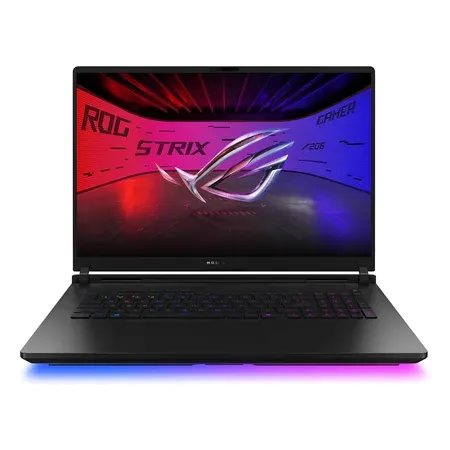
Most expandable gaming laptop
ASUS ROG Strix Scar 18 (2026), RTX 5080
2 DDR5-6400 SO-DIMM slots, 2 PCIe 5.0 M.2 slots; RTX 5080, Core Ultra 9 290HX Plus, 32 GB, 1 TB. $4,199.99 on Nov 20.
Easiest to upgrade: ASUS ROG Strix G16 (2026)
The 2026 Strix G16 has a tool-less bottom panel that opens to the RAM, SSD and fans. Its two M.2 slots use ASUS’s Q-latch, so you swap SSDs without a screwdriver. Two DDR5-5600 SO-DIMM slots take up to 64 GB.
Best 16-inch for upgrades: Lenovo Legion Pro 7i Gen 10
Two DDR5-6400 CSODIMM slots and two full-length M.2 2280 slots, one PCIe 5.0, behind a 175 W RTX 5080 or 5090. It takes standard 2280 SSDs, unlike the 2242 slots in Lenovo’s slimmer Legion 5i and 7a.
Upgradeable on Amazon for less: ASUS ROG Strix Scar 16 (2025)
The 2025 Scar 16 has two SO-DIMM slots and two M.2 slots with a 175 W RTX 5080 and a 240 Hz mini-LED, for $3,299.99 sold by Amazon on November 20.
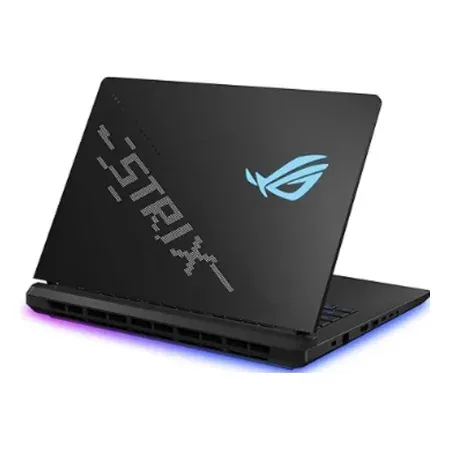
Upgradeable 16-inch on amazon
ASUS ROG Strix Scar 16 (2025), RTX 5080
2 SO-DIMM and 2 M.2 slots; 175 W RTX 5080, Core Ultra 9 275HX, 16-inch 240 Hz mini-LED, 32 GB, 2 TB. $3,299.99 on Nov 20.
What You Can and Can’t Upgrade in a Gaming Laptop
- RAM: yes, if it uses SO-DIMM or CSODIMM slots; no, if it’s soldered LPDDR5X.
- SSD: almost always. Check the slot length (2280 vs. 2242 vs. 2230) and whether it takes double-sided drives.
- GPU: no, except the Framework Laptop 16. Everywhere else the GPU is soldered to the motherboard.
- CPU: no. Laptop CPUs are soldered; the Framework Laptop 16 gets around it by selling whole replacement mainboards.
- Wi-Fi card and battery: often replaceable, using maker parts.
Upgradeable Gaming Laptop FAQ
Can you upgrade the GPU in a gaming laptop?
Only in the Framework Laptop 16, which uses swappable graphics modules. In every other current gaming laptop the GPU is soldered.
Which gaming laptops have soldered RAM?
Among 2026 models: the ASUS Zephyrus G14 and G16, Razer Blade 16, Lenovo Legion 7a and ASUS ROG Flow Z13. Buy the amount you need up front.
How much RAM can a gaming laptop take?
Up to 128 GB in the ASUS Strix Scar 18 (2026) and Razer Blade 18 (2026), both with two DDR5-6400 slots. Most 16-inch models top out at 64 GB.
Is a CSODIMM the same as a SO-DIMM?
It’s a clocked SO-DIMM (CSODIMM) with a clock driver on the module for higher speeds like DDR5-6400. It fits CSODIMM slots in laptops like the Legion Pro 7i and Alienware 18 Area-51.
Sources
- Framework Marketplace
- Framework Laptop 16 configurator and Laptop 16 with Nvidia graphics
- ASUS ROG Strix Scar 18 (2026) specs
- ASUS ROG Strix G16 (2026) and specs
- ASUS ROG Zephyrus G14 (2026) specs and Zephyrus G16 (2026) specs
- Lenovo PSREF: Legion Pro 7 16IAX10H (PDF)
- Lenovo Legion CES 2026 announcement
- Razer Blade 18




