
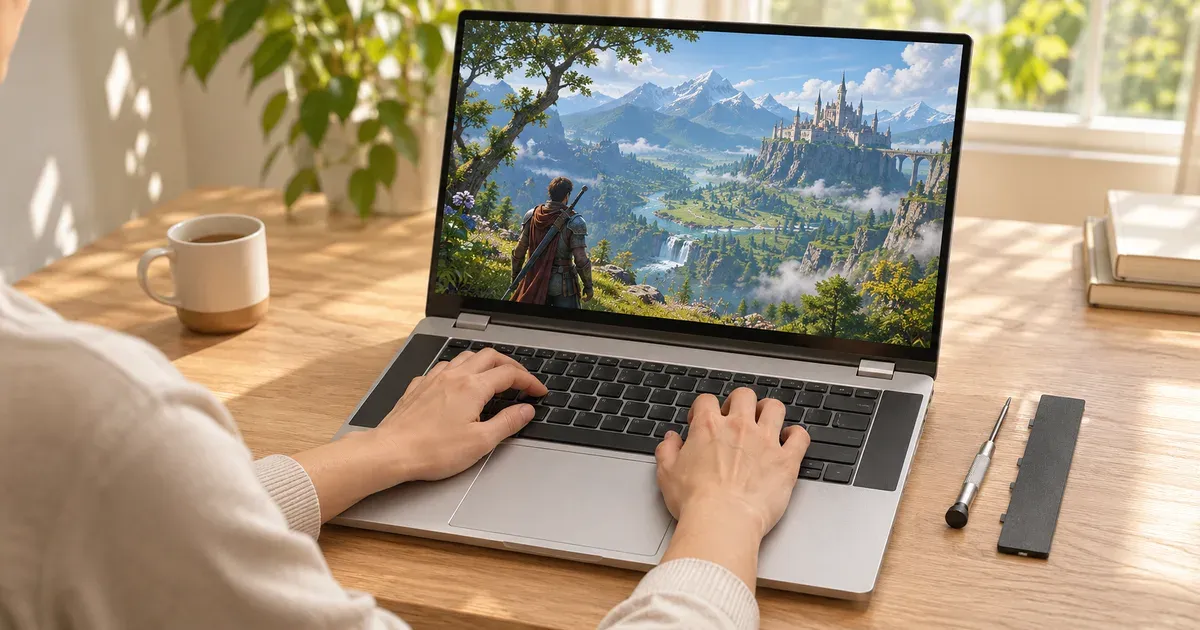
The short answer: yes, with the RTX 5070 graphics module the Framework Laptop 16 is a capable 1440p gaming laptop, but you pay extra for its repairability, not for frame rates. Its RTX 5070 runs at up to 100 W, a little below the 115 W many gaming laptops give the same GPU, and drops to 50 W on battery. What no other laptop offers: the GPU is a module you can swap or upgrade later, and nearly every other part, from RAM to ports to the keyboard, is replaceable. On November 20, 2026 the DIY Edition started at $1,249 with a Ryzen AI 5 340, before the graphics module, memory and storage, and early batches were sold out with shipping in December or later.
Prices checked November 20, 2026, on frame.work.
Framework Laptop 16 Gaming Specs
| Framework Laptop 16 (AMD Ryzen AI 300) | |
|---|---|
| CPU | Ryzen AI 5 340, Ryzen AI 7 350 or Ryzen AI 9 HX 370 |
| Graphics modules | RTX 5070 8 GB GDDR7, RTX 5070 12 GB GDDR7, Radeon RX 7700S (2nd Gen) 8 GB, or the Expansion Bay Shell (no GPU) |
| GPU power (RTX 5070) | Up to 100 W on AC, 50 W on battery |
| Memory | 2 DDR5-5600 SO-DIMM slots |
| Display | 16” 2560x1600, 165 Hz, matte, adaptive sync |
| Weight | 5.29 lb with the graphics module |
| Thickness | Graphics module raises the rear to 21.95 mm |
| Charging | USB-C; the RTX 5070 module’s rear port accepts up to 240 W. Framework recommends at least 180 W with a graphics module |
| Warranty | 1 year from delivery |
Prices on November 20, 2026
| Configuration (DIY Edition, before module, memory, storage, OS) | Price | Availability |
|---|---|---|
| Ryzen AI 5 340 | $1,249 | Pre-order, batch ships December |
| Ryzen AI 7 350 | $1,558 | Pre-order, batch ships December |
| Ryzen AI 9 HX 370 | $1,858 | — |
| Older Ryzen 7040 Series DIY | from $1,299 (was $1,399) | — |
| Framework 240 W GaN charger | $109 | — |
The graphics module, RAM, SSD, Windows license and a charger all add to those starting prices; the RTX 5070 module was a $650 add-on at its 2025 launch. Fully configured with an RTX 5070, the Framework 16 costs more than a conventional RTX 5070 laptop such as MSI’s Crosshair A16 HX ($2,294.00 at Amazon on November 20 with 32 GB and 1 TB included).
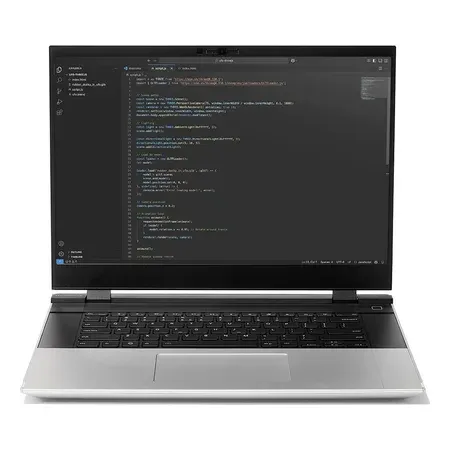
The upgradeable gaming laptop
Framework Laptop 16 (AMD Ryzen AI 300)
Swappable RTX 5070 8 GB or 12 GB module (100 W), SO-DIMM DDR5, replaceable ports. DIY Edition from $1,249 before the GPU on Nov 20, 2026.
The Framework 16 is sold only on frame.work.
How It Games
- About an RTX 5070 laptop at 100 W. That’s the GPU’s top rated power in Nvidia’s table (50–100 W, plus boost), so it lands close to other RTX 5070 laptops and a bit behind 115 W designs that add Dynamic Boost.
- Get the 12 GB module if you play at 1440p or with high-resolution textures; the 8 GB version is the same 8 GB most RTX 5070 laptops have.
- Plugged in only for full speed. On battery the module drops to 50 W.
- Framework says the RTX 5070 module is 30–40% faster in games than its earlier RX 7700S module at the same 100 W.
Independent results with the RTX 5070 8 GB module and a Ryzen AI 7 350, at the highest preset without upscaling or ray tracing:
| Game | 2560x1600 (native) | 1920x1200 |
|---|---|---|
| Cyberpunk 2077 | 56 fps | 93 fps |
| Marvel Rivals | 40 fps | 56 fps |
| Black Myth: Wukong | 27 fps | 37 fps |
| Shadow of the Tomb Raider | 76 fps | 132 fps (1080p) |
So it plays most games at native 1600p in lighter titles and needs DLSS or 1200p in the heaviest ones. In a half-hour Metro Exodus stress loop at RTX settings it averaged 92 fps without dropping off.
| Graphics option | What it’s good for |
|---|---|
| No module (Radeon 800M integrated) | Indie and older esports games at low settings |
| Radeon RX 7700S 8 GB | 1080p and 1200p at high settings; some 1600p |
| RTX 5070 8 GB | High settings at 1200p, native 1600p in lighter games, DLSS 4 frame generation |
| RTX 5070 12 GB | Same speed as the 8 GB module, with headroom for high-resolution textures |
What Owners and Testers Report
- Fan noise. The mainboard and graphics module each have their own fans, and under gaming load the noise is a common complaint. There’s no user fan control in Framework’s firmware.
- Value. Testers note that RTX 5070 laptops from mainstream brands cost less for the same performance.
- Weight and size. With the graphics module it weighs 5.29 lb and is about 0.82 inches thick.
- Battery. Close to nine hours of local video playback with the module installed, around five hours of real work, and you can pull the module out for more.
- Screen. The 16-inch 2560x1600 165 Hz matte display is bright, color-accurate and avoids reflections.
- Fit and finish. Thick bezels and a somewhat clunky design for the price.
- Praise: the upgrade path (the RTX 5070 module also fits the original 2024 Laptop 16), swappable ports, easy RAM and SSD upgrades, and Linux support.
Who Should Buy It
- Buy it if you want a gaming laptop you can repair and upgrade for years, or if you also run Linux.
- Skip it if you want the most frames for your money, a quiet laptop, or a laptop this month: on November 20 the AI 300 batches were pre-orders shipping in December.
Most upgradeable alternatives from mainstream brands keep socketed RAM and two SSD slots, like the Lenovo Legion Pro 7i: is the Legion Pro 7i worth it?
Framework 16 Gaming FAQ
Can you upgrade the GPU in the Framework Laptop 16?
Yes. The GPU is a graphics module in the rear Expansion Bay. You can swap between the RTX 5070 (8 GB or 12 GB), the Radeon RX 7700S, or a GPU-less shell, and the RTX 5070 module also fits the original 2024 Laptop 16.
How fast is the Framework 16’s RTX 5070?
It runs at up to 100 W on AC power and 50 W on battery, close to other RTX 5070 laptops when plugged in.
Is the Framework 16 worth it for gaming only?
Not for performance per dollar; mainstream RTX 5070 laptops cost less. It’s worth it if repairability and future GPU upgrades matter to you.
How many fps does the Framework 16 get in games?
With the RTX 5070 module, independent testing at the highest preset without upscaling measured 93 fps in Cyberpunk 2077 at 1920x1200 and 56 fps at native 2560x1600.
How heavy is the Framework Laptop 16?
5.29 lb with the graphics module installed, a little less with the GPU-less Expansion Bay Shell.
What charger does the Framework 16 need for gaming?
Framework recommends at least 180 W with a graphics module, and its 240 W GaN charger ($109) matches the module’s 240 W USB-C input.
What’s the Framework 16’s warranty?
One year from delivery on Framework-branded products, parts and modules.




