
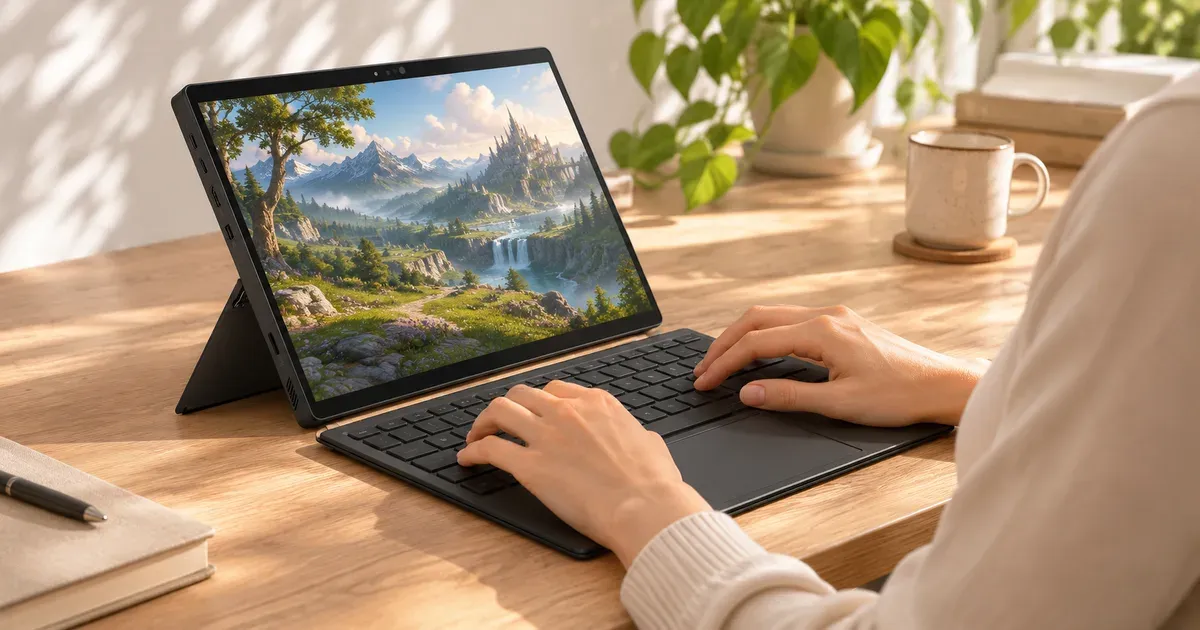
The short answer: yes, the Flow Z13 is good for gaming for its size, roughly matching a midrange RTX 4070 gaming laptop in a 2.65 lb tablet, but a regular gaming laptop gives you more frames for the money. It has no Nvidia GPU. Its AMD Ryzen AI Max+ 395 chip has Radeon 8060S graphics built in, which independent testing found trading blows with the RTX 4070 Laptop GPU. You get a 13.4-inch 180 Hz touchscreen, a detachable keyboard and up to 128 GB of memory, which also makes it popular for running local AI models. The trade-offs: no DLSS, soldered memory, a single small 2230 SSD slot, and a price that starts at $1,979.99.
Prices checked November 20, 2026, on Amazon (sold by Amazon.com).
Flow Z13 Specs
ASUS’s current Flow Z13 is the 2025 model (GZ302); there’s no 2026 version on ASUS’s site.
| ROG Flow Z13 (2025) GZ302 | |
|---|---|
| Chip | AMD Ryzen AI Max+ 395 (16 cores, 32 threads) or Ryzen AI Max 390 |
| Graphics | Integrated Radeon 8060S (no discrete GPU) |
| Display | 13.4” 2560x1600, 180 Hz, touch |
| Memory | Up to 128 GB LPDDR5X-8000, soldered |
| Storage | 1 M.2 2230 slot |
| Battery | 70 Wh |
| Charging | 200 W charger; 2 USB4 ports with charging |
| Weight | 2.65 lb (1.2 kg), tablet only |
How It Games
- About RTX 4070 Laptop level. In independent testing the Radeon 8060S traded blows with the RTX 4070 Laptop GPU and beat an RTX 4070 laptop limited to 70 W. AMD’s own launch figures claimed bigger leads; independent results are closer to even.
- AMD upscaling, not DLSS. Games use AMD’s FSR rather than Nvidia’s DLSS and frame generation, which matters in newer games where DLSS 4 adds a lot.
- Shared memory. Graphics memory comes from the system RAM, so a 32 GB model has less to spare than a 64 or 128 GB model.
- Best at 1080p to 1200p in demanding games; the 2560x1600 screen is better for older or esports titles.
- Ray tracing is the weak spot. In one test at 1080p with heavy ray-traced settings, Cyberpunk 2077 ran at 14 fps.
Independent results for the Ryzen AI Max+ 395 with 32 GB, at 1920x1200:
| Game | Settings | Frame rate |
|---|---|---|
| Forza Horizon 5 | Medium, no upscaling | 139 fps |
| Gears 5 | Medium | 147 fps |
| Call of Duty: Black Ops 6 | Balanced, FSR 3 Balanced | 118 fps |
| Cyberpunk 2077 | Medium, FSR 3 Balanced | 99 fps |
| Cyberpunk 2077 | Ray Tracing Low, FSR 3 Balanced | 65 fps |
Battery and Keyboard
- Battery: just over 10 hours in a web and video test, but 1 hour 34 minutes while gaming. Plug in to play.
- Keyboard: the detachable cover is comfortable for typing and has a large, clicky touchpad, but it flexes on a lap and has no battery, so it can’t work wirelessly. The kickstand is unstable at its steepest angle. For long sessions, a separate keyboard and controller work better.
- Weight: 2.65 lb for the tablet, about 3.5 lb with the keyboard.
2022, 2023 and 2025 Models
| Model | Graphics | Gaming verdict |
|---|---|---|
| Flow Z13 (2022) | Intel 12th Gen, up to RTX 3050 Ti | Light and older games only |
| Flow Z13 (2023) | Intel 13th Gen, up to RTX 4070 | Still capable at 1080p; buy used or refurbished only at a big discount |
| Flow Z13 (2025) GZ302 | Ryzen AI Max+ 395, Radeon 8060S | The current model, about RTX 4070 Laptop level with far more memory |
Which Flow Z13 to Buy
| Configuration | Price on Nov 20, 2026 |
|---|---|
| Ryzen AI Max+ 395, 32 GB, 1 TB | $1,979.99 |
| Ryzen AI Max 390, 32 GB, 1 TB | $1,979.99 |
| Ryzen AI Max+ 395, 128 GB, 1 TB | $3,299.99 |
On November 20 the Max+ 395 and the slower Max 390 cost the same at Amazon, so get the Max+ 395. Pay for 128 GB only if you’ll run large local AI models.
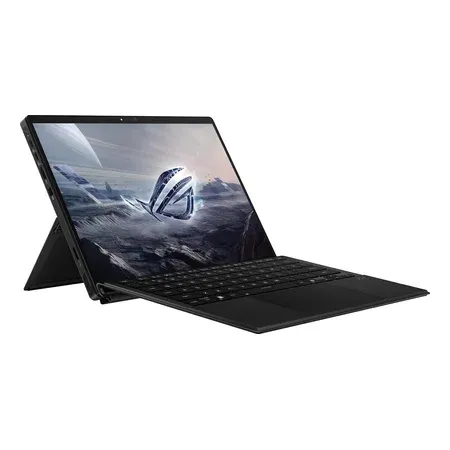
Best for gaming
ASUS ROG Flow Z13 (2025), Ryzen AI Max+ 395, 32 GB
Radeon 8060S graphics, 13.4-inch 2.5K 180 Hz touch, 32 GB, 1 TB, 2.65 lb tablet. $1,979.99 sold by Amazon on Nov 20, 2026.
Best for local AI
ASUS ROG Flow Z13 (2025), Ryzen AI Max+ 395, 128 GB
Same chip with 128 GB of LPDDR5X for large AI models, 1 TB. $3,299.99 sold by Amazon on Nov 20, 2026.
Flow Z13 vs. a Regular Gaming Laptop
| Flow Z13, Max+ 395, 32 GB | Razer Blade 14 | Alienware 16 Aurora, RTX 5070 | |
|---|---|---|---|
| Graphics | Radeon 8060S (integrated) | Up to RTX 5070 at 115 W | RTX 5070 |
| Screen | 13.4” 180 Hz touch | 14” 2880x1800 OLED, 120 Hz | 16” 2560x1600, 120 Hz |
| Weight | 2.65 lb (tablet) | 3.59 lb | 5.49 lb |
| Price, Nov 20 | $1,979.99 | — | $2,199.98 |
For pure gaming per dollar, a 16-inch RTX 5070 laptop wins. The Z13 makes sense if you want one device that’s a tablet, a work laptop and a gaming machine, or if you’ll use the large shared memory for AI.
What Owners and Testers Say
- Praise: portability, the screen, the unusual amount of memory, and that it can game at all in a tablet.
- Price: reviewers describe it as upper-midrange gaming performance at a high-end price.
- Design: bulky as a tablet and top-heavy as a laptop, since all the hardware sits behind the screen.
Warranty
The Z13 has ASUS’s one-year warranty and, in the US, a free year of accidental damage protection if you register within 60 days (Best Buy purchases excluded). For a tablet you’ll carry, register it. See gaming laptop warranties.
Flow Z13 FAQ
How long does the Flow Z13 battery last while gaming?
About an hour and a half: 1 hour 34 minutes in independent testing, against just over 10 hours of web browsing and video.
Does the ROG Flow Z13 have a dedicated GPU?
No. The 2025 Flow Z13 uses the Radeon 8060S graphics built into AMD’s Ryzen AI Max+ 395. In independent testing it performed roughly like an RTX 4070 Laptop GPU.
Can the Flow Z13 play AAA games?
Yes, at 1080p to 1200p with medium to high settings and AMD’s FSR upscaling in demanding games.
Can you upgrade the RAM in the Flow Z13?
No. The LPDDR5X memory is soldered. Choose 32, 64 or 128 GB at purchase. The SSD is a replaceable M.2 2230 drive.
Is the Flow Z13 good for AI?
Its up to 128 GB of unified memory lets it load large local AI models that don’t fit on 8–16 GB laptop GPUs, which is a big reason people buy the 128 GB version.
Is there a 2026 ROG Flow Z13?
Not on ASUS’s site as of November 20, 2026. The 2025 GZ302 is the current model.




