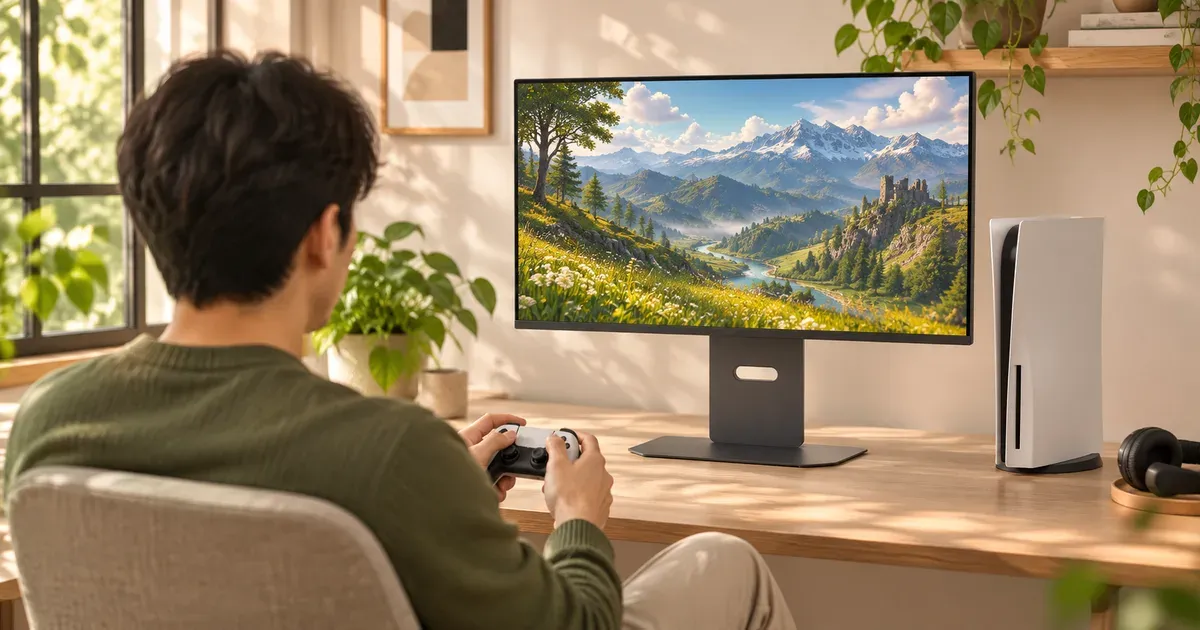
The best monitor for Xbox Series X is the Dell S 27 4K (S2725QS): a 27-inch 4K IPS at 120Hz with two HDMI 2.1 ports, enough for the console’s 4K 120fps mode, for $217.99 on Amazon on November 23, 2026. For an OLED picture, the 32-inch LG UltraGear 32GX870A ($829.99) has two HDMI 2.1 ports and 4K at up to 240Hz for a PC on the same desk. In between, the 27-inch Samsung Odyssey OLED G7 G70SH ($649.99) is a 4K OLED with HDMI 2.1.
Microsoft lists the Series X with HDMI 2.1, “true 4K”, up to 120 fps, HDMI VRR, auto low latency mode (ALLM) and FreeSync. 4K at 120Hz needs an HDMI 2.1 port on the monitor and the Ultra High Speed HDMI cable that comes with the console. Many cheap “4K 144Hz” monitors use HDMI 2.0, which can’t carry 4K at 120Hz; check the maker’s spec sheet for HDMI 2.1, and ideally “FRL”. Microsoft’s own pages don’t document 1440p output in a way we could confirm, so we’ve focused on 4K monitors.
Comparison
| Monitor | Size / panel | Resolution / max refresh | HDMI 2.1 ports | Speakers / audio | Price (Nov. 23, 2026) |
|---|---|---|---|---|---|
| Dell S2725QS | 27” IPS | 4K, 120Hz | 2 (FRL) | Built-in speakers | $217.99 Amazon |
| ASUS TUF VG27UQ1A | 27” Fast IPS | 4K, 160Hz | Yes (4K 120Hz per ASUS listing) | n/l | $239.99 Amazon |
| Samsung Odyssey OLED G7 G70SH | 27” OLED | 4K, 165Hz | 1 | n/l | $649.99 Amazon |
| LG UltraGear 32GX870A | 31.5” OLED | 4K, 240Hz | 2 | n/l | $829.99 Amazon |
| Samsung Odyssey OLED G8 G80SH 32” | 32” OLED | 4K, 240Hz | 2 | n/l | $833.49 Amazon |
| Alienware AW3225QF | 31.6” QD-OLED, 1700R | 4K, 240Hz | 2 (FRL, one eARC) | eARC | $699.99 Dell |
1. Dell S2725QS: Best Monitor for Xbox Series X
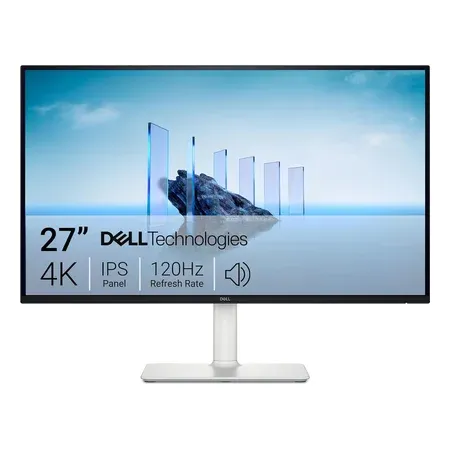
Best overall: 4K 120Hz, two HDMI 2.1
Dell S 27 4K (S2725QS)
$217.99 on Amazon on Nov. 23, 2026 (list $299.99). 27-inch 4K IPS, 120Hz, 2x HDMI 2.1 FRL, DP 1.4, speakers.
Dell lists two HDMI 2.1 FRL ports on the S2725QS, so the Xbox and a second device (a PS5, or a PC’s HDMI) both get 4K at 120Hz. The 27-inch IPS panel runs at 120Hz with FreeSync Premium, has built-in speakers for console audio, and sits on a stand with height, pivot, swivel and tilt. It’s the cheapest monitor here that matches the Series X’s top output. Dell’s listing names a TÜV Rheinland 4-star eye comfort rating. Dell’s warranty on S models is mostly 1 year.
2. ASUS TUF Gaming VG27UQ1A: Budget Alternative
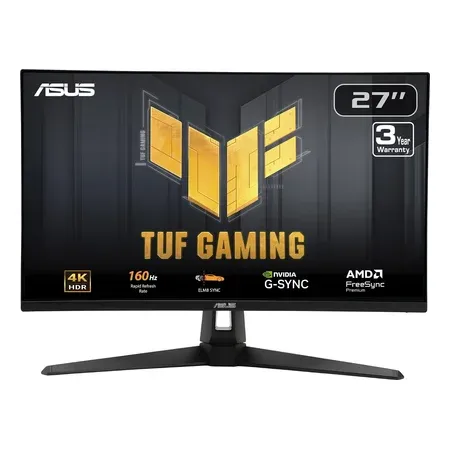
4K 160Hz, HDMI 2.1 for consoles
ASUS TUF Gaming VG27UQ1A
$239.99 on Amazon on Nov. 23, 2026 (list $329). 27-inch 4K Fast IPS, 160Hz, 95% DCI-P3, 4K 120Hz over HDMI 2.1.
ASUS’s listing gives the VG27UQ1A a 27-inch 4K Fast IPS at 160Hz with 1ms response, 95% DCI-P3, ELMB Sync, and “up to 4K 120Hz visuals via HDMI 2.1 without chroma subsampling” for consoles. The 160Hz top rate is for a PC over DisplayPort. It’s $22 more than the Dell; pick it if a gaming PC shares the screen.
3. Samsung Odyssey OLED G7 G70SH: Best 27-Inch OLED
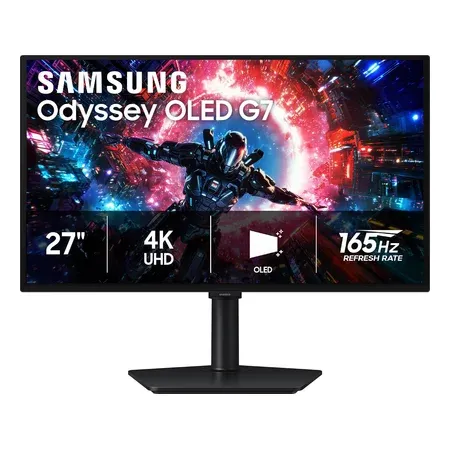
27-inch 4K OLED, 165Hz
Samsung Odyssey OLED G7 (G70SH)
$649.99 on Amazon on Nov. 23, 2026 (list $999.99). 27-inch 4K OLED, 165Hz, TrueBlack 400, DP 1.4, HDMI 2.1.
Samsung’s 2026 G70SH (LS27HG702SNXZA) is a 27-inch 4K OLED at 165Hz with TrueBlack 400, one HDMI 2.1, DisplayPort 1.4 and a stand with height, ±45° swivel and pivot. One HDMI 2.1 port is fine for one console. Samsung says burn-in at normal use is covered within its warranty; see OLED monitor burn-in warranty.
4. LG UltraGear 32GX870A: Best 32-Inch OLED for Xbox
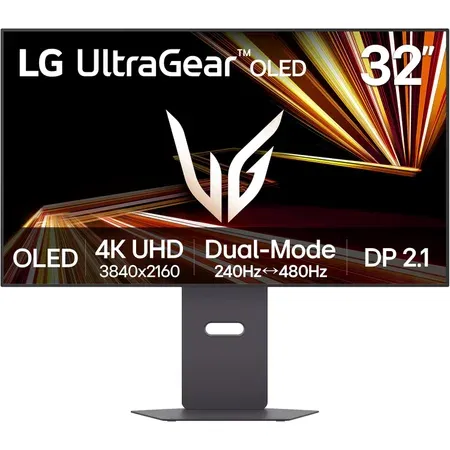
32-inch 4K OLED, two HDMI 2.1
LG UltraGear 32GX870A
$829.99 on Amazon on Nov. 23, 2026 (list $1,399.99). 31.5-inch 4K OLED, 240Hz, 2x HDMI 2.1, DP 2.1, USB-C 90W, KVM.
LG’s 32GX870A gives a bigger OLED picture with two HDMI 2.1 ports, DisplayPort 2.1, 90W USB-C and a KVM, so an Xbox, a PS5 and a laptop can all connect. It runs 4K at 240Hz (or 1080p at 480Hz) for a PC; the Xbox uses up to 120Hz. LG’s 2-year warranty covers the OLED panel. The Samsung Odyssey OLED G8 G80SH 32-inch ($833.49 on Amazon) is the alternative with True Black 500 and DP 2.1 UHBR20; see best HDR monitors.
5. Alienware AW3225QF: Best Curved OLED (From Dell)
The AW3225QF is a 31.6-inch 4K QD-OLED with a 1700R curve at 240Hz, two HDMI 2.1 FRL ports (one with eARC) to pass audio to a soundbar, and DisplayPort 1.4, at $699.99 at Dell (Estimated Value $999.99) on November 23, 2026, with Alienware’s 3-year warranty. Amazon didn’t list it from Amazon or Dell. Read is the Alienware AW3225QF worth it.
Monitors to Avoid for Xbox
- HDMI 2.0 monitors can’t do 4K at 120Hz. The AOC Q27G3XMN, for example, has HDMI 2.0 only and runs 1440p at 144Hz over HDMI.
- Ultrawides: the Xbox outputs 16:9, so a 21:9 screen shows black bars.
- Monitors whose HDMI tops out below their DisplayPort rate: check the HDMI line on the spec sheet, not the headline refresh rate.
Xbox Setup Tips
- Use the Ultra High Speed HDMI cable that came with the console.
- In the Xbox video settings, choose 4K and 120Hz, and turn on VRR.
- Audio: most monitor speakers are basic. Plug headphones into the controller, use the monitor’s headphone jack, or use an eARC port (Alienware) for a soundbar.
- A Series S, which Microsoft describes as designed for 1440p gaming, also works with these monitors at its supported resolutions.
Also have a PlayStation? See best monitors for PS5. PC gamers should look at best gaming monitors and 1440p vs. 4K for gaming.
FAQ
What’s the best monitor for Xbox Series X?
The Dell S2725QS: 27-inch 4K 120Hz with two HDMI 2.1 FRL ports, $217.99 on Amazon on November 23, 2026.
Does Xbox Series X need HDMI 2.1 for 120Hz?
For 4K at 120Hz, yes: Microsoft says 4K 120 needs HDMI 2.1 on the display and an Ultra High Speed HDMI cable.
Is a 240Hz monitor useful on Xbox?
Not for the console: the Series X outputs up to 120 fps. The extra refresh rate helps a PC on the same monitor.
Can I use an OLED monitor with Xbox?
Yes. The Samsung G70SH, LG 32GX870A and Alienware AW3225QF all have HDMI 2.1.