
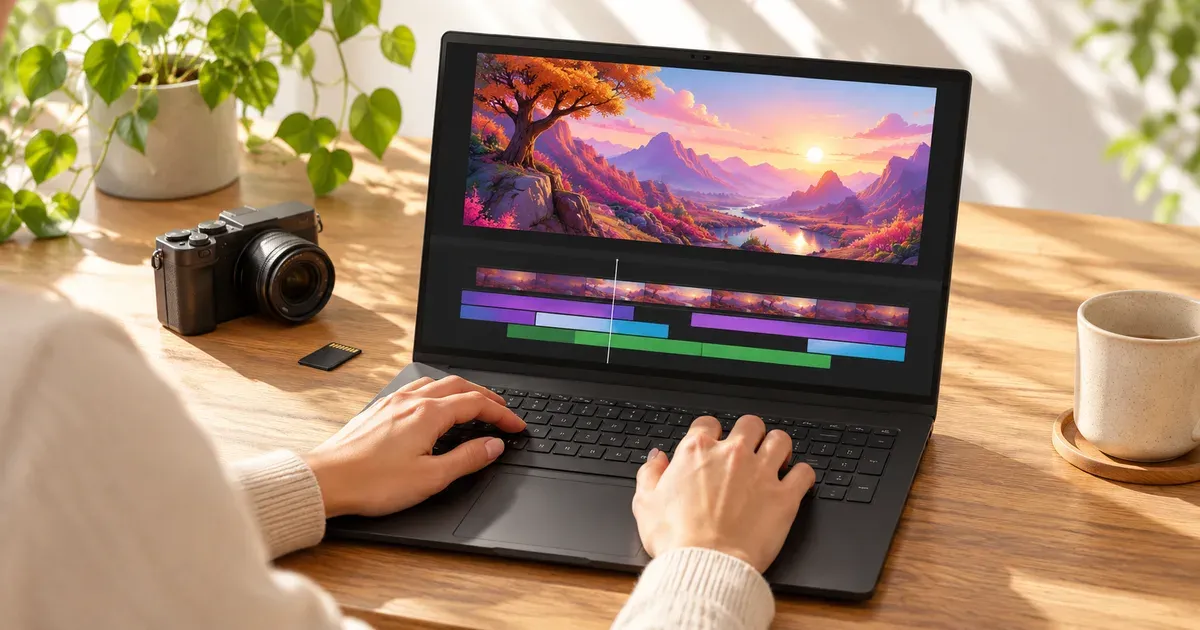
The short answer: the Lenovo Legion Pro 7i Gen 10 with an RTX 5080 is the best gaming laptop for video editing. It has a 16 GB GPU, a 24-core Core Ultra 9, two memory slots, a PCIe 5.0 SSD slot plus a second M.2 slot, and a 240 Hz OLED. For something thinner, the ASUS ROG Zephyrus G16 (2026) and Razer Blade 16 (2026) have 240 Hz OLEDs and RTX 5080 options. Their memory is soldered, so buy 64 GB up front if you edit 4K. On a tighter budget, the MSI Stealth 16 AI+ pairs an OLED with a 12 GB RTX 5070 Ti for $2,634.15.
Prices checked November 20, 2026.
What Matters for Editing on a Gaming Laptop
| Spec | Why it matters for editing | Aim for |
|---|---|---|
| GPU VRAM | Effects, color grading, AI tools and 4K/6K timelines use GPU memory | 12 GB (RTX 5070 Ti) minimum for 4K; 16 GB (5080) or 24 GB (5090) for heavy work |
| System RAM | Long 4K timelines and After Effects caches | 32 GB; 64 GB for 4K+ multicam |
| RAM slots | Soldered memory can never be upgraded | SO-DIMM/CSODIMM slots, or buy the max up front |
| Second M.2 slot | Separate drive for media and cache | Two M.2 slots, ideally one PCIe 5.0 |
| Display | Color accuracy for grading | OLED, 100% DCI-P3 |
| Media engines | RTX 50 GPUs have 9th-gen NVENC encoders for fast H.264/HEVC/AV1 exports | Any RTX 50 laptop |
Creator-Friendly Gaming Laptops
| Laptop | GPU (VRAM) | RAM | SSD slots | Display | Price (Nov 20) |
|---|---|---|---|---|---|
| Lenovo Legion Pro 7i Gen 10 | RTX 5070 Ti / 5080 / 5090 (12/16/24 GB) | 2× CSODIMM, up to 64 GB offered | 2 (one PCIe 5.0) | 16” OLED 240 Hz | lenovo.com |
| ASUS ROG Zephyrus G16 (2026) | RTX 5060 to 5090 | 32/64 GB soldered | 2 | 16” OLED 240 Hz | $3,699.99 RTX 5070 Ti (ASUS) |
| Razer Blade 16 (2026) | RTX 5070 Ti / 5080 / 5090 | up to 64 GB soldered | — | 16” OLED 240 Hz, TrueBlack 1000 | from $3,499.99 (Amazon) |
| ASUS ROG Strix Scar 18 (2026) | RTX 5080 / 5090 | 2× DDR5-6400 SO-DIMM, up to 128 GB | 2 (PCIe 5.0) | 18” 4K mini-LED, 100% DCI-P3 | from $4,199.99 (Amazon) |
| MSI Stealth 16 AI+ | RTX 5070 Ti (12 GB) | 32 GB | — | 16” QHD+ OLED 240 Hz | $2,634.15 (Amazon) |
| Gigabyte AERO X16 | RTX 5070 (8 GB) | — | — | 16” | $1,681.99 (Amazon) |
The Best Gaming Laptops for Video Editing
Best overall: Lenovo Legion Pro 7i Gen 10
The Legion Pro 7i is the most complete editing machine among gaming laptops. It runs a 175 W RTX 5080 (16 GB) or 5090 (24 GB) and a Core Ultra 9 275HX or 290HX Plus, with two DDR5 CSODIMM slots so RAM can grow later. Put the OS and projects on the PCIe 5.0 slot and media on the second M.2. The 240 Hz OLED reaches 500 nits typical and 1,100 nits peak. The 99.9 Wh battery option helps for editing away from a desk.
Best portable: ASUS ROG Zephyrus G16 (2026)
The G16 is 4.08–4.30 lb with a 2560×1600 240 Hz OLED, a Core Ultra 9 386H and up to an RTX 5090. It runs a 160 W GPU and carries a 90 Wh battery. RAM is soldered at 32 or 64 GB, so choose 64 GB for 4K work. ASUS’s US store had the RTX 5070 Ti, 32 GB, 1 TB model at $3,699.99.
Best display for grading: Razer Blade 16 (2026)
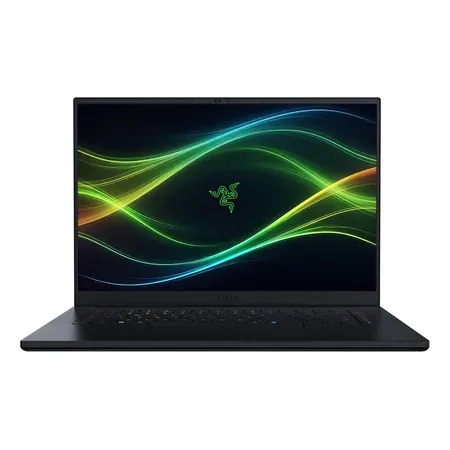
The Blade 16’s OLED is rated VESA DisplayHDR TrueBlack 1000 with 1,100 nits in HDR, the best HDR rating in a thin laptop. That matters if you grade HDR footage. The 64 GB RTX 5080 version was $4,699.99 on Amazon.
Best display for grading
Razer Blade 16 (2026), RTX 5080, 64 GB
RTX 5080 16 GB, 64 GB RAM, Core Ultra 9 386H, 16-inch 240 Hz OLED (TrueBlack 1000), 1 TB. $4,699.99 on Amazon on Nov 20.
Best value: MSI Stealth 16 AI+
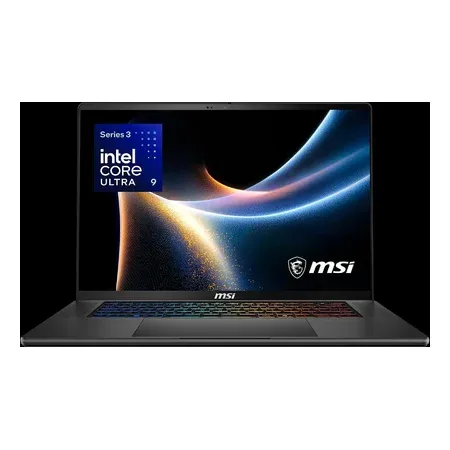
A 12 GB RTX 5070 Ti, Core Ultra 9 386H, 32 GB of DDR5 and a 240 Hz QHD+ OLED for $2,634.15 sold by Amazon. It was the least expensive way on Amazon to get 12 GB of VRAM and an OLED together.
Best value for editing
MSI Stealth 16 AI+, RTX 5070 Ti
RTX 5070 Ti 12 GB, Core Ultra 9 386H, 32 GB DDR5, 16-inch QHD+ 240 Hz OLED, 1 TB. $2,634.15 sold by Amazon on Nov 20.
Best for heavy 4K/8K and effects: ASUS ROG Strix Scar 18 (2026)
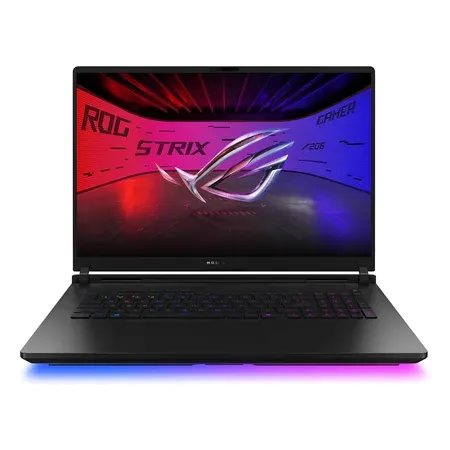
If you need the most memory, the Scar 18 takes up to 128 GB of DDR5-6400 in two slots and has two PCIe 5.0 SSD slots. Its RTX 5090 has 24 GB of VRAM, and the 18-inch 4K mini-LED covers 100% DCI-P3.
Best for heavy 4K and effects
ASUS ROG Strix Scar 18 (2026), RTX 5090
RTX 5090 24 GB, Core Ultra 9 290HX Plus, up to 128 GB RAM in 2 slots, 18-inch 4K mini-LED. $4,999.99 sold by Amazon on Nov 20.
Gaming Laptop vs. MacBook Pro for Editing
A MacBook Pro runs much longer on battery while editing and keeps full speed unplugged. A gaming laptop runs Windows-only tools and games, and has more VRAM per dollar at the high end. Its GPU slows down on battery. If you game too, the gaming laptop does both jobs.
Video Editing Laptop FAQ
Is a gaming laptop good for video editing?
Yes. The same powerful Nvidia GPU, fast CPU and high-refresh OLED that make a good gaming laptop also speed up editing, effects and exports. Check RAM upgradeability and the second SSD slot.
How much VRAM do I need for 4K video editing?
12 GB is a practical floor for 4K timelines with effects; 16 GB (RTX 5080) is more comfortable. 8 GB GPUs work for 1080p.
Is 32 GB of RAM enough for video editing?
For 1080p and most 4K projects, yes. Long 4K multicam timelines and After Effects benefit from 64 GB.
Which gaming laptop has the best screen for editing?
For HDR grading, the Razer Blade 16 (2026) OLED (TrueBlack 1000). For the largest canvas, the Strix Scar 18’s 4K mini-LED with 100% DCI-P3.
Should I edit on battery?
You can for light cuts, but Nvidia GPUs drop to reduced power on battery, so render and export plugged in.




