
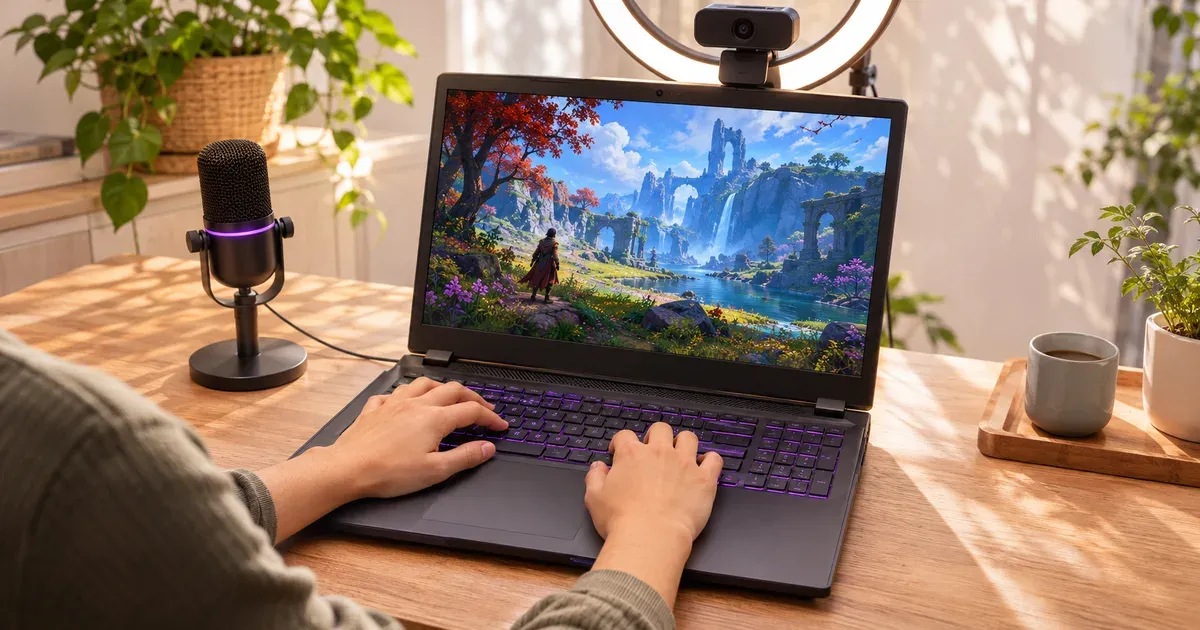
The short answer: any laptop with an Nvidia RTX 50-series GPU can stream to Twitch without hurting your frame rate, because the encoding runs on the GPU’s dedicated NVENC chip. So pick the GPU for the games you play, and make sure you have 32 GB of RAM for OBS, browser and chat. The Lenovo Legion 5a (2026) is the best all-round streaming laptop at $1,699.99 with 32 GB, a 115 W RTX 5060 and an OLED. The Lenovo LOQ 15 (2026) at $1,149.99 is the budget pick. The Lenovo Legion Pro 7i Gen 10 is the one to get for streaming demanding AAA games.
Prices checked November 20, 2026.
What a Streaming Laptop Needs
| Need | Why | What to look for |
|---|---|---|
| Nvidia NVENC encoder | Encodes the stream on dedicated hardware, not the CPU or the GPU’s game cores | Any RTX 50-series laptop (9th-gen NVENC) |
| 32 GB RAM | Game + OBS + browser sources + Discord + chat fill 16 GB quickly | 32 GB, or 16 GB in SO-DIMM slots you can upgrade |
| GPU for your games | Streaming doesn’t need a bigger GPU; your games do | RTX 5060 for esports, 5070 Ti and up for AAA at 1440p |
| Ports | Capture card, mic interface, second monitor | USB-C/Thunderbolt, HDMI 2.1, Ethernet |
| Wired internet | Twitch streams need a steady upload | Ethernet port or a USB-C adapter |
Nvidia’s own OBS guide says to choose Hardware (NVENC, H.264) for Twitch. Many streamers send Fortnite at 1280×720 60 fps at 6,000 kbps rather than 1080p so the image holds up at that bitrate. Twitch’s Enhanced Broadcasting uses an RTX GPU to encode several quality versions of your stream at once, so viewers on slow connections get a lower-bitrate copy instead of buffering.
The Best Gaming Laptops for Streaming
Best overall: Lenovo Legion 5a (2026)
The Legion 5a has 32 GB of DDR5 in this configuration, a 115 W RTX 5060 with NVENC, a Ryzen 7 250, and a 15.3-inch 2560×1600 165 Hz OLED. It weighs 4.1 lb, light enough to take to events. It’s enough for 1080p streams of Fortnite, Valorant, Minecraft and most AAA games at medium-high settings.
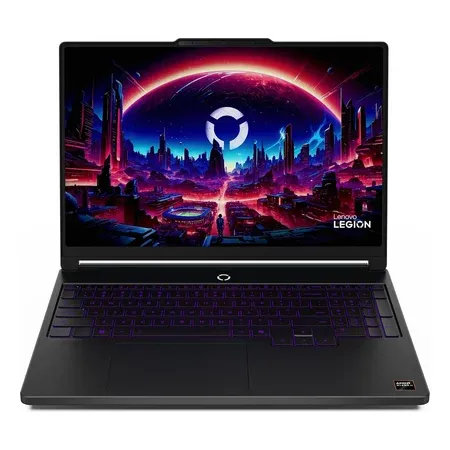
Best gaming laptop for streaming
Lenovo Legion 5a (2026), RTX 5060
32 GB DDR5, 115 W RTX 5060 with NVENC, Ryzen 7 250, 15.3-inch 2.5K 165 Hz OLED, 1 TB. $1,699.99 sold by Amazon on Nov 20.
Best budget: Lenovo LOQ 15 (2026)
The LOQ 15 gets you the same RTX 5060 and Ryzen 7 250 for $1,149.99. It ships with 16 GB and a 512 GB SSD, so plan on adding RAM and a bigger drive if you’ll record VODs.
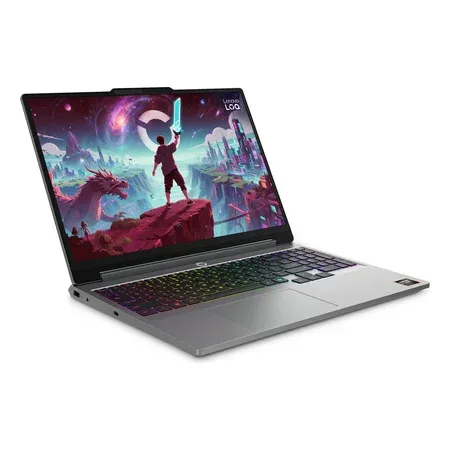
Best budget streaming laptop
Lenovo LOQ 15 (2026), RTX 5060
RTX 5060 with NVENC, Ryzen 7 250, 15.3-inch 1920x1200 165 Hz, 16 GB, 512 GB (83TN0003US). $1,149.99 on Nov 20.
Best for AAA streaming: Lenovo Legion Pro 7i Gen 10
If you stream new AAA games at high settings, the Legion Pro 7i’s 175 W RTX 5080 or 5090, 24-core Core Ultra 9 and two DDR5 slots (up to 64 GB offered) give the most headroom. Its two M.2 slots, one PCIe 5.0, leave room for a separate recording drive. Expect loud fans in its top mode, so use a directional mic.
Best 16-inch value: MSI Crosshair A16 HX
The Crosshair A16 HX has 32 GB of DDR5, an RTX 5070, a 16-core Ryzen 9 8940HX and a 240 Hz 2560×1600 screen for $2,294.00 sold by Amazon. The 16-core CPU leaves room for CPU-side work like browser sources, alerts and noise suppression.
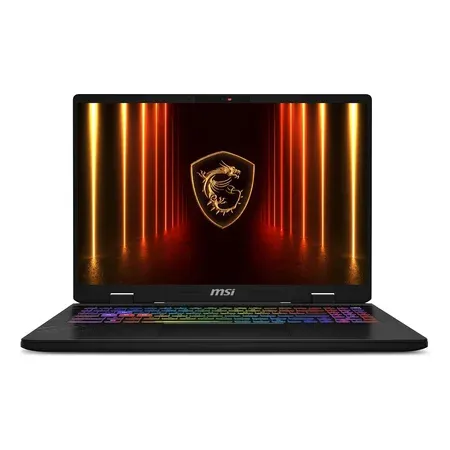
Best 16-inch value for streaming
MSI Crosshair A16 HX, RTX 5070
32 GB DDR5, RTX 5070 with NVENC, 16-core Ryzen 9 8940HX, 16-inch 2.5K 240 Hz, 1 TB. $2,294.00 sold by Amazon on Nov 20.
OBS Settings for a Gaming Laptop
- Encoder: Hardware (NVENC, H.264) for Twitch; NVENC AV1 or HEVC for YouTube.
- Plug in. On battery, the GPU drops power and your game and stream suffer.
- Cap your game’s frame rate a little below its maximum, so the GPU always has headroom for OBS compositing.
- Use Enhanced Broadcasting on Twitch if your channel qualifies, so viewers get multiple quality options.
- Go wired. Use the Ethernet port or a USB-C adapter for a stable upload.
- Use an external mic. Gaming laptop fans are loud in performance modes.
Streaming Laptop FAQ
Do I need an RTX 5080 to stream on Twitch?
No. Encoding runs on NVENC, which is the same on every RTX 50 laptop GPU. Buy the GPU your games need.
Is 16 GB of RAM enough for streaming on a laptop?
It works for light setups, but 32 GB is better once you add OBS browser sources, Discord, a browser and chat. Pick a laptop with SO-DIMM slots if you start with 16 GB.
Can a laptop stream and game at the same time?
Yes. With NVENC, the encode costs very little frame rate. CPU-based (x264) encoding on a laptop costs far more and makes it run hotter.
What resolution should I stream at from a laptop?
720p60 or 1080p60 at around 6,000 kbps covers most Twitch streams. Nvidia’s guide notes that many Fortnite streamers use 720p60 at 6,000 kbps for a sharper image in fast motion.
Is a gaming laptop good for YouTube streaming?
Yes. RTX 50 GPUs encode AV1, which YouTube accepts and which looks better at the same bitrate than H.264.




