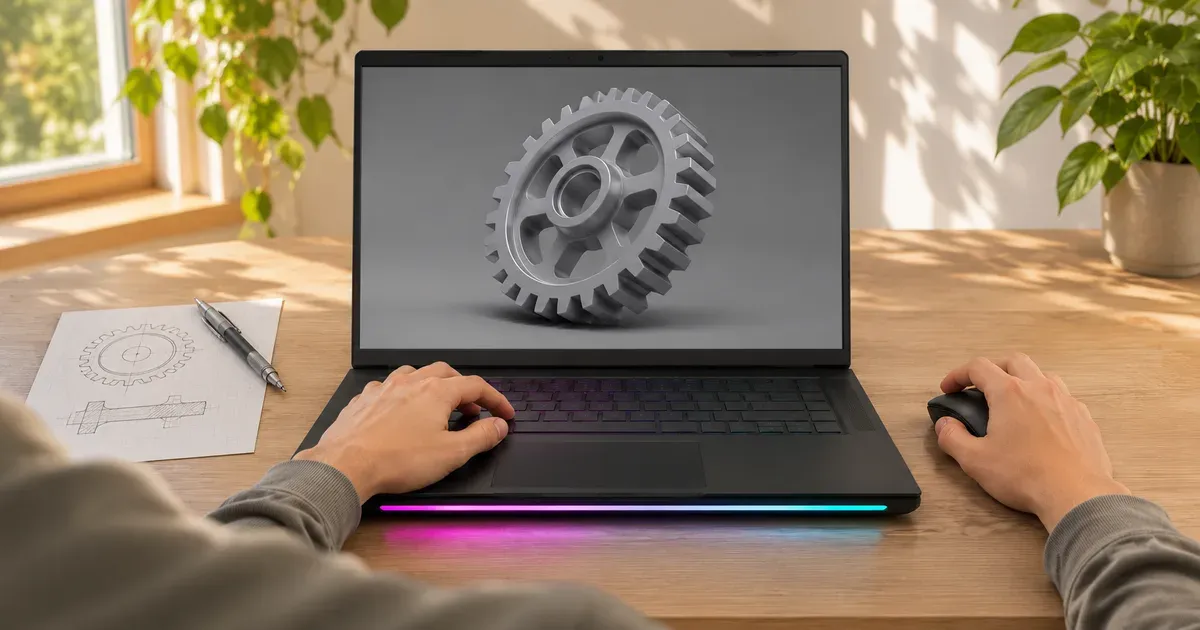
The short answer: engineering students should buy a Windows gaming laptop with an Nvidia RTX GPU and 32 GB of memory, and the Lenovo Legion 5a (2026) is the best value at $1,699.99 with an RTX 5060, 32 GB and a 1 TB SSD. SOLIDWORKS runs only on Windows and recommends 32 GB; MATLAB’s GPU computing works only with Nvidia GPUs. For heavier simulation and rendering, the Lenovo Legion Pro 7i Gen 10 adds a 24-core HX processor, an RTX 5080 and memory you can upgrade to 64 GB.
Prices checked November 20, 2026. Check your department’s own laptop requirements first; some programs specify minimums or run key software on lab machines or remote desktops.
What Engineering Software Needs
| Software | Requirement (maker’s page) | What it means for a laptop |
|---|---|---|
| SOLIDWORKS 2026 | Windows 11 or 10 (64-bit); 16 GB RAM, 32 GB recommended; certified graphics cards and drivers; SSD recommended | No Mac. Buy 32 GB. Check Dassault’s certified-card list for your exact GPU. |
| MATLAB GPU computing (R2026b) | Nvidia GPUs with compute capability 7.5 to 12.x | Needs an Nvidia RTX card; AMD and Intel graphics won’t accelerate it. |
| Rendering, CFD, FEA (Ansys, Blender, etc.) | More CPU cores, memory and GPU memory help | An HX-class CPU and 12–16 GB of video memory pay off. |
A gaming laptop is a good fit for engineering because it already has the parts these programs want: a fast multi-core CPU, a discrete Nvidia GPU with CUDA, lots of memory and strong cooling for long computations. “Workstation” laptops with certified Nvidia RTX Pro GPUs cost more and are mainly worth it if your courses require certified hardware.
Best Value: Lenovo Legion 5a (2026)
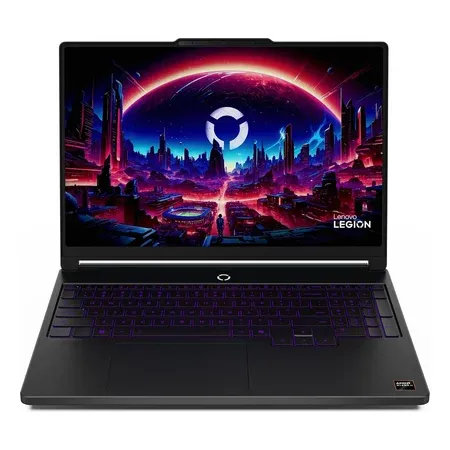
Best value
Lenovo Legion 5a (2026), RTX 5060, 32 GB
Ryzen 7 250, RTX 5060, 32 GB, 1 TB, 15.3-inch 2560x1600 OLED 165 Hz, 4.11 lb. $1,699.99 sold by Amazon.
This configuration meets SOLIDWORKS’s recommended 32 GB out of the box, has an Nvidia RTX 5060 for MATLAB GPU work and CUDA-based tools, and its 2560x1600 OLED gives you room for CAD toolbars. At 4.11 pounds with an 80 Wh battery, it’s carryable between classes and labs. The 8-core Ryzen 7 250 is the limit for heavy simulations.
Best Budget: ASUS ROG Strix G16 (2025)
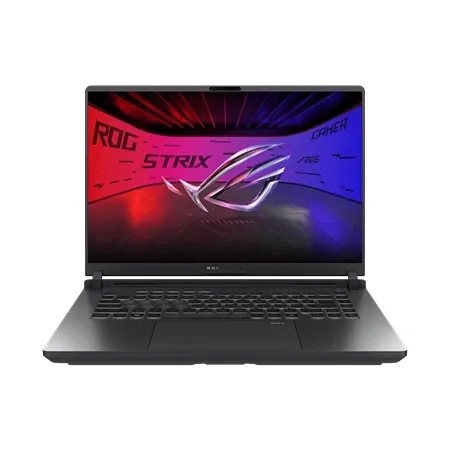
Best budget
ASUS ROG Strix G16 (2025) G615JMR
Core i7-14650HX, RTX 5060, 16 GB DDR5, 1 TB, 16-inch 1920x1200 165 Hz. $1,179.99 sold by Amazon.
The Strix G16 has the strongest CPU for the money here: a 16-core Core i7-14650HX. It ships with 16 GB, the SOLIDWORKS minimum, but has two DDR5 slots, so adding a 16 GB stick gets you to the recommended 32 GB for far less than buying it pre-configured. It’s heavy at 5.83 pounds.
Best for Heavy Simulation: Lenovo Legion Pro 7i Gen 10
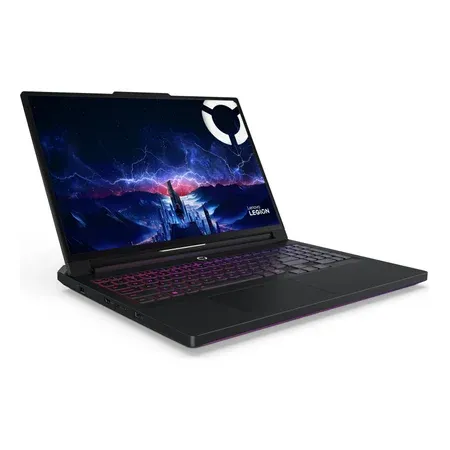
Best for heavy simulation
Lenovo Legion Pro 7i Gen 10 (RTX 5080)
Core Ultra 9 290HX Plus (24-core), RTX 5080 16 GB at 175 W, 32 GB, 1 TB, 16-inch 240 Hz OLED. $3,599.99 from EXCaliberPC.
The Legion Pro 7i Gen 10 combines a 24-core Core Ultra 9 290HX Plus with an RTX 5080 (16 GB of GDDR7) running at 175 W. Lenovo’s spec sheet lists two DDR5 CSODIMM slots (up to 64 GB offered) and two M.2 slots, one PCIe 5.0. That’s useful for large assemblies, FEA meshes and rendering. It’s 5.67 pounds plus a 400 W charger, so it’s a desk machine.
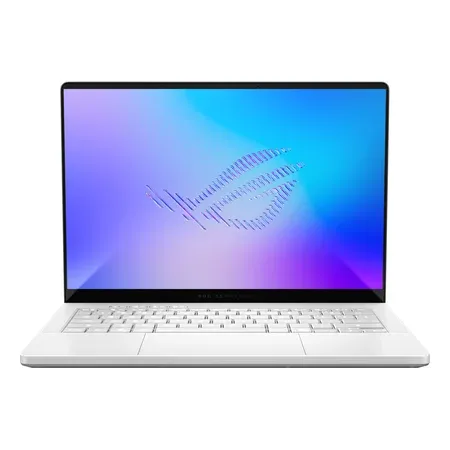
Best Portable: ASUS ROG Zephyrus G14 (2026)
Best portable
ASUS ROG Zephyrus G14 (2026) GU405AR
Core Ultra 9 386H, RTX 5070 Ti 12 GB, 32 GB, 1 TB, 14-inch 3K 120 Hz OLED, 3.48 lb. $3,599.99 at the ASUS store.
If you’ll carry your laptop to every lab, the G14 brings an RTX 5070 Ti with 12 GB of video memory, a 16-core Core Ultra 9 386H and 32 GB in a 3.48-pound body. Its memory is soldered, so choose the 64 GB option (+$1,200 at ASUS) only if your coursework demands it.
For CPU-Heavy Work: Gigabyte AORUS Master 16 Gen 2
The AORUS Master 16 Gen 2 pairs AMD’s 16-core Ryzen 9 9955HX3D with an RTX 5090 (24 GB) at 5.07 pounds, $4,599.99 sold by Amazon. It’s overkill for most coursework, but the 24 GB of video memory helps with large rendering scenes and local AI models.
What to Avoid
- Macs for SOLIDWORKS. Dassault lists only 64-bit Windows 10 and 11 for the SOLIDWORKS desktop program.
- AMD or Intel graphics only if you’ll use MATLAB GPU computing or other CUDA software. The Flow Z13 and TUF A14 with Radeon 8060S graphics are good gaming tablets but not for CUDA work.
- 16 GB of soldered memory. If the RAM can’t be upgraded, buy 32 GB.
- Low-power GPUs. A thin laptop that runs an RTX 5070 at 60 W will be much slower in GPU computations than one at 115 W.
Gaming Laptops for Engineering FAQ
What is the best gaming laptop for engineering students?
The Lenovo Legion 5a (2026) with an RTX 5060, 32 GB and 1 TB, at $1,699.99 sold by Amazon on November 20, 2026. It meets SOLIDWORKS’s recommended 32 GB and has an Nvidia GPU for CUDA software.
Is a gaming laptop good for engineering?
Yes. Gaming laptops have the multi-core CPUs, Nvidia GPUs, memory and cooling that CAD, MATLAB and simulation software use. Make sure it runs Windows and has 32 GB.
How much RAM does an engineering student need?
32 GB. SOLIDWORKS lists 16 GB as the minimum and 32 GB as recommended. Large simulations benefit from 64 GB, which laptops like the Legion Pro 7i support.
Do I need an Nvidia GPU for engineering?
For MATLAB GPU computing and other CUDA software, yes: MathWorks supports only Nvidia GPUs. For SOLIDWORKS, Dassault publishes a list of certified graphics cards and drivers; check it for the exact GPU you’re considering.