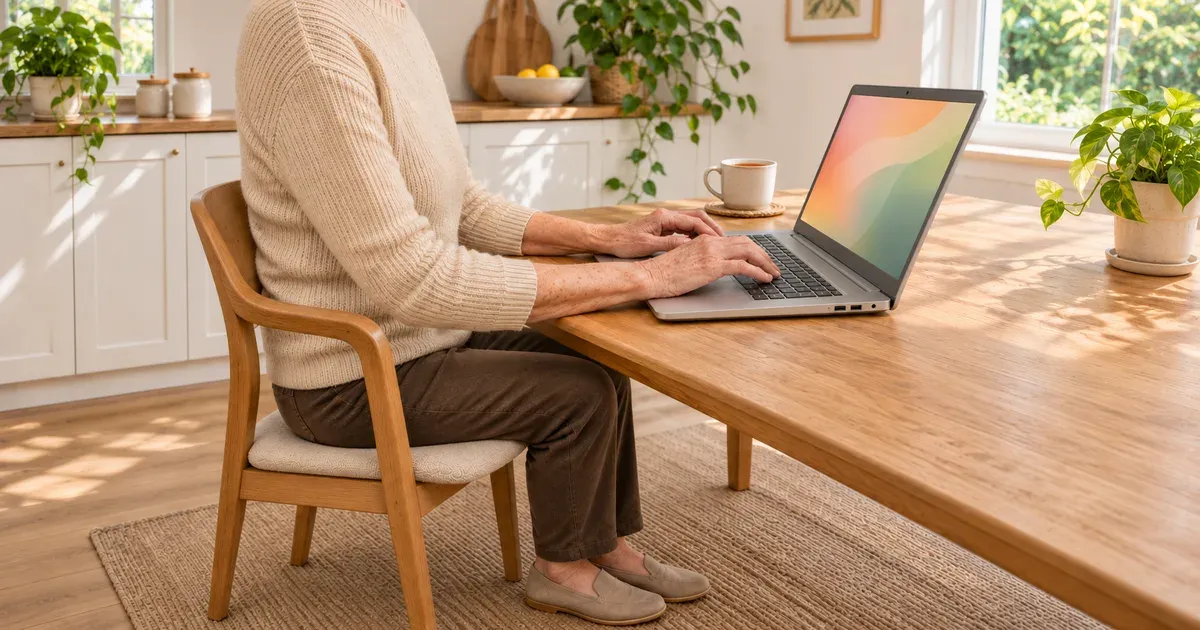
The best budget laptop for seniors who want a big, easy-to-read screen is the HP OmniBook 3 17.3 (1080p, Core 5 120U, 8GB, 512GB) at $499.99, sold by Amazon. Seniors who already use an iPhone or iPad will find the MacBook Neo ($649 on Amazon) the easiest to learn. For email, video calls and banking with little maintenance, the Acer Chromebook Plus 514 ($499.99) updates itself and gets Google’s security updates until June 2033. The Dell 15 (Core 3 100U, 15.6-inch 1080p) is a simple Windows laptop for $399.99.
The best rule is to stick with the system the person already knows. Prices were checked on November 23, 2026.
Laptops for Seniors Compared
| Laptop | Screen | Chip | RAM | Storage | OS | Updates | Price (Nov 23, 2026) |
|---|---|---|---|---|---|---|---|
| HP OmniBook 3 17.3 (17-dk0099nr) | 17.3” 1920x1080 | Core 5 120U | 8GB | 512GB | Windows 11 Home | Windows Update | $499.99 (Amazon) |
| Apple MacBook Neo 256GB | 13” 2408x1506, 500 nits | A18 Pro | 8GB | 256GB | macOS | Apple updates | $649 (Amazon) |
| Acer Chromebook Plus 514 (CB514-5HT) | 14” touch | Core i3-1315U | 8GB | 256GB | ChromeOS | Google to Jun 2033 | $499.99 (Amazon) |
| Dell 15 (DC15250) | 15.6” 1920x1080 | Core 3 100U | 8GB | SSD | Windows 11 Home | Windows Update | $399.99 (Amazon) |
| HP Chromebook 14a-nm000 | 14” 1366x768, 250 nits | Kompanio 540 | 4GB | 64GB eMMC | ChromeOS | Google to Jun 2036 | $259.99 (HP) |
1. HP OmniBook 3 17.3: Best Big Screen for Seniors
Best big screen for seniors
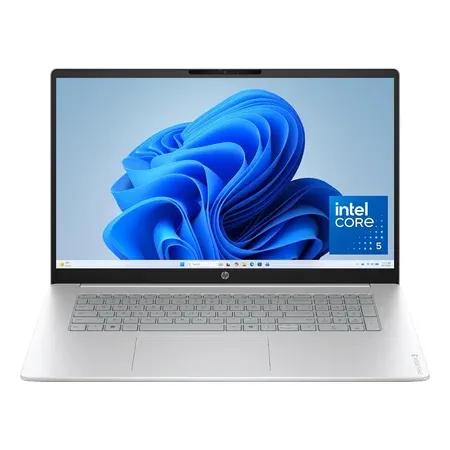
HP OmniBook 3 17.3 (17-dk0099nr)
Core 5 120U, 8GB RAM, 512GB PCIe Gen4 SSD, 17.3-inch 1920x1080, Windows 11 Home. $499.99 sold by Amazon on Nov 23, 2026.
At the same 1920x1080 resolution, a 17.3-inch screen shows everything physically larger than a 14- or 15.6-inch one. This Amazon SKU has a 1080p panel, a 10-core Core 5 120U and a 512GB SSD, and it runs regular Windows 11 Home (not S mode), so any printer driver or program installs normally. It weighs 4.43 pounds; it’s a laptop that stays on the kitchen table. Be careful with look-alikes: HP’s build-to-order OmniBook 3 17 on hp.com defaults to a dimmer 1600x900, 250-nit screen.
2. Apple MacBook Neo: Best for iPhone and iPad Users
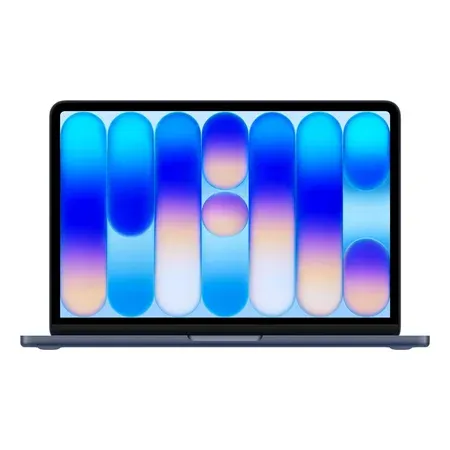
Best for iPhone and iPad users
Apple MacBook Neo 13-inch (256GB)
A18 Pro, 8GB unified memory, 256GB SSD, 13-inch 500-nit display, 2.7 lb. $649 sold by Amazon on Nov 23, 2026 ($699 at Apple).
If the person already uses an iPhone, Messages, FaceTime, Photos and iCloud passwords appear on the Neo with the same Apple Account, which takes much of the learning out of a new computer. The 13-inch screen is bright at 500 nits, and Apple lists 16 hours of video playback. The keyboard isn’t backlit, and the 256GB model has no Touch ID (the 512GB model, $749 on Amazon, does). Apple’s AppleCare+ for the Neo is $54.99 a year.
3. Acer Chromebook Plus 514: Lowest Maintenance
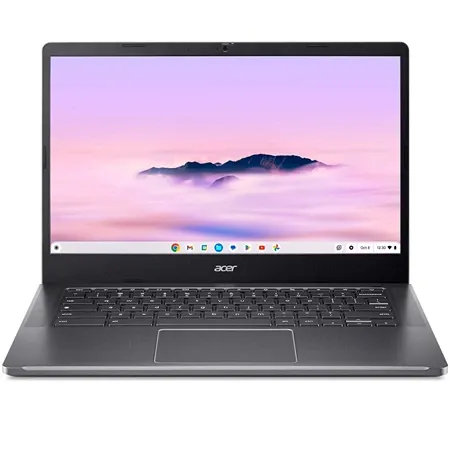
Lowest maintenance
Acer Chromebook Plus 514 (CB514-5HT-33RD)
Core i3-1315U, 8GB LPDDR5, 256GB SSD, 14-inch touch, Wi-Fi 7. Google updates to June 2033. $499.99 sold by Amazon on Nov 23, 2026.
A Chromebook updates itself in the background, has no separate antivirus to manage, and signs in with a Google account, so Gmail, Photos and passwords come along. That makes it a good choice for a relative you help remotely. This model has a touchscreen, a Core i3, 8GB and a 256GB SSD. Google lists updates for the CB514-5HT until June 2033. It can’t run desktop Windows programs such as tax software that only ships as a Windows download; web versions usually work. More in Chromebook vs. a cheap Windows laptop.
4. Dell 15: Simple Windows Laptop Under $400
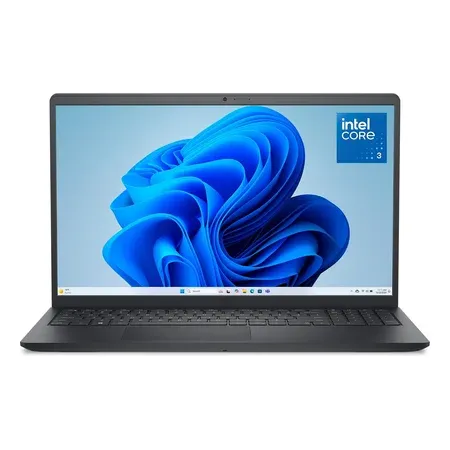
Simple windows laptop under $400
Dell 15 (DC15250, Core 3 100U)
Intel Core 3 100U, 8GB RAM, SSD, 15.6-inch 1920x1080, Windows 11 Home. $399.99 sold by Amazon on Nov 23, 2026.
A 15.6-inch 1080p laptop with an Intel chip and regular Windows 11 Home for $399.99. It’s the Windows pick for someone who wants to keep using familiar programs and printers without paying for a 17-inch model. Dell’s standard warranty on the Dell 15 is 12 months of mail-in service.
5. HP Chromebook 14a-nm000: Cheapest Simple Laptop
The HP Chromebook 14a-nm000 was $259.99 on HP’s store. Google lists the 14a-nm0xxx through June 2036, so it will stay secure for a decade. Its 4GB of memory and 64GB of storage are enough for email, video calls and browsing. The 14-inch 1366x768, 250-nit screen is its weak point, so it’s best for someone with good eyesight in a well-lit room.
What Makes a Laptop Easy for Seniors
- Screen size and resolution: 15.6 or 17.3 inches at 1920x1080. Avoid 1366x768 panels, which HP still ships on its Laptop 15t-fd000 and Chromebook 14a. Windows (Settings > Accessibility > Text size), macOS and ChromeOS all enlarge text.
- Brightness: 300 nits or more for rooms with windows; the MacBook Neo is 500.
- A familiar system: iPhone users get on with a Mac; Android and Gmail users with a Chromebook; long-time PC users with Windows.
- Avoid S mode surprises: some cheap Windows laptops ship in Windows 11 S mode, which blocks programs outside the Microsoft Store. Switching out is free but permanent.
- Avoid old refurbished Chromebooks: many 2019–2020 models stop getting Google security updates between June 2027 and June 2029.
Prefer something cheaper? See best laptops under $300. For video calls with family, see best budget laptops for Zoom. All picks are in the best budget laptops.
FAQ
What is the best laptop for a senior on a budget?
For a big screen, the HP OmniBook 3 17.3 at $499.99 on Amazon on November 23, 2026. For iPhone users, the MacBook Neo at $649. For the least maintenance, a Chromebook Plus such as the Acer Chromebook Plus 514.
Is a Chromebook good for seniors?
Yes, for email, video calls, browsing, banking and photos. It updates itself and needs no antivirus. It won’t run Windows-only programs.
Is a tablet better than a laptop for seniors?
For reading and video calls, a tablet is simpler. For typing emails and documents, a laptop’s keyboard is easier.
What screen size is best for older eyes?
15.6 or 17.3 inches with a 1920x1080 resolution, plus the operating system’s text-size setting turned up.