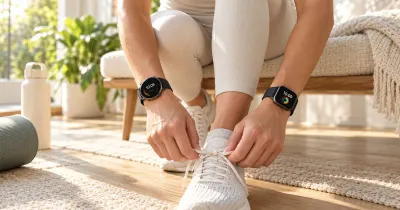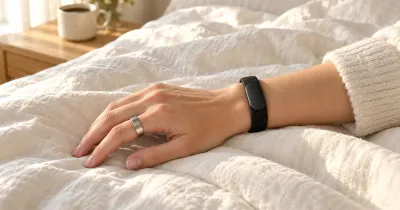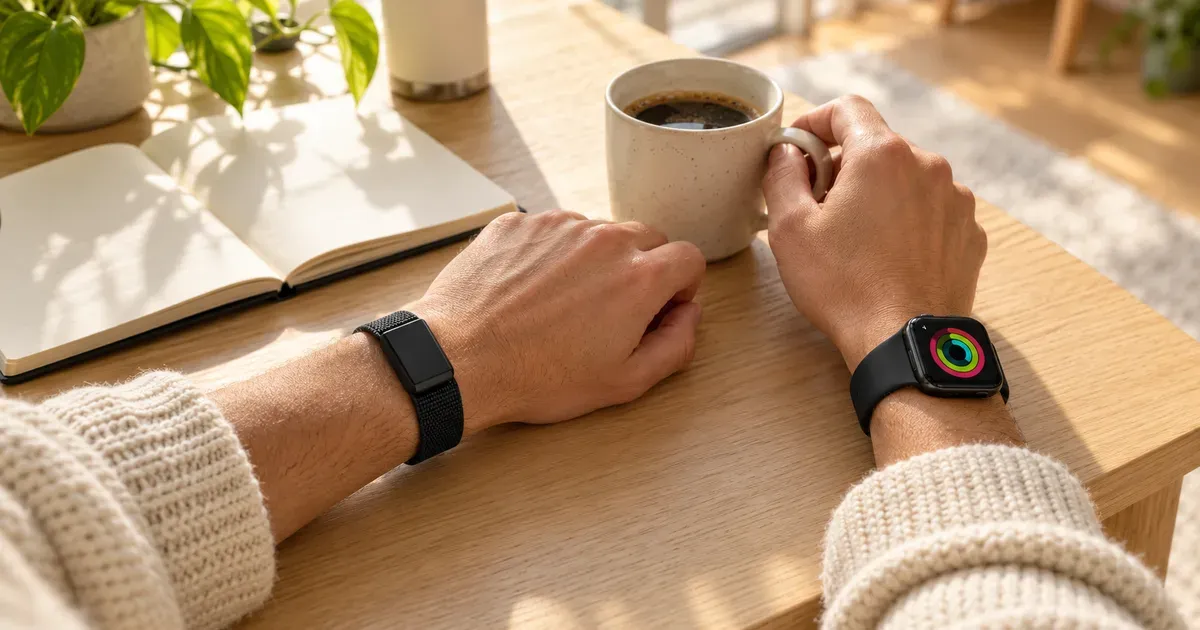
Whoop is a screenless band that does one thing: it tracks your body around the clock and tells you how hard to train and how much to sleep. The Apple Watch is a smartwatch that does a bit of everything, from messages and payments to ECGs and workout tracking. They overlap on health and fitness, but they’re built for different people.
The short answer: buy an Apple Watch Series 12 ($399) if you have an iPhone and want one device for notifications, apps, safety features, and solid fitness and sleep tracking, with no subscription. Buy Whoop if recovery and training guidance matter more than anything else, you want 24/7 data without charging every day, or you want a tracker with no screen to distract you. Over three years, Whoop costs more. Plenty of athletes wear both.
Whoop vs. Apple Watch at a glance
| Spec | Whoop 5.0 / MG | Apple Watch Series 12 |
|---|---|---|
| Form | Screenless sensor on a knit band | Smartwatch with a display |
| Price | $199, $239, or $359 a year (band included) | From $399, no subscription required |
| 3-year cost | $597 to $1,077 | From $399 |
| Battery | 14+ days, charges while worn | Up to 24 hours (38 in Low Power Mode) |
| Best at | Strain, recovery, sleep coaching | Smart features, safety, all-round fitness |
| Phones | iPhone and Android | iPhone only |
| ECG | Yes (Life plan) | Yes |
| Blood pressure | Daily estimates after cuff calibration (Life plan) | Hypertension notifications |
| GPS | No, uses your phone | Built in |
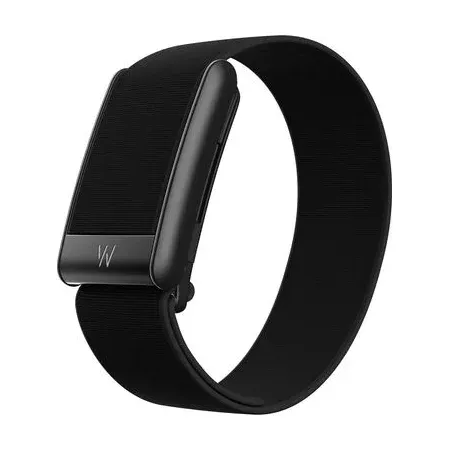
Best for recovery and training
Whoop 5.0 (Peak Membership)
A screenless band with 14+ days of battery, sold with 12 months of Whoop Peak.
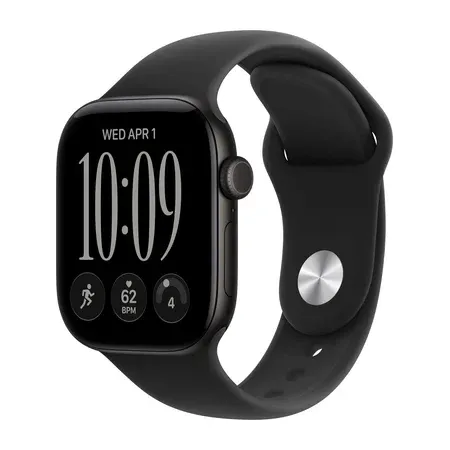
Best all-in-one for iPhone owners
Apple Watch Series 12
Apple's 2026 watch with a readiness score, sleep score, hypertension notifications, and 24-hour battery.
Recovery and Training
This is what Whoop is for. Every morning it gives you a Recovery score, from your overnight HRV, resting heart rate, breathing rate, and sleep. Through the day it tracks Strain, a measure of how hard your heart has worked from workouts and everything else. The app then tells you how much strain to aim for and how much sleep you need tonight to recover. Whoop One includes VO2 max estimates, heart rate zones, and coaching.
The appeal is simplicity and consistency. You don’t start or stop anything: Whoop picks up most workouts automatically, and you can wear it on your bicep for lifting or under a sleeve for sports where a watch isn’t allowed.
The Apple Watch has caught up a lot. Current watchOS adds training load, which compares your recent workout intensity with your norm, a Readiness score built from activity, vitals, and sleep, an overnight Vitals app that flags unusual readings, and HRV checks as often as every five minutes on the Series 12. It also has built-in GPS, a screen for live pace and heart rate, and dedicated workout modes. For most people who exercise a few times a week, that’s plenty.
Whoop still wins for people who want recovery to drive their training: its whole app is built around that one question, and the data never has gaps from charging.
Sleep Tracking
Both track sleep stages, consistency, and overnight heart rate and HRV, and both give you a sleep score.
The practical difference is battery. Whoop lasts 14 days or more and charges while you wear it, with a battery pack that slides onto the band, so it never misses a night. The Apple Watch lasts about a day, so you have to find time to charge it, often in the morning or evening, or it’ll die overnight. Apple’s fast charging helps: five minutes adds enough for about 10 hours of sleep tracking on the Series 12.
A screenless band is also easier to sleep in for some people, with no wake-up flashes from notifications.
Health Features
- Apple Watch Series 12: ECG, irregular rhythm notifications, high and low heart rate alerts, hypertension notifications that watch for patterns suggesting high blood pressure, sleep apnea notifications, blood oxygen, wrist temperature, and cycle tracking.
- Whoop: on the Peak plan ($239 a year), a health monitor with alerts, real-time stress monitoring, and Healthspan, which estimates your “pace of aging.” On the Life plan ($359 a year), the Whoop MG band adds an ECG with AFib detection and daily blood pressure estimates after you calibrate with a regular cuff. The FDA warned Whoop in 2025 that its blood pressure feature needed approval, then closed the warning in June 2026 after Whoop changed the feature and its labeling.
Apple’s alerts are FDA-cleared features that reach every Series 12 owner at no extra cost. For safety, Apple also has fall detection, crash detection, and Emergency SOS, which Whoop doesn’t.
Smart Features
There’s no contest. The Apple Watch shows notifications, answers calls, sends messages, runs apps, pays with Apple Pay, and has built-in GPS and optional cellular. Whoop has no screen, no GPS, and no apps. It buzzes for alarms and some alerts, and everything else happens in the Whoop app on your phone.
That’s a feature for some people. Whoop users often want a tracker that doesn’t pull them into their phone.
Phone Compatibility
The Apple Watch only works with an iPhone. Whoop works with both iPhone and Android, so on Android, Whoop (or a Garmin) is the obvious choice.
Cost
Whoop doesn’t sell the band on its own. You pay for a yearly membership, and the band comes with it.
| Year 1 | Year 2 | Year 3 | |
|---|---|---|---|
| Whoop One ($199/year) | $199 | $398 | $597 |
| Whoop Peak ($239/year) | $239 | $478 | $717 |
| Whoop Life ($359/year) | $359 | $718 | $1,077 |
| Apple Watch SE 3 | $249 | $249 | $249 |
| Apple Watch Series 12 | $399 | $399 | $399 |
The Apple Watch costs more up front and nothing after that. Apple’s Fitness+ workout classes are optional. Whoop is cheaper in year one and more expensive every year after. If you’d replace an Apple Watch every three or four years anyway, the gap narrows, but Whoop still costs more over time.
Can You Wear Whoop and Apple Watch Together?
Yes, and it’s common. Many people wear an Apple Watch on one wrist for smart features and workouts, and Whoop on the other wrist or the upper arm for recovery and sleep. Whoop can share data with Apple Health, and its battery means you can take the Apple Watch off to charge overnight without losing sleep data.
The downside is paying for both and tracking the same things twice. If you’re on a budget, pick the one that matches your priority.
Which Should You Buy?
Buy an Apple Watch if:
- You have an iPhone and want notifications, calls, payments, and apps on your wrist
- You want built-in GPS, fall and crash detection, and hypertension and sleep apnea alerts
- You’d rather pay once than every year
Buy Whoop if:
- You train seriously and want daily recovery and strain guidance
- You want sleep data every night without thinking about charging
- You use Android, or you want a tracker with no screen
- You already wear a watch you like and want better recovery data alongside it
If you’re also considering a smart ring, see Oura vs. Whoop.
Whoop vs. Apple Watch FAQ
Is Whoop more accurate than Apple Watch?
Both are accurate for heart rate and HRV at rest. Apple’s optical heart sensor is among the best in any wearable, and its screen shows live heart rate during workouts. Whoop’s advantage is continuity: it’s worn all the time, so its recovery and sleep data have fewer gaps.
Does Whoop work without a subscription?
No. The band only works with a paid One, Peak, or Life membership.
Does the Apple Watch have a recovery score?
Yes. Current watchOS includes a Readiness score based on your activity, vitals, and sleep, plus training load and an overnight Vitals app.
Can Whoop replace an Apple Watch?
Only if you don’t want smart features. Whoop has no screen, no GPS, no notifications beyond buzzes, and no payments.
Which is better for sleep tracking?
Whoop, in practice, because it lasts 14 days or more and never needs to come off. The Apple Watch tracks sleep well but needs daily charging.
Is Whoop worth it if I already have an Apple Watch?
Only if recovery guidance is important to you, or you want sleep data on nights you charge your watch. Otherwise, the Apple Watch’s Readiness and Vitals features cover the basics without another subscription.