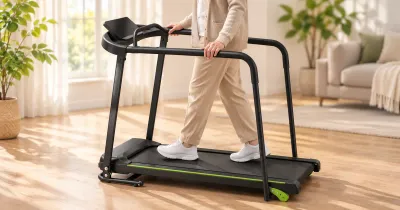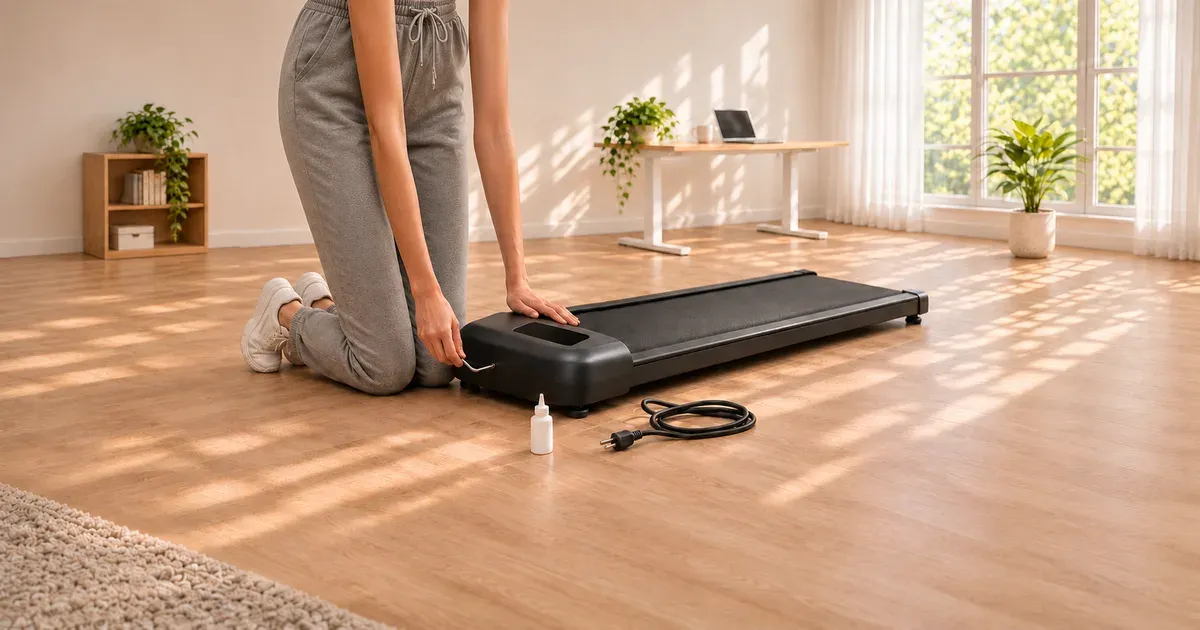
UREVO sorts its walking pad error codes into two groups. Codes E0, E7, and E10 point to the safety lock magnet. Codes E1, E02, E04, E5, E6, E8, U01, E11, E12, and E13 point to the control wire under the motor cover. That grouping comes from UREVO’s support FAQ, and it applies to UREVO’s walking pads and folding treadmills.
Start with the simple reset for any code: turn the pad off, unplug it for a few minutes, and plug it back in. If the code returns, use the table below.
UREVO Error Codes at a Glance
| Code on the display | What UREVO says to check | Fix |
|---|---|---|
| E0, E7, E10 | Safety lock magnet | Reinstall the safety lock (safety key) and adjust its position |
| E1 (E01), E02, E04, E5, E6, E8, U01, E11, E12, E13 | Control wire | Open the motor cover and make sure the control wire is connected correctly |
| Any code that returns after both steps | Controller, motor, or wiring | Contact UREVO support |
UREVO support: 1-844-998-2473 or contact@urevo.com. Have your model name and order number ready.
E0, E7, and E10: The Safety Lock
UREVO’s 2-in-1 treadmills, such as the Strol 2E, come with a magnetic safety key. The belt won’t run unless the magnet sits on its spot on the console, and it stops the belt if the key is pulled away.
For these three codes, UREVO says to reinstall the safety lock magnet and adjust its position. Take the key off, wipe the contact area, and seat it squarely. If the magnet is weak or has come loose from the key, UREVO says it will send a replacement safety lock.
E1, E02, E04 and the Other Wire Codes
For E1, E02, E04, E5, E6, E8, U01, E11, E12, and E13, UREVO gives one instruction: open the motor cover and make sure the control wire is installed correctly. On models with a handrail console, the same wire runs from the console down to the base, and UREVO says to check that the upper and lower control lines are connected if the pad won’t start.
Before you open anything:
- Unplug the pad and wait a few minutes.
- Open the motor cover at the front of the pad.
- Press each connector firmly into its socket and look for a wire that is pinched or has pulled loose.
- Refit the cover, plug in, and test at the lowest speed.
If the code comes back, stop there and contact UREVO. Its warranty runs one year, plus 180 days if you registered the pad in the UREVO app.
Fixes for Common UREVO Problems
These come from the same UREVO support page.
| Problem | UREVO’s fix |
|---|---|
| Pad won’t start or the switch does nothing | Check that the upper and lower control lines are connected, and that nothing is jamming the belt |
| Belt stops when you step on it | Tighten the running belt |
| Belt doesn’t move at all | Check whether the small motor belt has slipped or come off |
| Belt shakes | Add lubricating oil under the belt |
| Belt slips or drifts to one side | UREVO asks you to contact support for adjustment steps |
| Noise | Add lubricant under both sides of the belt and let the pad run empty for 5 to 10 minutes |
| Burning smell | Lubricate the belt, then check the motor, small belt, and fan for debris. If the smell stays, the motor may need replacing |
| Remote doesn’t work, or two pads’ remotes interfere | Send UREVO your model number so it can walk you through pairing |
| Remote won’t switch modes | Stop the belt first. Modes can’t change while it is running |
| Child lock is on | In standby, hold the remote’s speed-up button for more than 5 seconds until it beeps |
A belt that drifts to one side
UREVO’s Strol 2E manual gives the adjustment: turn the rear roller screw on the side the belt has drifted toward a quarter turn clockwise, run the pad for a minute or two, and repeat as needed. If the belt slips, tighten both screws a half turn. Don’t overtighten.
A belt that needs lubricant
The same manual says to lubricate before the first use and every 125 miles after that, with 5 to 10 mL of oil on the center of the deck. Too much oil can make the belt slip. Dry belts cause most of the noise, shaking, and burning-smell complaints in the table above.
A pad that resets itself
That is normal on the Strol 2E. If you pause for more than 10 minutes, it clears your workout data and goes into standby.
Why Won’t My UREVO Connect to the App?
Not every UREVO has Bluetooth. UREVO lists these models as Bluetooth-capable: Strol 2E, Strol 2S Pro, Foldi 3S, CyberPad for Home, SpaceWalk 3S, SpaceWalk E1L, and SpaceWalk E4W. It adds that some of them are also sold in non-Bluetooth versions, so check which version you bought before troubleshooting the app.
When to Stop and Call UREVO
- The same code returns after you reseat the safety lock or control wire.
- The pad speeds up, slows down, or stops on its own.
- You smell burning after lubricating the belt.
- The motor cover is too hot to touch.
Unplug the pad and don’t use it until UREVO responds. UREVO has no CPSC recall on record. For the brand that does have a CPSC warning, see our list of walking pad recalls and safety warnings.
If your pad is out of warranty and the fix is a new motor or control board, a replacement pad may cost less than the repair. Are UREVO walking pads good? covers which model to buy, and how long walking pads last explains what wears out.
UREVO Error Code FAQ
What does E01 mean on a UREVO walking pad?
UREVO groups E1 with the codes it says to fix by opening the motor cover and checking that the control wire is connected correctly. Unplug the pad first. If the code returns, contact UREVO support.
What does E07 mean on a UREVO treadmill?
UREVO lists E7 with E0 and E10 as safety lock errors. Reinstall the safety lock magnet and adjust its position.
What does E02 mean on a UREVO walking pad?
It is one of the control wire codes. Open the motor cover, make sure the control wire is seated, and contact UREVO if the code comes back.
How do I reset a UREVO walking pad?
Turn it off, unplug it for a few minutes, and plug it back in. To clear the child lock, hold the remote’s speed-up button for more than 5 seconds in standby.
Why does my UREVO walking pad keep stopping?
If it stops when you step on it, UREVO says to tighten the running belt. If it shows a code when it stops, use the table above. If it stops with no code after a long session, let the motor cool and lubricate the belt.
How do I contact UREVO support?
Call 1-844-998-2473 or email contact@urevo.com.