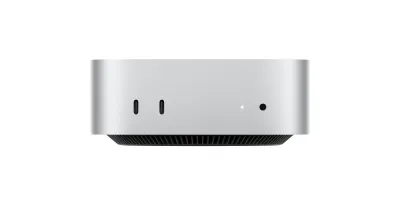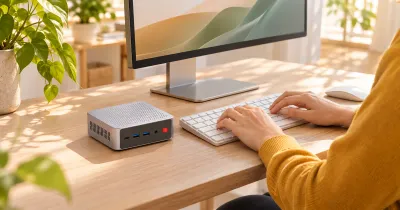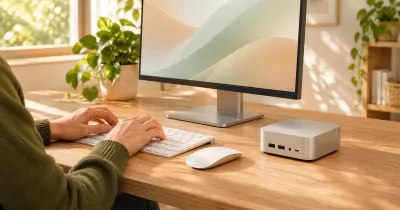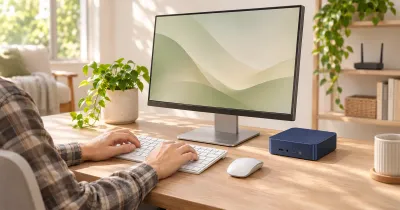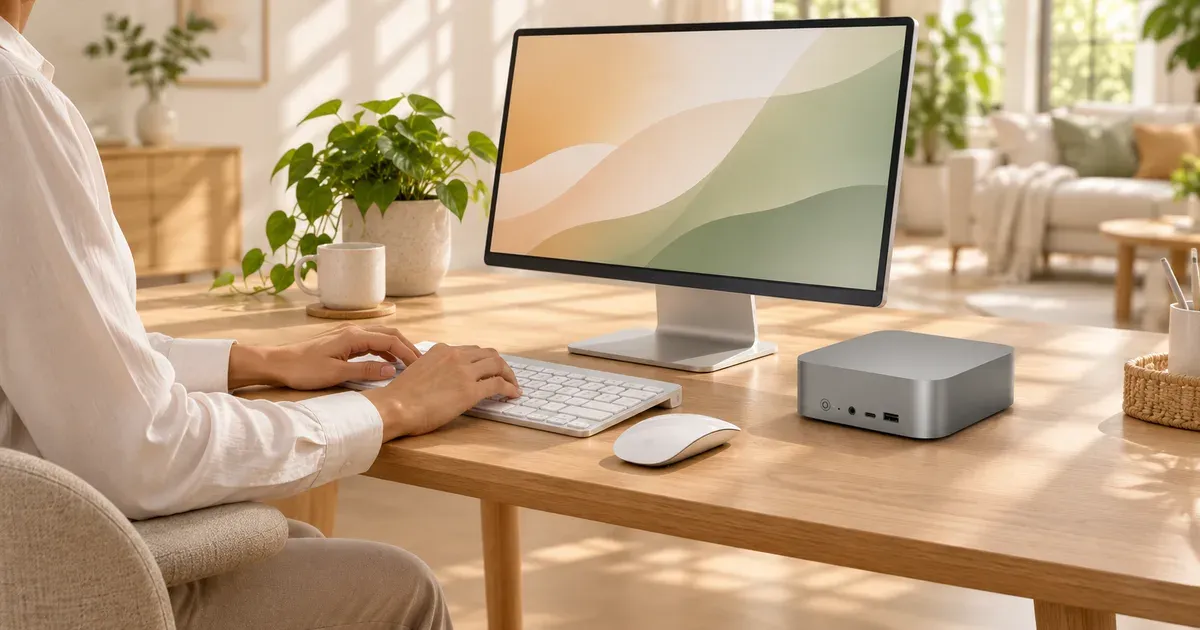
A mini PC is worth it for most home, office, school and media use. It takes up less space than a hardcover book, runs quietly on a power adapter rated at roughly 48W to 155W, can drive two to four monitors, and costs less than a laptop with the same chip because there’s no screen, keyboard or battery. It’s not worth it if you want high-end gaming or a PC you can keep upgrading: most mini PCs rely on integrated graphics, and more of them now have soldered memory.
The one 2026 caveat is price. Memory costs rose sharply through the year, so mini PCs cost more than in 2025. A capable Ryzen mini PC with 24GB and 1TB was about $740 to $780 in November 2026.
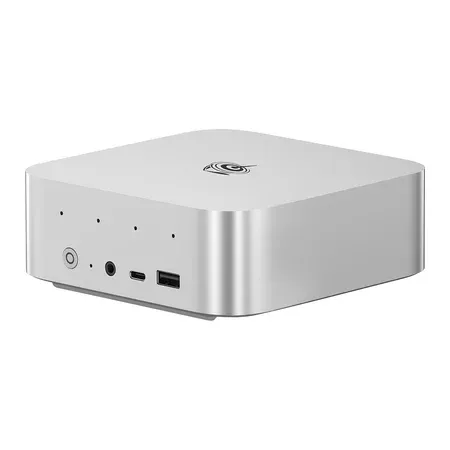
A good first mini PC
Beelink SER9 Pro (Ryzen 7 H 255, 24GB, 1TB)
8-core Ryzen with Radeon 780M graphics, 24GB, 1TB, USB4, HDMI and DisplayPort for three monitors, 3-year warranty.
Pros and Cons
| Pros | Cons |
|---|---|
| Small: many are about 0.5 to 0.8 liters | Integrated graphics on most models |
| Quiet, and some are fanless | Many newer models have soldered memory |
| Low power adapters (48W to 155W on popular models) | One or two SSD slots, no drive bays on most |
| Can mount behind a monitor (VESA) | No room for a full-size graphics card |
| Two to four monitor outputs | Smaller brands have shorter, mail-in warranties |
| Cheaper than a laptop with the same chip | You still need a monitor, keyboard and mouse |
For scale: Beelink’s EQ14 power supply is rated 48W, the GEEKOM A8 ships with a 120W adapter, and Apple lists 155W as the Mac mini M6’s maximum continuous power. A gaming tower’s power supply is commonly rated 650W or more.
Who Should Buy a Mini PC
- Home office and students: documents, web apps and video calls on one to three monitors.
- Family computers that sit on a desk or behind a TV.
- Media servers for Plex or Jellyfin, especially Intel N150 models with Quick Sync video.
- Homelabs: Proxmox, Home Assistant, Docker and firewalls. Models like the Minisforum MS-A2 add 10G networking and a PCIe slot.
- Mac users who want a desktop: the Mac mini M6 is the cheapest Mac.
- Local AI: Ryzen AI Max+ 395 mini PCs with 128GB, like the GMKtec EVO-X2, can load models too large for most graphics cards.
Who Shouldn’t
- Serious gamers. A tower with a desktop graphics card is faster per dollar. Gaming mini PCs exist, like the ASUS ROG NUC 16 with laptop RTX 50-series GPUs, but it started at $2,399 on ASUS’s store.
- People who upgrade parts often. A tower lets you swap the GPU, add drives and replace the power supply.
- Anyone who needs portability with a screen. A laptop has its own display and battery.
What Each Budget Buys (November 2026)
| Budget | What you get | Example |
|---|---|---|
| Under $300 | Renewed business PCs or new Intel N95/N150 and older Ryzen U models | Renewed Lenovo ThinkCentre Tiny, GMKtec NucBox G3 Plus ($329.99) |
| $300 to $500 | Intel N150 with dual 2.5GbE, or older Ryzen 5 | Beelink EQ14 ($389 at Beelink) |
| $700 to $900 | 8-core Ryzen with Radeon 780M, 16–24GB, 1TB; or the base Mac mini | GEEKOM A8 ($739), Beelink SER9 Pro ($779), Mac mini M6 ($779 at Amazon) |
| $1,000 to $1,600 | 12-core Ryzen AI 9, Core Ultra 9, or homelab workstations | Minisforum AI X1 Pro, MS-01, MS-A2 |
| $2,000 and up | Ryzen AI Max+ 395 with 64–128GB, gaming mini PCs, Mac mini M5 Pro | GMKtec EVO-X2, Framework Desktop, Mac mini M5 Pro |
Mini PC vs. Laptop vs. Tower
| Mini PC | Laptop | Tower | |
|---|---|---|---|
| Price for the same chip | Lowest | Higher (screen, battery) | Similar or higher |
| Portable | Somewhat (needs a screen) | Yes | No |
| Graphics | Mostly integrated | Integrated or laptop GPU | Any desktop GPU |
| Upgrades | SSD; RAM on some | SSD on some | Everything |
| Desk space | Smallest | Small | Largest |
More detail: mini PC vs. laptop, mini PC vs. desktop tower and mini PC vs. Mac mini.
Things to Check Before You Buy
- Memory type: SO-DIMM slots can be upgraded; LPDDR5/LPDDR5X is soldered and fixed for life.
- Barebone vs. complete: “barebone” means no RAM, SSD or Windows.
- Warranty and returns: Beelink and GEEKOM give 3 years; Minisforum 2 years on direct orders only; GMKtec 1 year plus 2 on parts with a 7-day return window.
- Ports: count the video outputs for your monitors, and look for USB4 or OCuLink if you might add an external graphics card later.
- Brand safety: see Are Chinese mini PCs safe?
Our best mini PCs guide lists our picks across these budgets.
Two specs worth reading up on first: how much RAM a mini PC needs and how much electricity a mini PC uses.
FAQ
Are mini PCs good for everyday use?
Yes. Even an Intel N150 mini PC handles web browsing, office apps, video calls and streaming. An 8-core Ryzen model handles heavier multitasking and photo editing.
Do mini PCs last as long as desktops?
The parts are laptop-class and last similarly, but you can replace fewer of them. Choosing a model with SO-DIMM memory and a 3-year warranty helps.
Can a mini PC replace a desktop?
For office, school, media and development work, yes. For high-end gaming or heavy 3D work, a tower with a graphics card is still better.
Do mini PCs use less electricity?
Their power adapters are rated far lower than a tower’s power supply, from about 48W on N150 models to 120W on 8-core Ryzen models, so they generally draw less power.
Is a Mac mini a mini PC?
Yes. The Mac mini M6 is a 5 x 5 x 2 inch mini PC that runs macOS.
Sources
- Beelink: EQ14
- GEEKOM: A8
- Apple: Mac mini tech specs
- ASUS: ROG NUC 16 specs
- TrendForce: 3Q26 DRAM and notebook prices