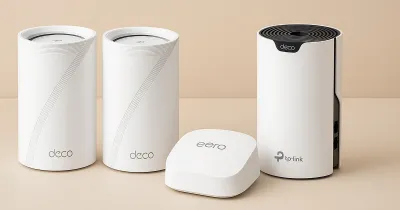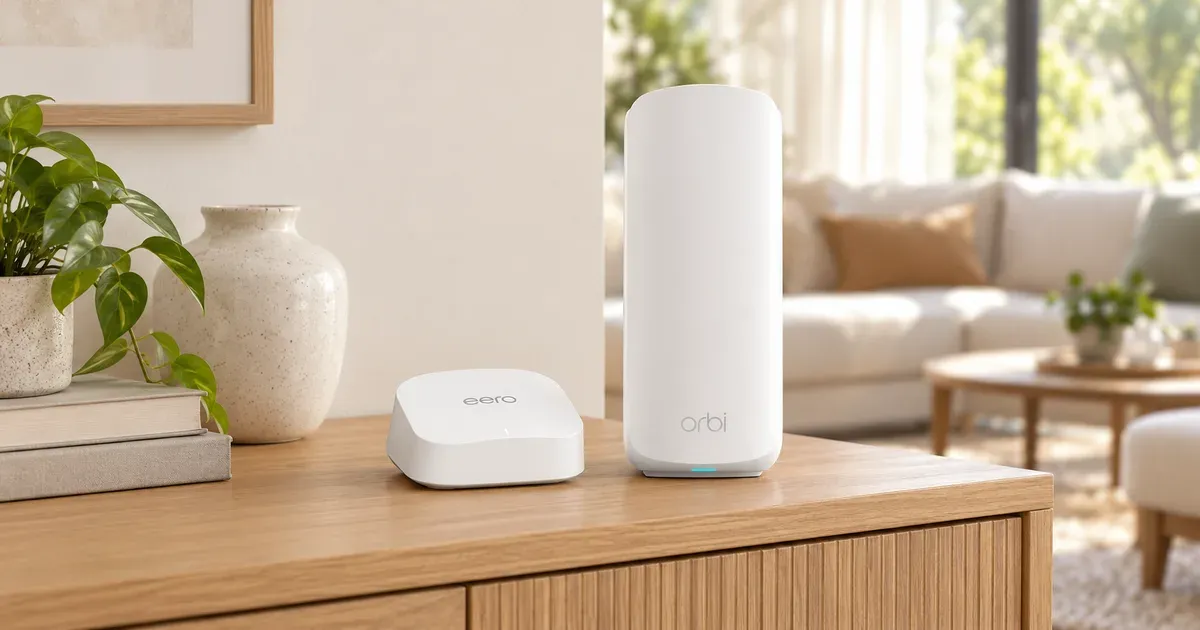
Amazon’s eero and NETGEAR’s Orbi are two of the most popular mesh Wi-Fi brands, and both now sell Wi-Fi 7 systems at every price point. eero is built around simplicity: small units, an easy app, and a built-in smart-home hub. Orbi is built around performance per dollar: bigger units, higher rated speeds, and more ways to manage your network.
The short answer: buy eero if you want the easiest setup, a smart-home hub for Thread and Zigbee devices, and a three-year warranty. Buy Orbi if you want more rated speed and coverage for the money and the option of a full web admin page. At the budget level, the Orbi 370 costs about $100 less than the eero 7 for the same 6,000 square feet of coverage.
eero 7 vs. Orbi 370 specs (3-packs)
| Spec | Amazon eero 7 | NETGEAR Orbi 370 |
|---|---|---|
| Price (3-pack) | About $400 | About $300 |
| Wi-Fi | Dual-band Wi-Fi 7 (2.4 and 5 GHz) | Dual-band Wi-Fi 7 (2.4 and 5 GHz) |
| Rated wireless speed | Up to 1.8 Gbps | Up to 5 Gbps |
| Internet plans | Up to 2.5 Gbps | Up to 2.5 Gbps |
| Ethernet | Two 2.5 GbE ports per unit | One 2.5 GbE internet port, one 2.5 GbE LAN port per unit |
| Coverage | Up to 6,000 sq. ft. | Up to 6,000 sq. ft. |
| Devices | 120+ | Up to 70 |
| Smart-home hub | Thread, Zigbee, and Matter | Not advertised |
| Management | eero app only | Orbi app and web admin |
| Warranty | 3 years | 1 year |
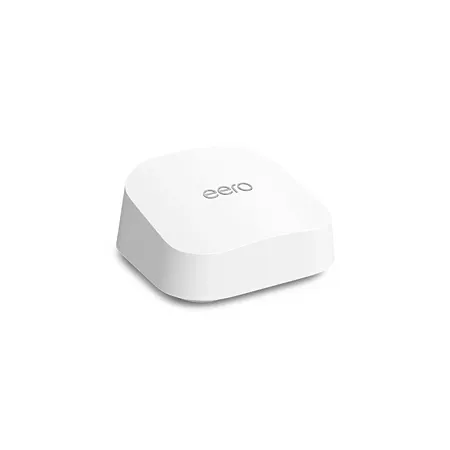
Best for simplicity
Amazon eero 7 (3-Pack)
Dual-band Wi-Fi 7 mesh with two 2.5 GbE ports per unit, a smart-home hub, and a three-year warranty.
Best value
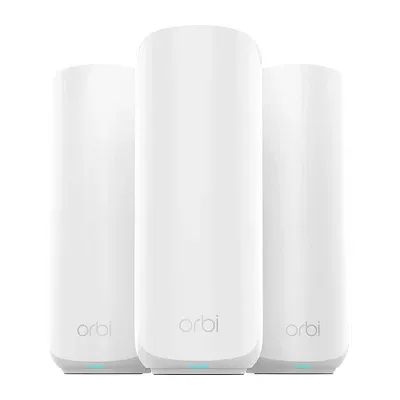
NETGEAR Orbi 370 (3-Pack)
Dual-band Wi-Fi 7 mesh rated up to 5 Gbps, with 2.5 Gig ports and 6,000 square feet of coverage.
Price: Orbi Costs Less at Both Levels
At the budget level, a three-pack of the Orbi 370 costs about $300 on Amazon, while a three-pack of the eero 7 costs about $400. Both are rated for 6,000 square feet.
The gap holds at the tri-band level. A three-pack of the Orbi 770 costs about $700, while a three-pack of the eero Pro 7 costs about $800. Orbi also lists higher coverage for the 770, at up to 8,000 square feet.
Speed and Wi-Fi Bands
Both budget systems are dual-band Wi-Fi 7, using the 2.4 GHz and 5 GHz bands with no 6 GHz radio. Orbi rates the 370 at up to 5 Gbps and eero rates the eero 7 at up to 1.8 Gbps, but these numbers add up the maximum capacity of each band. Real-world speeds depend on your devices, distance, walls, and how many mesh hops your data takes.
Both systems support internet plans up to 2.5 Gbps, which covers almost every home plan today.
The tri-band systems add the 6 GHz band, which has more open space for fast, newer devices. The eero Pro 7 is rated up to 3.9 Gbps and supports plans up to 5 Gbps through its 5 GbE ports. The Orbi 770 is rated up to 11 Gbps but tops out at 2.5 Gbps internet plans. If you pay for a 5-gig plan, that makes the eero Pro 7 the better match.
Coverage and Device Limits
At the same three-pack size, the eero 7 and Orbi 370 are both rated for 6,000 square feet. eero rates the eero 7 for 120+ devices, while NETGEAR lists the Orbi 370 at up to 70. That matters in homes full of smart plugs, cameras, and speakers.
At the tri-band level, Orbi claims more coverage (8,000 square feet for the 770 versus 6,000 for the eero Pro 7), while eero claims far more devices (600+ versus 100). Coverage ratings are best-case numbers, so place nodes based on your home’s layout and walls rather than the number on the box.
Ethernet Ports
Each eero 7 unit has two 2.5 GbE ports, and each eero Pro 7 has two 5 GbE ports. On the main unit, one connects to your modem and the other is free for a wired device.
Each Orbi 370 unit has a 2.5 Gig internet port and a single 2.5 Gig LAN port, and every Orbi 770 unit has 2.5 Gig Ethernet. Both brands support wired backhaul, so you can connect nodes with Ethernet for the most consistent speeds. If you have several wired devices in one spot, you’ll need a switch with either brand.
Setup and Controls
eero is the easier system to live with. Setup happens entirely in the eero app, which walks you through placing each node and handles updates and channel choices automatically. The trade-off is control: eero has no local web admin page, so everything runs through the app and eero’s cloud.
Orbi also uses an app for setup and everyday management, but it adds a traditional web admin page you can open from a browser on your home network. That gives hands-on users more settings to change, which is a real advantage if you like to fine-tune your network.
Subscriptions
Both brands sell optional security subscriptions. eero Plus costs $9.99 a month or $99.99 a year and adds advanced security, ad blocking, parental controls, and bundled extras like Malwarebytes, 1Password, and a VPN. NETGEAR Armor starts at $99.99 a year for security tools, with Armor Plus at $149.99 a year. Orbi systems include a 30-day Armor trial.
Neither subscription is required for basic Wi-Fi, guest networks, or device management.
Smart Home
eero has a clear edge here. eero units work as a smart-home hub for Thread, Zigbee, and Matter devices with Alexa, so you may not need a separate hub for smart locks, sensors, or bulbs. NETGEAR doesn’t advertise a smart-home hub for Orbi. If you already use Alexa and Zigbee or Thread devices, eero simplifies your setup.
Warranty
eero backs its Wi-Fi 7 routers with a three-year warranty. Orbi systems typically come with a one-year limited warranty. For hardware you’ll likely keep for several years, that’s a meaningful difference in eero’s favor.
The Tri-Band Matchup: eero Pro 7 vs. Orbi 770
eero Pro 7 vs. Orbi 770 specs (3-packs)
| Spec | Amazon eero Pro 7 | NETGEAR Orbi 770 |
|---|---|---|
| Price (3-pack) | About $800 | About $700 |
| Wi-Fi | Tri-band Wi-Fi 7 (2.4, 5, and 6 GHz) | Tri-band Wi-Fi 7 (2.4, 5, and 6 GHz) |
| Rated wireless speed | Up to 3.9 Gbps | Up to 11 Gbps |
| Internet plans | Up to 5 Gbps | Up to 2.5 Gbps |
| Ethernet | Two 5 GbE ports per unit | 2.5 GbE ports on every unit |
| Coverage | Up to 6,000 sq. ft. | Up to 8,000 sq. ft. |
| Devices | 600+ | Up to 100 |
| Warranty | 3 years | 1 year |
The eero Pro 7 is the better pick for multi-gig internet plans and homes with hundreds of connected devices, and it keeps eero’s smart-home hub and longer warranty. The Orbi 770 costs about $100 less, claims more coverage, and offers the web admin page.
Best for multi-gig plans
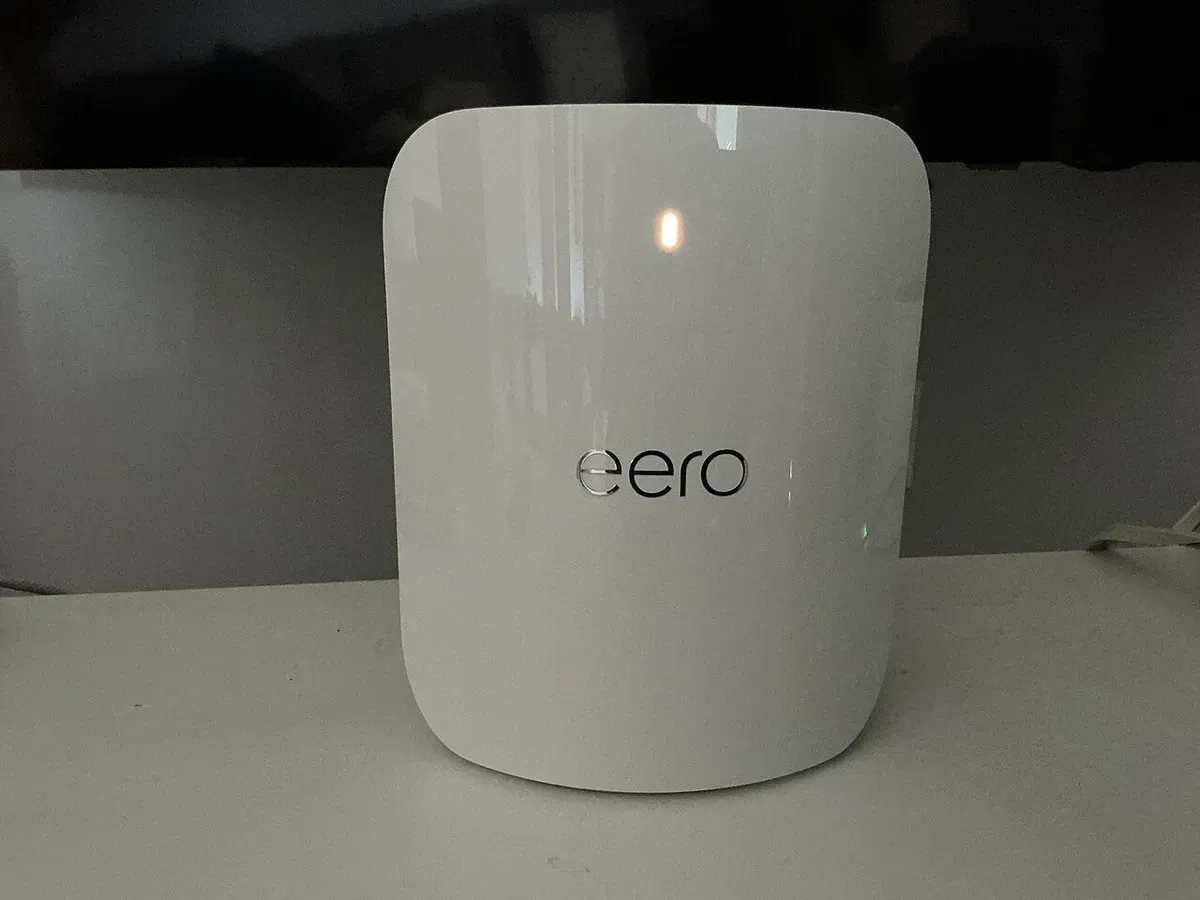
Amazon eero Pro 7 (3-Pack)
Tri-band Wi-Fi 7 mesh with 5 GbE ports, support for 5 Gbps plans, 600+ devices, and a three-year warranty.
Best tri-band value
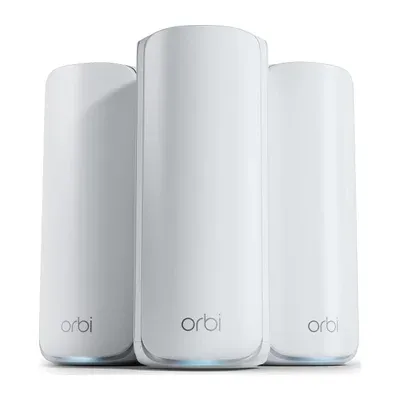
NETGEAR Orbi 770 (3-Pack)
Tri-band Wi-Fi 7 mesh rated up to 11 Gbps, with 2.5 Gig ports and up to 8,000 square feet of coverage.
What About the eero 6+?
The eero 6+ is still a good choice for gigabit plans, and it has more than 10,000 Amazon ratings. But a three-pack costs about $300, the same as the Orbi 370 three-pack, which adds Wi-Fi 7 and 2.5 Gig ports. Unless you want eero’s app and smart-home hub at that price, the Orbi 370 is the better buy, and the eero 7 is the better eero for most new setups.
Which Should You Buy?
- Buy the eero 7 if you want the simplest mesh system, a smart-home hub, and a three-year warranty.
- Buy the Orbi 370 if you want the most coverage and rated speed for the money and like having a web admin page.
- Buy the eero Pro 7 if you have a multi-gig internet plan or a home full of connected devices.
- Buy the Orbi 770 if you want tri-band Wi-Fi 7 and the most coverage for less than the eero Pro 7.
For more options, including TP-Link’s Deco systems, see our guide to the best mesh Wi-Fi systems.