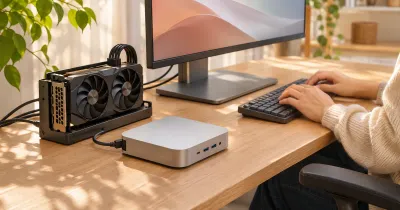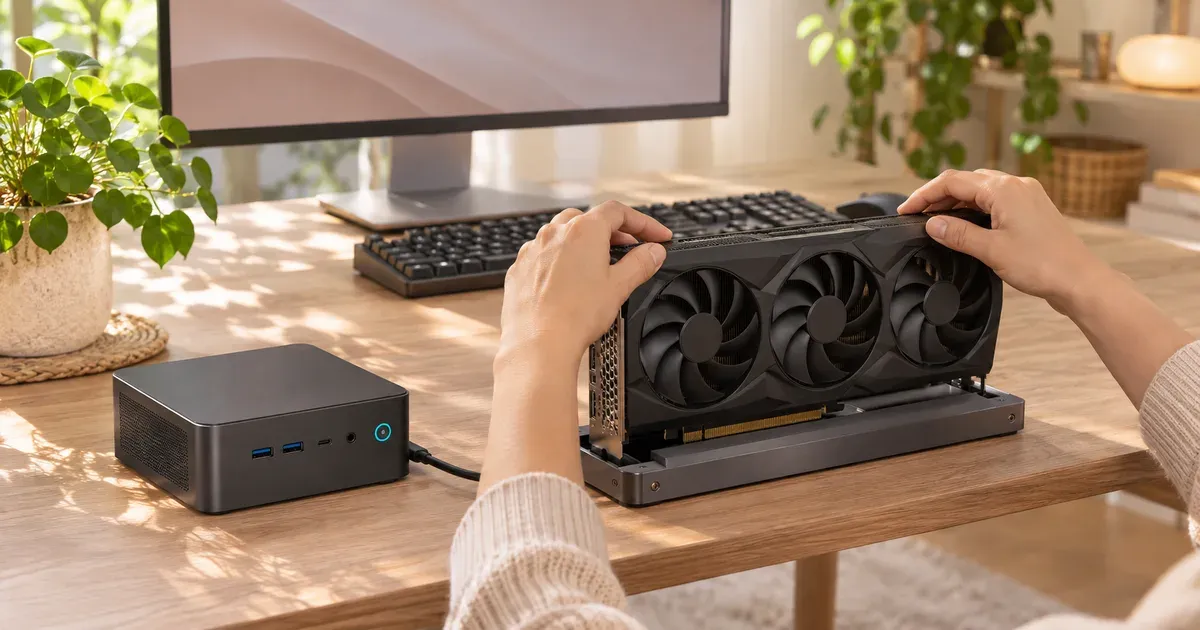
Yes, but not inside most mini PCs. You connect a desktop graphics card externally, through an OCuLink dock, a USB4 or Thunderbolt eGPU enclosure, or Beelink’s EX Pro dock, or you buy one of the few mini PCs with an internal PCIe slot. OCuLink is the most direct and cheapest route: Minisforum’s DEG1 dock was $115 on Amazon on November 22, 2026, and you add your own graphics card and power supply. A Mac mini can’t use an external GPU at all; Apple says eGPUs require a Mac with an Intel processor.
Four Ways to Add a GPU
| Method | Link to the card | Mini PCs that support it | Dock or extra cost (Nov. 22, 2026) |
|---|---|---|---|
| OCuLink dock | PCIe 4.0 x4, direct | Minisforum UM890 Pro, AI X1 Pro; GMKtec K8 Plus, K11, K12, EVO-X1 | Minisforum DEG1 $115 (Amazon), DEG2 $259.90 (Minisforum); your own PSU |
| USB4 / Thunderbolt eGPU | PCIe tunneled in a 40Gbps link | Most mini PCs with USB4 or Thunderbolt 4 | Varies; many enclosures include a power supply |
| Beelink EX Pro dock | PCIe 5.0 x8 (Beelink) | Beelink GTi14 Ultra, GTi15 Ultra | $179, with a built-in 600W power supply |
| Internal PCIe slot | x16 slot (electrical lanes vary) | Minisforum MS-01, MS-A2, MS-S1 Max | No dock; card size limits apply |
1. OCuLink Dock
OCuLink carries four PCIe 4.0 lanes straight from the processor to the dock, with nothing in between. You need a mini PC with an OCuLink port, a dock such as the Minisforum DEG1 (takes ATX or SFX power supplies and has a force-power-on switch), a desktop graphics card and a power supply. Turn the dock on before booting the mini PC; OCuLink generally isn’t hot-pluggable.
Watch for “OCuLink via adapter”: on the Minisforum X1 Lite, AI X1 (non-Pro) and UM870/880 Plus, OCuLink comes from an M.2 adapter that takes up one of the SSD slots. Beelink sells no models with OCuLink. More in OCuLink vs. USB4 for an eGPU and best mini PCs with OCuLink.
2. USB4 or Thunderbolt eGPU
Most current mid-range mini PCs have a USB4 or Thunderbolt 4 port (Beelink SER8 and SER9 Pro, GEEKOM A8, ASUS NUC 15 Pro, Minisforum UM890 Pro). An eGPU enclosure connects over that port and can be plugged and unplugged while the PC runs. The link is 40Gbps total and shares bandwidth with USB and DisplayPort, so a graphics card loses more performance than on OCuLink.
3. Beelink EX Pro Dock
Beelink’s eGPU route is the EX Pro dock ($179) for the GTi14 Ultra and GTi15 Ultra. The mini PC sits on the dock and connects through an internal PCIe slot (PCIe 5.0 x8, per Beelink). The dock has a built-in 600W power supply, two 8-pin GPU power connectors and room for three-slot cards in an open-air frame. Cards with three 8-pin or 16-pin connectors need an adapter.
4. Mini PCs With an Internal PCIe Slot
- Minisforum MS-01: PCIe 4.0 x16 slot for half-height, single-slot cards, running at x8.
- Minisforum MS-A2: PCIe x16 slot running at PCIe 4.0 x8, splittable.
- Minisforum MS-S1 Max: internal PCIe x16 slot running at PCIe 4.0 x4.
The MS-01’s slot takes only half-height, single-slot cards, and none of these cases has room for a full-size gaming card, so the slots suit network cards, storage cards and small GPUs. For gaming without a dock, Minisforum’s AtomMan G1 Pro ships with a desktop RTX 5060 8GB or RX 9060 XT 16GB in a PCIe 4.0 x16 slot ($1,759 at Minisforum), and the ASUS ROG NUC 16 uses RTX 50-series Laptop GPUs. See best mini PCs for gaming.
What You Need Besides the Dock
- A power supply sized for your graphics card (the DEG1 takes ATX or SFX units; the EX Pro has its own 600W supply).
- The graphics card. Check its length, slot width and power connectors against the dock.
- Desk space. OCuLink and EX Pro docks are open frames that sit next to the mini PC.
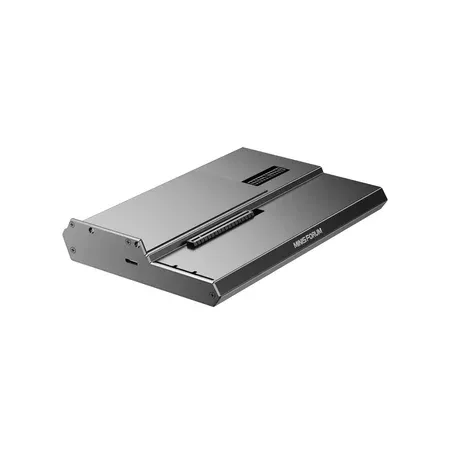
Best way to add a GPU
Minisforum DEG1 OCuLink eGPU Dock
OCuLink 4i (PCIe 4.0 x4) dock for desktop graphics cards; takes ATX or SFX power supplies. $115 on Amazon on Nov. 22, 2026.
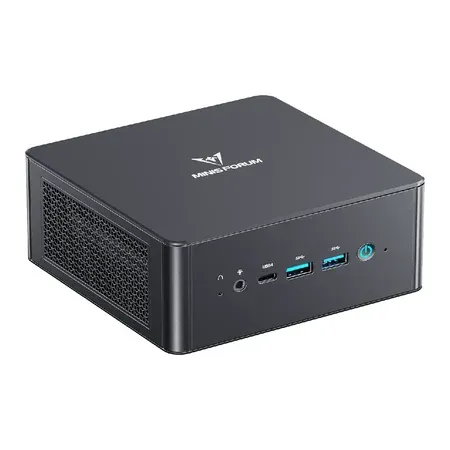
Mini PC with native OCuLink
Minisforum UM890 Pro (Ryzen 9 8945HS, 32GB, 1TB)
Native OCuLink plus two USB4 ports, dual 2.5GbE and four displays. $1,009 on Amazon on Nov. 22, 2026.
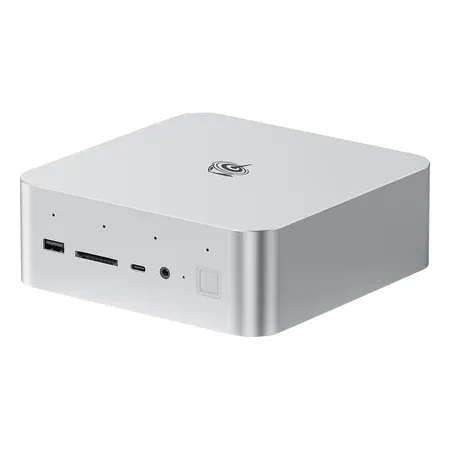
For Beelink's EX pro PCIe x8 dock
Beelink GTi15 Ultra (Core Ultra 9 285H, 64GB)
Core Ultra 9 285H, dual 10GbE and a PCIe 5.0 x8 link to the EX Pro dock (sold separately). $1,919 on Amazon on Nov. 22, 2026.
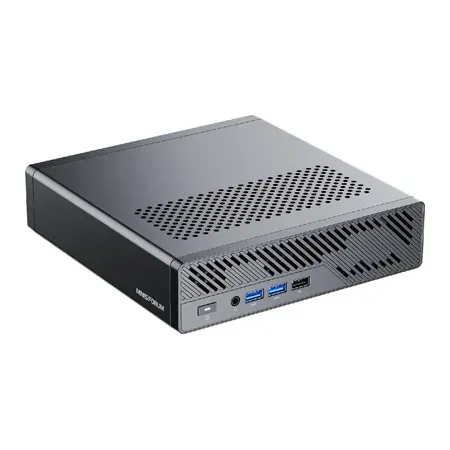
Internal PCIe slot
Minisforum MS-A2 (Ryzen 9 9955HX, 32GB, 1TB)
16-core Ryzen 9 9955HX, PCIe x16 slot (PCIe 4.0 x8), two 10G SFP+ and two 2.5GbE ports. $1,329 on Amazon on Nov. 22, 2026.
FAQ
Can you put a graphics card inside a Beelink or GEEKOM mini PC?
No. Their mainstream models have no PCIe slot. Use USB4 with an eGPU enclosure, or, on Beelink’s GTi Ultra models, the EX Pro dock.
Is OCuLink better than Thunderbolt for an eGPU?
For a desk setup, yes: it’s a direct PCIe 4.0 x4 link. Thunderbolt and USB4 are better if you need to plug and unplug while the PC is running.
Can a Mac mini use an external GPU?
No. Apple says eGPUs require a Mac with an Intel processor; the M4, M6 and M5 Pro Mac minis use Apple silicon.
Do I need a separate power supply for an eGPU?
Yes for OCuLink docks such as the DEG1. Beelink’s EX Pro has a built-in 600W supply, and many Thunderbolt enclosures include one.