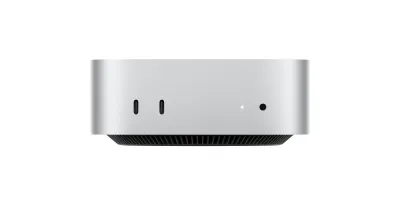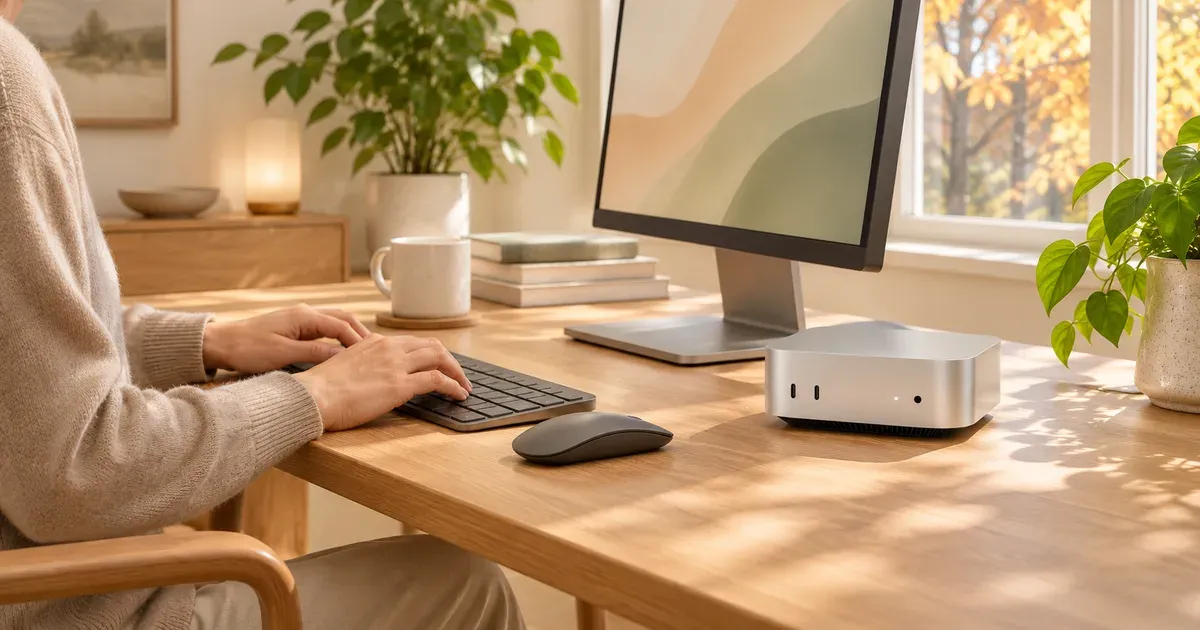
The short answer: the Mac mini with the M5 Pro chip is the best mini PC for video editing. The 24GB/512GB model was $1,549 on Amazon on November 22, 2026 ($1,699 at Apple). It has 307GB/s of memory bandwidth, three Thunderbolt 5 ports for fast external SSDs, and runs Final Cut Pro, DaVinci Resolve and Premiere Pro natively.
On a smaller budget, the Mac mini M6 with 24GB ($1,199 on Amazon) handles 4K timelines for YouTube and social video. For Windows editors who want an NVIDIA GPU for CUDA and NVENC, the ASUS ROG NUC 16 with an RTX 5060 laptop GPU was $2,099 on Amazon. The Minisforum AI X1 Pro-470 is the Windows pick without a discrete GPU, with a native OCuLink port to add one later.
Apple discontinued the M4 Mac mini in August 2026. The M6 and M5 Pro models replaced it.
Video Editing Mini PCs Compared
| Mini PC | Chip / GPU | Memory | Fast ports | Price, Nov. 22 |
|---|---|---|---|---|
| Mac mini M5 Pro | M5 Pro, 15-core CPU, 16-core GPU | 24GB (to 64GB at Apple), 307GB/s | 3x Thunderbolt 5 | $1,549 (Amazon) |
| Mac mini M6 | M6, 12-core CPU, 12-core GPU | 24GB (to 32GB), 170GB/s | 3x Thunderbolt 4 | $1,199 (24GB/512GB, Amazon) |
| ASUS ROG NUC 16 | Core Ultra 7 270HX Plus, RTX 5060 Laptop 8GB | 16GB DDR5, 64GB max | Thunderbolt 4, 2x HDMI 2.1, 2x DP 2.1 | $2,099 (Amazon) |
| Minisforum AI X1 Pro-470 | Ryzen AI 9 HX 470, Radeon 890M | 32GB DDR5, 128GB max | 2x USB4, OCuLink | $1,327 (Amazon) |
| Beelink GTi15 Ultra | Core Ultra 9 285H, Arc 140T | 64GB DDR5 | USB-C 40Gbps, PCIe 5.0 x8 dock port, 2x 10GbE | $1,919 (Amazon) |
Best Overall: Mac mini M5 Pro
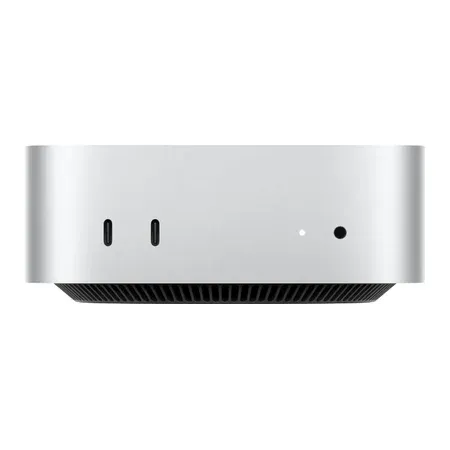
Best mini PC for video editing
Apple Mac mini (2026), M5 Pro, 24GB, 512GB
15-core CPU, 16-core GPU, 307GB/s memory bandwidth and three Thunderbolt 5 ports. $1,549 on Amazon.
The M5 Pro has 307GB/s of memory bandwidth, nearly twice the M6’s, and a 16-core GPU. Apple’s 18-core CPU, 20-core GPU version starts at $1,899. Its three Thunderbolt 5 ports run at 120Gb/s, so a fast external SSD or RAID can hold your footage. It drives up to three displays at 6K60 or 4K165, and Ethernet is 2.5Gb standard with a 10Gb option.
Memory can’t be added later. For 4K multicam or long timelines, 48GB is the safer configuration, and Apple sells it only as a build-to-order option. The 512GB internal SSD fills up fast with video; plan on an external drive for media.
Best Value: Mac mini M6 (24GB)
Best value for 4K editing
Apple Mac mini (2026), M6, 24GB, 512GB
12-core M6 with 24GB of unified memory at 170GB/s and three Thunderbolt 4 ports. $1,199 on Amazon ($1,299 at Apple).
Skip the 16GB base model for editing. The 24GB M6 has more memory and also faster memory: Apple lists 170GB/s for the 24GB and 32GB configurations versus 153GB/s for 16GB. Its ports are Thunderbolt 4 at 40Gb/s, which is still fast enough for an external NVMe SSD. It drives up to three displays.
Best Windows With an NVIDIA GPU: ASUS ROG NUC 16
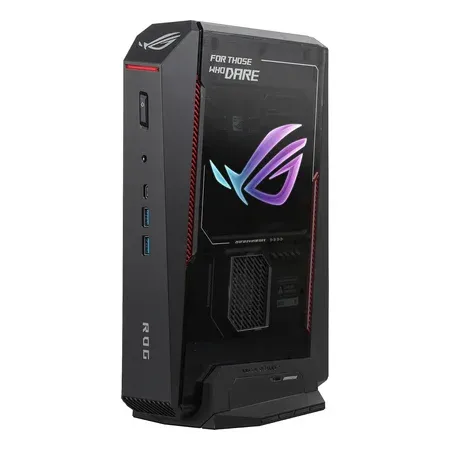
Best windows editing mini PC
ASUS ROG NUC 16, Core Ultra 7 270HX Plus, RTX 5060
RTX 5060 Laptop GPU with 8GB GDDR7, two DDR5 slots, Thunderbolt 4 and four display outputs. $2,099 on Amazon.
DaVinci Resolve and Premiere Pro lean on NVIDIA GPUs for effects, noise reduction and exports. The ROG NUC 16 fits an RTX 5060 Laptop GPU (8GB of GDDR7) into a case of about three liters, with two HDMI 2.1 and two DisplayPort 2.1 outputs, Thunderbolt 4 and Wi-Fi 7. Its RAM is in two slots (64GB max on ASUS’s US spec page), so you can upgrade the 16GB it ships with. The RTX 5070 Ti version is $2,999 on Amazon. Its power brick is large: 280W for the RTX 5060 model, 380W for the others.
Minisforum’s AtomMan G1 Pro (Ryzen 9 8945HX plus an RTX 5060) is a cheaper discrete-GPU option at $1,759 on Minisforum’s store.
Best Windows Without a GPU: Minisforum AI X1 Pro-470
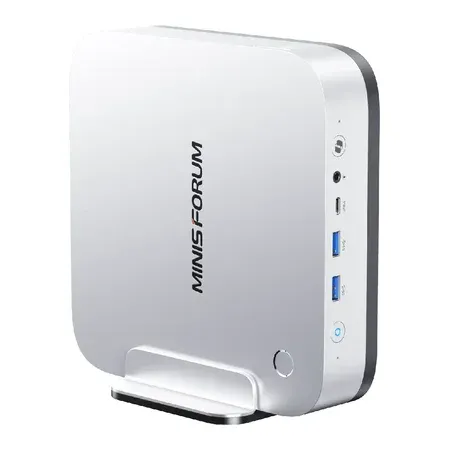
Best windows without a GPU
Minisforum AI X1 Pro-470, Ryzen AI 9 HX 470, 32GB, 1TB
12-core HX 470 with Radeon 890M, 128GB RAM ceiling, three M.2 slots, two USB4 and native OCuLink. $1,327.
The HX 470’s Radeon 890M (16 compute units) is the strongest integrated GPU outside the Ryzen AI Max chips, and AMD lists AV1 encoding. The AI X1 Pro takes 128GB of DDR5 in two slots and has three M.2 slots for a media scratch drive. Its native OCuLink port (PCIe 4.0 x4) lets you add a desktop graphics card in a dock later. It drives four 4K displays and has an internal power supply. The HX 370 version is $1,247 on Amazon.
Best for a Full-Size GPU: Beelink GTi15 Ultra
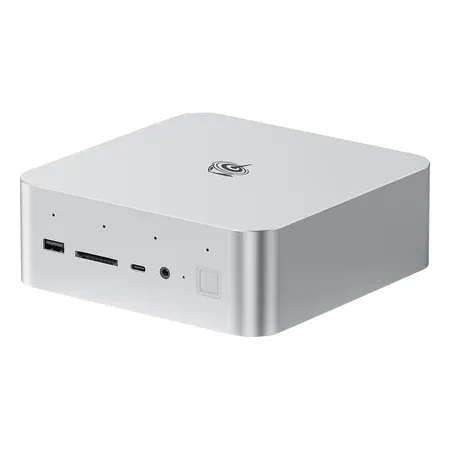
Best for an external desktop GPU
Beelink GTi15 Ultra, Core Ultra 9 285H, 64GB DDR5
Core Ultra 9 285H, two 10GbE ports for NAS footage, and a PCIe 5.0 x8 link to Beelink's EX Pro GPU dock. $1,919.
The GTi15 Ultra connects to Beelink’s EX Pro dock ($179, with a 600W power supply) through an internal PCIe 5.0 x8 link, more bandwidth than OCuLink or USB4. That turns it into a desktop-class editing machine with any three-slot graphics card. Its two 10GbE ports suit editors who keep footage on a NAS. It has 64GB of DDR5 in two slots and a built-in 145W power supply.
What Matters for Video Editing
Memory. 16GB is enough for 1080p. Plan on 24 to 32GB for 4K and 48GB or more for multicam, heavy effects or 6K and up. On a Mac, buy it up front.
GPU. Exports, effects and noise reduction run on the GPU. Apple’s chips handle this in macOS editors. On Windows, an NVIDIA RTX card is the safest choice for Resolve and Premiere, which is why the ROG NUC and eGPU docks matter.
Storage speed. Edit from a fast SSD. Thunderbolt 5 (M5 Pro), Thunderbolt 4 or USB4 at 40Gb/s, or a second internal M.2 slot all work. If footage lives on a NAS, 10GbE (GTi15 Ultra, or the Mac mini’s 10Gb option) makes it practical.
Displays. Most editors want two screens. Every pick above drives at least three.
Video Editing Mini PC FAQ
What is the best mini PC for video editing?
The Mac mini M5 Pro (24GB/512GB, $1,549 on Amazon on November 22, 2026). For Windows with an NVIDIA GPU, the ASUS ROG NUC 16 with an RTX 5060 ($2,099).
Is the Mac mini M6 good for video editing?
Yes, for 1080p and 4K with 24GB of memory. The 16GB base model has less memory and slower memory bandwidth (153GB/s vs 170GB/s).
Can a mini PC without a graphics card edit 4K video?
Yes. Apple’s chips, the Radeon 890M and Intel’s Arc graphics all have hardware video encoders, so 4K editing and exports work. Heavy effects and noise reduction are where a discrete GPU pays off.
How much RAM do I need for video editing on a mini PC?
24 to 32GB for 4K, 48GB or more for multicam and 6K. Mac memory can’t be upgraded later.
Can I add a graphics card to a mini PC for editing?
On some. The Minisforum AI X1 Pro has a native OCuLink port for an eGPU dock, Beelink’s GTi Ultra models use the EX Pro dock, and Thunderbolt or USB4 eGPU enclosures work with others at lower bandwidth. See OCuLink vs. USB4 for an eGPU.