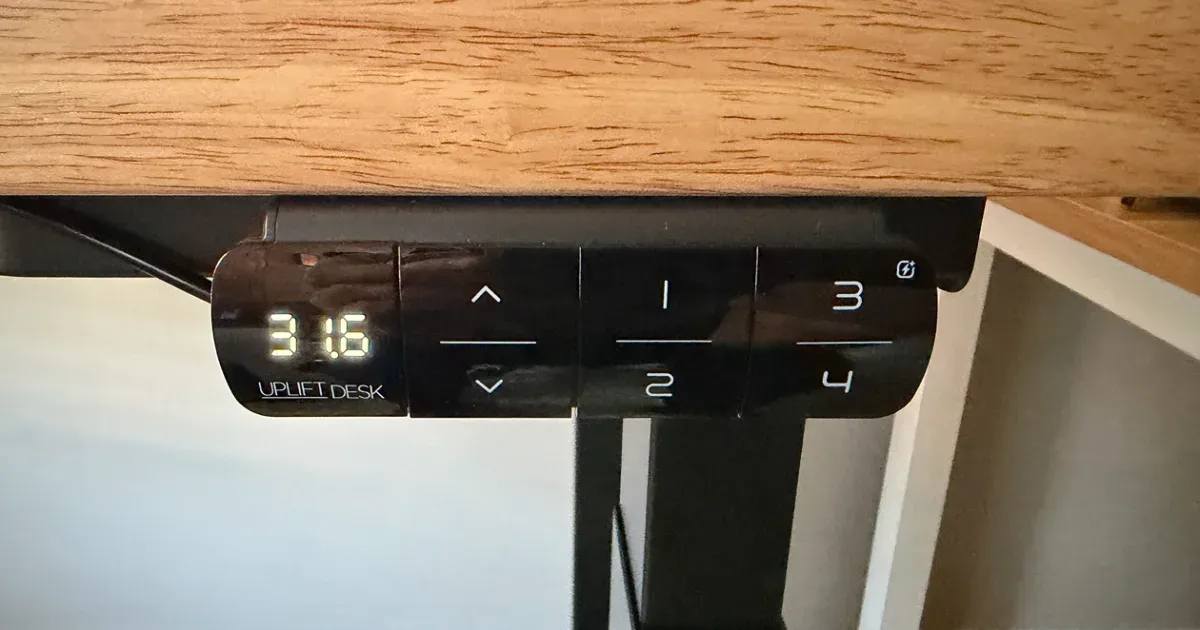
To reset an UPLIFT desk, press and hold the down button for about 10 seconds until the display shows “ASr”, release, then hold the down button again until the desk lowers slightly, rises slightly, and stops. That’s the whole procedure, and it works on every UPLIFT keypad. It fixes most problems: a desk that won’t move, moves only one way, stops partway, shows an error code, or has one leg higher than the other.
UPLIFT says 70% of the control boxes customers send back for replacement aren’t defective and would have been fixed by this reset.
How to Reset an UPLIFT Desk
- Clear the area under the desk. The desk needs to reach its lowest height.
- Press and hold the down button for 10 seconds. Keypads with a display show ASr. The Advanced Paddle Keypad shows RESET. Release the button.
- Press and hold the down button again until the desk lowers a little, rises a little, and stops. Release.
- Test the desk. If it didn’t move in step 3, repeat from step 2.
On the basic two-button keypad with no display, the steps are the same. You just don’t get the ASr confirmation, so hold for a full 10 seconds before releasing.
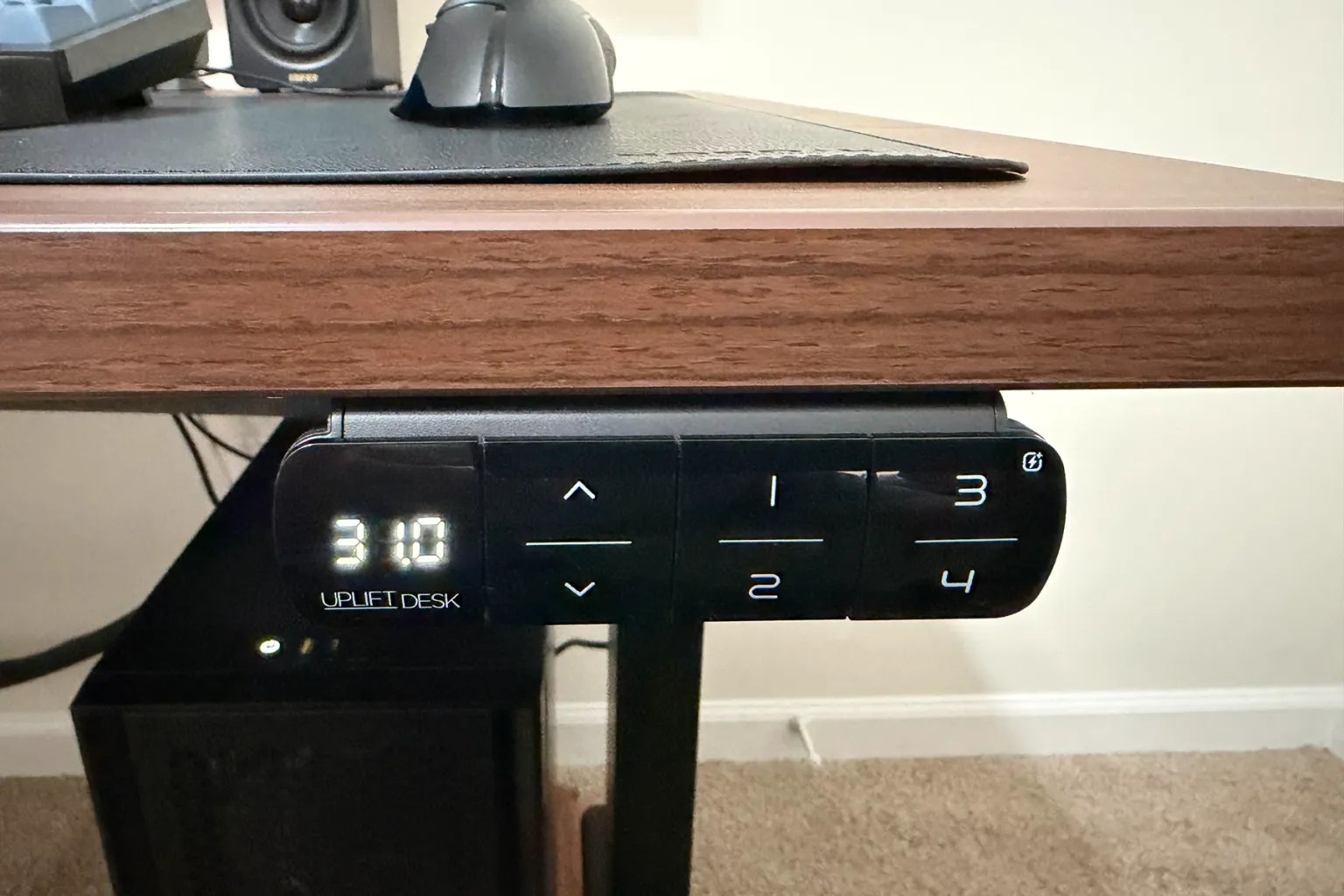
If the quick reset doesn’t work: the power-cycle reset
- Unplug the desk from the wall.
- Press and hold the down button for a full 30 seconds to discharge the control box.
- Plug the desk back in.
- Do the quick reset above.
What Does ASr Mean on an UPLIFT Desk?
ASr is the reset prompt. It’s how the keypad’s display spells RST, short for reset. It isn’t a fault code. It means the control box is ready to be reset and is waiting for you to hold the down button until the desk dips and rises.
You’ll see ASr when you hold the down button on purpose, after a power cut, and sometimes after the desk has been unplugged or moved.
UPLIFT Error Codes
| Code | What it means | What to do |
|---|---|---|
| ASr or RESET | Ready to reset | Hold the down button until the desk dips and rises |
| H01 | The motors have overheated | Let the desk rest for 18 minutes |
| E01 to E06 | Overcurrent: too much weight or an obstruction | Check the load and anything in the desk’s way, then reset |
| E07 to E12 | Uneven or disconnected legs | Reseat the leg cables, then reset |
| LOC | The keypad is locked | Hold M until the height shows |
H01: overheated
UPLIFT’s motors have a 10% duty cycle. After 2 minutes of running in any 20-minute period, they need 18 minutes of rest. H01 usually shows up on a new desk, when you run it up and down while setting presets. Wait 18 minutes and it clears.
E01 to E06: overcurrent
The motors are working harder than they should. Check three things:
- Weight. The two-leg V3 lifts 355 pounds, the V3 Essential 250, the QuadZen 220, and the V3 4-Leg and L-shaped frames 535.
- Obstructions. A windowsill, a shelf, a file cabinet, or a cable pulled tight will stop the desk.
- The control box. UPLIFT says a control box that’s loose or not mounted flush can falsely trigger the anti-collision sensor. Make sure it’s firmly attached.
Then do the quick reset, and the power-cycle reset if the code stays.
E07 to E12: uneven or disconnected legs
The control box has lost track of a leg. Unplug the desk, reseat every leg cable at the control box, check that the keypad cable is in the port marked HS and the power cable in AC, and reset.
If the code returns, UPLIFT’s support page walks through swapping the leg cables between the control box’s motor ports (M1 and M2 on a two-leg desk) and resetting again. If the code follows the cable to the other port, the leg or its cable is the likely fault. If it stays with the port, the control box is.
UPLIFT asks you to contact support if a code persists after a reset or if the legs differ in height by more than 1.5 inches.
The Desk Moves, Then Stops or Reverses
That’s the anti-collision system. It stops and backs the desk off when it senses resistance. If nothing is in the way, check for a loose control box, cables bundled under the control box, or a cord that pulls tight as the desk rises. Then reset the desk, and lower the sensitivity if it keeps happening.
How to Program an UPLIFT Keypad
These steps are for the Advanced keypads with a display and an M button. They’re the same on V2 and V3 desks.
Save a memory preset
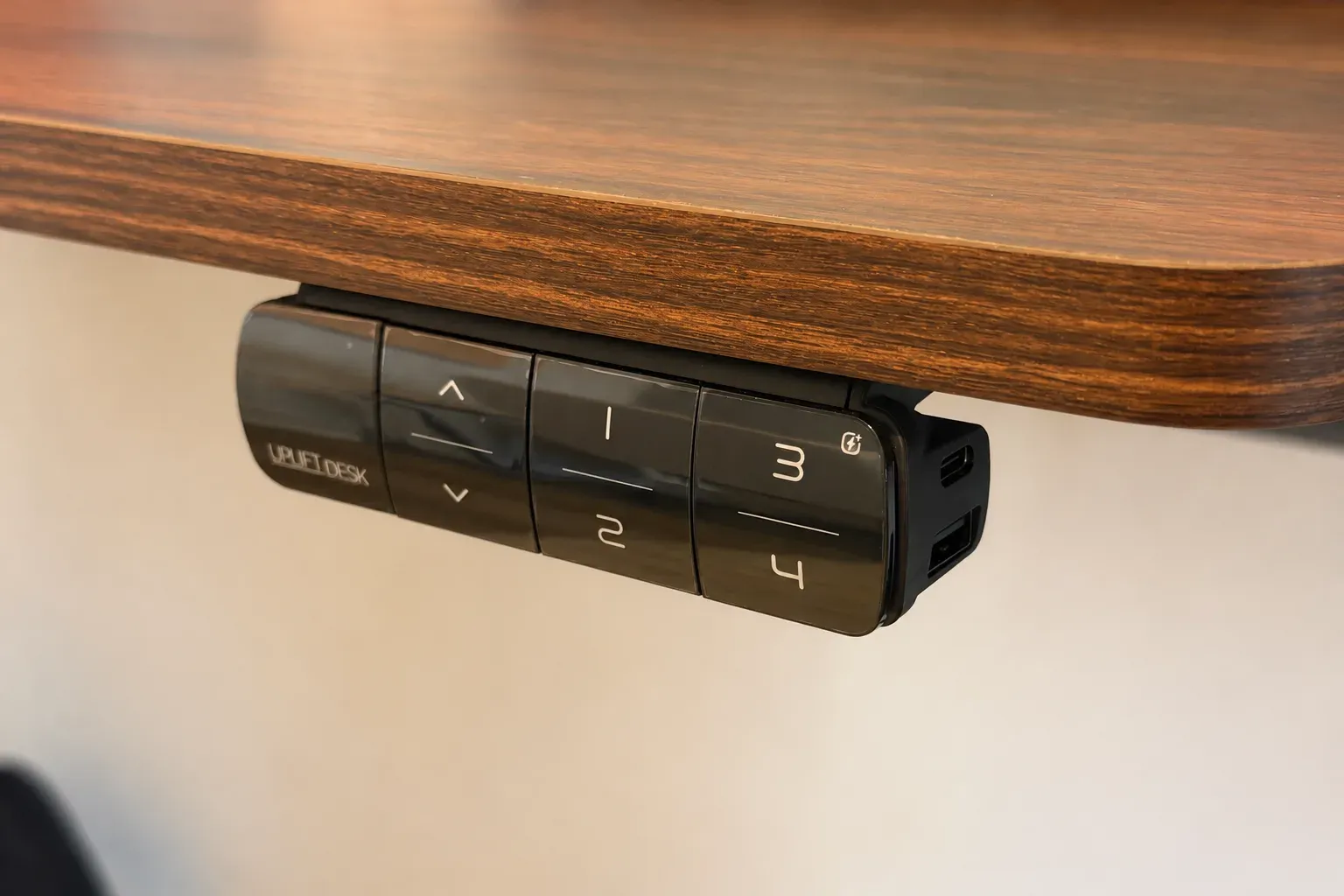
Move the desk to the height you want, tap M, then tap 1, 2, 3 or 4. The Advanced Comfort and USB keypads store four heights. On the Advanced Keypad with USB, the M button is on the underside.
Lock and unlock the keypad
Hold M until the display shows LOC. To unlock, hold M until the height shows again. A power loss also unlocks it.
Set an upper or lower height limit
- Upper limit: move the desk to the highest point you want, tap M, tap the up button, then hold M until the display shows 999.
- Lower limit: move the desk to the lowest point you want, tap M, tap the down button, then hold M until the display shows 000.
- Clear both limits: tap M, then hold M until the display shows 555.
A lower limit is worth setting if there’s a file cabinet or a chair arm under the desk.
Change anti-collision sensitivity
Lower the desk to the bottom and hold the down button until ASr flashes. Hold the up button until the display shows 10.5 (most sensitive), 10.6 (moderate) or 10.7 (least sensitive), and press up to cycle between them. Wait about 5 seconds for ASr to return, then hold the down button until the desk dips and rises.
Switch between inches and centimeters
Lower the desk to the bottom and hold the down button until ASr flashes. Hold 2 until the display shows 10.3 (centimeters) or 10.4 (inches). Hold the down button until the desk dips and rises.
One-touch or constant-touch presets
Lower the desk to the bottom and hold the down button until ASr flashes. Hold 1 until the display shows 10.1 (one touch, the default), 10.2 (hold the button the whole way) or 10.8 (double tap). Hold the down button until the desk dips and rises.
Fix a Wobbly UPLIFT Desk
UPLIFT’s checklist: tighten the bolts at the crossbar ends and side brackets with the 4 mm Allen wrench, tighten the eight desktop screws with a Phillips screwdriver, tighten the foot bolts, and level the glides under the feet so all of them touch the floor.
When to Contact UPLIFT
Contact UPLIFT support if a code comes back after both resets, if the legs are more than 1.5 inches apart in height, or if a new desk won’t complete the reset. UPLIFT processes warranty claims in 1 to 3 business days and ships replacement parts from Austin, Texas. The V3, V3 4-Leg and V3 L-shaped desks are covered for 15 years, and the V3 Essential and QuadZen for 5.
UPLIFT Desk Reset FAQ
How do I reset my UPLIFT standing desk?
Hold the down button for about 10 seconds until the display shows ASr, release, then hold it again until the desk lowers slightly, rises slightly and stops.
What does ASr mean on my standing desk display?
It’s the reset prompt, the display’s way of writing RST. Hold the down button until the desk dips and rises to finish the reset. UPLIFT desks show it, and so do FlexiSpot’s E7-series desks.
Why won’t my UPLIFT desk go up?
Most often the keypad is locked (the display shows LOC), an upper height limit is set, the motors need a rest (H01), or the desk needs a reset. Unlock it, clear the limits, wait 18 minutes, or reset it.
How do I unlock my UPLIFT desk keypad?
Hold the M button until the display stops showing LOC and shows the height.
How do I set the memory presets on an UPLIFT desk?
Move the desk to the height you want, tap M, then tap 1, 2, 3 or 4.
Why is one leg of my UPLIFT desk higher than the other?
The legs have lost sync, usually after a power interruption or a move. A reset re-levels them. If they’re more than 1.5 inches apart, contact UPLIFT.
How long should I hold the down button to reset an UPLIFT desk?
About 10 seconds on current desks, until ASr appears. Older V2 instructions say up to 30 seconds. Keep holding until the display changes.