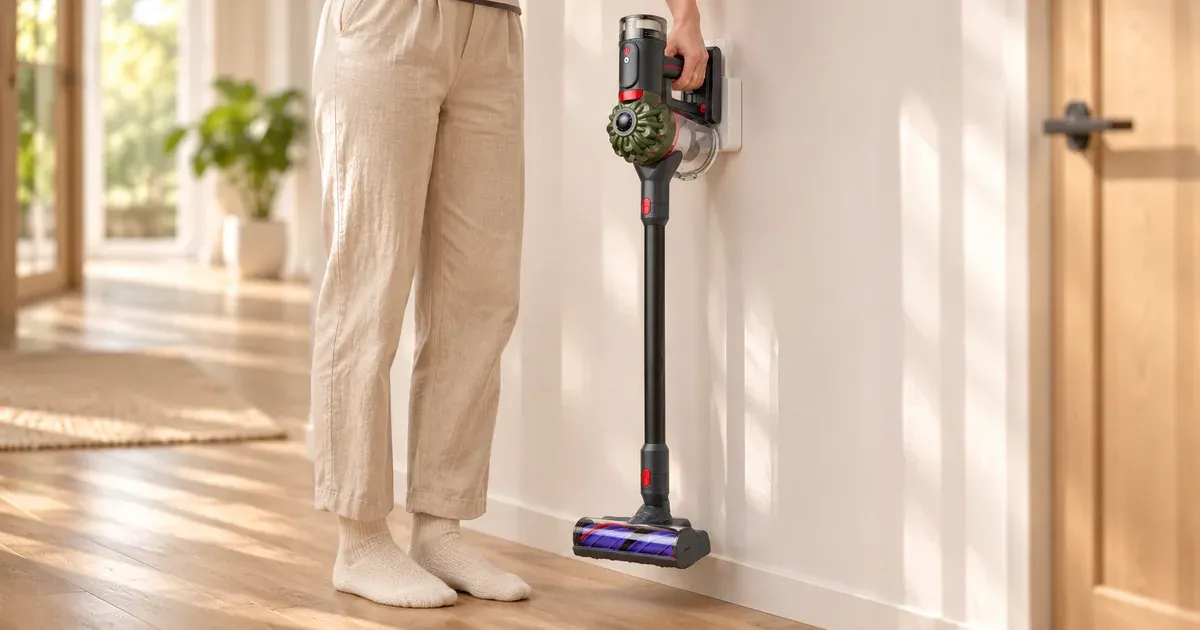
A Dyson cordless vacuum takes 3.5 to 5 hours to charge from empty. The V9, V16 and PencilVac charge in 3.5 hours, the V8 Cyclone and V10 Konical in 4 hours, the V11, V15 Detect and Gen5detect in 4.5 hours, and the original V8 in 5 hours. A spare click-in battery is the only way to keep cleaning while one charges. For comparison, Shark’s PowerDetect sticks take 6 hours.
Charge times are Dyson’s own, from its product pages and spec sheets, checked November 17, 2026.
Dyson Charge Time by Model
| Dyson model | Full charge time | Max run time | Source |
|---|---|---|---|
| V9 Motorbar | 3.5 hours | 40 min | Dyson product page |
| V16 Piston Animal | 3.5 hours | 70 min | Dyson product page |
| PencilVac | 3.5 hours | 30 min | Dyson product page |
| V8 Cyclone | 4 hours | 60 min | Dyson spec sheet |
| V10 Konical | 4 hours | 60 min | Dyson product page |
| V11 | 4.5 hours | 60 min | Dyson spec sheet |
| V15 Detect | 4.5 hours | 60 min | Dyson spec sheet |
| Gen5detect | 4.5 hours | 70 min | Dyson product page |
| V8 (original) | 5 hours | 40 min | Dyson spec sheet |
Run times are Dyson’s maximum, in Eco or the lowest mode, usually with a non-motorized tool. In Boost, a V11 runs about 5 minutes per charge (Dyson’s V11 spec sheet lists 5 minutes in Boost, 30 in Medium and 60 in Eco).
How Dyson Compares With Other Brands
| Vacuum | Full charge time |
|---|---|
| Samsung Jet 95S | 3.5 hours |
| Dyson V9, V16, PencilVac | 3.5 hours |
| LG CordZero Q3 | 4 hours |
| Dyson V8 Cyclone, V10 Konical | 4 hours |
| Dyson V11, V15 Detect, Gen5detect | 4.5 hours |
| LG CordZero A9 Kompressor | 4.8 hours |
| Dyson V8 | 5 hours |
| Shark PowerDetect IP1251, IP3251, PowerDetect Speed IA1241 | 6 hours |
Shark and LG figures are from sharkninja.com and lg.com product spec blocks; Samsung’s from its Jet 95S product page.
Tips for Charging a Dyson
Dyson’s battery care page gives this advice:
- Let it cool before docking. Dyson says letting the machine cool down after use, before reconnecting it to the dock, preserves battery life.
- Charge and store at room temperature, between 18 and 28 °C (64 to 82 °F), away from radiators and direct sun. A Dyson won’t run or charge below 37 °F, to protect the motor and battery.
- Run it down to empty at least once a month.
- Use Boost or Max for short bursts only. Constant Boost speeds up battery wear.
- Rotate a spare. If you have two batteries, swap them from time to time so both have time to discharge naturally.
Why Is My Dyson Taking Longer to Charge?
A cold room is the most common reason: below 37 °F, a Dyson won’t charge at all. Otherwise, check that the charger is a genuine Dyson one for your model and that the dock’s contacts are clean. If the battery charges but the run time has dropped well below the table above, the battery is wearing out; replacement packs cost $95.99 to $149.99 at Dyson (Dyson battery compatibility).
Fastest-Charging Dysons You Can Buy Now
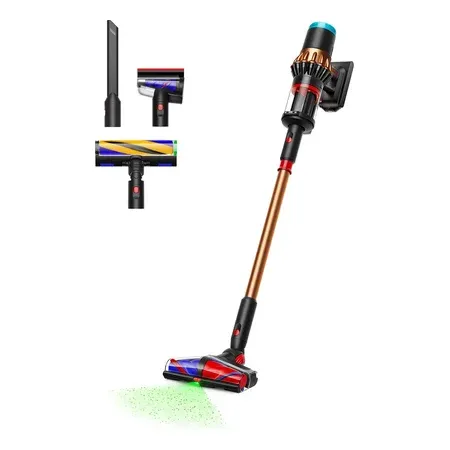
3.5-hour charge, 70-minute run time
Dyson V16 Piston Animal
315 AW and up to 70 minutes on a 3.5-hour charge. $799.99 on Amazon on Nov 17.
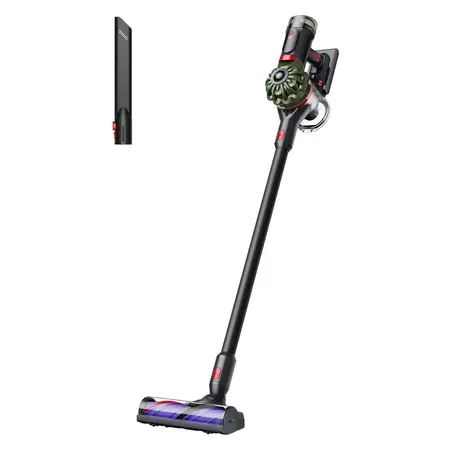
4-hour charge, click-in spare available
Dyson V8 Cyclone
150 AW and up to 60 minutes on a 4-hour charge. Its $99.99 click-in spare was in stock at Dyson.
For run times across every brand, see cordless vacuums with the longest battery life.
Dyson Charging FAQ
How long does it take to charge a Dyson V15?
4.5 hours from empty, according to Dyson’s V15 Detect spec sheet.
How long does a Dyson V8 take to charge?
5 hours for the original V8 and 4 hours for the newer V8 Cyclone.
How long does a Dyson V11 take to charge?
4.5 hours, per Dyson’s V11 spec sheet.
Can I leave my Dyson on the charger?
Dyson’s battery advice is to let the machine cool before docking it, store it at room temperature (18 to 28 °C) and run the battery to empty at least once a month.
Why won’t my Dyson charge?
The most common cause is temperature: Dyson vacuums won’t charge below 37 °F. Also check the charger, the dock contacts and whether the battery shows a fault light.