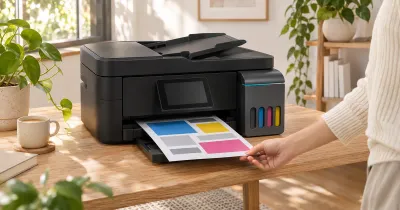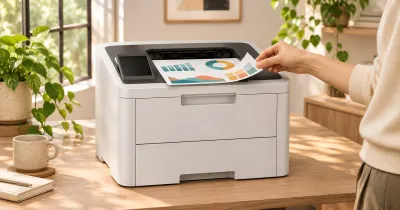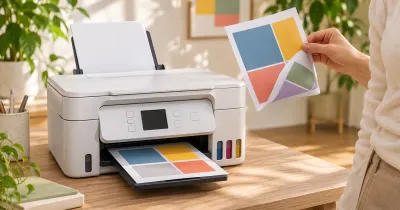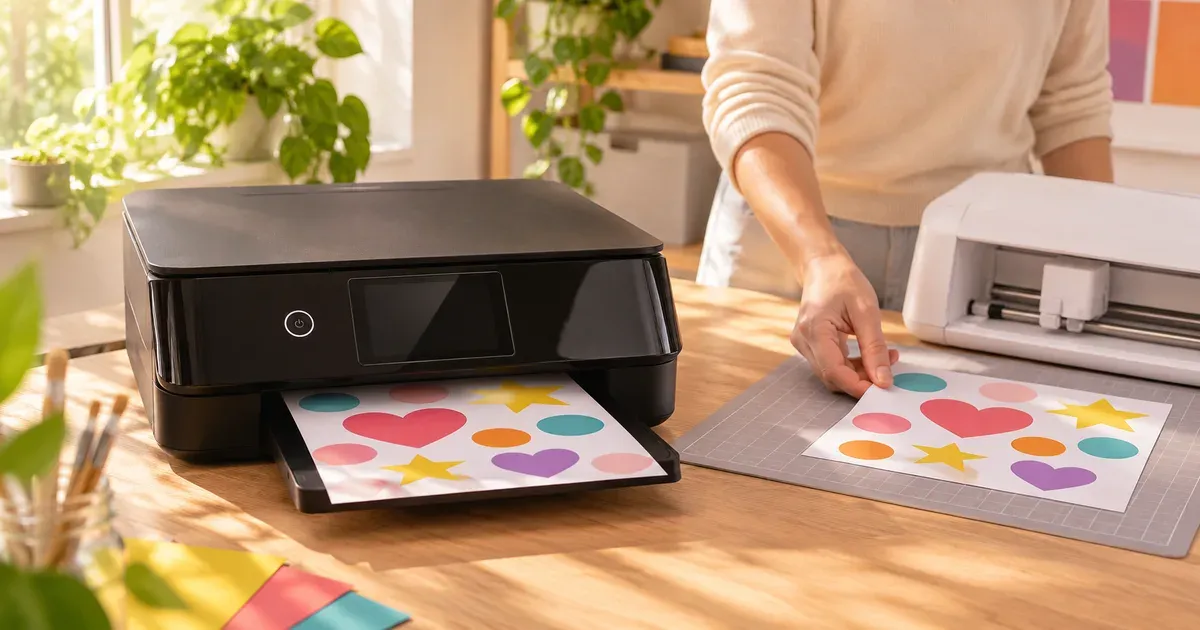
The best printer for Cricut Print Then Cut is a color inkjet ink tank with AirPrint, like the Canon PIXMA G3270, which prints a color page for about 1¢ of ink, for $144 on Amazon on November 23, 2026. The Epson EcoTank ET-2900 ($199.99) is the Epson equivalent. If you own a Cricut Venture and want to print larger sheets, the six-color Epson EcoTank Photo ET-8550 ($499) prints up to 13x19 inches. The Epson Expression Photo XP-8800 ($229.99) is a cheaper six-color option for photo-quality stickers on letter paper.
What Cricut Says About Printers
Cricut’s help center says Print Then Cut needs a “compatible home printer”, and:
- Inkjet is recommended for printable vinyl, printable iron-on and sticker paper.
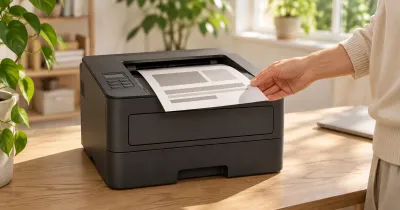
- Laser printers are “not for use with heat-sensitive materials such as printable vinyl or printable iron-on”. They work for paper, some cardstock and laser-specific media.
- On iPhone and iPad, you need an AirPrint printer.
- Bleed is on by default. Explore Air 2 and older machines can read cut marks only on matte white or transparent materials.
Maximum Print Then Cut Size
| Machine | Letter | A4 | Larger sheets |
|---|---|---|---|
| Explore, Maker, Joy Xtra, Venture | 9.94 x 7.44 in | 10.62 x 7.2 in | n/a on Joy Xtra |
| Explore, Maker, Venture | Legal 12.94 x 7.44; Tabloid (11x17) 15.94 x 9.94; A3 15.44 x 10.64 in | ||
| Venture only | 12x12 10.94 x 10.94; 13x19 17.94 x 11.94; up to 24x28 26.94 x 22.94 in | ||
| Joy 2 | 9.94 x 3.19 in | 10.62 x 3.07 in | n/a |
| Cricut Joy (original) | No Print Then Cut |
Sizes are vertical x horizontal, from Cricut’s help center (updated August 2026). The printable area isn’t a full rectangle; the cut-sensor marks take space.
So a letter-size printer covers every machine except the Venture’s large formats, and a printer that handles 11x17 or 13x19 paper only pays off on an Explore, Maker or Venture.
Comparison
| Printer | Type | AirPrint | Largest paper | Ink cost (maker prices ÷ yield) | Amazon (Nov. 23, 2026) |
|---|---|---|---|---|---|
| Canon PIXMA G3270 | 4-color ink tank | Yes | Letter (100-sheet rear tray) | 0.38¢ black, ~0.97¢ color | $144 |
| Epson EcoTank ET-2900 | 4-color ink tank | n/l | Letter | 0.38¢ black, ~1.10¢ color | $199.99 |
| Epson EcoTank Photo ET-8550 | 6-color photo ink tank | n/l | 13 x 19 in | ~0.36¢ black, ~1.4¢ color | $499 |
| Epson Expression Photo XP-8800 | 6-color cartridge | n/l | Letter | 340XL cartridges | $229.99 |
“n/l”: not listed on the Epson spec sheet. Check Apple’s AirPrint list for your model before buying if you design on an iPad.
1. Canon PIXMA G3270: Best Printer for Cricut
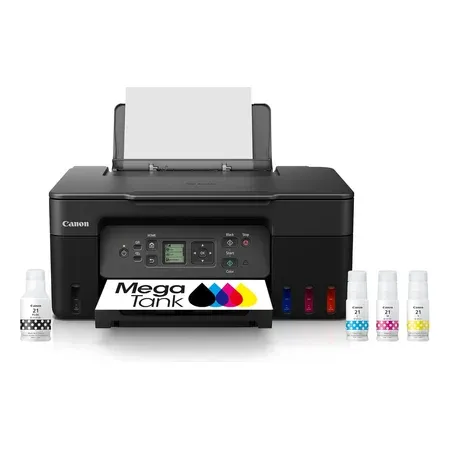
AirPrint ink tank for print then cut
Canon PIXMA G3270
$144 on Amazon (Adorama) on Nov. 23, 2026; Canon $144.99 sale (reg. $248.99). Print/copy/scan, AirPrint, Mopria.
An inkjet, as Cricut recommends, with AirPrint for Cricut Design Space on iPhone and iPad and Mopria for Android. Its 100-sheet rear tray feeds letter-size sticker paper and printable vinyl. GI-21 bottles cost about 0.97¢ per color page by Canon’s yields, so full-color designs stay cheap. Canon’s G-series warranty (1 year or 30,000 pages) excludes damage caused by non-Canon ink. For two-sided printing for cards, the G3290 is $199.
2. Epson EcoTank ET-2900: Best Epson for Crafting
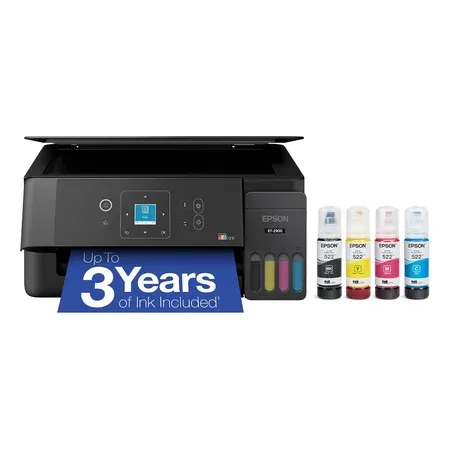
Low-cost ink tank for crafts
Epson EcoTank ET-2900
$199.99 on Amazon on Nov. 23, 2026 (Epson list $239.99). 4-color ink tank, print/scan/copy, 522 bottles.
Epson rates its 522 bottles at 4,700 black and 7,500 color pages on the ET-2900, about 1.10¢ per color page. It prints at 11 / 6 ISO ppm and scans and copies. Epson’s sheet lists Wi-Fi and Wi-Fi Direct; if you use Design Space on iOS, confirm the model on Apple’s AirPrint list first.
3. Epson EcoTank Photo ET-8550: Best for Cricut Venture
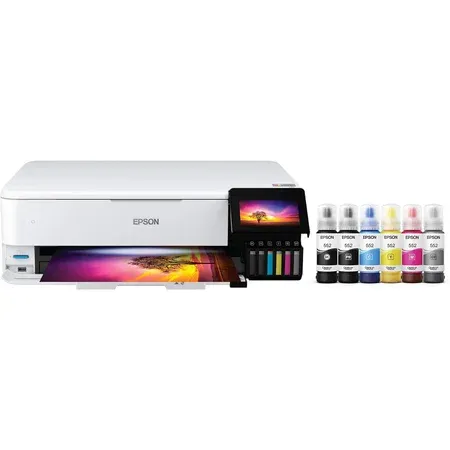
6-color tank, prints up to 13x19
Epson EcoTank Photo ET-8550
$499 on Amazon on Nov. 23, 2026 (Epson $499.99 sale, out of stock; list $749.99). Six dye inks, 13x19 max.
Prints up to 13 x 19 inches, so it covers the Venture’s tabloid and 13x19 Print Then Cut sizes. Six inks (with photo black and gray) improve photo stickers, and ink stays cheap: about 0.36¢ black and 1.4¢ color per document page. Wi-Fi 5, Ethernet and Wi-Fi Direct.
4. Epson Expression Photo XP-8800: Best Budget Photo Printer for Crafts
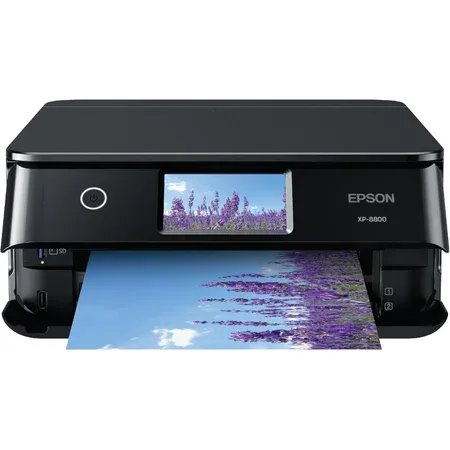
6-color photo inkjet
Epson Expression Photo XP-8800
$229.99 on Amazon on Nov. 23, 2026 (Epson $229.99 sale, list $329.99). Six 340 inks, auto duplex, SD slot.
Six-color photo printing on letter paper for half the ET-8550’s price. It uses 340 cartridges, which cost more per page than bottles, and Epson says its cartridge printers work only with genuine Epson cartridges.
Tips for Print Then Cut
- Use matte white or transparent media with an Explore Air 2 or older; Cricut says those machines read cut marks only on those materials.
- Keep bleed on so colors reach the cut line.
- Don’t run printable vinyl or iron-on through a laser.
- Sticker printing without a cutter: see best printers for stickers.
FAQ
What printer does Cricut recommend?
Cricut doesn’t name a brand; it recommends an inkjet printer for printable vinyl, iron-on and sticker paper, and an AirPrint printer on iPhone and iPad.
Can I use a laser printer with Cricut?
For paper, some cardstock and laser-specific media, yes. Not for heat-sensitive materials like printable vinyl or printable iron-on.
What’s the biggest Print Then Cut size?
On letter paper, 9.94 x 7.44 inches on the Explore, Maker, Joy Xtra and Venture. The Venture goes up to 26.94 x 22.94 inches on 24x28 sheets.
Does Cricut Joy do Print Then Cut?
The original Cricut Joy doesn’t. The Joy 2 does, up to 9.94 x 3.19 inches on letter paper, and the Joy Xtra up to 9.94 x 7.44 inches.