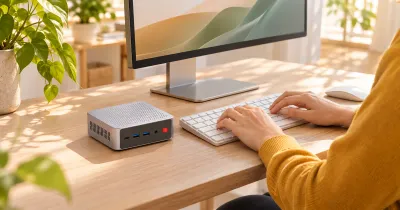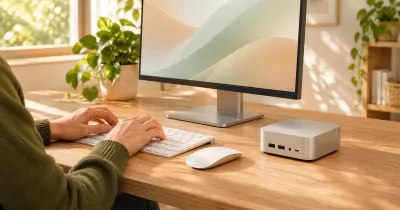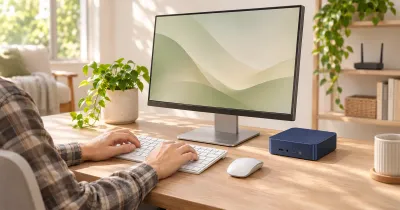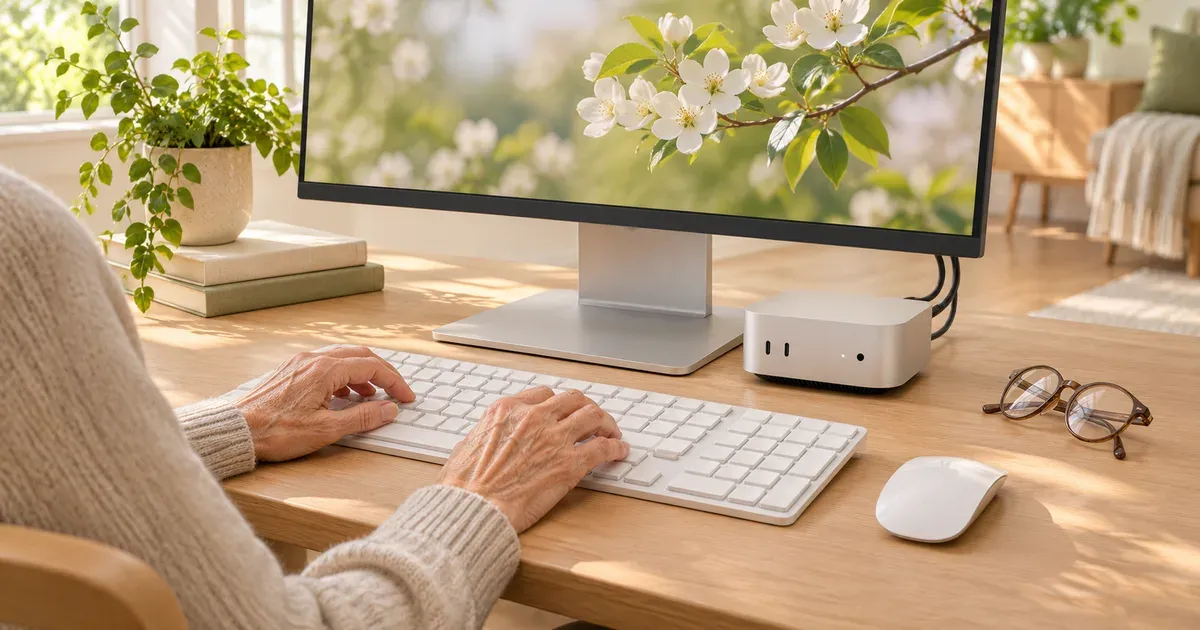
The short answer: the Apple Mac mini M6 is the best mini PC for most seniors. It’s simple to set up, quiet, and Apple Stores and Apple Support handle problems in person or by phone. The 16GB/256GB model was $779 on Amazon on November 22, 2026, $120 under Apple’s $899.
If the person already knows Windows, stay with Windows. The GEEKOM A8 ($739, Ryzen 7 8745HS, 3-year warranty) is fast and small. The Beelink EQ14 ($379, Intel N150) handles email, video calls and photos for half the price. Pair any of them with a large monitor and a full-size wireless keyboard and mouse.
Mini PCs for Seniors Compared
| Mini PC | Operating system | RAM / SSD | Monitors | Built-in power supply | Price, Nov. 22 | Warranty |
|---|---|---|---|---|---|---|
| Apple Mac mini (M6) | macOS | 16GB / 256GB | Up to 3 | Yes | $779 (Amazon) | 1 yr (AppleCare+ $39.99/yr) |
| GEEKOM A8 | Windows 11 | 16GB / 1TB | 2x HDMI + USB4 | No (120W adapter) | $739 (Amazon) | 3 yr |
| Beelink EQ14 | Windows 11 | 16GB / 500GB | 2 | Yes | $379 (Amazon) | 3 yr |
A built-in power supply means one power cord, no brick behind the desk.
Best for Most Seniors: Apple Mac mini M6
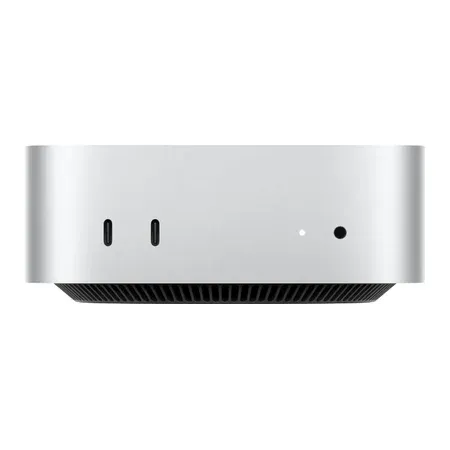
Best for most seniors
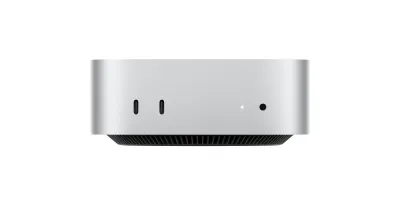
Apple Mac mini (2026), M6, 16GB, 256GB
Simple, quiet and supported at Apple Stores. M6 chip, 16GB, HDMI and Thunderbolt 4 for a big monitor. $779.
The Mac mini is the easiest computer here to live with:
- FaceTime and Messages work with family iPhones out of the box.
- Photos syncs with an iPhone’s iCloud photo library.
- Apple Support is a phone call or an Apple Store visit away.
The M6 has one power cord (the supply is built in), HDMI for a TV or monitor, and two USB-C ports on the front. Apple lists its idle noise at 5 dBA, which is effectively silent. Apple’s 1-year warranty can be extended with AppleCare+ for Mac mini at $39.99 a year.
Two cautions: it needs a USB-C or Bluetooth keyboard and mouse (Apple’s Magic Keyboard and Mouse are sold separately), and it has no webcam. A monitor with a built-in camera, or Apple’s Continuity Camera with an iPhone, solves that.
Apple also sells refurbished Mac minis with the same 1-year warranty as new ones, which can save money on an older model. Check that it’s an M-series model; base M1 and M2 Mac minis drive two displays, not three.
Best Windows Mini PC for Seniors: GEEKOM A8
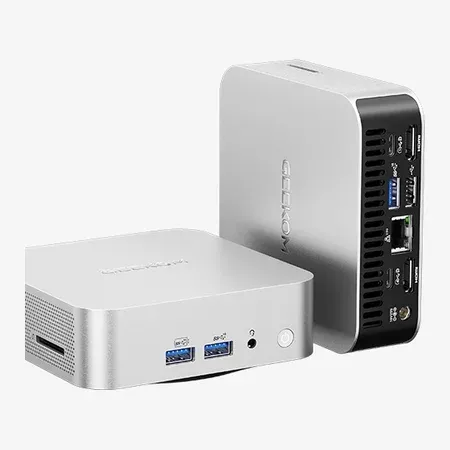
Best windows pick
GEEKOM A8, Ryzen 7 8745HS, 16GB, 1TB
Fast 8-core Ryzen 7, 16GB, 1TB, two HDMI outputs, an SD card slot for camera photos and a 3-year warranty. $739.
For someone who already knows Windows, the A8 is fast enough that it won’t feel slow in five years. Useful touches on GEEKOM’s spec page:
- An SD card slot, for camera photos.
- Two HDMI outputs and three USB-A ports, for old printers and drives.
- Wi-Fi 6E.
GEEKOM’s 3-year warranty covers Amazon purchases.
Best Budget Pick: Beelink EQ14
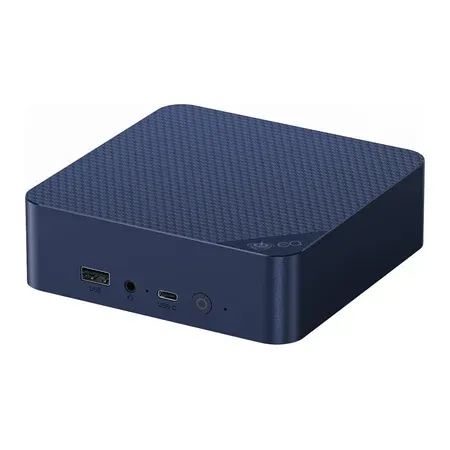
Best budget
Beelink EQ14, Intel N150, 16GB, 500GB
Intel N150, 16GB, 500GB, two HDMI outputs, built-in power supply and Windows 11. Enough for email, calls and photos. $379.
The EQ14 does email, web browsing, Zoom, YouTube and photo viewing without trouble, and its power supply is built in. It’s slower than the A8 when many things are open at once, but it costs half as much. Beelink gives a 3-year warranty.
If you’d rather buy in a store, Lenovo’s Yoga Mini is a compact Windows mini PC sold at Lenovo and big-box retailers, where staff can help with setup. It includes a wireless keyboard, weighs 600g and has a round aluminum case. Lenovo’s own store listed this configuration on November 22, 2026:
| Spec | Lenovo Yoga Mini (Intel), Gen 11 |
|---|---|
| CPU / graphics | Intel Core Ultra X7 358H / Intel Arc B390 |
| Memory | 32GB LPDDR5X-8533, soldered |
| Storage | 1TB PCIe 4.0 SSD |
| Displays | Up to four, over two Thunderbolt 4 ports, HDMI and USB-C |
| Wireless | Wi-Fi 7, Bluetooth 5.4 |
| Weight | 600g |
| Cooling | 45W processor power with a blower fan |
| In the box | Lenovo 800 wireless keyboard |
| Warranty | 1 year mail-in |
| Price on lenovo.com, Nov. 22, 2026 | $1,599.99 (Lenovo’s “estimated value” $2,150.99) |
Its memory is soldered, so choose enough RAM at purchase. It costs more than the GEEKOM A8 and has a shorter warranty, so it’s worth it mainly for the store support.
What to Buy With It
- A large monitor. A 27-inch 1080p or 1440p screen makes text easier to read than a laptop. Turn up Windows’ display scaling or macOS’s text size.
- A full-size wireless keyboard and mouse. Logitech’s MK250 combo was $18.99 on Amazon. For a TV setup, the K400 Plus puts a touchpad on the keyboard ($23.74).
- A webcam, unless the monitor has one.
- A surge protector, or a small UPS like APC’s BE600M1 ($83.99) if the power flickers.
Setup Tips
- Set it up before you hand it over. Sign in, connect Wi-Fi, install updates and put the three or four apps they’ll use on the dock or taskbar.
- Turn on automatic updates and, on Windows, keep Microsoft Defender on.
- Make text bigger. Windows: Settings > Accessibility > Text size. Mac: System Settings > Accessibility > Display.
- Set up remote help. On a Mac, screen sharing in Messages or FaceTime lets family help from afar. On Windows, Quick Assist is built in.
- Leave it on or set it to sleep. Mini PCs use little power at idle, so sleep is fine.
Mini PC for Seniors FAQ
What is the best computer for an elderly person?
For most, a Mac mini M6 with a large monitor and a full-size keyboard: it’s simple, quiet and supported in Apple Stores. If they already use Windows, a GEEKOM A8 or Beelink EQ14.
Is a mini PC easier than a laptop for seniors?
It can be: you can use a bigger screen, a full-size keyboard and a normal mouse, and there’s no battery to wear out.
Can seniors use a mini PC with their TV?
Yes. Every pick here has HDMI. A wireless keyboard with a touchpad makes it easier from the couch. See the best mini PCs for a TV or home theater.
How much should I spend on a computer for a senior?
About $380 covers email, video calls and photos (Beelink EQ14). $740 to $780 gets a faster machine that will last longer (GEEKOM A8 or Mac mini M6).
Are Chinese mini PC brands safe for older users?
Beelink and GEEKOM ship Windows 11 and offer 3-year warranties. Keep Windows updates and Defender on. See are Chinese mini PCs safe.