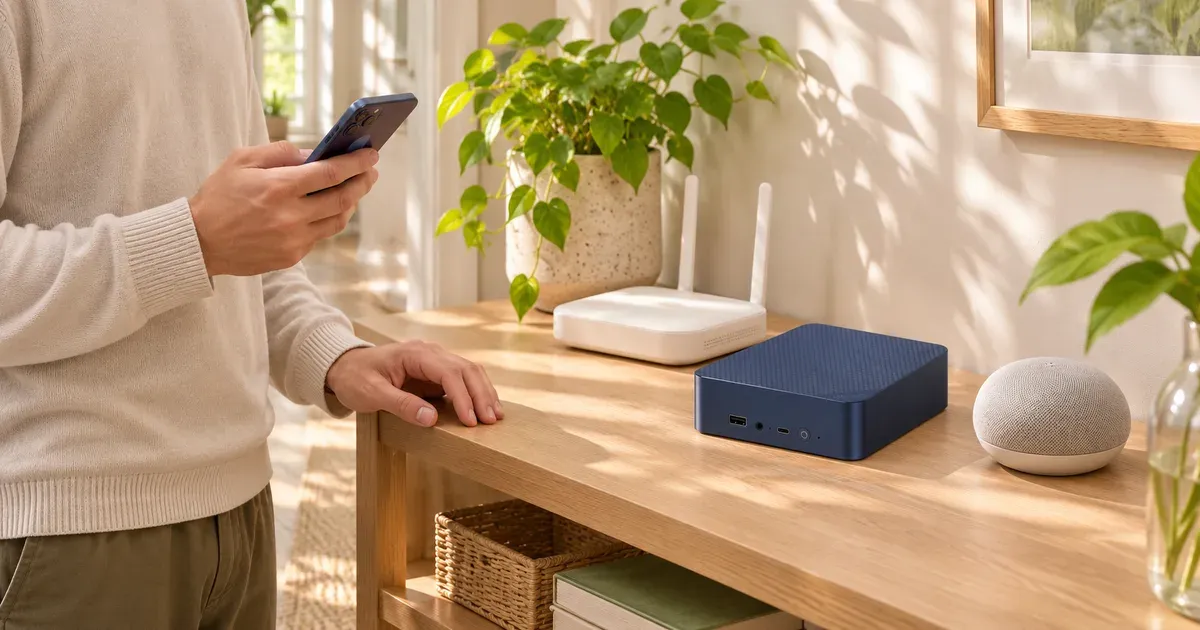
The short answer: an Intel N150 mini PC is the best hardware for Home Assistant, and the Beelink EQ14 is the one to get. It was $379 on Amazon on November 22, 2026. Home Assistant’s own installation guide calls a generic x86-64 machine “the recommended installation type for most people who bring their own hardware,” and the EQ14 has the parts that matter: 16GB of RAM, an NVMe slot, two Intel 2.5GbE ports and a power supply inside the case. It also has room to run Home Assistant inside Proxmox next to other services.
On a tighter budget, the GMKtec G3S with an Intel N95 was $237.49 with 8GB and 256GB. If you’d rather not set anything up, Home Assistant’s own Home Assistant Green comes with Home Assistant installed. A Raspberry Pi 5 still works, but after five memory-driven price increases since December 2025, it’s no longer the cheap option it was.
Home Assistant Hardware Compared
| Option | CPU | RAM | Storage | Network | Power | Price, Nov. 22 |
|---|---|---|---|---|---|---|
| Beelink EQ14 | Intel N150, 4 cores | 16GB DDR4 | 500GB SSD, 2x M.2 | 2x 2.5GbE | built-in PSU, 12V 4A rating | $379 (Amazon) |
| GMKtec G3S | Intel N95, 4 cores | 8GB DDR4, 16GB max | 256GB, M.2 2280 + 2242 | 1x 1GbE | 12V 3A adapter | $237.49 (Amazon) |
| Home Assistant Green | Rockchip RK3566, 4 Arm cores | 4GB LPDDR4X | 32GB eMMC | 1x GbE | ~1.7W idle, ~3W load | see Home Assistant |
| Raspberry Pi 5 | Broadcom BCM2712, 4 Arm cores | 1 to 16GB, soldered | microSD or NVMe via HAT | 1x GbE | 27W official PSU | $77.50 (2GB) to $385 (16GB) list |
Best Overall: Beelink EQ14
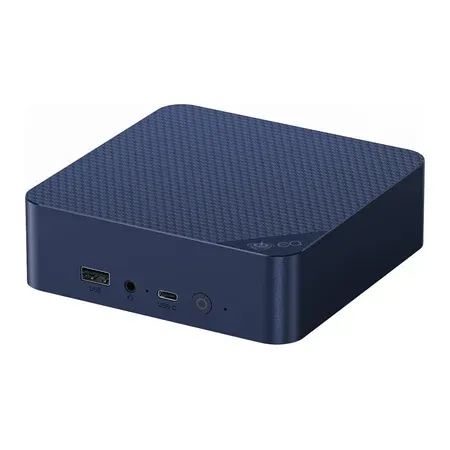
Best mini PC for home assistant
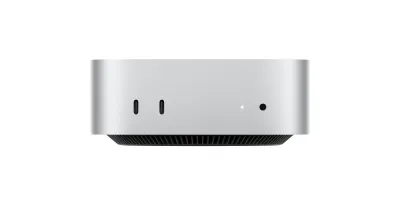
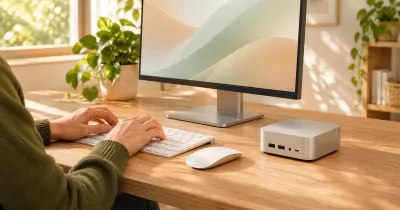
Beelink EQ14 Mini PC, Intel N150, 16GB DDR4, 500GB SSD
Four-core Intel N150, 16GB, two M.2 slots, two Intel 2.5GbE ports and an internal power supply. $379 on Amazon.
The EQ14 is more computer than Home Assistant needs, and that’s the point. With 16GB and a four-core N150, Home Assistant OS has room for add-ons such as Frigate, Node-RED, Zigbee2MQTT and a local voice assistant, or you can install Proxmox and run Home Assistant as one VM beside Pi-hole and a media server. Its two Intel I226-V Ethernet ports let you separate an IoT network.
It runs from a single AC cable (the power supply is built in), has two M.2 slots and Wi-Fi 6, and Beelink covers it for 3 years. Its N150 has a 6W base power rating, so it costs little to leave on all year.
Best Budget: GMKtec G3S
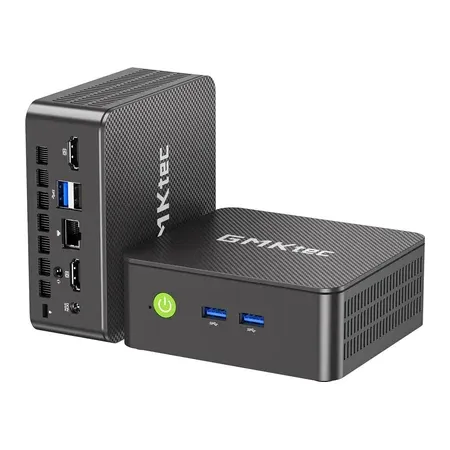
Best budget home assistant box
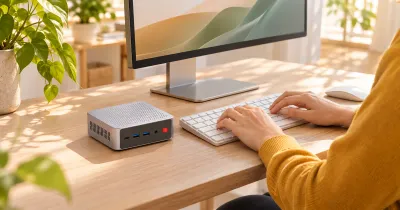
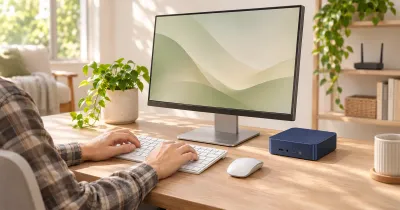
GMKtec G3S Mini PC, Intel N95, 8GB DDR4, 256GB SSD
Four-core Intel N95, 8GB of RAM (16GB max), a 256GB SSD and gigabit Ethernet. $237.49 on Amazon.
Home Assistant OS with a normal set of integrations runs comfortably in 8GB. The G3S has one SO-DIMM slot (16GB max), an M.2 2280 slot plus an M.2 2242 slot, one gigabit Ethernet port, Wi-Fi 5 and two HDMI ports. It’s the cheapest new x86 box that makes sense for Home Assistant in 2026. If you plan to add camera recording with Frigate, step up to the EQ14.
Easiest: Home Assistant Green
Home Assistant Green is the official plug-in box: plug in power and Ethernet and it’s ready. It has a quad-core Arm Cortex-A55 at 1.8GHz, 4GB of LPDDR4X, 32GB of eMMC storage and gigabit Ethernet, and Home Assistant lists its power use at about 1.7W idle and 3W under load. Buying it supports the Home Assistant project. It’s slower and has less storage than an x86 mini PC, so it suits a smart home without cameras or heavy add-ons. See Home Assistant Green for the current price.
What About a Raspberry Pi 5?
Home Assistant still supports the Raspberry Pi, and its installation page calls it “a great option if you already have a Raspberry Pi.” For a new purchase, the math has changed. Raspberry Pi has raised Pi 5 prices five times since December 2025: the 2GB board is now $77.50 and the 16GB board $385. Add a case, the 27W power supply and an NVMe HAT and SSD (microSD cards wear out under Home Assistant’s database writes), and a Pi 5 setup costs about as much as a used or budget x86 mini PC. See mini PC vs. Raspberry Pi 5 for a home server.
What Home Assistant Needs
x86-64 and UEFI. Home Assistant’s generic x86-64 guide assumes a dedicated PC that runs only Home Assistant OS, “typically an Intel or AMD-based system” that is 64-bit and boots with UEFI, which it notes most systems from the last 10 years support. The boot drive must support 512-byte logical sectors (512n or 512e), which most drives do. Every mini PC here qualifies. To run Home Assistant next to other software, use a VM in Proxmox instead.
RAM and storage. 4GB runs a basic setup. 8GB gives room for add-ons. 16GB or more if you run Frigate camera detection, a local voice pipeline or Proxmox with other VMs. Use an SSD, not a microSD card or USB stick.
Ethernet. Wire it to your router. Two ports help if you want a separate VLAN for IoT devices.
Radios. No mini PC has Zigbee, Z-Wave or Thread built in. Add a USB adapter such as Home Assistant’s Connect ZBT-2 (Zigbee and Thread) or Connect ZWA-2 (Z-Wave).
Power use. The box runs 24/7. Low-power Intel N-series chips (6W base power for the N150) keep the electricity bill small.
Home Assistant Mini PC FAQ
What is the best mini PC for Home Assistant?
The Beelink EQ14 with an Intel N150, 16GB and dual 2.5GbE ($379 on Amazon on November 22, 2026). The GMKtec G3S ($237.49) is the budget pick.
Is a mini PC better than a Raspberry Pi for Home Assistant?
For a new setup, usually yes. Home Assistant recommends x86-64 hardware for people who bring their own, and after 2026’s price increases a Pi 5 with an SSD costs about the same as a budget mini PC.
How much RAM does Home Assistant need?
4GB for a basic install, 8GB for add-ons, and 16GB or more for camera AI with Frigate or for running Home Assistant inside Proxmox.
Can I run Home Assistant and other things on the same mini PC?
Yes. Install Proxmox and run Home Assistant OS as a VM, or run Home Assistant in Docker. See the best mini PCs for Proxmox.
Does a mini PC need a Zigbee dongle for Home Assistant?
Yes, for Zigbee, Thread or Z-Wave devices. Home Assistant sells the Connect ZBT-2 and Connect ZWA-2 adapters.