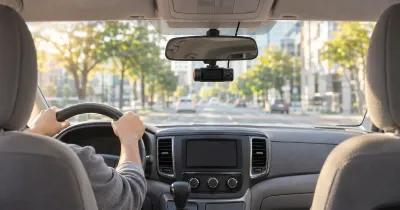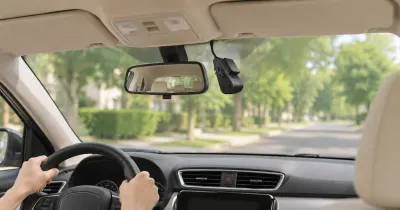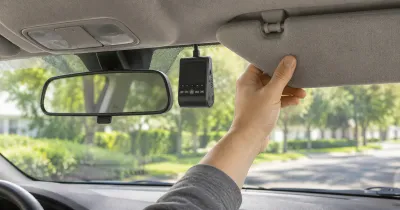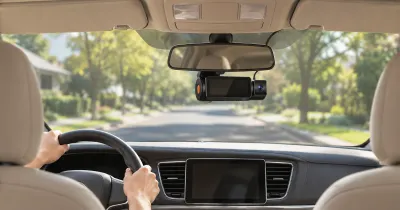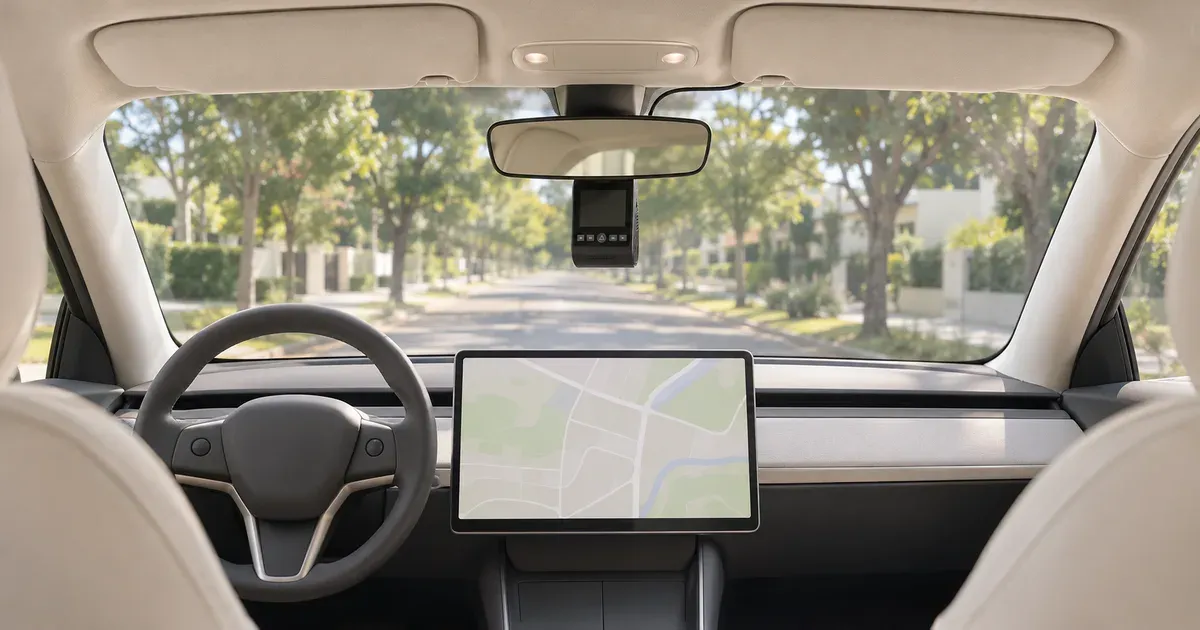
The best dash cam for a Tesla is the VIOFO A229 Pro, a 4K front and 2K rear camera on Sony STARVIS 2 sensors that records on its own, separate from the car’s software. If you only want sharper front footage than the car gives you, the front-only VIOFO A119M Pro is enough, since Tesla Dashcam already covers the rear and sides. For a cabin view (rideshare, teen drivers), get the Vantrue N4 Pro S. You may not need one at all: every Tesla with a USB drive in the glovebox records six exterior cameras through Dashcam and Sentry Mode.
Prices on November 19, 2026 (Amazon): VIOFO A229 Pro $219.99, VIOFO A119M Pro $132.99, Vantrue N4 Pro S $279.99, BlackVue DR970X LTE Plus II $540.99.
What Tesla Dashcam and Sentry Mode Record
From Tesla’s Model Y owner’s manual. The Model 3, S, X and Cybertruck manuals have the same features.
| Tesla Dashcam and Sentry Mode | |
|---|---|
| Cameras recorded | Six: front, rear, left, right, left pillar and right pillar (rear only on cars built after about February 2018) |
| Cabin | Not recorded |
| Storage | A USB drive you supply; nothing is stored in the car or sent to Tesla. Cars built from about 2020 come with a pre-formatted drive in the glovebox |
| Drive requirements | 64 GB or more, sustained write speed of at least 4 MB/s, USB 2.0 compatible, exFAT, MS-DOS FAT, ext3 or ext4 (not NTFS) |
| Loop length | As little as 1 hour on a small drive, up to 24 hours on a 1 TB or larger drive. RecentClips holds up to 60 minutes |
| Saving a clip | Automatic after safety events such as a collision or airbag deployment, a tap on the Dashcam icon, or a honk (each saves the last 10 minutes) |
| Parked recording | Sentry Mode, when the car is locked and in Park. It saves footage when it detects a threat. Not available in Low Power Mode |
| Remote viewing | Sentry View Live Camera and the app’s Dashcam Viewer need Premium Connectivity ($9.99/month or $99/year). Live view is limited to about 1 hour a day and has no audio |
| Resolution | Not published |
Plug the drive into the glovebox USB-A port if your car has one, otherwise a front console port. Tesla says the rear ports only charge, and on some cars built after about November 2021 the console ports only charge too.
What a Third-Party Dash Cam Adds
- Published video specs. Tesla doesn’t publish the resolution its Dashcam records. The A229 Pro records 3840x2160 at 30fps through an 8MP Sony IMX678 sensor.
- A cabin camera. Tesla’s interior camera isn’t part of Dashcam. A 3-channel camera such as the Vantrue N4 Pro S records the cabin with infrared LEDs for night.
- GPS speed and location. All four picks below have built-in GPS that logs speed and position with the video.
- Recording that doesn’t depend on the car’s software. A dash cam keeps writing to its own microSD card, and supercapacitor models like the VIOFO and Vantrue picks are rated from -20 to 65°C or -20 to 60°C.
- Parking recording without Sentry Mode. Third-party parking modes need a hardwire kit or battery pack (VIOFO’s HK4 is $25.99 on Amazon).
Best Dash Cams for Tesla Compared
| Camera | Channels | Front sensor | Rear / cabin | Power | Operating temp | Max card | Price, Nov 19 |
|---|---|---|---|---|---|---|---|
| VIOFO A229 Pro 2CH | Front + rear | 4K30, Sony IMX678 (STARVIS 2) | 2K30, IMX675 | Supercapacitor | -20 to 65°C | 512 GB | $219.99 |
| VIOFO A119M Pro | Front | 4K30, Sony IMX678 | — | Supercapacitor | -20 to 65°C | 512 GB | $132.99 |
| Vantrue N4 Pro S | Front + cabin + rear | 4K30, Sony IMX678 | Cabin 1080p (IMX662, IR); rear 1440p (IMX675) | Supercapacitor | -20 to 60°C | 1 TB | $279.99 |
| BlackVue DR970X-2CH LTE Plus II | Front + rear | 4K30, STARVIS 2 | 1080p30 | Supercapacitor | -20 to 70°C | 1 TB | $540.99 |
Best Overall: VIOFO A229 Pro
The A229 Pro pairs a 4K front camera (Sony IMX678, 140°) with a 2K rear camera (IMX675, 160°), both STARVIS 2, and has built-in GPS and 2.4/5 GHz Wi-Fi. It runs on a supercapacitor, rated -20 to 65°C, and takes cards up to 512 GB. The rear unit mounts on the rear glass, which on a Model 3 or Model Y gives a second view alongside the car’s own rear camera. VIOFO’s warranty is 18 months, or 24 with registration.
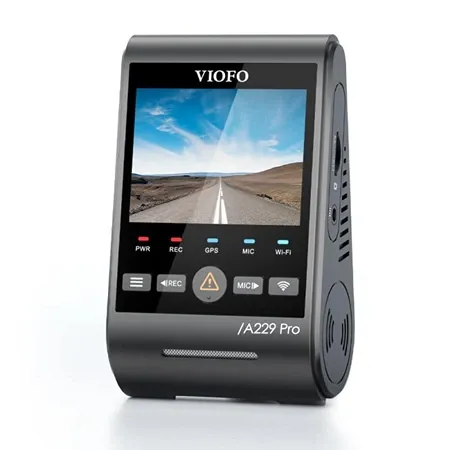
Best dash cam for tesla
VIOFO A229 Pro
4K IMX678 front and 2K IMX675 rear, both STARVIS 2. Built-in GPS, 5 GHz Wi-Fi, supercapacitor, up to 512 GB.
Best Front-Only Add-On: VIOFO A119M Pro
Tesla Dashcam already records the rear and both sides, so a front camera is the gap most worth filling. The A119M Pro records 4K at 30fps on the same 8MP IMX678 sensor as the A229 Pro’s front camera, with Wi-Fi 6, built-in GPS, a 1.5-inch screen and a small body that sits behind the mirror. It’s a supercapacitor camera rated -20 to 65°C. Hybrid parking mode needs VIOFO’s HK6 hardwire kit.
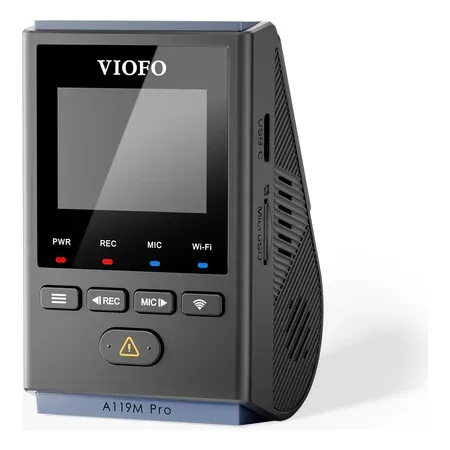
Best front-only add-on
VIOFO A119M Pro
Small 4K front camera with the Sony IMX678 sensor, Wi-Fi 6, built-in GPS and a supercapacitor.
Best With a Cabin Camera: Vantrue N4 Pro S
The N4 Pro S records three channels: 4K front (IMX678), a 1080p cabin camera with infrared LEDs (IMX662) and a 1440p rear camera (IMX675), all STARVIS 2. That covers the inside of the car, which Tesla’s Dashcam doesn’t. It takes cards up to 1 TB, and Vantrue’s $149.99 LTE module adds remote viewing. Vantrue’s warranty is 12 months, or 18 if you register.
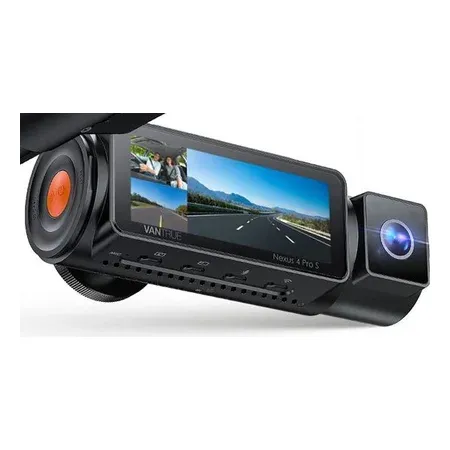
Best with a cabin camera
Vantrue N4 Pro S
Three channels: 4K front, 1080p infrared cabin and 1440p rear, all STARVIS 2. Up to 1 TB card, optional LTE.
Best for Remote Viewing: BlackVue DR970X-2CH LTE Plus II
The DR970X LTE Plus II has a 4G LTE modem built in, so it uploads events and streams live view through BlackVue’s FLEETA cloud without Tesla’s Premium Connectivity. It records 4K front and 1080p rear, and BlackVue rates it from -20 to 70°C. You supply a nano-SIM with a data plan; FLEETA plans run from free to $15 a month. A hardwiring cable is included for parking recording.
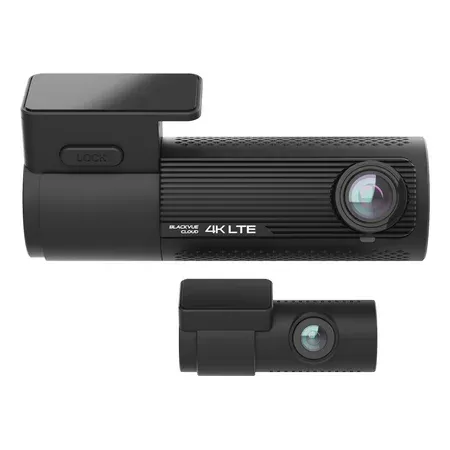
Best for remote viewing
BlackVue DR970X-2CH LTE Plus II
4K front and 1080p rear with built-in LTE for live view and cloud uploads. Supercapacitor, hardwiring cable included.
Sentry Mode vs a Dash Cam: Do You Need Both?
| You want | Tesla alone | Add a dash cam |
|---|---|---|
| Footage of a crash from front, rear and sides | Yes, with a USB drive installed | Optional |
| Published 4K front video specs | No | Yes |
| The cabin recorded | No | Yes, with a 3-channel camera |
| Recording that keeps running if the car’s software or USB drive fails | No | Yes |
| Live view from your phone | With Premium Connectivity | With an LTE dash cam and plan |
| Lowest cost | Free with the included drive | $132.99 and up |
If your Tesla has a working USB drive and you mainly want a record of collisions and break-ins, Sentry Mode and Dashcam already do that. Add a dash cam when you want a second, independent recording, a cabin view or front footage with a known resolution.
See the best dash cams for every type of car, and the best dash cams for parking mode for parked-recording options.
Tesla Dash Cam FAQ
Does a Tesla have a built-in dash cam?
Yes. Tesla Dashcam records the front, rear, left, right, left pillar and right pillar cameras to a USB drive. Rear camera recording needs a car built after about February 2018.
What USB drive does Tesla Dashcam need?
At least 64 GB, with a sustained write speed of at least 4 MB/s, USB 2.0 compatible and formatted exFAT, MS-DOS FAT, ext3 or ext4. The car can format it under Controls, Safety, Format USB Drive. NTFS isn’t supported.
How long does Tesla Dashcam record before it overwrites?
From about 1 hour on a small drive to 24 hours on a drive of 1 TB or more. The RecentClips folder keeps up to 60 minutes.
Does Sentry Mode record inside the car?
No. Sentry Mode saves footage from the exterior cameras when it detects a threat while the car is locked and in Park.
Do I need Premium Connectivity for Sentry Mode?
Not to record. You need it ($9.99 a month or $99 a year) for Sentry View Live Camera and for viewing Dashcam clips in the mobile app.
Is a third-party dash cam better than Tesla’s?
It adds a published resolution, GPS data, a cabin camera on 3-channel models, and a recording that’s independent of the car. Tesla’s own system covers more angles: six cameras against two or three.