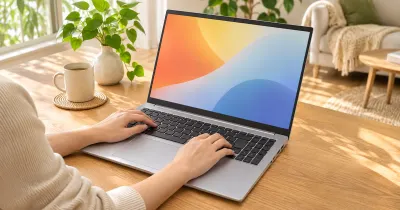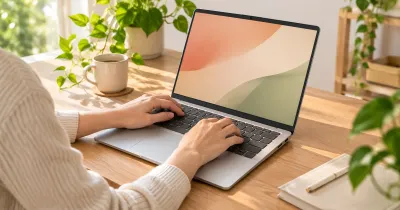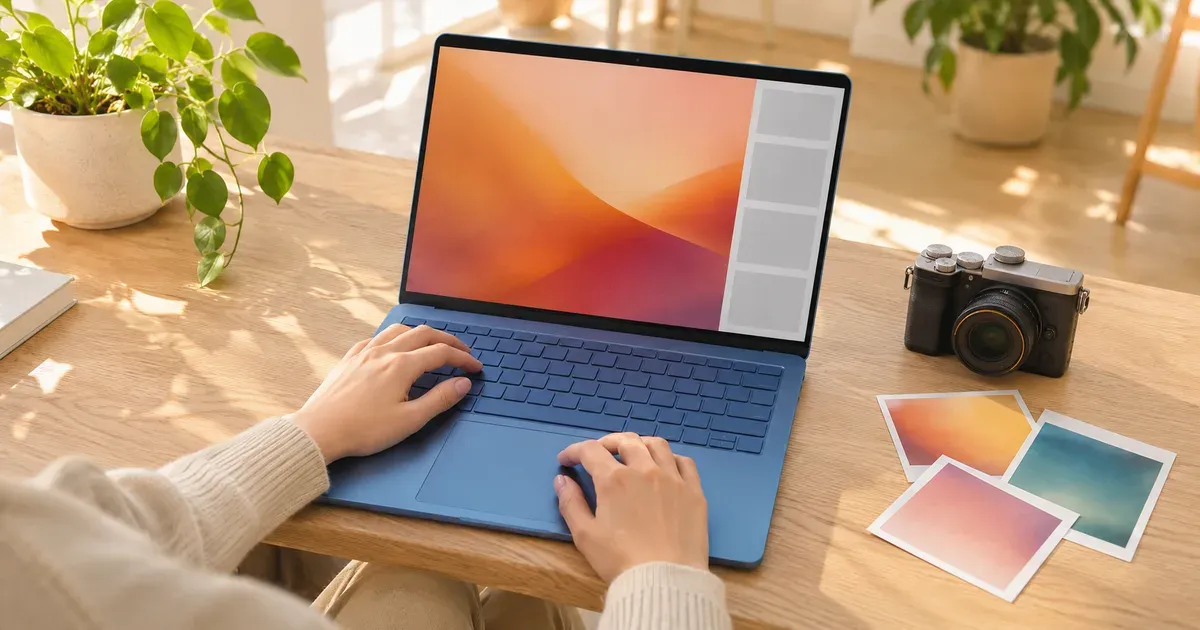
The best budget laptop for photo editing is the HP OmniBook 5 14 (14z-hm000) at $679.99 on hp.com. It pairs a 14-inch OLED covering 100% DCI-P3 with 16GB of memory and a backlit keyboard. The cheapest laptop with that kind of screen is the HP OmniBook 5 14T-MH000 at $449.99, but it has 8GB that can’t be upgraded. On Amazon, the Acer Aspire 16 AI ($599.99) has a 100% sRGB 16-inch screen and 16GB. The M5 MacBook Air ($1,034.10 on Amazon) is the step-up with a P3 Retina display. Prices are from November 23, 2026.
Budget Photo Editing Laptops Compared
| Laptop | CPU | RAM | Storage | Display | Weight | Battery (maker claim) | Backlit | Price (Nov 23, 2026) |
|---|---|---|---|---|---|---|---|---|
| HP OmniBook 5 14 (14z-hm000) | Ryzen AI 5 330 | 16GB onboard, fixed | 256GB PCIe Gen 4 | 14” 1920x1200 OLED, 300 nits, 100% DCI-P3 | 2.94 lb | 59 Wh | Yes | $679.99 (HP) |
| HP OmniBook 5 14 (14T-MH000) | Core 5 320 | 8GB onboard, fixed | 256GB PCIe Gen 4 | 14” 1920x1200 OLED, 300 nits, 100% DCI-P3 | 2.56 lb | 60 Wh; up to 42 h local video | Not listed | $449.99 (HP) |
| ASUS Vivobook S14 (S3407AA-SS53) | Core Ultra 5 325 | 16GB on board, max 32GB | 512GB PCIe 4.0 | 14” 1920x1200 OLED, 95% DCI-P3 | 3.09 lb | 70 Wh; up to 29 h | Yes | $799.99 (ASUS) |
| Acer Aspire 16 AI (A16-52M-58A1) | Core Ultra 5 226V | 16GB LPDDR5X, fixed | 512GB PCIe Gen 4 | 16” 1920x1200, 120Hz, 100% sRGB | 3.4 lb | up to 26.5 h video | Yes | $599.99 (Amazon) |
| Apple MacBook Air 13” M5 | M5 | 16GB unified, fixed | 512GB SSD | 13.6” 2560x1664, 500 nits, P3 | 2.7 lb | 53.8 Wh; 18 h video | Yes | $1,034.10 (Amazon), $1,299 (Apple) |
What Makes a Laptop Good for Photo Editing
- Color gamut. Budget spec sheets often list “45% NTSC”, which looks washed out next to 100% sRGB. For photos, look for 100% sRGB at minimum and a DCI-P3 figure if you edit for phones or the web in wide color.
- Brightness. 300 nits is fine indoors. Edit away from bright windows.
- 16GB of memory. Lightroom catalogs and layered files use a lot of it, and most budget laptops can’t be upgraded.
- Storage. RAW files fill 256GB fast. Plan on an external SSD with the 256GB models.
- OLED care. OLED panels give deep blacks and wide color. Set a screen timeout so static toolbars don’t sit on screen for hours.
1. HP OmniBook 5 14 (14z-hm000): Best Budget Laptop for Photo Editing
The 14z-hm000 has a 14-inch 1920x1200 OLED covering 100% DCI-P3. It runs an AMD Ryzen AI 5 330 with a 50 TOPS NPU (a Copilot+ PC) and 16GB of onboard memory. It has a backlit keyboard, two USB-A ports, two USB-C 10Gbps ports with DisplayPort 2.1 and HDMI 2.1, and weighs 2.94 lb. HP’s sale price was $679.99 on November 23 ($1,129.99 “MSRP”). The 256GB SSD is the weak spot.
2. HP OmniBook 5 14 (14T-MH000): Cheapest Wide-Color Screen
For $449.99, the 14T-MH000 has the same kind of 100% DCI-P3 OLED with a 60 Wh battery in a 2.56 lb body. HP claims up to 42 hours of local video playback. The catch is 8GB of onboard memory and a Core 5 320, a 2026 “Wildcat Lake” chip that Intel lists with a single memory channel. It also has no USB-A ports. It suits JPEG edits and light Lightroom work.
3. ASUS Vivobook S14 (S3407AA): Best OLED With 512GB
The S3407AA-SS53 adds what the HP models lack: a 512GB SSD and a 70 Wh battery. It has a Core Ultra 5 325, 16GB, a 95% DCI-P3 OLED and a backlit keyboard. It was $799.99 on the ASUS eShop. ASUS includes a year of accidental damage cover if you register within 60 days, but charges a 15% restocking fee on opened returns.
4. Acer Aspire 16 AI: Best Photo Editing Laptop on Amazon
The Aspire 16 AI’s 16-inch screen is an IPS panel, not OLED, but Acer rates it at 100% sRGB and 120Hz. It has 16GB of memory, a 512GB SSD and two Thunderbolt 4 ports for a card reader dock or an external monitor. At $599.99 sold by Amazon, it’s the strongest photo laptop under $600 on Amazon.
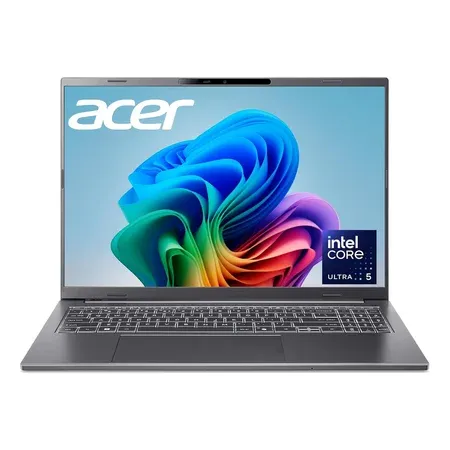
Best photo editing laptop on amazon
Acer Aspire 16 AI (Core Ultra 5 226V, 16GB, 512GB)
16-inch 1920x1200 120Hz, 100% sRGB, 16GB, 2x Thunderbolt 4. $599.99 sold by Amazon on November 23, 2026.
5. Apple MacBook Air M5: Best Step-Up
The M5 Air’s 13.6-inch Liquid Retina display covers P3, reaches 500 nits and has True Tone. It starts with 16GB and 512GB. Apple sells it for $1,299, and Amazon had it at $1,034.10 on November 23. The $699 MacBook Neo is cheaper, but its display is sRGB only (not P3) and its 8GB is fixed.
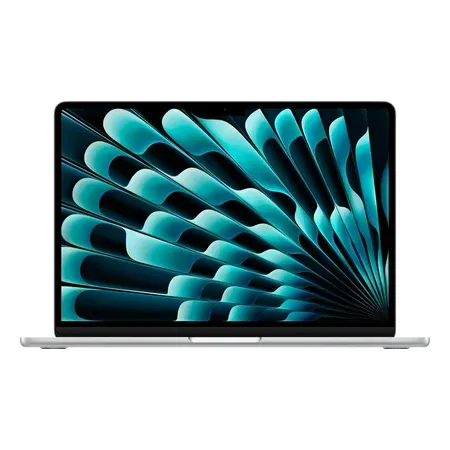
Best step-up for photo editing
Apple MacBook Air 13-inch (M5, 16GB, 512GB)
13.6-inch P3 display, 500 nits, 16GB, 512GB. $1,034.10 sold by Amazon on November 23, 2026; $1,299 at Apple.
FAQ
What screen do I need for photo editing?
At least 100% sRGB. A 100% DCI-P3 OLED, like the one on HP’s OmniBook 5 14, shows wider color. Avoid panels listed at 45% NTSC.
Is 8GB of RAM enough for Lightroom?
For small catalogs and JPEGs, it works. For RAW files and layered edits, 16GB is the better minimum, and budget laptops usually can’t be upgraded.
Is OLED good for photo editing?
Yes for color and contrast. OLED panels can retain images that stay on screen for hours, so use a screen timeout and dark mode for static panels.
Is a MacBook better for photo editing?
The M5 MacBook Air has a P3 display and 16GB, so it’s a strong choice above $1,000. Below that, the Windows OLED laptops above cost less.